PrimeArt AI photo editor and image generator
Create, edit and restore photos with AI
Generate new images, edit and transform your own photos, restore old pictures, and create professional portraits and product visuals.
Start creating · Explore all tools · View pricing
Account required · Watermarked free image results · Paid 2K and 4K options
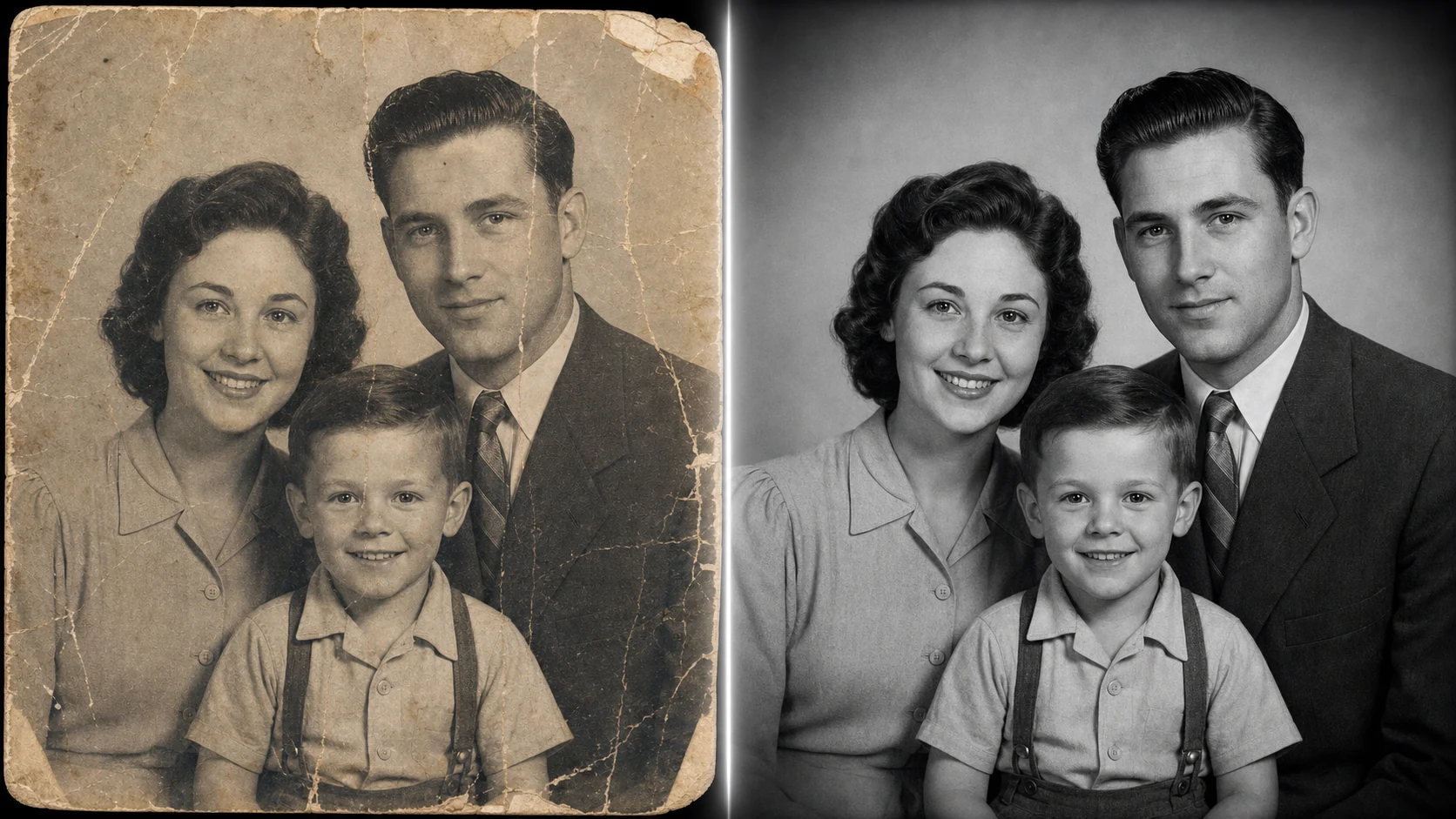
What PrimeArt can do
- Text or up to five reference images — Start from a written description, upload your own image or use several references when the subject and visual direction need more context.
- Formats for feeds, screens and video — Choose 1:1, 4:3, 3:4, 16:9 or 9:16 for images. Photo animation supports four-second vertical and widescreen clips.
- Clear quality choices — Free image results include a PrimeArt watermark. Paid quality options unlock 2K and 4K output when you need a larger final file.
- Focused photo workflows — Generate, edit, enhance, restore, change a background or explore a new portrait direction without rebuilding the brief in another product.
How PrimeArt works
- Add a photo or describe the image — Upload a clear reference when the result should resemble a person or object, or begin with a written description.
- Choose the result you need — Generate a new image, create a portrait, improve an existing photo, restore an old picture or move into video and music.
- Generate, compare and refine — Keep the strongest result, adjust the prompt or source image, and create another version when you want a different look.
PrimeArt frequently asked questions
- What can I create with PrimeArt?
- You can generate images from text, transform photos, create portraits and avatars, enhance or restore pictures, swap faces, make short videos and generate music inside one Studio.
- Can I use my own photo?
- Yes. Uploading your own photo is the best starting point for recognizable portraits, profile pictures, avatars, edits, enhancements and restorations.
- Do I need an account to use Studio?
- Yes. Create an account or sign in before opening Studio. Your generations, files and credit balance stay connected to that account.
- How do I get a more natural result?
- Use a clear source photo, describe the light, background and framing you want, and avoid combining too many style changes in one prompt. You can then refine the strongest version.
Start with the image you need
Edit a photo · Restore an old photo · Create product visuals · Browse visual styles