Create with PrimeArt
Turn your photo into an AI action figure
Create an original collectible figure with recognizable features, polished toy materials and a display concept built around your personality.
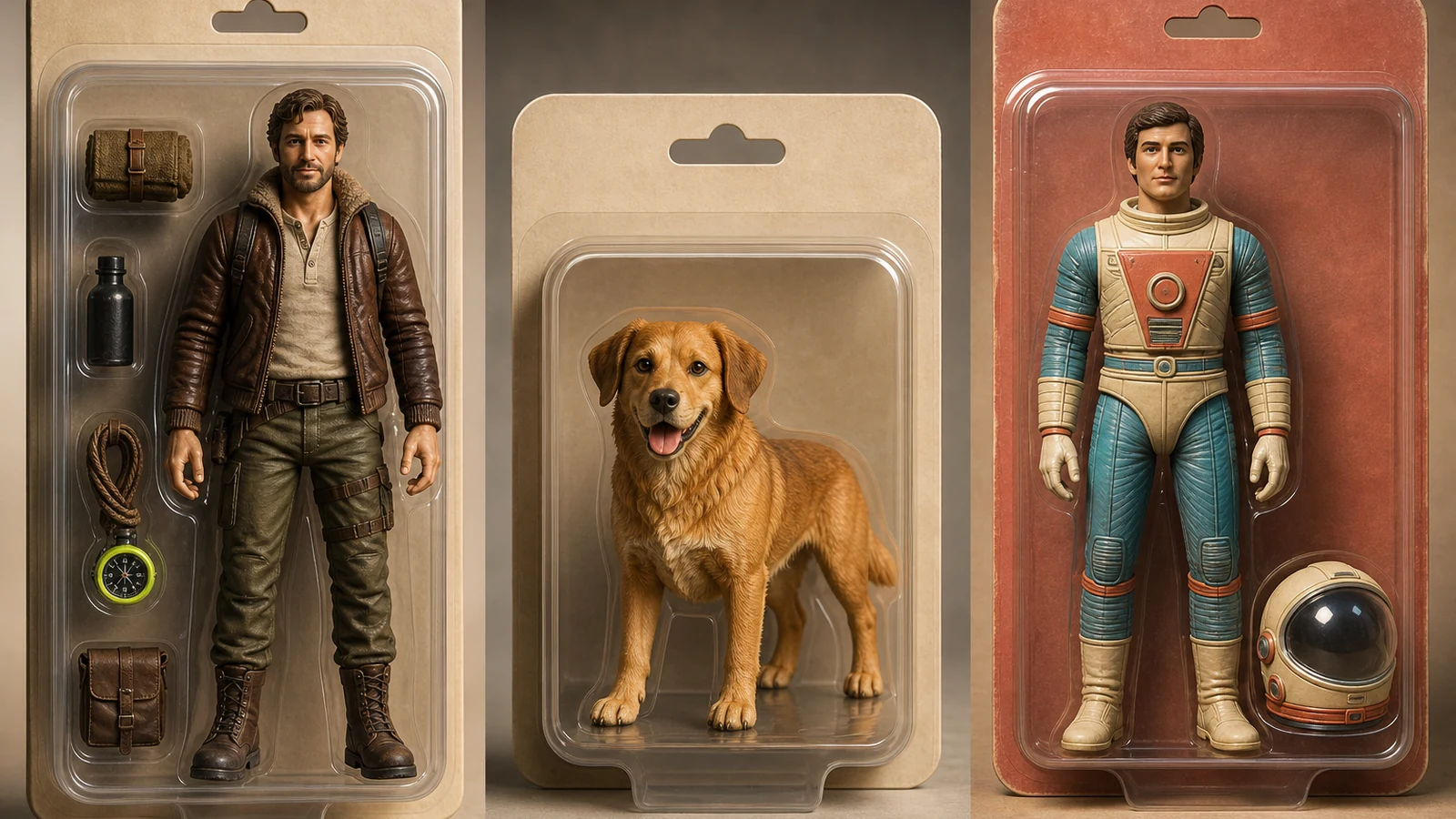
Example directions you can create
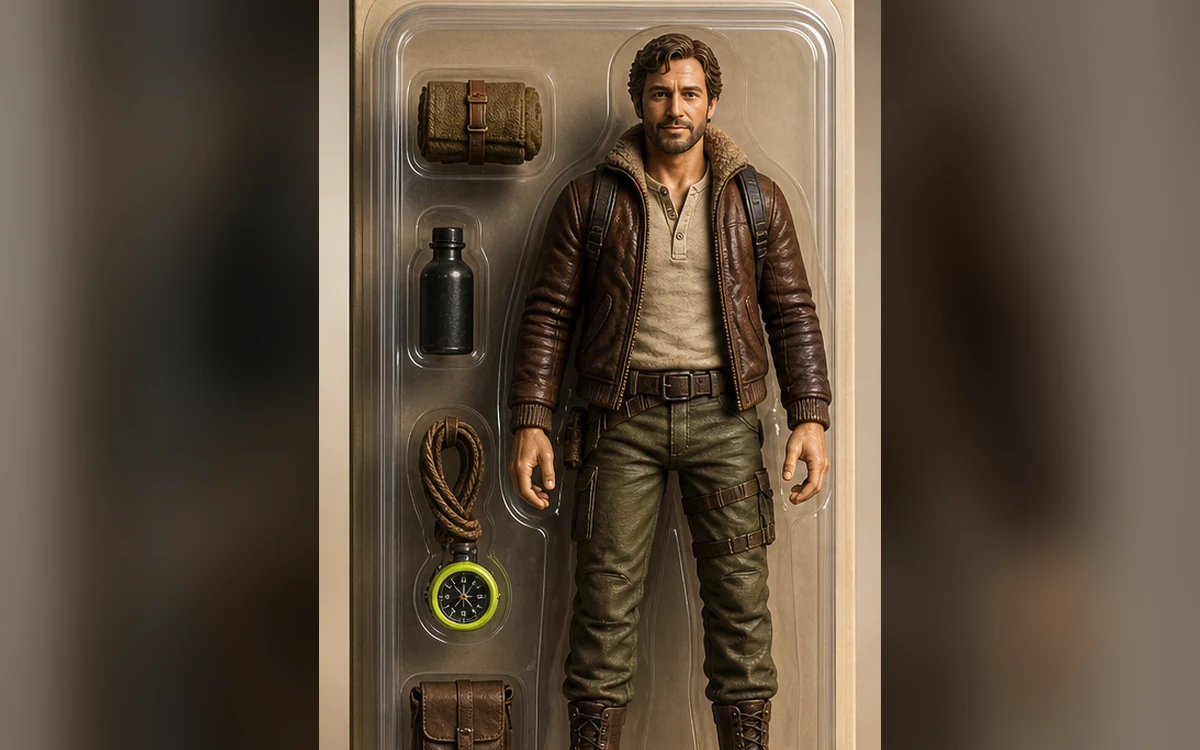
Boxed hero — Premium display figure with personal accessories. 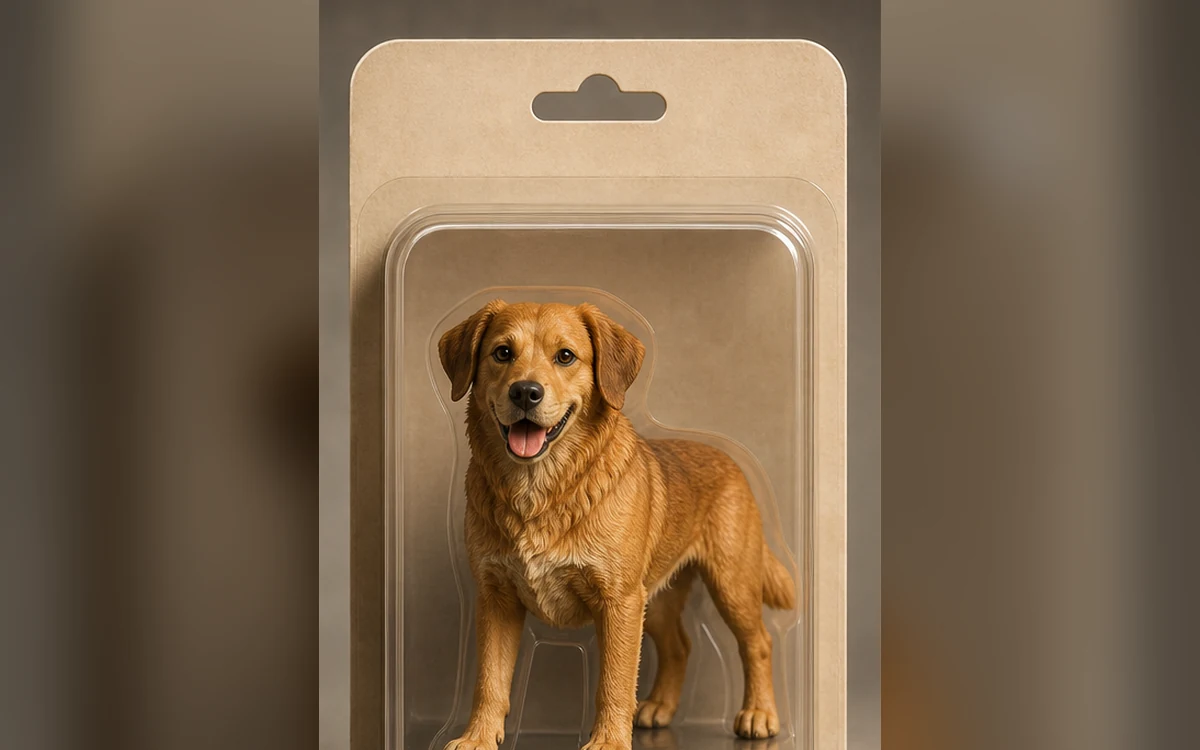
Pet collectible — A recognizable pet as a detailed desk-size figure. 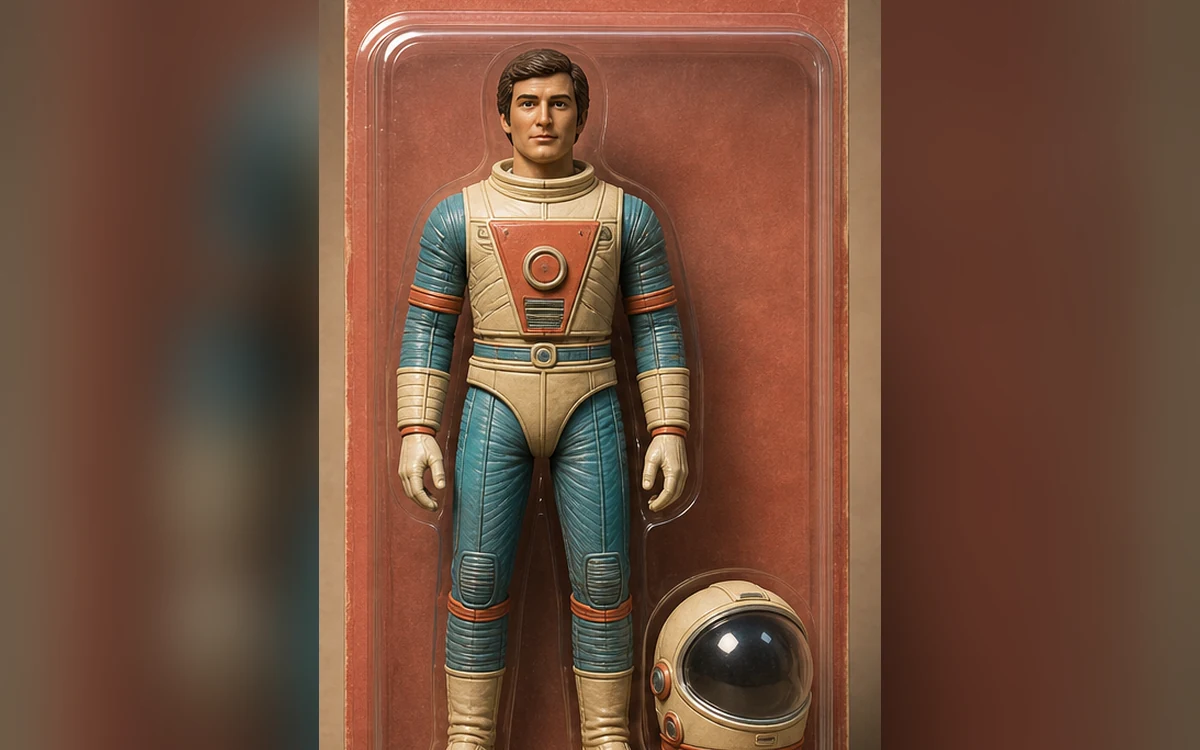
Retro collector — Nostalgic color and toy design without a real franchise.
How Turn your photo into an AI action figure works
Upload a sharp portrait with a visible face and outfit. PrimeArt can reinterpret those cues as a small collectible figure while keeping the concept original and free of real toy branding.
Choose a boxed hero, pet collectible or retro display preset. Studio opens with the matching prompt and portrait format already prepared.
What you can create
- Recognizable collectible — Carry distinctive facial, hair and outfit cues into a clearly toy-scale design.
- Original display concept — Create premium packaging and accessories without copying a real brand or franchise.
- Ready to share — Use a clean vertical composition suited to social posts, profile reveals and gift ideas.
Popular use cases
- Personal action figure — Turn a portrait into a playful boxed collectible.
- Pet collectible — Reimagine a recognizable pet as a premium miniature.
- Creator reveal — Build a social post around signature clothes and accessories.
- Gift concept — Create an original visual idea before ordering a physical custom figure.
How to prompt an action figure from a photo
A useful prompt separates identity cues from toy design. State which facial, hair and outfit details should remain recognizable, then define material, pose, scale, package shape and two or three relevant accessories.
Blank packaging is more reliable than generated product copy. Add names and labels later in a design tool where spelling and brand review are under your control.
- Clear face and outfit reference
- One toy material and one pose
- Two or three generic accessories
- Blank, original package surfaces
Where action figure images often fail
Small fingers, joints, duplicated accessories and reflections inside clear plastic can drift. The face may also become too smooth or generic when the prompt spends more attention on packaging than identity.
Action figure checks before you share
Zoom into the face, hands and every accessory. Confirm that no real trademark, unreadable pseudo-label or recognizable character symbol appeared and that the concept is clearly a digital visualization.
- Check face and hair cues
- Count hands and accessories
- Inspect package text and logos
- Disclose AI use when context requires it
How to get started
- Choose a photo with clear personal cues — Use a sharp front or three-quarter portrait. Include enough of the outfit to carry recognizable colors, silhouette and accessories into the figure design.
- Define the figure and package separately — Describe the toy material, pose and scale first, then list only a few generic accessories and require blank, original packaging.
- Inspect the result like a product photo — Compare the face and clothing cues, then check hands, joints, accessory count, reflections and every package surface for accidental text.
Frequently asked questions
- What photo works best for an AI action figure?
- Use a well-lit portrait with an unobstructed face and visible clothing. A simple background helps the model separate the person from the display concept.
- Does this create a physical action figure?
- No. PrimeArt creates a digital visual concept. A physical product would require separate 3D design, engineering and manufacturing.
- Can I copy a famous toy package or character?
- Create an original figure instead. Avoid protected characters, logos, packaging layouts and brand names, especially for public or commercial use.
- How does the prepared Turn your photo into an AI action figure workflow continue in Studio?
- Use a sharp front or three-quarter portrait. Include enough of the outfit to carry recognizable colors, silhouette and accessories into the figure design. PrimeArt carries this page's selected direction and format into Studio so you can begin with that specific setup instead of an empty prompt.
Open the prepared Turn your photo into an AI action figure setup
Use a sharp front or three-quarter portrait. Include enough of the outfit to carry recognizable colors, silhouette and accessories into the figure design. Continue to Studio with this page's specific direction and format already selected.