Create with PrimeArt
Create an original fantasy character from your photo
Build a warrior, mage or rogue portrait with coherent costume, cinematic light and recognizable features—without copying a known world.
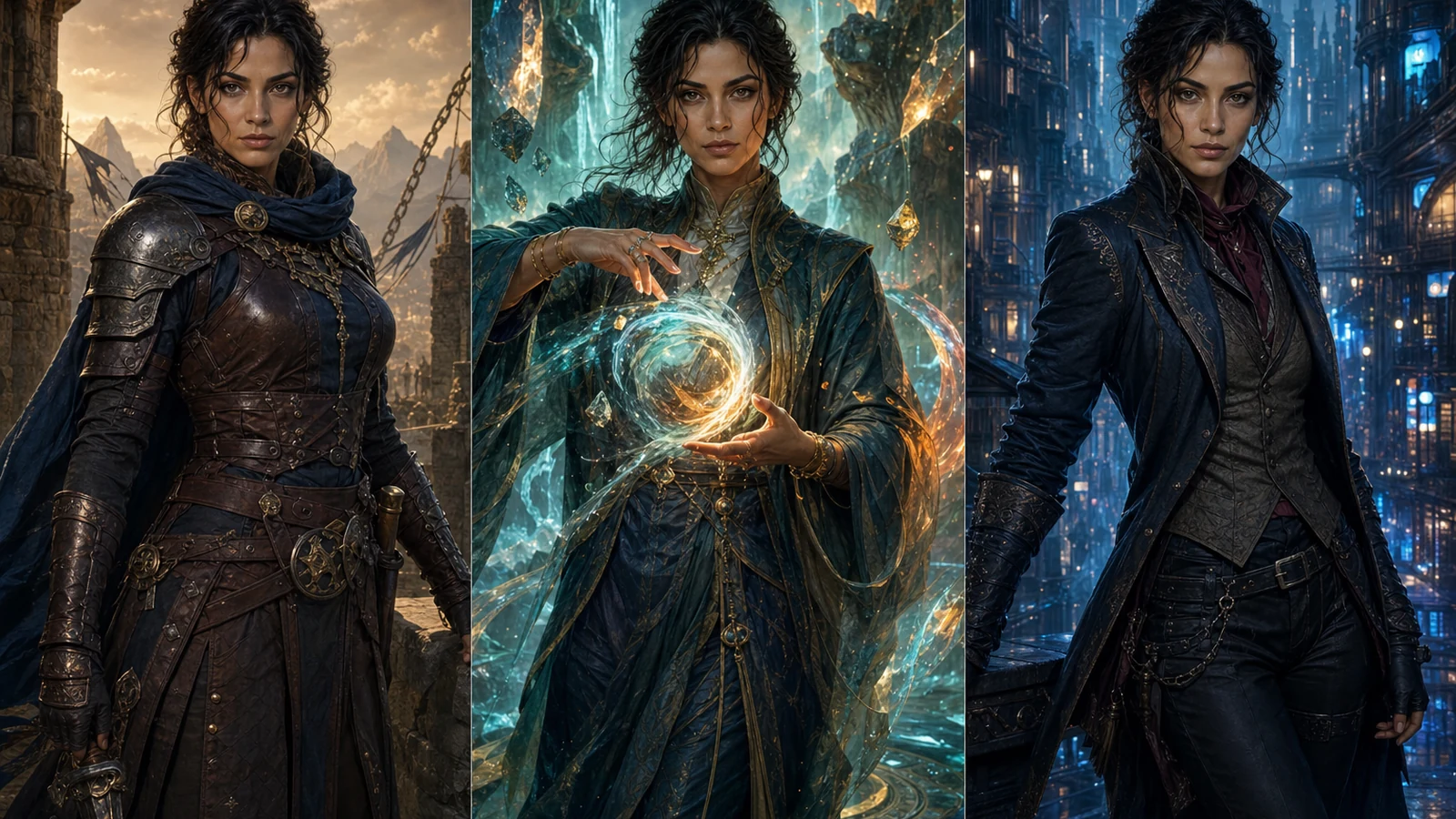
Example directions you can create
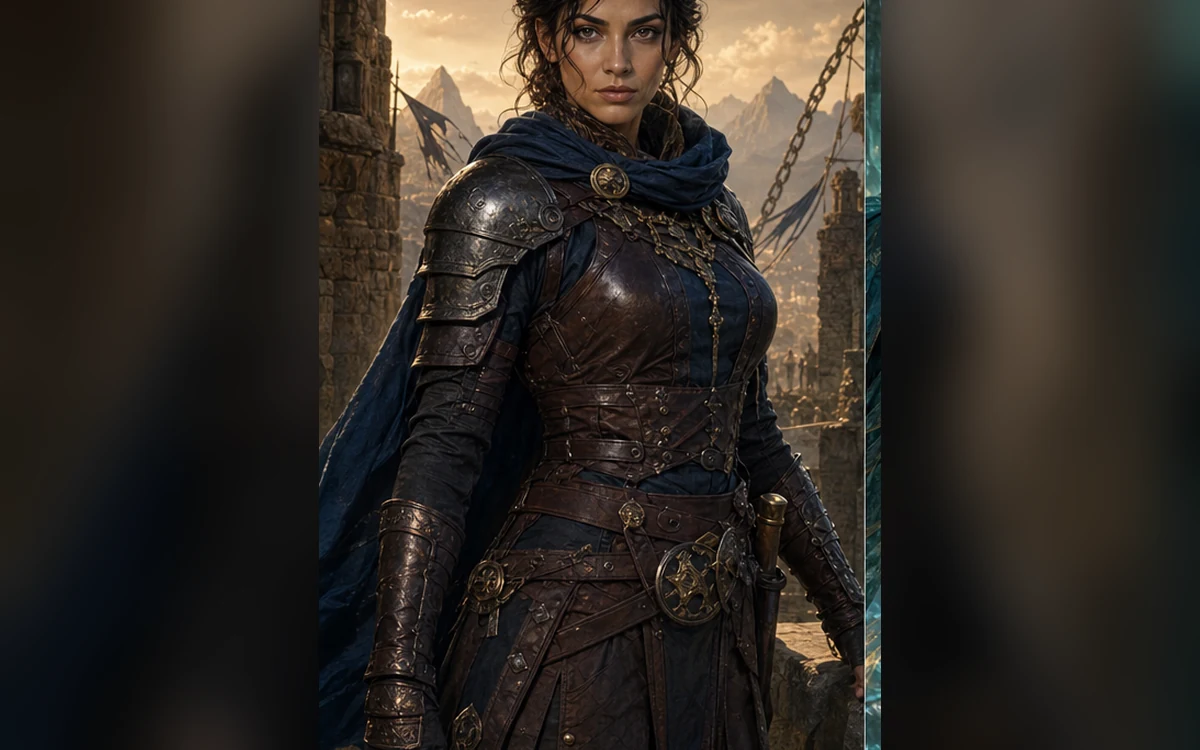
Original warrior — Weathered practical armor and cinematic natural light. 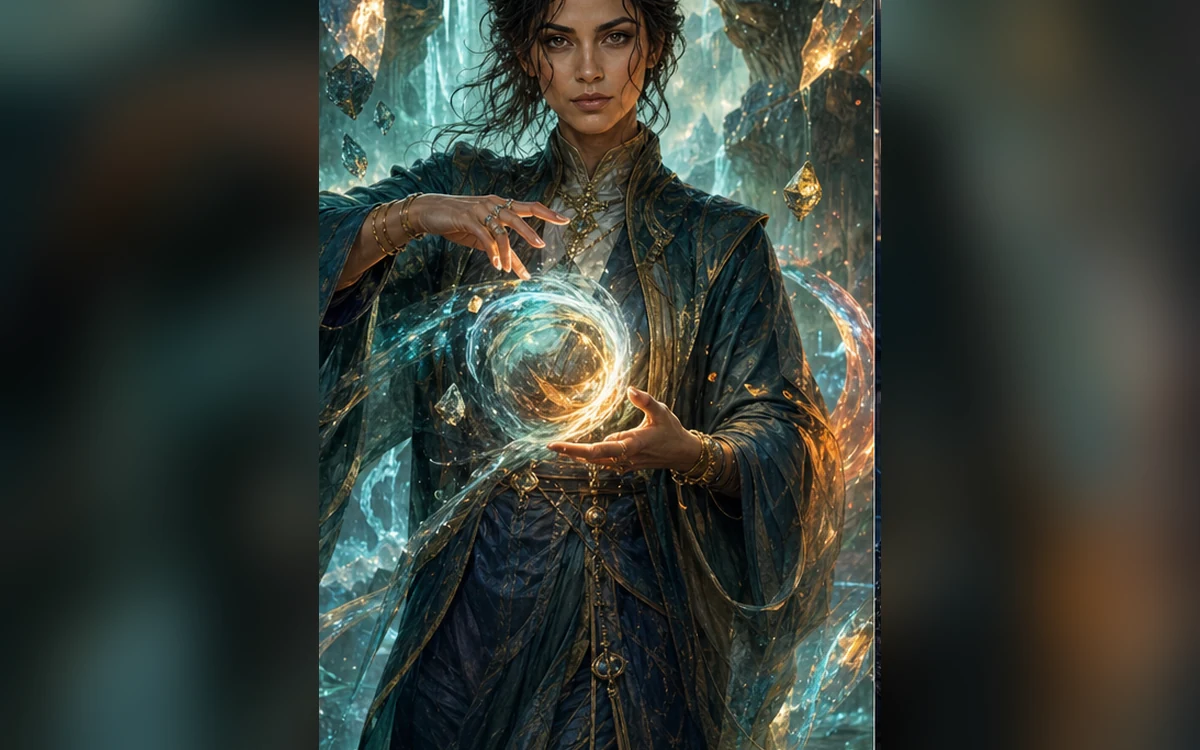
Elemental mage — Refined robes, subtle energy and an original arcane world. 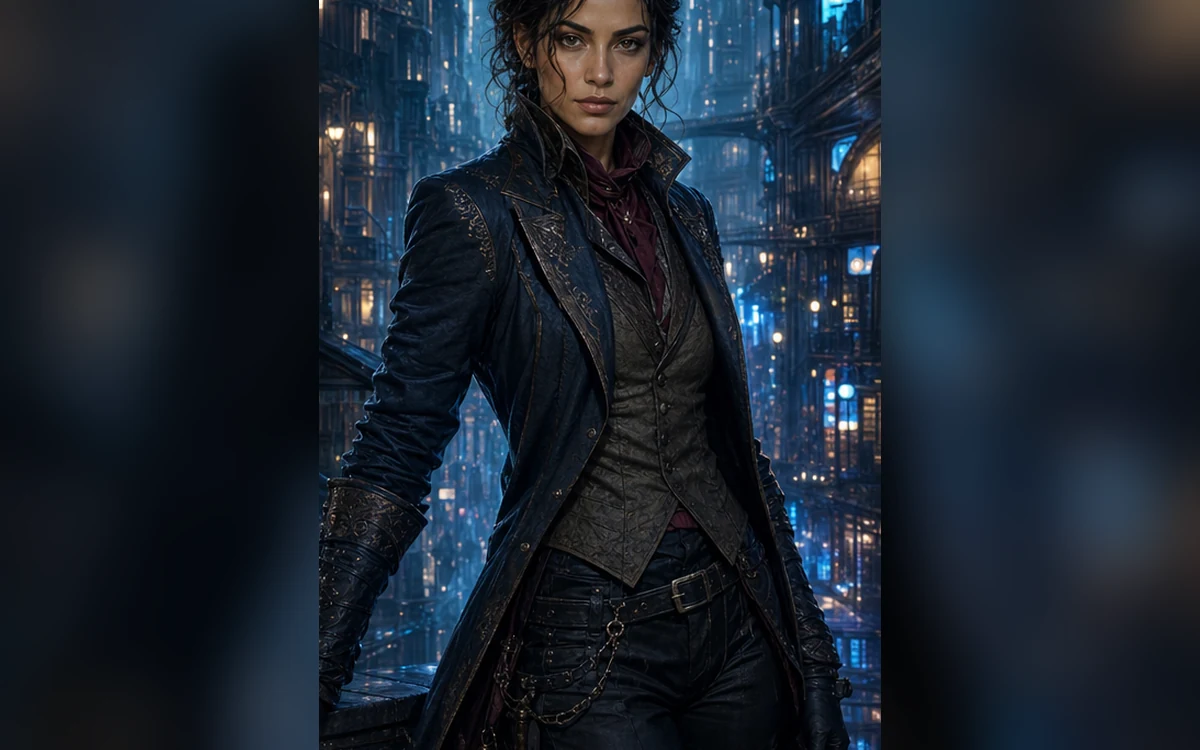
City rogue — Quiet confidence, textured layers and night-market light.
How Create an original fantasy character from your photo works
Begin with a portrait when the character should resemble you, or use a written description for a fully invented hero. Define role, materials, mood and setting before adding small props.
PrimeArt offers distinct warrior, mage and rogue directions. Every preset asks for original symbols, costumes and environments rather than a named game or franchise.
What you can create
- Original character identity — Combine a clear role, silhouette and material language into one coherent design.
- Readable profile portrait — Keep the face and costume legible at avatar, character-sheet and social sizes.
- World-building without copying — Use original heraldry, architecture and props instead of recognizable franchise elements.
Popular use cases
- Tabletop character portrait — Visualize a player character for a campaign profile.
- Party artwork — Develop compatible visual directions for several original heroes.
- Fantasy avatar — Create a dramatic profile image for a gaming community.
- Story concept — Explore costume, setting and mood before writing or illustrating further.
A useful fantasy character prompt structure
Describe role, silhouette and practical materials first. Then add one signature object, one lighting direction and one environmental clue. This creates a stronger character than a long list of disconnected fantasy terms.
- Role and personality
- Readable silhouette
- Practical materials
- One original signature detail
Original world-building is better than imitation
Named franchises can pull a result toward protected costumes, symbols and characters. Original heraldry, architecture and color logic give you a more distinctive image and a safer starting point for public use.
Review a fantasy portrait at full size
Inspect eyes, hands, ears, armor overlaps, fabric closures and every symbol. Confirm that light falls consistently across the person and scene and that no accidental text appeared.
- Face stays visible
- Hands and props are coherent
- Symbols are original
- Lighting matches the environment
How to get started
- Define the character role before the decoration — Choose warrior, mage, rogue or another clear role. Add motivation, material and setting after the silhouette is understandable.
- Keep the design original and readable — Use generic material language and original insignia. Avoid named worlds, factions, spells, characters and signature franchise costumes.
- Audit anatomy and storytelling details — Check the face, hands, costume fasteners, props, light direction and background architecture before using the portrait in a campaign or profile.
Frequently asked questions
- Can I use my own photo for a fantasy character?
- Yes. A sharp portrait can guide facial structure, age, hair and skin tone while the costume and setting are reimagined.
- Can PrimeArt make a tabletop role-playing portrait?
- Yes. Describe the original character’s role, materials, mood and environment without naming a protected game world or copying its symbols.
- Why do fantasy portraits sometimes change the face?
- Dramatic light, headgear and dense costume detail compete with identity. Keep the face visible and repeat the features that must remain recognizable.
- How does the prepared Create an original fantasy character from your photo workflow continue in Studio?
- Choose warrior, mage, rogue or another clear role. Add motivation, material and setting after the silhouette is understandable. PrimeArt carries this page's selected direction and format into Studio so you can begin with that specific setup instead of an empty prompt.
Open the prepared Create an original fantasy character from your photo setup
Choose warrior, mage, rogue or another clear role. Add motivation, material and setting after the silhouette is understandable. Continue to Studio with this page's specific direction and format already selected.