Create with PrimeArt
AI Avatar Generator
Create a custom profile avatar from a written description or use a portrait reference when recognizable features should guide the result.
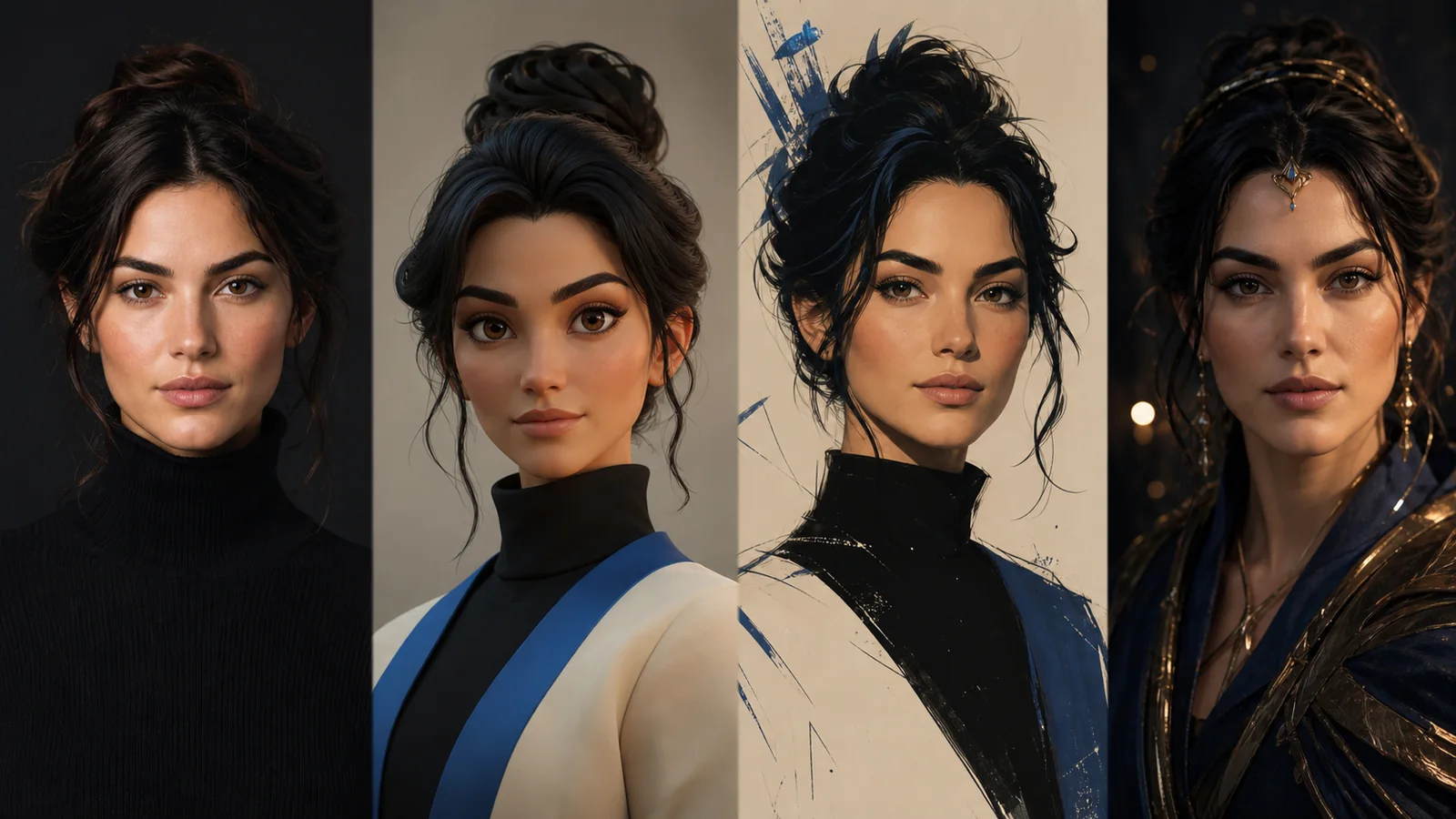
Example directions you can create
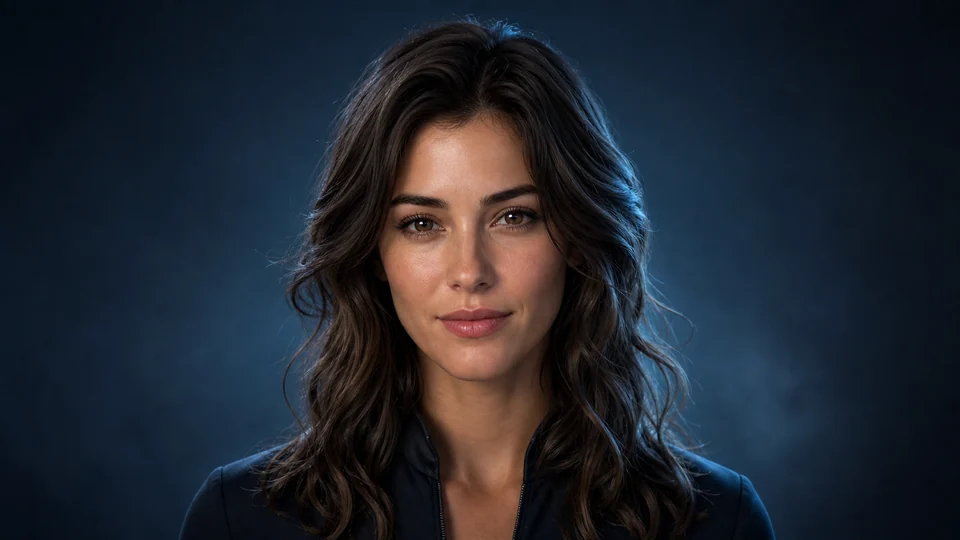
Cinematic 3D — Polished realistic avatar with controlled rim light. 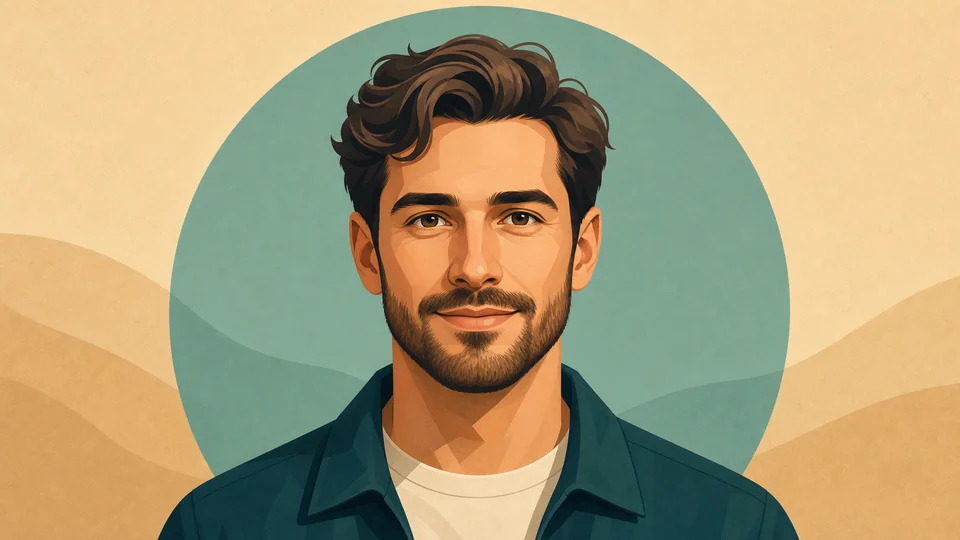
Clean illustration — Modern illustrated profile icon with readable features. 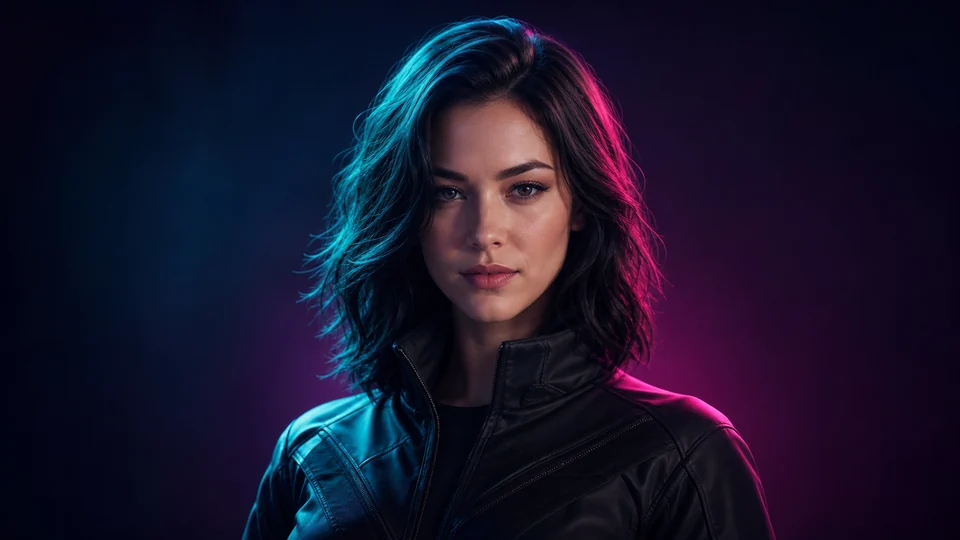
Neon creator — Tasteful teal-magenta light for gaming and social profiles.
How AI Avatar Generator works
Start from text when you want to invent a character or visual identity without preserving a particular face. Use a clear portrait reference when the avatar should keep recognizable features while changing the illustration style, palette or setting.
The same workflow supports both concept-led and reference-led creation. For a photo-based avatar, use one clear portrait and keep the prepared square composition so recognizable facial features remain the priority.
What you can create
- Better online identity — Upgrade your visual identity across TikTok, Discord, YouTube, Twitch, X and creator communities.
- More style range — Push toward anime, polished, cinematic, soft, edgy or trend-driven looks from one avatar workflow.
- Repeatable creator branding — Build avatar sets that stay consistent across channels and campaigns.
Popular use cases
- Profile avatars — Generate standout profile pictures for personal accounts and creator pages.
- Gaming identity — Create avatars for streaming, Discord servers, clan pages and community branding.
- Fandom looks — Make anime, cinematic or character-inspired identity visuals that feel internet-native.
- Creator packs — Build multiple avatar directions for launches, rebrands and content phases.
Text prompt or portrait reference: choose the right avatar input
A written prompt gives more freedom to invent a character. Describe the age range, expression, hairstyle, clothing, rendering style and background rather than relying on a single broad word such as cinematic.
A portrait reference is better when the avatar should still represent a real person. Use visible facial features, simple lighting and limited obstruction around the face.
- Use text for an invented character
- Use a portrait for recognizable identity
- Keep one coherent rendering style
- Plan a square, profile-friendly composition
Where an AI avatar can drift from the brief
An avatar may alter facial proportions, eye color, hair detail, glasses, jewelry or clothing patterns. Small typography and logos are also unreliable and should not be treated as exact brand assets.
Strong stylization can reduce resemblance. If identity matters more than the art direction, simplify the style request and keep the face unobstructed in the source.
Check the avatar at actual profile-picture size
A detailed image can become unclear inside a small circular or square crop. Preview the final avatar at the size used by the target platform and make sure the face, silhouette and background separation remain readable.
Inspect the full-resolution version for facial asymmetry, stray edges and inconsistent accessories before uploading it to a public profile.
- Preview square and circular crops
- Keep the face away from crop edges
- Check contrast behind the silhouette
- Verify eyes, hair and accessories at full size
How to get started
- Start from a selfie or portrait — Use your real face to get avatars that still feel like you, even when the style shifts hard.
- Choose the identity direction — Move toward anime, glow-up, cinematic, cool-girl, edgy or polished creator looks.
- Deploy across every channel — Use the final avatar for social icons, banners, bios, stream assets and creator drops.
Frequently asked questions
- Can I create an avatar from text?
- Yes. Describe the character, expression, clothing, palette, lighting and background when no specific portrait needs to be preserved.
- Can I use my own portrait as an avatar reference?
- Yes. Use a clear, recent portrait and state which facial features, hairstyle and accessories should remain recognizable.
- Will a generated avatar preserve every facial detail?
- Not always. A reference guides identity, but generative changes can affect facial proportions and small details. Compare the result with the source before using it.
- Do I need an account?
- Yes. Create an account or sign in before opening Studio.
Build an avatar that feels more like your next version
Start from your face, push the style, and leave with a profile image worth using everywhere.