Create with PrimeArt
AI Glow-Up Photo Generator
Explore a more polished portrait with better lighting, styling and composition without turning your face into someone else.
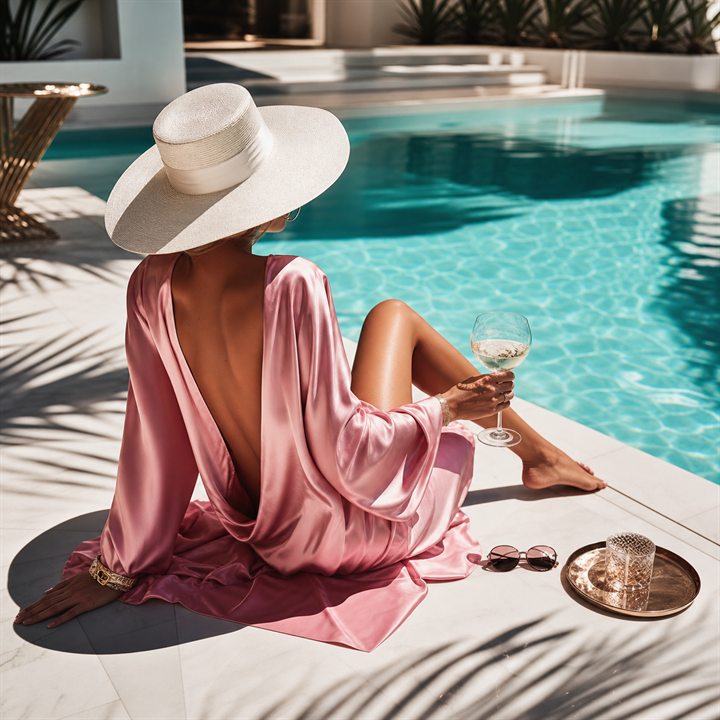
Example directions you can create
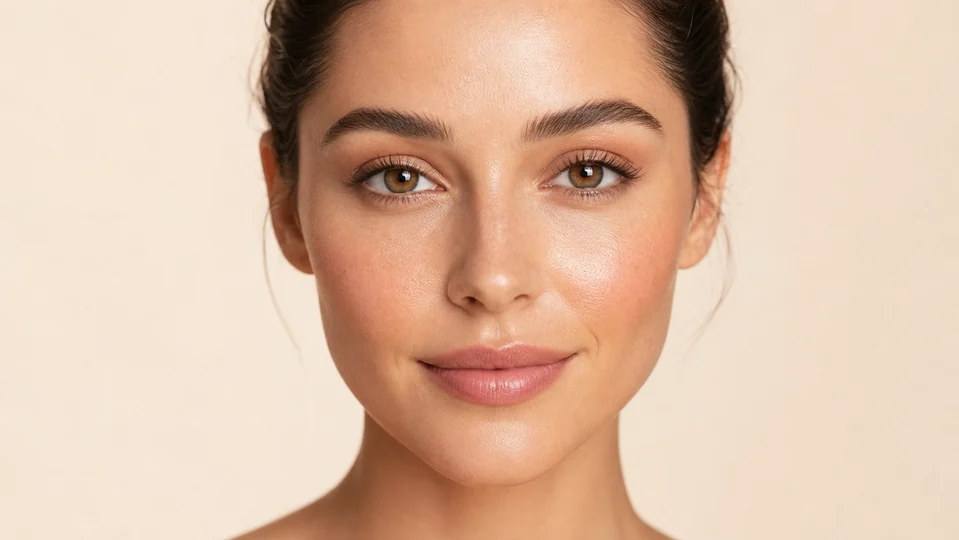
Natural glow — Fresh complexion, softly defined eyes and a nude lip. 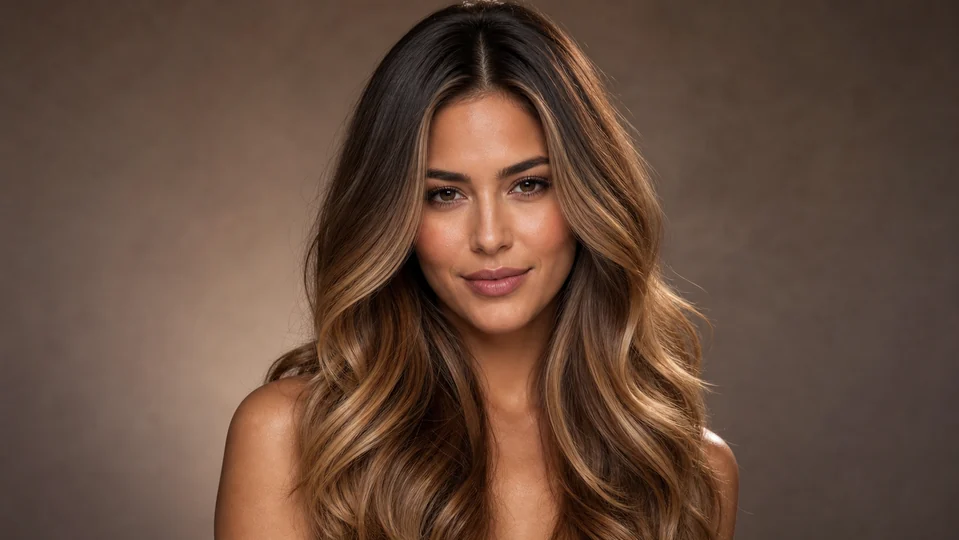
Glossy balayage — Voluminous salon waves with warm dimensional color. 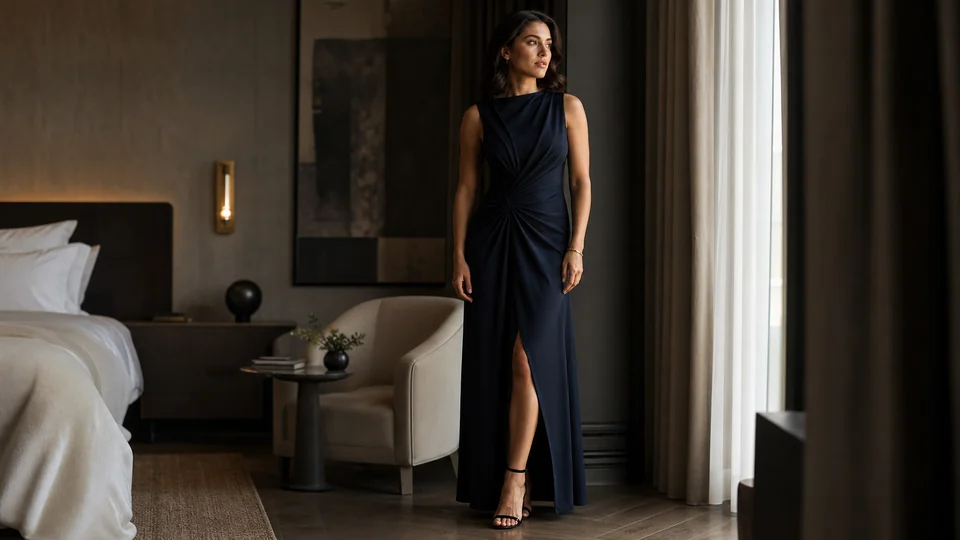
Evening elegance — Refined formal styling with premium fabrics.
How AI Glow-Up Photo Generator works
Explore a more polished version of a portrait through better light, styling, framing and background. The goal is a believable upgrade, not a face that no longer looks like you.
Start with a clear photo and describe one visual direction at a time so you can compare changes fairly.
What you can create
- Visible upgrade energy — Glow-up photos feel stronger when the change is obvious but the result still feels believable.
- Social-native transformation — Perfect for before-after reveals, profile updates, aesthetic shifts and creator reinventions.
- Identity experimentation — Try new looks without committing in real life first.
Popular use cases
- Glow-up selfies — Take a normal selfie and push it toward something sharper, cleaner or more aesthetic.
- Profile refreshes — Use glow-up images when your current profiles feel stale or low-energy.
- Dating-photo upgrades — Create a more intentional look for dating profiles and high-stakes first impressions.
- Creator rebrands — Shift the visual tone of your creator presence without doing a full new shoot immediately.
Start a glow-up edit with an honest source photo
Use a recent portrait with natural facial detail and enough resolution to evaluate the change. Heavy beauty filters, screenshots and deep shadows make it harder to tell which features came from the person and which came from the source processing.
Choose a focused direction such as improved light, cleaner styling or a different background. Combining major changes to face, body, clothing and location in one request makes the result harder to control.
- Use a recent, minimally filtered portrait
- Keep the face visible and well lit
- Choose one main visual change
- State which identity details must remain
A generated glow-up is not a prediction or measurement
The result is a creative image, not a factual forecast of appearance, cosmetic treatment, fitness progress or medical outcome. Styling and generative reconstruction can change proportions and details that were not part of the request.
Avoid using an altered image to make deceptive claims about a person or service. Keep the source when a transparent before-and-after comparison matters.
Keep the final glow-up recognizable
Compare face shape, eyes, skin texture, hairline and body proportions with the source. Check hands, clothing seams and background edges before using the image in a profile or public post.
If the person no longer looks recognizable, reduce the strength of the requested change and preserve more of the original light, expression and facial structure.
How to get started
- Start with the version you have now — Upload your selfie or portrait so the contrast between now and next feels clear.
- Push the look intentionally — Aim for cleaner styling, stronger framing, better light or a more premium internet-native aesthetic.
- Use the upgrade where it matters most — Swap the new visual into profiles, posts, dating apps or creator touchpoints.
Frequently asked questions
- What are AI glow up photos?
- They are upgraded portraits or selfies designed to feel sharper, more styled, more flattering or more aligned with the look you want online.
- Can I use my own selfie for glow-up photos?
- Yes. Starting from your own image is the clearest way to create a true glow-up result.
- Are glow-up photos useful for social media profiles?
- Yes. They work especially well for profile refreshes, before-after posts and creator identity shifts.
- Can PrimeArt help me test different looks?
- Yes. Compare lighting, hair, styling, background and framing one element at a time to see which direction works best with your source photo.
Make your next photo feel like an upgrade
Start with a selfie and build a glow-up result that feels stronger than what you are using now.