Create with PrimeArt
AI Photo Generator
Create a new photo from a description or transform an existing image with controlled lighting, setting, styling and framing.
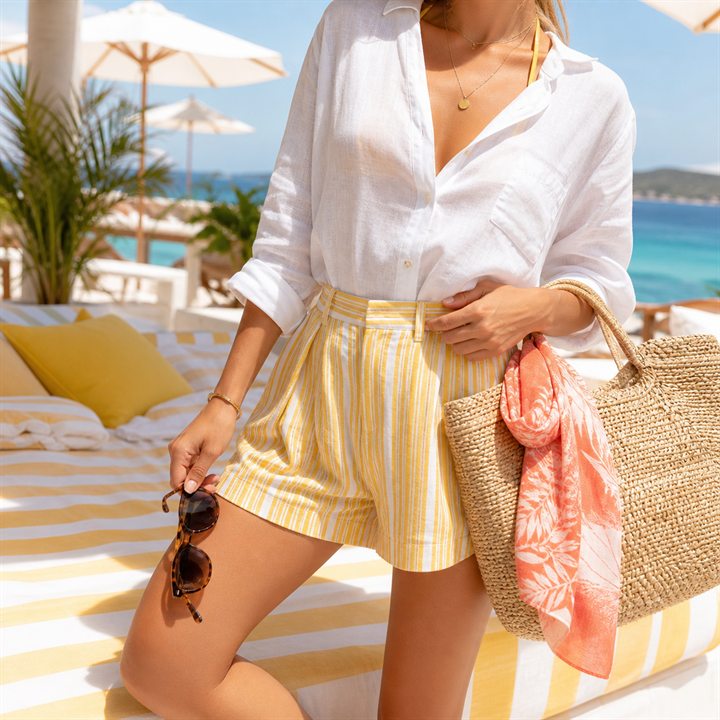
Example directions you can create
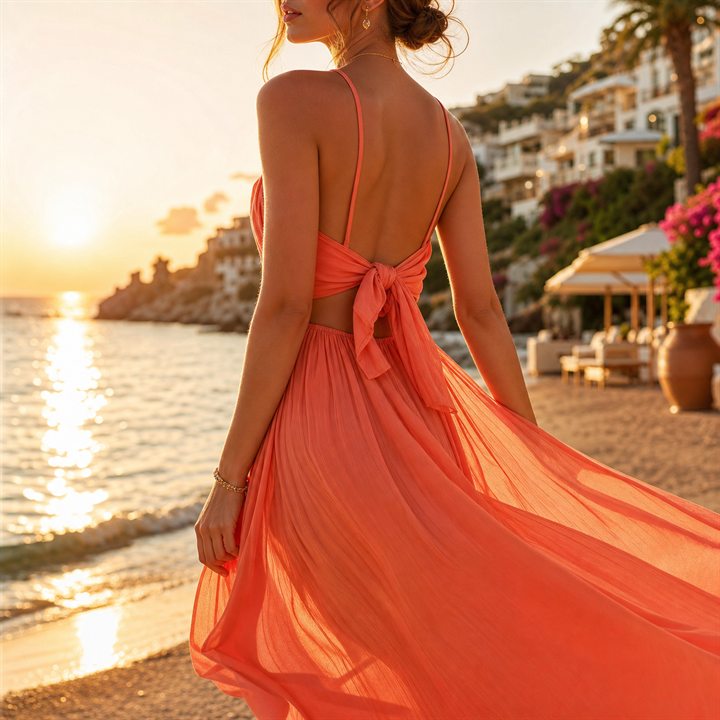
Golden Hour — Mediterranean coastline, warm rim light and elegant fabric. 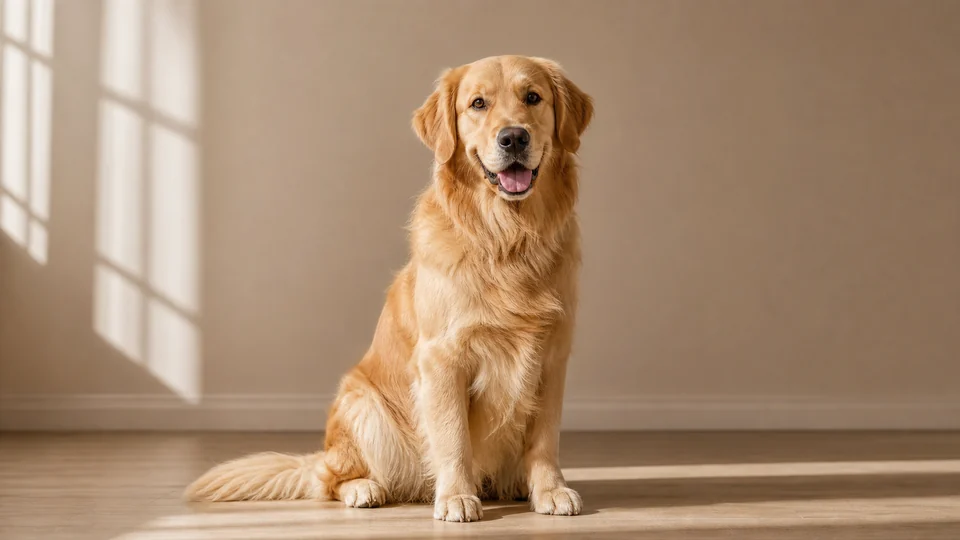
Warm studio pet — Detailed fur and a clean friendly portrait. 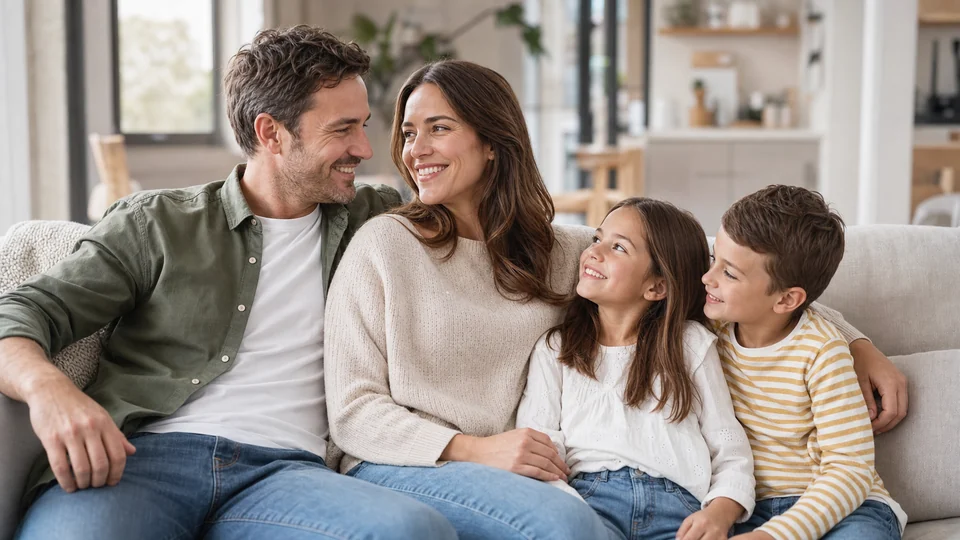
Relaxed family at home — Natural lifestyle portrait in a bright welcoming home.
How AI Photo Generator works
Create a realistic-looking photo from a description or use your own image as the starting point. This works well for portraits, profile photos and visual concepts that should still feel photographic.
For a natural result, begin with a clear source image and describe practical details such as the location, clothing, light and camera framing.
What you can create
- More realistic results — PrimeArt leans into faces, portraits, profile looks and real-photo energy instead of random novelty outputs.
- Faster profile upgrades — Generate photos that fit profile, creator bio, dating and social use cases without a full production shoot.
- Repeatable visual identity — Keep a stronger visual style across your social channels, creator pages and image experiments.
Popular use cases
- Selfie upgrades — Create sharper, more intentional selfies for stories, profile photos and aesthetic posts.
- Portrait refreshes — Turn plain images into polished portraits with a more premium or internet-native look.
- Creator branding — Generate photos for bios, cover art, media kits and launch visuals.
- Lifestyle visuals — Make social-friendly images that feel ready for TikTok, Instagram, Pinterest and more.
How to generate a more realistic AI photo
Photographic prompts benefit from real camera language: shot type, lens feel, light direction, depth of field and believable environmental detail. Describe skin and materials naturally instead of asking for a heavily retouched finish.
When a real person should remain recognizable, use a recent, sharp reference with visible facial features and avoid combining several conflicting settings in one generation.
- Use a clear portrait or product reference
- Describe camera framing and light
- Keep skin and material texture believable
- Check identity and small details carefully
Choose inputs that support a believable AI photo
For a text-led photo, specify a concrete subject, location, shot size and light source. For a recognizable person, begin with a sharp, recent portrait where the face is visible and the lighting is not heavily filtered.
Decide the final orientation before generating. A close profile crop, a full-body lifestyle image and a wide editorial scene require different framing and different amounts of background space.
- Use a recent, clear reference for identity
- Name the shot size and camera position
- Describe one believable light setup
- Choose portrait or landscape framing early
What to verify in a realistic generated photo
Photographic styling does not guarantee documentary accuracy. Generated images can change facial details, hands, clothing fasteners, reflections, background objects and text even when the overall scene looks convincing.
Check the face against the source, then inspect skin texture, eyes, fingers, edges and any object that carries factual meaning. Do not present an invented location, event or product feature as a real record.
How to get started
- Upload a photo or start from text — Start with your own image when you want realistic control, or go from text when you want to explore concepts.
- Aim at the exact photo outcome — Choose profile-ready, glow-up, polished portrait or creator-photo intent instead of broad generic generation.
- Turn one result into a content asset — Use the output as a post, profile image, moodboard visual or a stronger base for more creator work.
Frequently asked questions
- Can I generate a realistic photo with AI?
- Yes. Describe the subject, setting, camera framing and light. A clear reference photo gives more control when identity or product detail matters.
- Can I turn a selfie into a different photo?
- Yes. Upload the selfie as a reference and describe the new background, clothing direction, light and crop.
- How is an AI photo generator different from an AI art generator?
- The photo workflow aims for photographic light, texture and camera framing. The art workflow gives more freedom for illustration and stylized visual directions.
- Do I need an account?
- Yes. Create an account or sign in before opening Studio.
Generate a better photo in minutes
Start with a selfie or prompt and build a photo that looks stronger than your current feed.