Create with PrimeArt
AI Selfie Generator from your photo
Upload a clear selfie and create a more intentional portrait for profiles, posts, stories or a new visual direction.
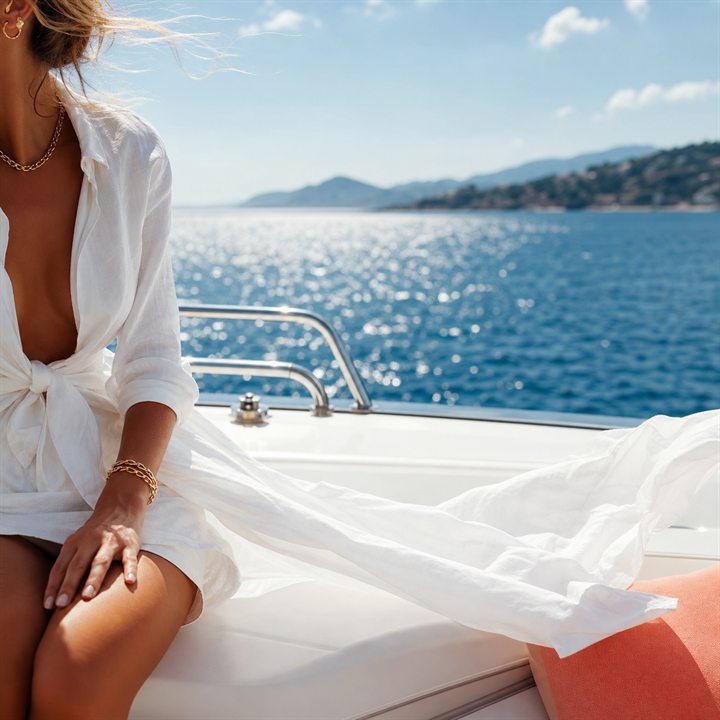
Example directions you can create
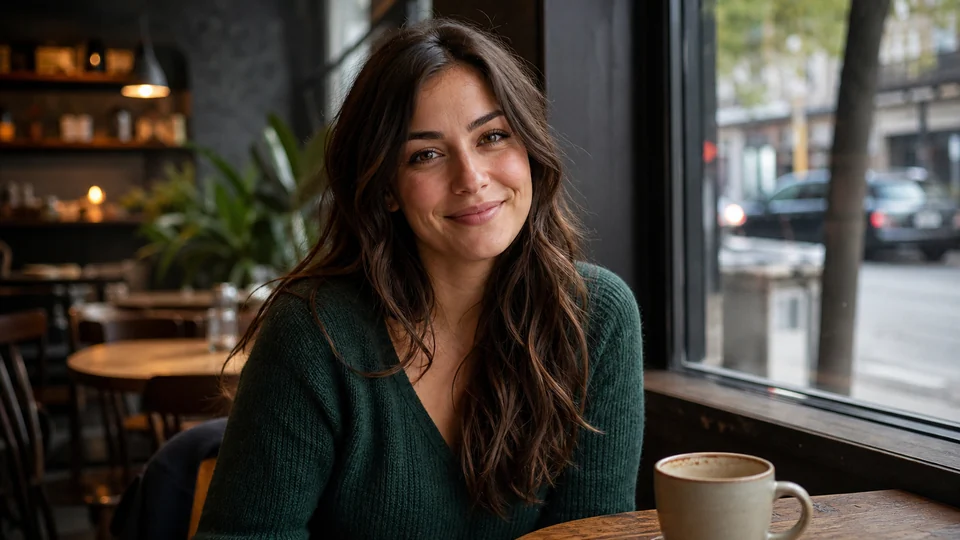
Natural café — Approachable lifestyle image in soft window light. 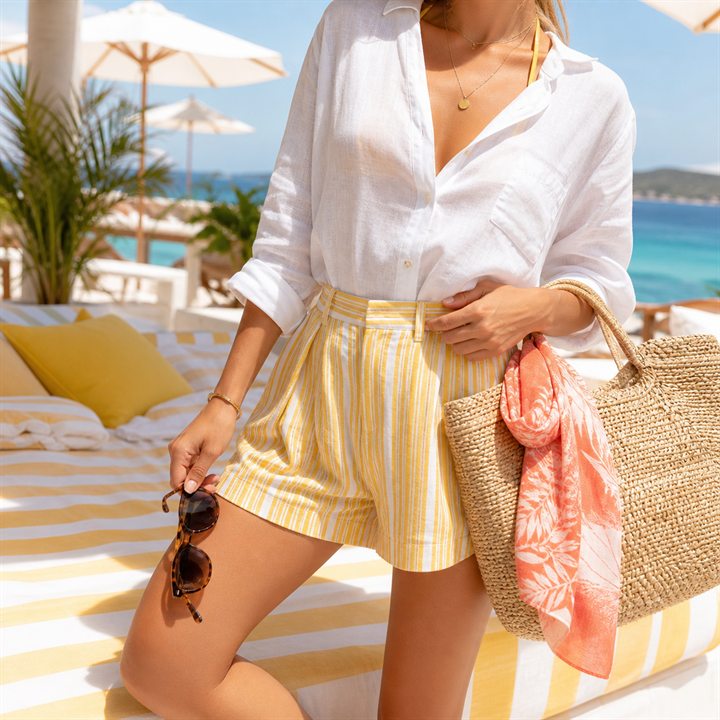
Beach Club — Crisp white linen and bright luxury-resort energy. 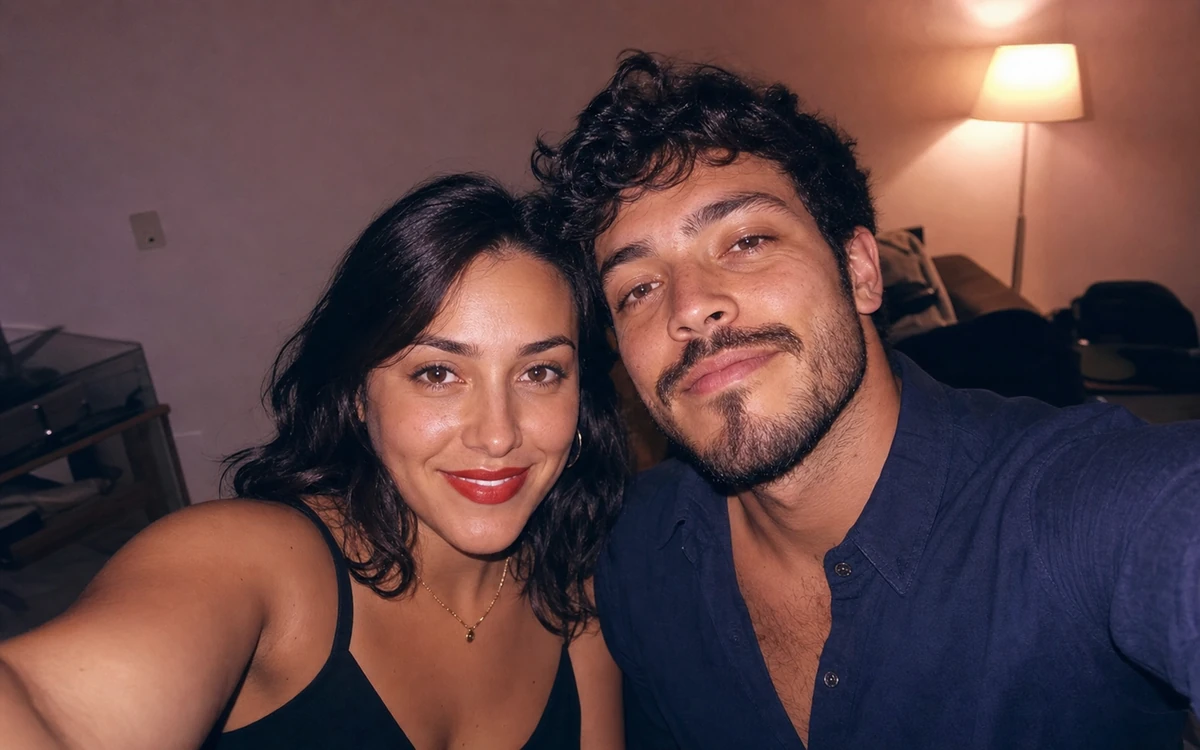
2016 Retro Flash — Direct-flash nostalgia with real-night energy.
How AI Selfie Generator from your photo works
Turn a casual selfie into a more intentional portrait while keeping the result personal. Adjust the light, background, crop and styling without arranging another shoot.
Photos with a visible face, even lighting and little motion blur give you the most useful starting point.
What you can create
- Postable selfie quality — Generate selfies that feel more polished, better lit and more aligned with the vibe you want.
- Profile-ready outputs — Turn casual source images into results that work for profile updates across platforms.
- More creative range — Use the same selfie to explore portraits, avatars, anime looks, glow-ups and creator styles.
Popular use cases
- Social selfies — Upgrade casual selfies before they go into stories, profile swaps or posts.
- Glow-up visuals — Take a familiar photo and push it toward a stronger, more polished internet look.
- Avatar foundations — Start with a selfie before moving into more stylized avatar or anime directions.
- Dating-profile improvements — Use selfie-based outputs when you want something recognizable but more intentional.
What makes a useful selfie reference
Choose a sharp photo with one visible face, natural skin detail and enough room to adjust the crop. Direct light, heavy compression and beauty filters can remove information that the generation would otherwise use.
A selfie taken too close to the lens can exaggerate facial perspective. Use a slightly wider, recent source when the goal is a balanced portrait or profile image.
- Use one clear, recent face
- Avoid heavy filters and screenshots
- Leave room for a new crop
- Prefer balanced light and limited obstruction
What an AI selfie can change unexpectedly
A generated selfie may alter facial proportions, freckles, teeth, hair, earrings, glasses or clothing details. It may also invent parts of the body or background that were outside the original crop.
A reference improves control but does not guarantee exact identity. Keep the instruction narrow when resemblance matters more than a dramatic visual change.
Selfie review for profiles and posts
Compare the face with the source, then inspect eyes, teeth, fingers, hairline and the transition between the subject and background. Preview the final square, vertical or circular crop before exporting.
Use a result that still represents the person and context honestly. Regenerate rather than relying on retouching when a core identity detail is wrong.
How to get started
- Upload the selfie you already have — Do not wait for a perfect shoot. Start from a usable photo and improve it.
- Choose the energy of the result — Push toward cleaner, softer, sharper, more stylish or more creator-coded directions.
- Use the best version everywhere — Take the strongest image into your profile, post flow or creator stack.
Frequently asked questions
- Can PrimeArt generate a better selfie from my own photo?
- Yes. Uploading a selfie is one of the fastest ways to get a recognizable, stronger-looking result.
- Is this just for fun filters?
- No. You can refine lighting, background, crop and styling while keeping the result recognizable.
- Can selfie results become profile photos?
- Yes. Use a clear face, balanced light and enough space around the head so the result also works in a square or circular profile crop.
- Can I turn a selfie into other styles later?
- Yes. Selfies can lead into avatars, glow-ups, portraits, anime looks and more.
Generate a selfie worth using
Start from the photo you already have and make it look stronger for social, profile and creator use.