Portrait-to-profile workflow
Create a profile picture from your photo
Turn one clear portrait into a recognizable profile image with a readable face, balanced background and crop that works in both square and circular layouts.
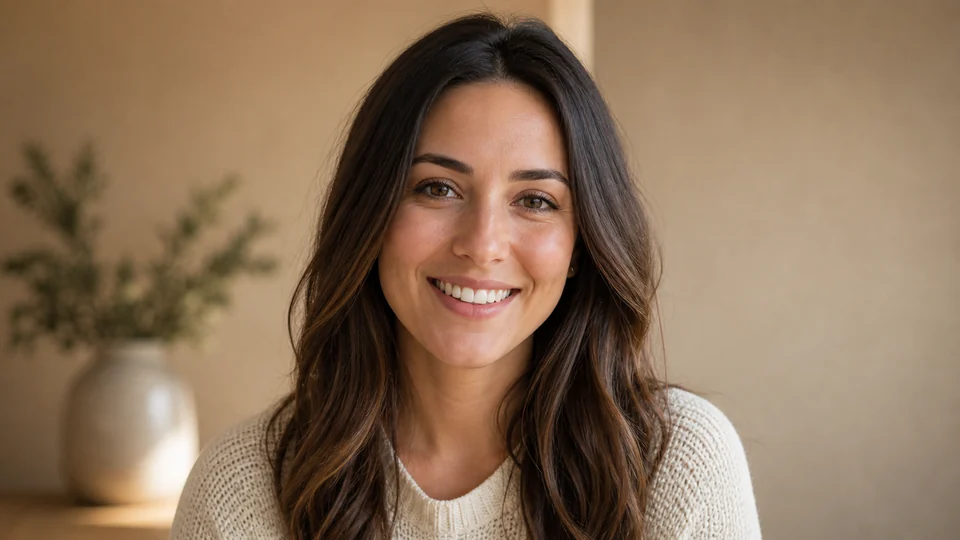
Example directions you can create

Corporate headshot — Confident office portrait with a tailored blazer. 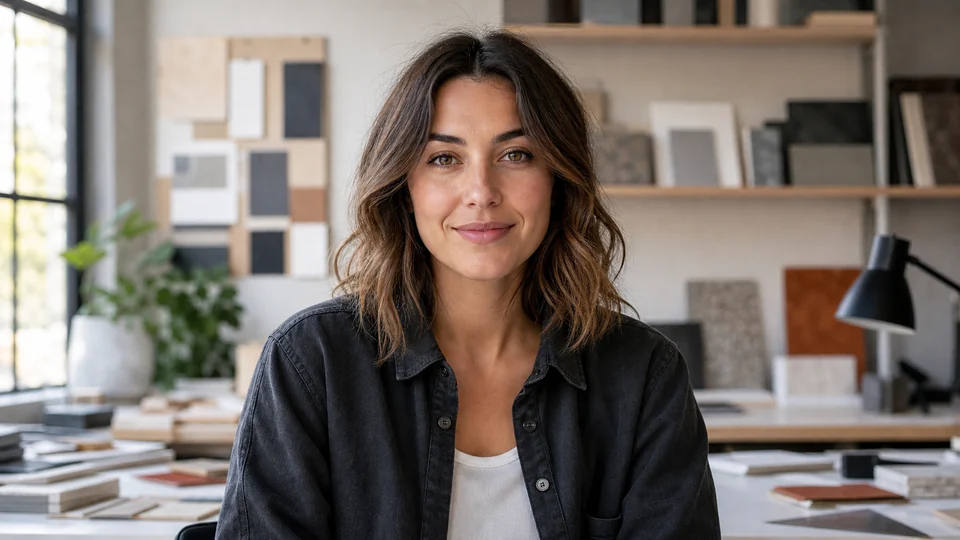
Creative professional — Relaxed editorial portrait for portfolios and bios. 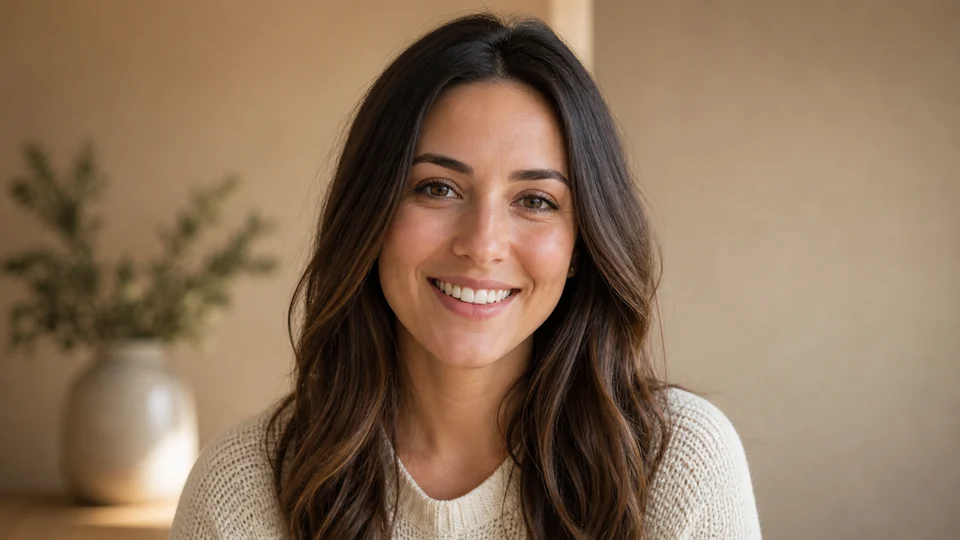
Friendly profile — Natural daylight and an approachable expression.
How Create a profile picture from your photo works
A useful profile picture stays recognizable when it is reduced to a small avatar. Start with a recent portrait, keep the face unobstructed and choose a visual direction that fits the context where the image will appear.
PrimeArt can change the background, lighting, crop and styling, but generative edits can also alter facial details. Compare each result with the source and preview it at actual profile size before using it.
What you can create
- A face that reads at small size — Prioritize the eyes, expression and silhouette instead of background detail that disappears in an avatar.
- Square and circular crop readiness — Leave safe space around the head so important details survive common profile-picture crops.
- A context-appropriate presentation — Choose a restrained professional, social or creative direction that fits the intended account.
Popular use cases
- Professional profile — Create a clear, credible portrait for a directory, portfolio or personal bio.
- Social profile — Use a recognizable image that remains readable in a compact feed or comment avatar.
- Creator account — Build a consistent visual identity for a channel, newsletter or creator page.
- Online community — Prepare a friendly square avatar without relying on tiny text or branded interface elements.
Prepare a source photo for a clearer profile picture
Use a recent image with an unobstructed face, even light and enough resolution to crop. A neutral head-and-shoulders source gives more control than a distant group photo or a heavily filtered screenshot.
State the intended context and whether the final crop should feel professional, casual or illustrated. Keep the background simple enough that the face remains the focal point.
- Choose a recent, sharp portrait
- Avoid group photos and heavy filters
- Leave room around the head and shoulders
- Name the intended context and tone
Design for small circles and square crops
Profile images are usually displayed much smaller than the source and may be cropped into a circle. Fine background details, small props and text can disappear or compete with the face.
Use a clear silhouette, moderate contrast and a centered crop. Do not place important details in the outer corners if the image will be shown inside a circular frame.
Final profile-picture quality check
Compare the face with the source and make sure the image represents the person accurately enough for its intended context. Inspect eyes, teeth, hairline, earrings, glasses and clothing edges at full resolution.
Preview the image on both light and dark interfaces. A background that works in the editor may lose separation next to an interface theme or account badge.
How to get started
- Upload a clear recent portrait — Use even light, a visible face and enough space around the head and shoulders for a new crop.
- Choose the context and tone — Describe whether the result should feel professional, casual, creative or illustrated.
- Compare and preview the crop — Check identity at full size, then inspect the same image inside square and circular frames.
Frequently asked questions
- What source photo works best for a profile picture?
- Use a recent, sharp head-and-shoulders portrait with visible eyes, even light and enough space around the head for a new crop.
- Will the result still look exactly like me?
- A source photo guides identity but cannot guarantee perfect consistency. Compare the face, age cues, hair and accessories with the original before using the image.
- Should I check a circular crop?
- Yes. Preview both square and circular versions at small size so the face stays readable and important details are not cut off.
- Do I need an account and what output can I download?
- An account is required before generation. Free image results include a watermark. Paid image options are watermark-free and include 2K or 4K where shown in Studio; previous watermarked files are not replaced.
Create a clear profile picture from your photo
Start with a recent portrait, choose the context and review the result in both square and circular crops.