Create with PrimeArt
AI Anime Generator from photo or text
Transform a portrait or describe a new character, then control the illustration style, palette, setting and mood.
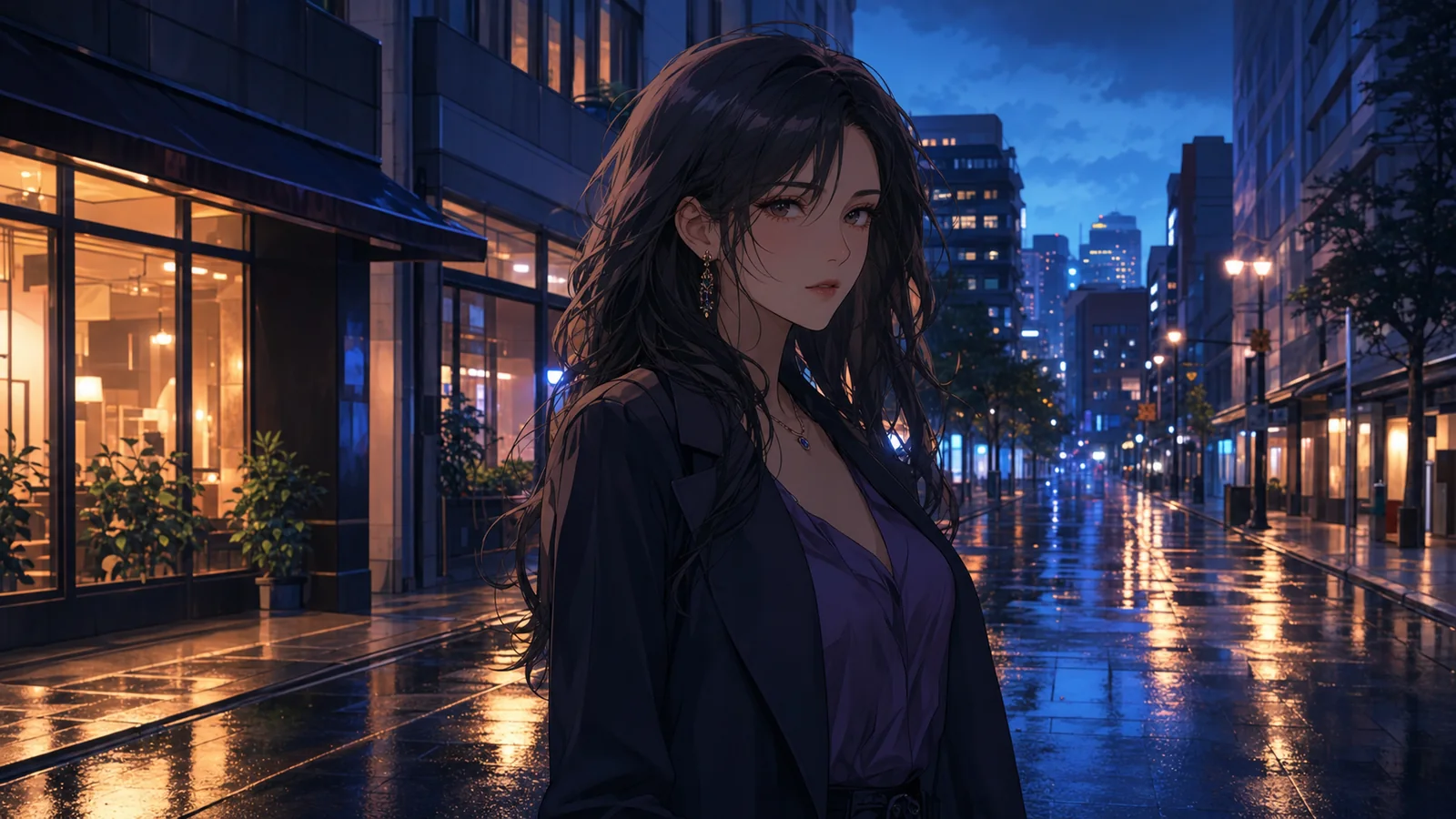
Example directions you can create
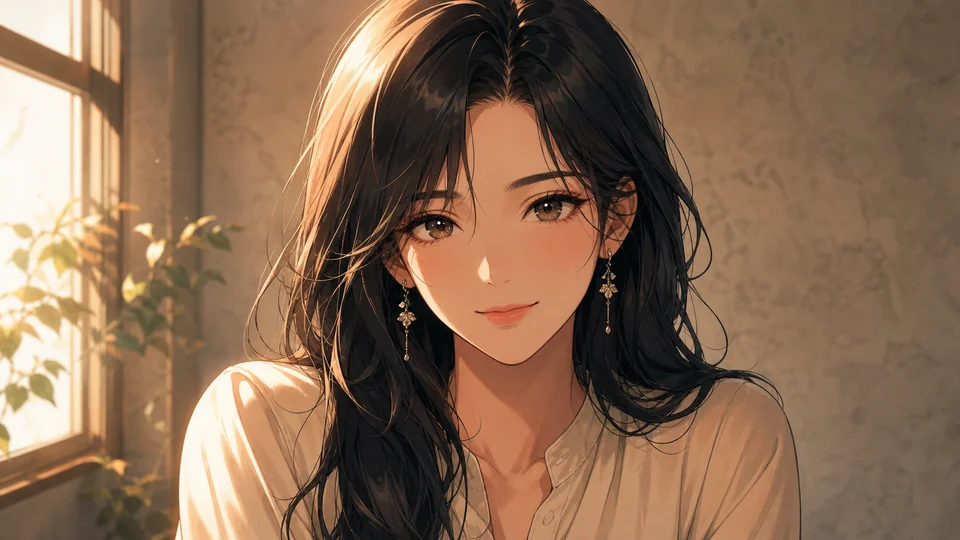
Soft cinematic anime — Detailed hand-painted look with gentle daylight. 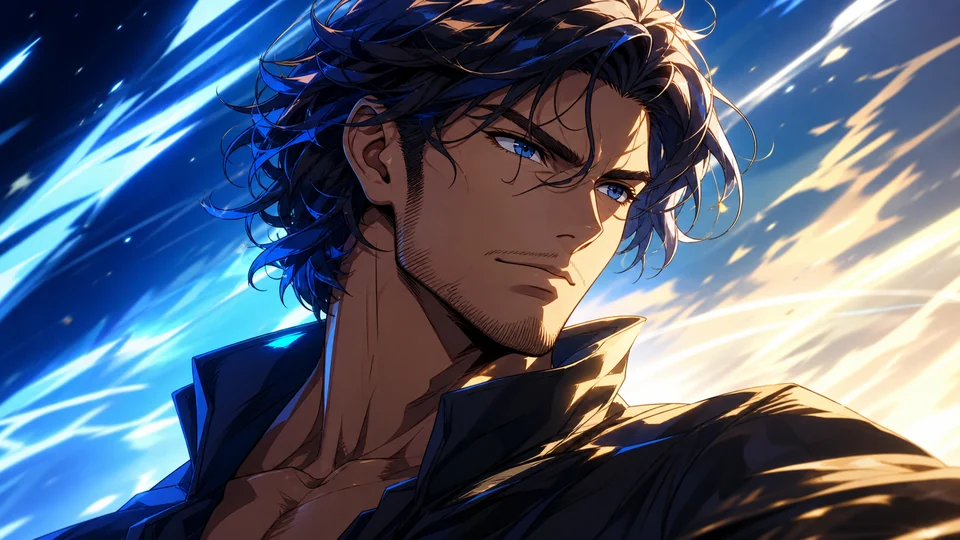
Dynamic shōnen — Stronger linework, dramatic light and energetic framing. 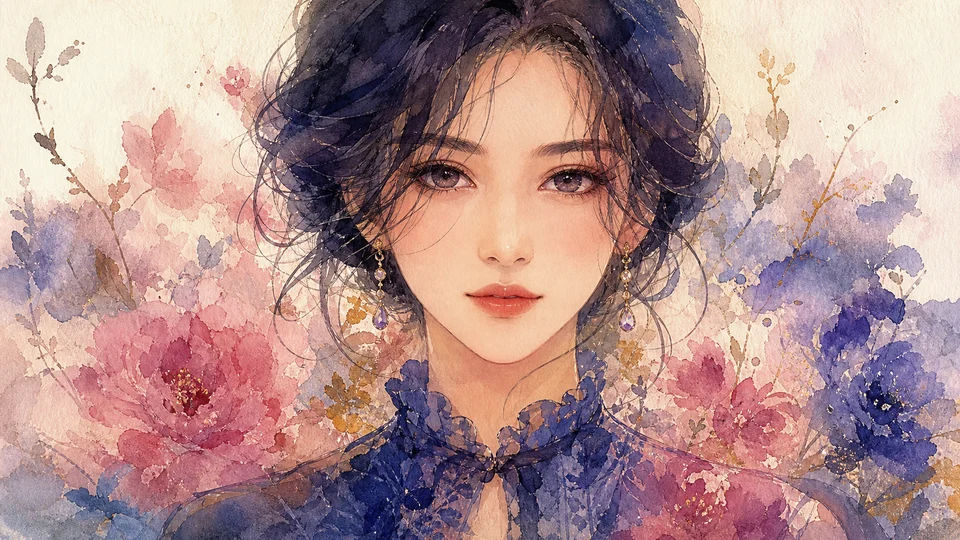
Watercolor anime — Delicate color, textured paper and lyrical atmosphere.
How AI Anime Generator from photo or text works
Create anime-inspired portraits and avatars from a photo or written description. You can keep key features from the source while changing the illustration style, color and setting.
Name the visual traits you actually want—line style, palette, lighting and mood—instead of stacking several unrelated aesthetics.
What you can create
- Anime identity upgrades — Create an anime-inspired version of yourself that still feels usable across social platforms.
- Fandom-friendly visuals — Lean into anime culture, manga mood and stylized character energy without losing flexibility.
- Profile and avatar crossover — The same output can work as a profile image, avatar or creator visual asset.
Popular use cases
- Anime profile pictures — Make anime PFPs for TikTok, Discord, X, YouTube and creator communities.
- Anime portraits — Turn real photos into anime-inspired portraits with stronger style control.
- Character identity visuals — Build a look that feels fandom-friendly, unique and worth sharing.
- Creator style experiments — Add anime aesthetics to your visual mix without needing a whole new toolset.
Choose a useful anime input: prompt or portrait
Use text to invent a new character, then describe silhouette, expression, clothing, setting, palette and line treatment. Use a portrait reference when the result should translate a real face into an anime-inspired image.
A clean source with visible facial features gives more control over resemblance. Decide whether identity or stylization is the priority before adding dramatic hair, accessories or lighting.
- Use text for an original character
- Use a portrait for recognizable features
- Describe visual traits rather than only a genre label
- Choose portrait, avatar or scene framing
Limits of anime transformation from a photo
Stylization can change face shape, eye proportions, hair detail, jewelry and clothing patterns. A generated result is an interpretation of the source, not a guaranteed identity-preserving conversion.
Text, logos and exact franchise details may also change. Use original visual descriptions and review the rights and platform rules relevant to the way you plan to publish the image.
Anime image quality check
Inspect the eyes, hands, hair strands, accessories and repeated clothing details at full size. Make sure the light and line treatment stay coherent across the face, body and background.
For a profile avatar, preview a square or circular crop. For a wider illustration, verify that the focal character remains readable and no unintended character or object appears near the edges.
How to get started
- Use a photo or prompt as the base — Selfies help anchor the output when you want an anime version that still feels like you.
- Push the visual language — Aim toward soft anime, edgy manga, cinematic anime portrait or avatar-ready stylization.
- Use it where anime identity matters — Deploy it as a profile photo, avatar, fandom post or creator visual.
Frequently asked questions
- Can PrimeArt generate anime images from my own face?
- Yes. You can upload a selfie or portrait and use it as the base for anime-style outputs.
- Is this only for anime avatars?
- No. It also works for anime portraits, fandom visuals and stylized creator photos.
- Can I use anime outputs as profile pictures?
- Yes. That is one of the strongest use cases for this page.
- Does PrimeArt support multiple anime vibes?
- Yes. You can push toward softer, sharper, cooler or more dramatic anime looks.
Create your anime version now
Start from a face or prompt and turn it into an anime identity you actually want to use.