Create with PrimeArt
Turn your photo into an original AI cartoon
Choose a clean 3D toon, graphic comic panel or pet cartoon while keeping the subject easy to recognize and the style fully original.
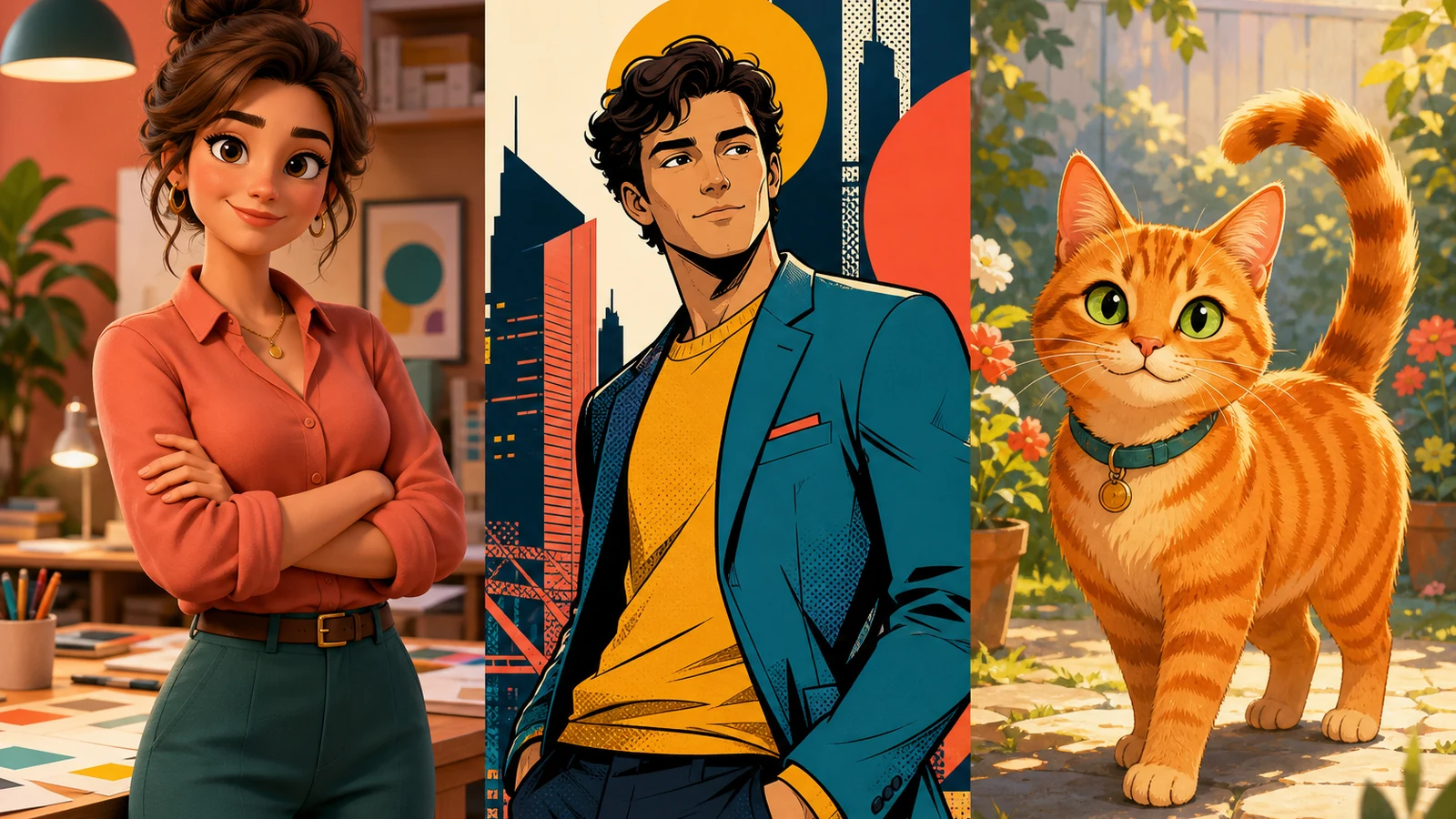
Example directions you can create
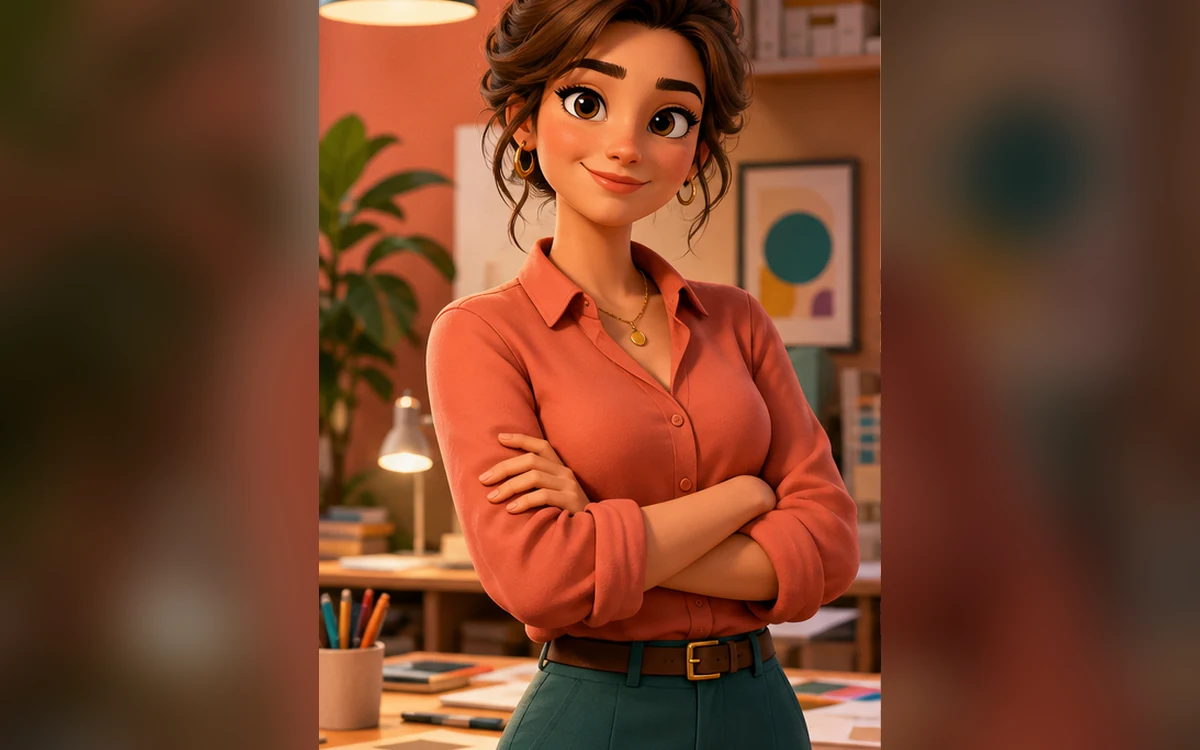
Clean 3D toon — Tactile materials, friendly shapes and a clear likeness. 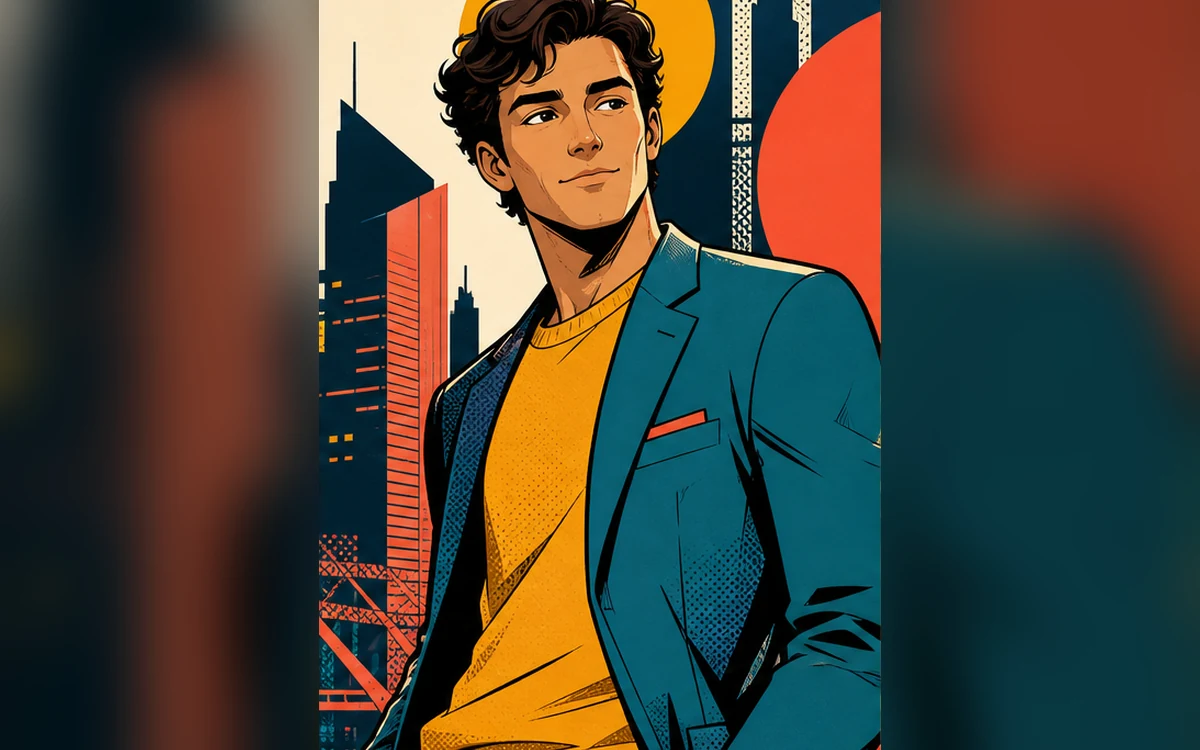
Graphic comic — Confident ink, bold color blocks and one clear moment. 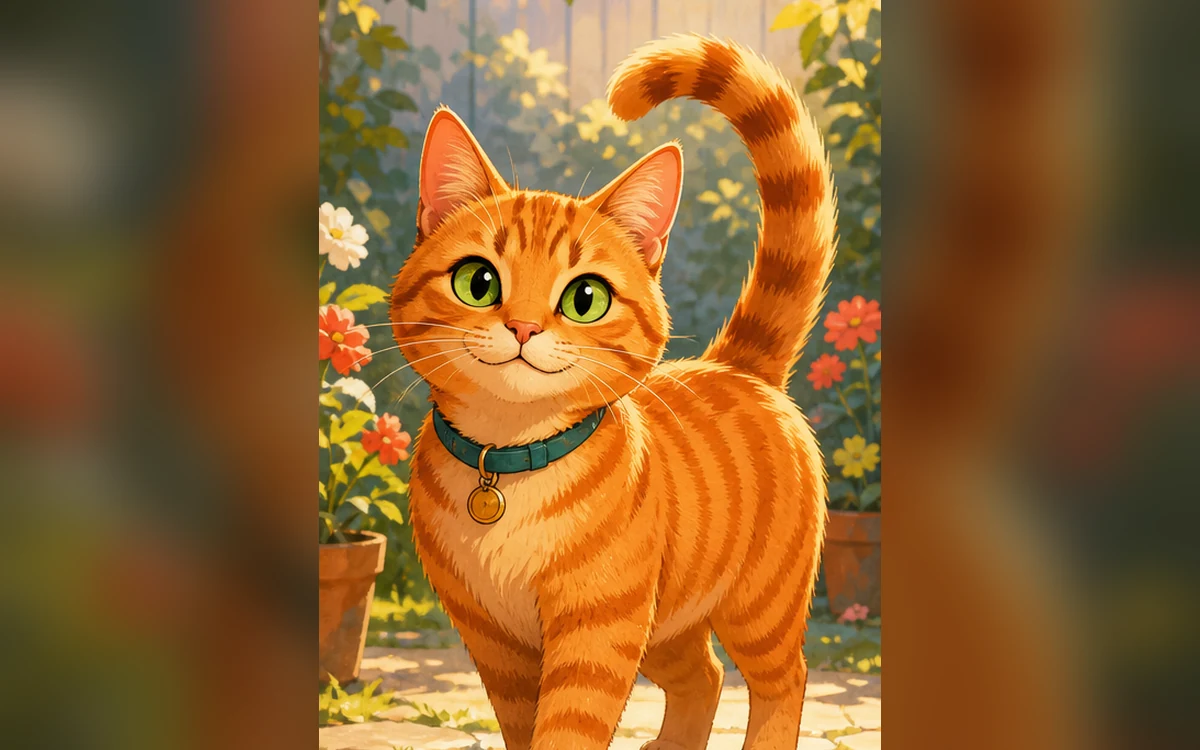
Pet cartoon — Playful illustration that keeps coat and expression recognizable.
How Turn your photo into an original AI cartoon works
A simple, well-lit source makes facial shape, hair and expression easier to translate into stylized form. Decide whether you want dimensional rendering, graphic ink or a softer pet illustration.
Each PrimeArt preset uses a distinct visual language and blocks references to named studios, characters and living artists.
What you can create
- Recognizable stylization — Simplify shapes and color while retaining the subject’s defining visual cues.
- Original art direction — Create a coherent cartoon language without imitating a known character or studio.
- Profile-ready composition — Keep the face, silhouette and expression readable in a compact crop.
Popular use cases
- Cartoon avatar — Create a distinctive profile picture from one portrait.
- Comic panel — Turn a simple moment into an original graphic scene.
- Pet cartoon — Preserve recognizable markings in a playful illustrated form.
- Family character set — Develop a consistent direction for several portraits one at a time.
How to describe a cartoon without copying a studio
Use concrete visual language: rounded or angular shapes, flat ink or dimensional materials, soft or high-contrast light, muted or saturated color and simple or detailed backgrounds.
- Shape language
- Line or material treatment
- Lighting and palette
- Background complexity
What stylization changes
Cartoon generation compresses real detail into designed shapes. Small moles, wrinkles, jewelry and clothing construction may disappear or shift even when the overall likeness remains recognizable.
Cartoon quality checks
Evaluate expression and silhouette before surface polish. Look for uneven eyes, fused fingers, broken line work, inconsistent shadows and elements that resemble a known character too closely.
- Compare expression
- Inspect hands and eyes
- Check line and shadow consistency
- Avoid protected character resemblance
How to get started
- Pick one cartoon language — Choose dimensional 3D, graphic comic ink or a softer pet illustration. Mixing several unrelated visual systems weakens consistency.
- Name the cues that must remain recognizable — Protect face shape, hairstyle, expression, skin tone and signature color details before asking for simplification.
- Check the cartoon at profile size and full size — Make sure the subject reads in a small crop, then inspect eyes, teeth, fingers, line joins and background shapes for errors.
Frequently asked questions
- Can I turn a photo into a cartoon with AI?
- Yes. Use a clear source and choose a specific visual direction. Stylization can simplify facial detail, so compare the output with the original.
- Can I ask for a famous animation style?
- Use original descriptive traits instead of a studio, living artist or protected character. Describe shape, line, texture, palette and lighting directly.
- Can I make a cartoon of my pet?
- Yes. Ask to preserve species, coat markings, eye color, ear shape and expression, and avoid humanizing the animal unless that is intentional.
- How does the prepared Turn your photo into an original AI cartoon workflow continue in Studio?
- Choose dimensional 3D, graphic comic ink or a softer pet illustration. Mixing several unrelated visual systems weakens consistency. PrimeArt carries this page's selected direction and format into Studio so you can begin with that specific setup instead of an empty prompt.
Open the prepared Turn your photo into an original AI cartoon setup
Choose dimensional 3D, graphic comic ink or a softer pet illustration. Mixing several unrelated visual systems weakens consistency. Continue to Studio with this page's specific direction and format already selected.