Create with PrimeArt
AI Art Generator
Turn a written idea or reference image into illustration, concept art and stylized visual directions, then refine the strongest result in Studio.
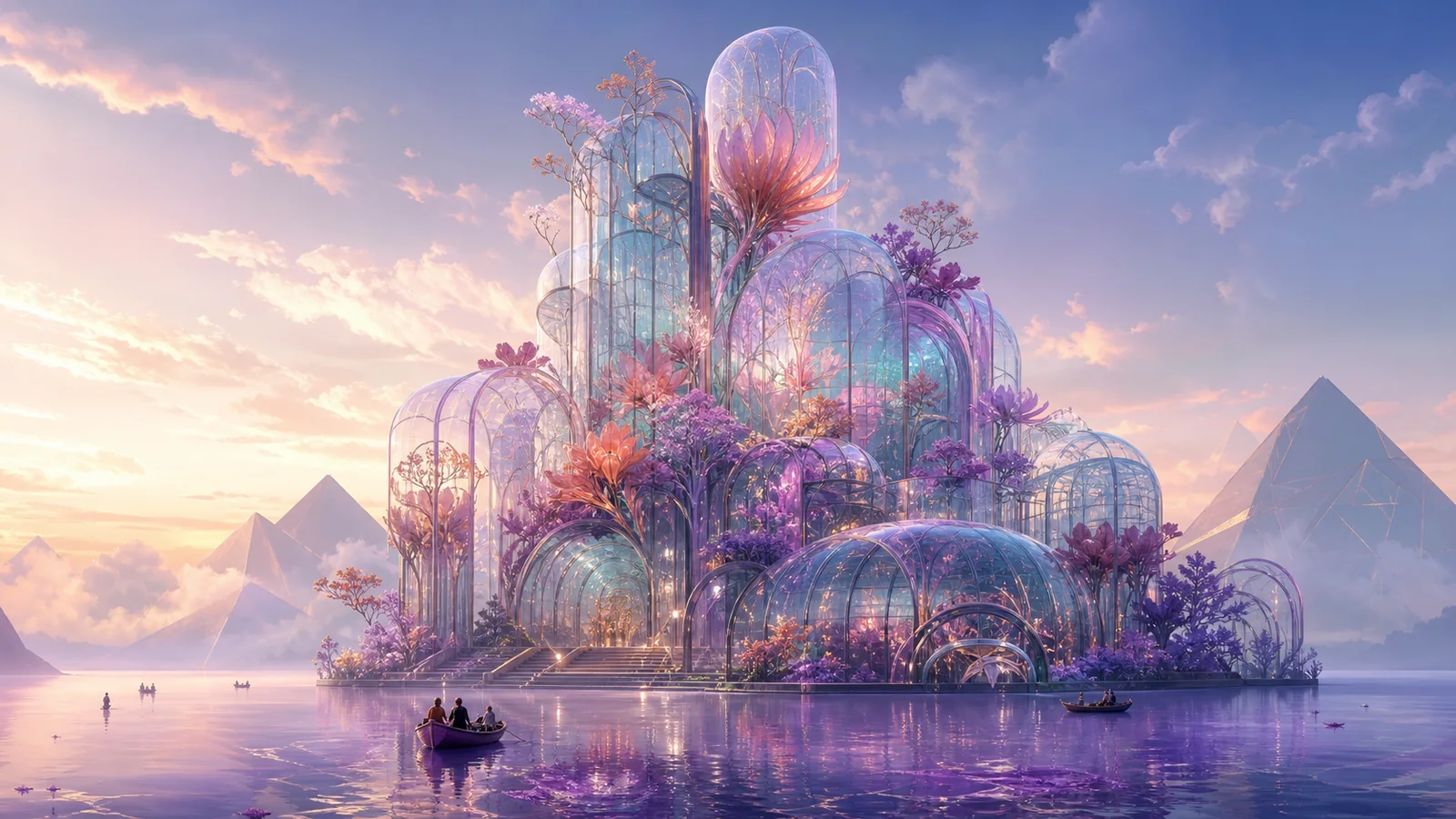
Example directions you can create
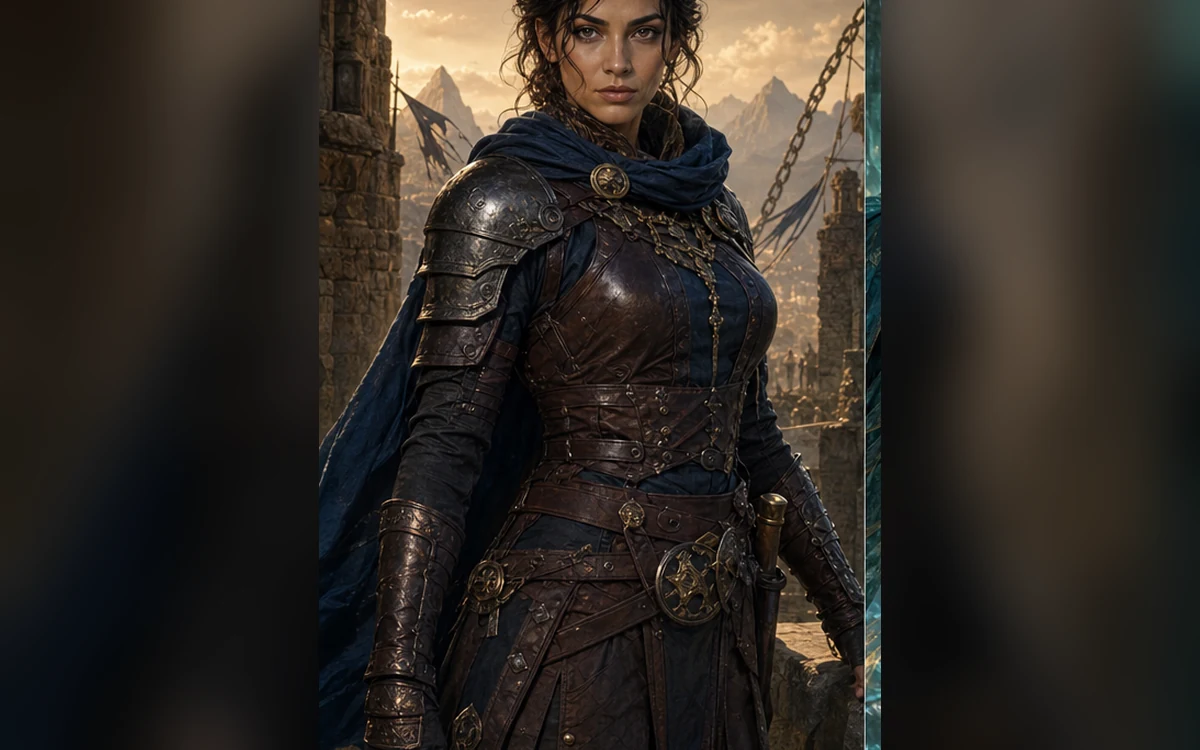
Original warrior — Weathered practical armor and cinematic natural light. 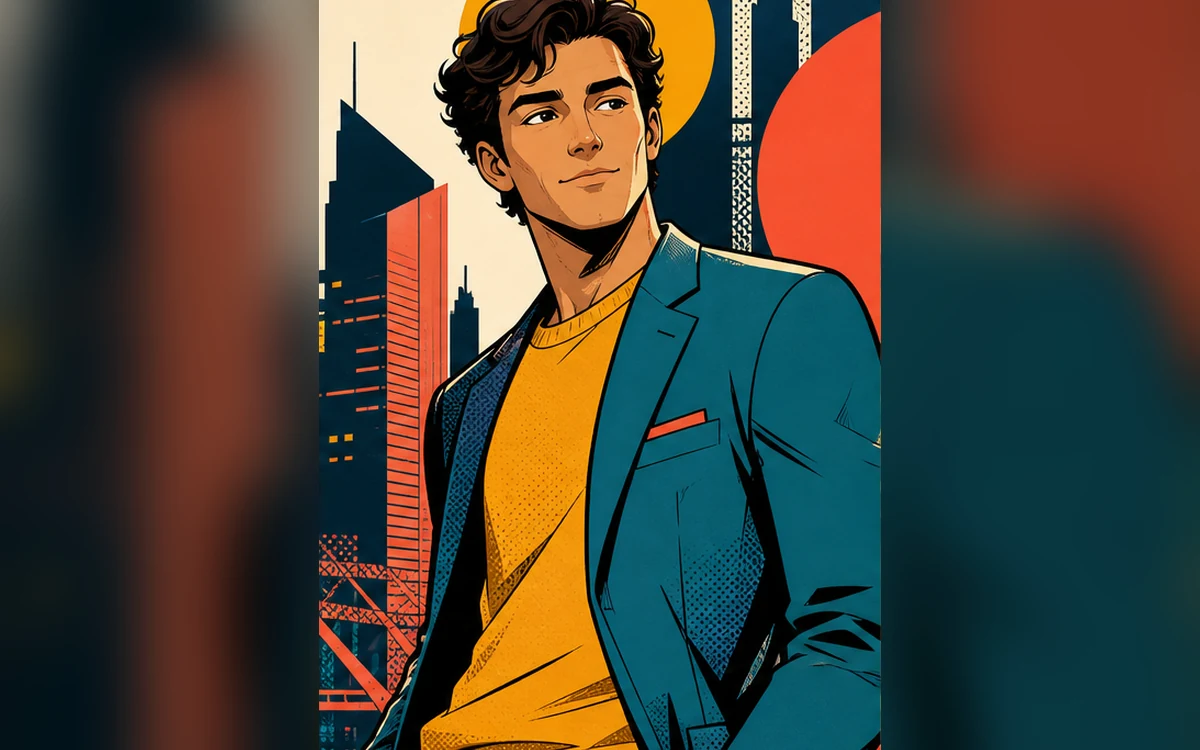
Graphic comic — Confident ink, bold color blocks and one clear moment. 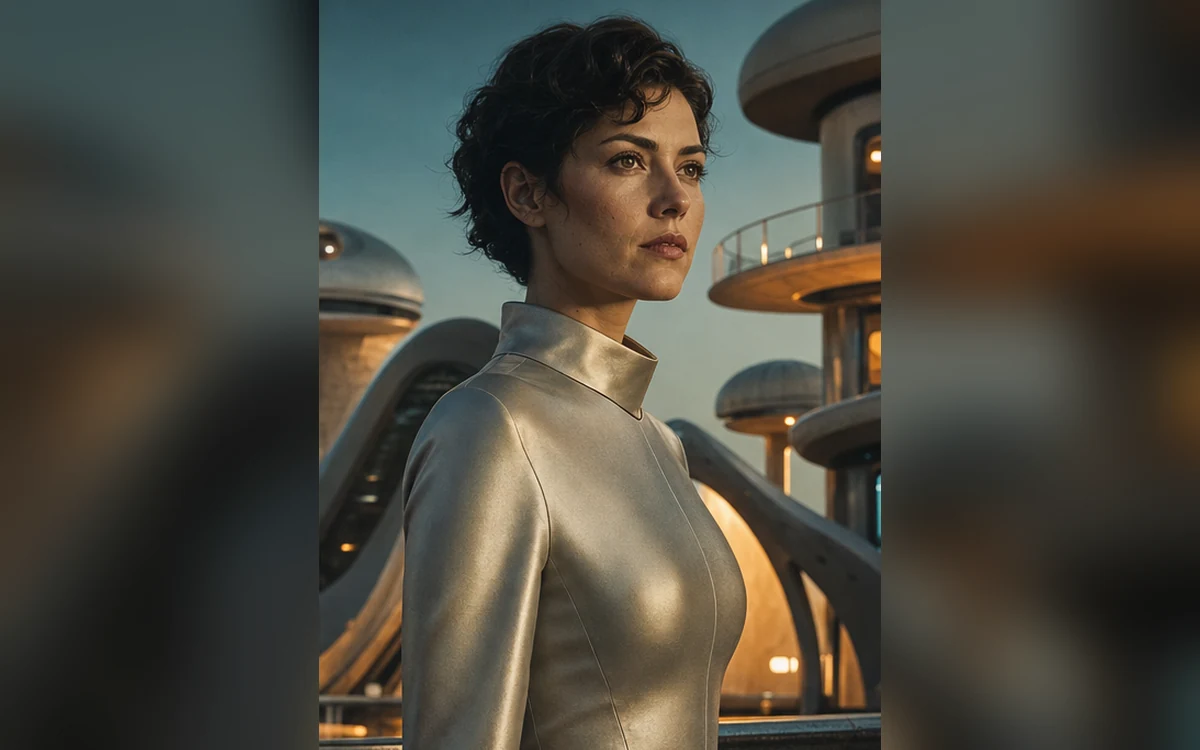
Retro future — Original cosmic color and practical retro-future design.
How AI Art Generator works
An AI art generator helps turn an early visual idea into something concrete enough to evaluate. Describe the subject, medium, composition, palette and mood rather than relying on a single style adjective.
Use the first result as a draft. Keep what works, identify the weakest visual decision and revise one element at a time.
What you can create
- Ideas become visible quickly — Move from a written concept to a visual direction that can be reviewed and discussed.
- Multiple art directions — Compare illustration, cinematic, graphic and painterly approaches without rebuilding the brief.
- A repeatable refinement loop — Use the strongest generation as a reference and continue improving composition, palette and detail.
Popular use cases
- Concept art — Explore environments, characters, objects and visual worlds before detailed production.
- Editorial illustration — Create visual metaphors and compositions for articles, presentations and campaigns.
- Posters and cover concepts — Test focal points, color systems and negative space before adding final typography.
- Personal art projects — Turn a story, mood or imagined place into a finished visual direction.
What to include in an AI art prompt
Start with the concrete scene before the style. Name the subject, action, environment and focal point, then add medium, lighting, palette and camera or illustration framing.
Avoid asking for several incompatible styles in one prompt. A coherent direction is more likely to produce a composition you can refine.
- Subject and action
- Environment and focal point
- Medium and texture
- Composition, palette and lighting
Original direction works better than imitation
Describe visual characteristics such as brush texture, contrast, geometry and color instead of requesting a copy of a living artist’s recognizable style.
This produces a clearer creative brief and gives you more control over what makes the final result feel original.
Review an AI art draft before final use
Inspect the composition at thumbnail size, then review anatomy, repeated motifs, object relationships, edges and embedded text at full resolution. A visually strong concept can still contain structural errors that become obvious in print or a large display.
Keep records of the prompt and reference materials used for important work. Confirm that you have rights to source images and that the final use follows the rules of the platform, client or publication involved.
- Check focal point and silhouette at thumbnail size
- Inspect anatomy and repeated objects
- Replace unreliable generated typography
- Confirm rights to every reference image
How to get started
- Describe the subject and scene — Start with what is happening, where it happens and what should draw the eye first.
- Add medium and visual direction — Specify illustration, 3D, painterly or graphic treatment plus palette, light and composition.
- Refine one decision at a time — Change the crop, palette, mood or detail level without replacing every instruction at once.
Frequently asked questions
- Can I create AI art from text?
- Yes. Describe the scene, subject, medium, composition and mood, then refine the generated result in Studio.
- Can I use an image as an art reference?
- Yes. A reference image can guide composition, subject or visual direction alongside your written prompt.
- Can I request the style of a living artist?
- Use visual characteristics such as palette, texture, lighting and composition instead of asking for a direct imitation of a living artist.
- Do I need an account?
- Yes. Create an account or sign in before generating in Studio.
Create an original visual direction
Describe the scene and art direction, generate a draft and refine the strongest result.