Create with PrimeArt
Create an original AI doll box from your photo
Build a polished fashion-doll concept with a recognizable face, styled outfit and a completely original display box.
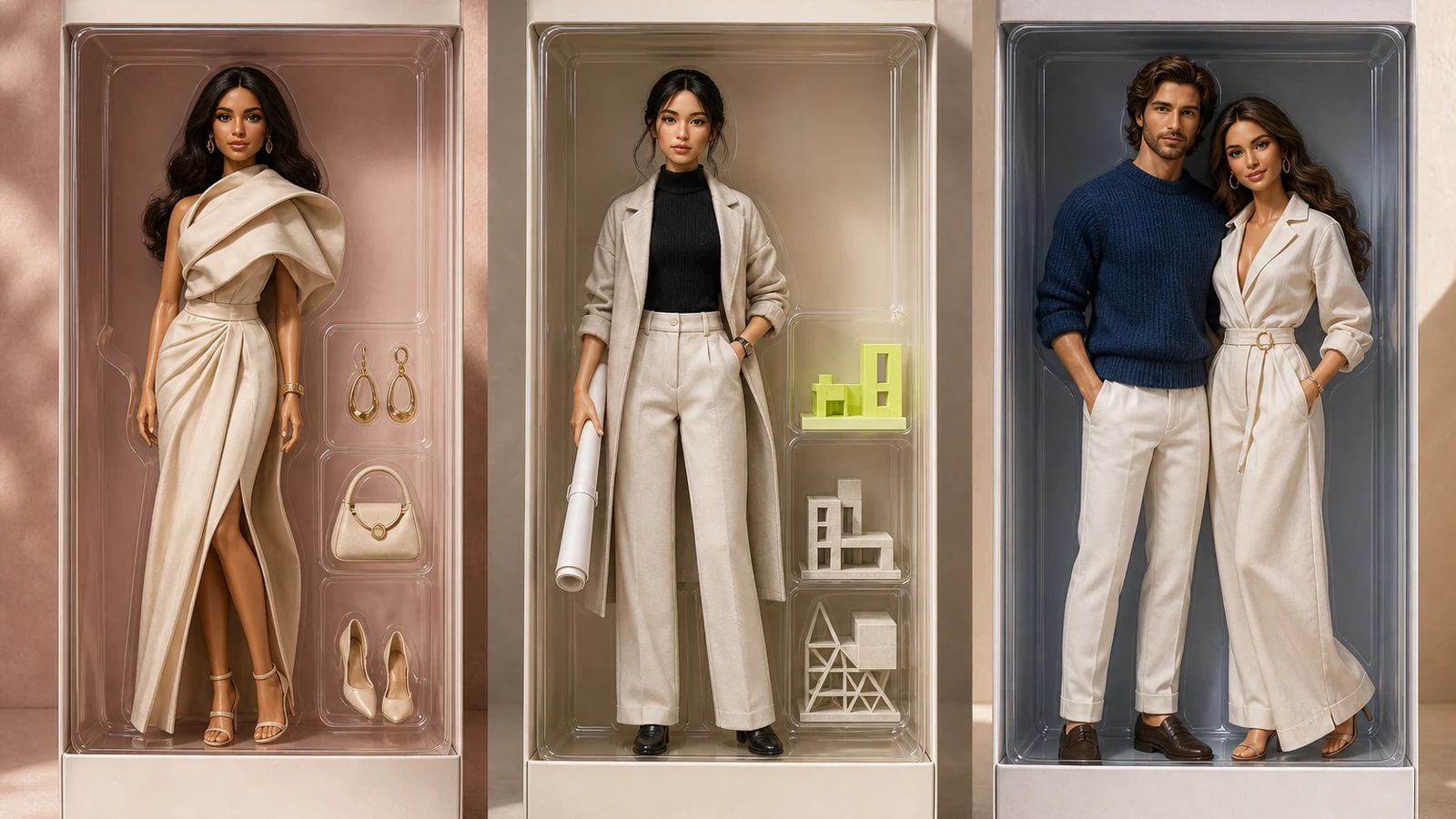
Example directions you can create
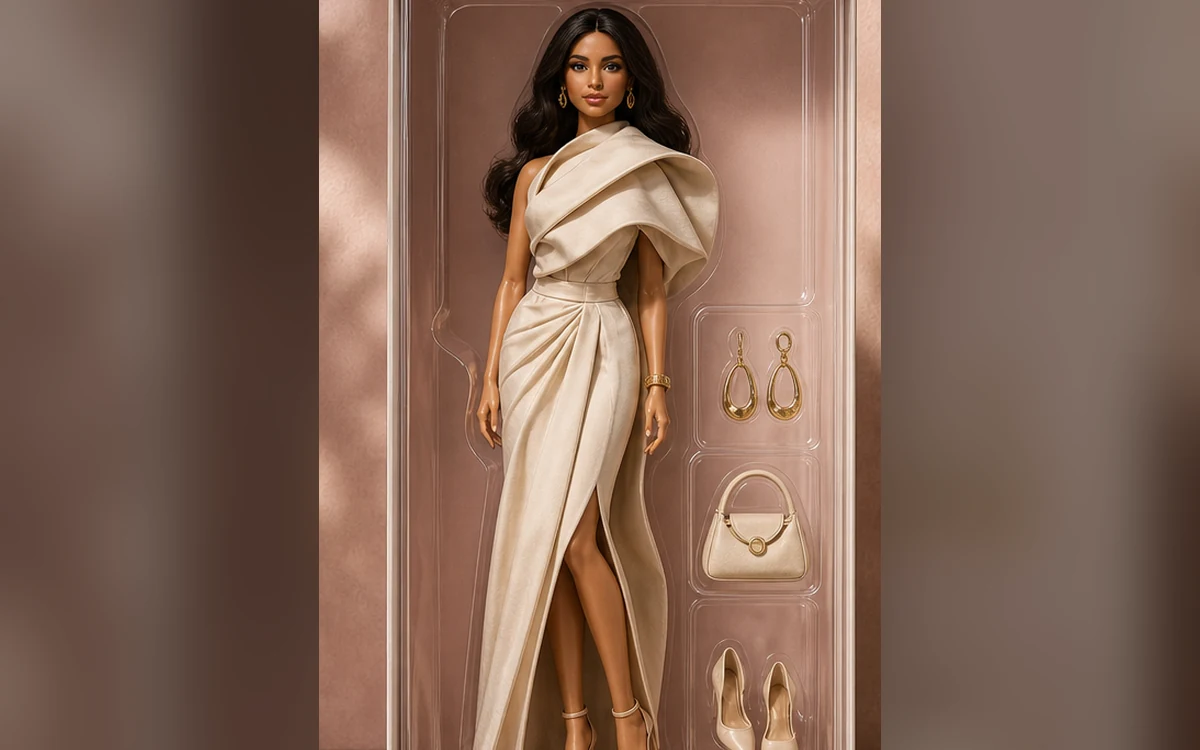
Fashion doll — A polished collectible look built from your outfit cues. 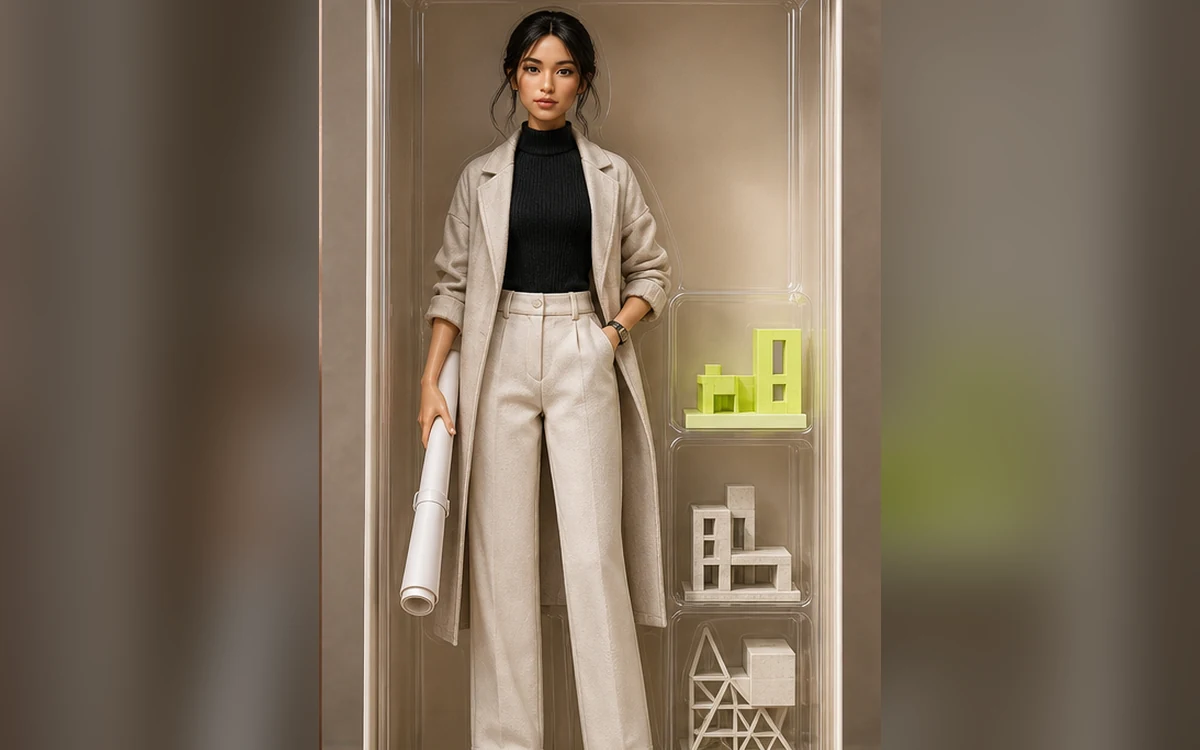
Career doll — Profession-inspired accessories in a brand-free set. 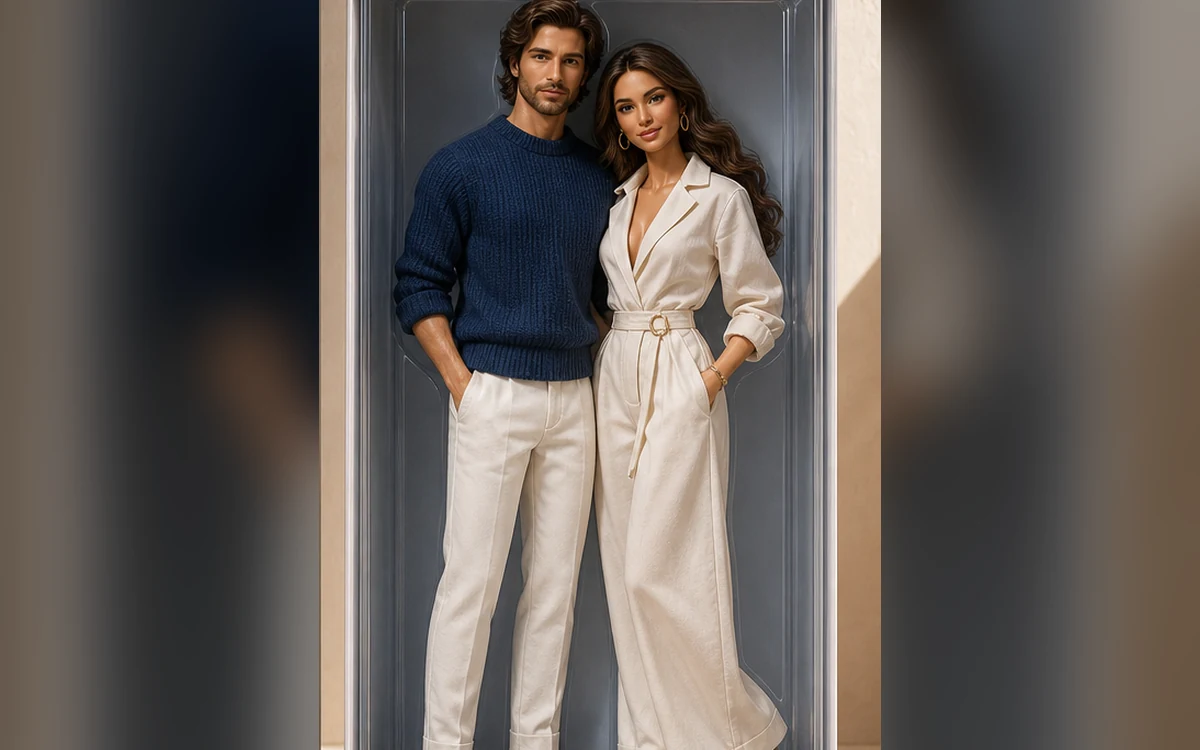
Duo box — Two recognizable people in one balanced collector set.
How Create an original AI doll box from your photo works
Start with a clear portrait or full-body photo so the face, hair and clothing cues are easy to read. The result should feel personal without recreating a commercial doll line.
Pick a fashion, career or duo direction. PrimeArt prepares a vertical composition and a prompt that keeps packaging text blank and the design brand-free.
What you can create
- Personal styling cues — Translate recognizable hair, color and outfit details into a toy-like fashion concept.
- Brand-free packaging — Use an original box shape, palette and accessory layout with no copied marks.
- Polished toy photography — Create believable plastic, fabric, reflections and retail-style studio light.
Popular use cases
- Fashion doll portrait — Turn a favorite look into a collectible display concept.
- Career doll — Use profession-inspired accessories without employer logos.
- Duo box — Create a balanced two-person collector set from two references.
- Birthday visual — Make a personalized digital surprise or invitation image.
Build an original doll box concept
Start with the person’s recognizable cues, then choose one wardrobe story, a restrained palette and a package structure. Accessories should explain the concept rather than fill every empty space.
A brand-free box makes the image more flexible for a personal post, invitation or mood board and reduces the chance of accidental endorsement or confusion.
- Visible face and outfit
- One fashion or career direction
- Limited accessory set
- No brand names or readable package copy
Common problems in AI doll images
Doll concepts can create plastic-looking human skin, inconsistent joint scale, duplicated accessories and distorted feet or hands. Duo boxes add the risk of swapped identities or uneven proportions.
How to evaluate a doll-box result
Compare the face, hairstyle and signature color cues with the source. Then inspect the full silhouette, hands, accessory compartments, transparent reflections and package edges at full size.
- Confirm each identity
- Check joint and body proportions
- Count accessories
- Reject copied or invented branding
How to get started
- Select the right crop for the doll concept — Use a full-body or three-quarter photo for fashion and career looks. For a duo box, provide one clear reference for each adult with comparable angles.
- Choose one styling story — Define fashion, profession or relationship, then use a limited palette and a small accessory set instead of combining unrelated themes.
- Review likeness, anatomy and package originality — Check both faces when relevant, inspect hands and proportions, and remove any result that resembles a commercial doll line or contains invented branding.
Frequently asked questions
- Can I make a doll box with two people?
- Yes. Use one clear reference for each adult and state the exact headcount. Similar lighting and angles make a balanced duo easier.
- Will the doll look exactly like the source?
- The prompt can preserve recognizable cues, but a stylized toy rendering may simplify facial detail, body proportions and clothing construction.
- Can I use a real doll brand in the design?
- The safer approach is an original fashion-doll concept with blank packaging and no protected name, logo, character or trade dress.
- How does the prepared Create an original AI doll box from your photo workflow continue in Studio?
- Use a full-body or three-quarter photo for fashion and career looks. For a duo box, provide one clear reference for each adult with comparable angles. PrimeArt carries this page's selected direction and format into Studio so you can begin with that specific setup instead of an empty prompt.
Open the prepared Create an original AI doll box from your photo setup
Use a full-body or three-quarter photo for fashion and career looks. For a duo box, provide one clear reference for each adult with comparable angles. Continue to Studio with this page's specific direction and format already selected.