Create with PrimeArt
Make Your Photo Look Like a Disposable Camera Shot
Turn a clean phone photo into the kind of imperfect flash snapshot you would find after developing a disposable camera. Recreate coarse film grain, uneven exposure, imperfect color and plastic-lens softness without adding an instant-print border.
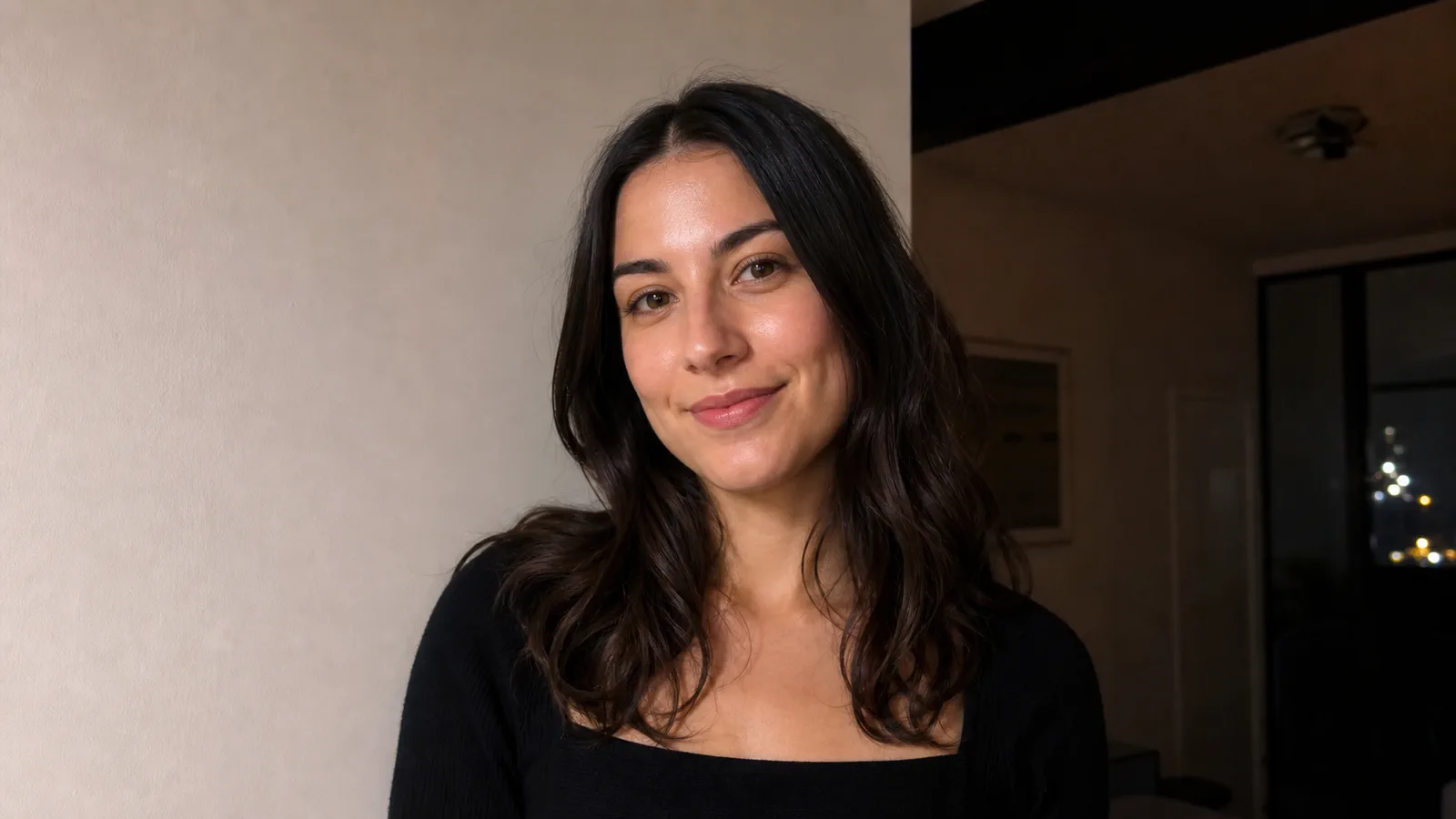
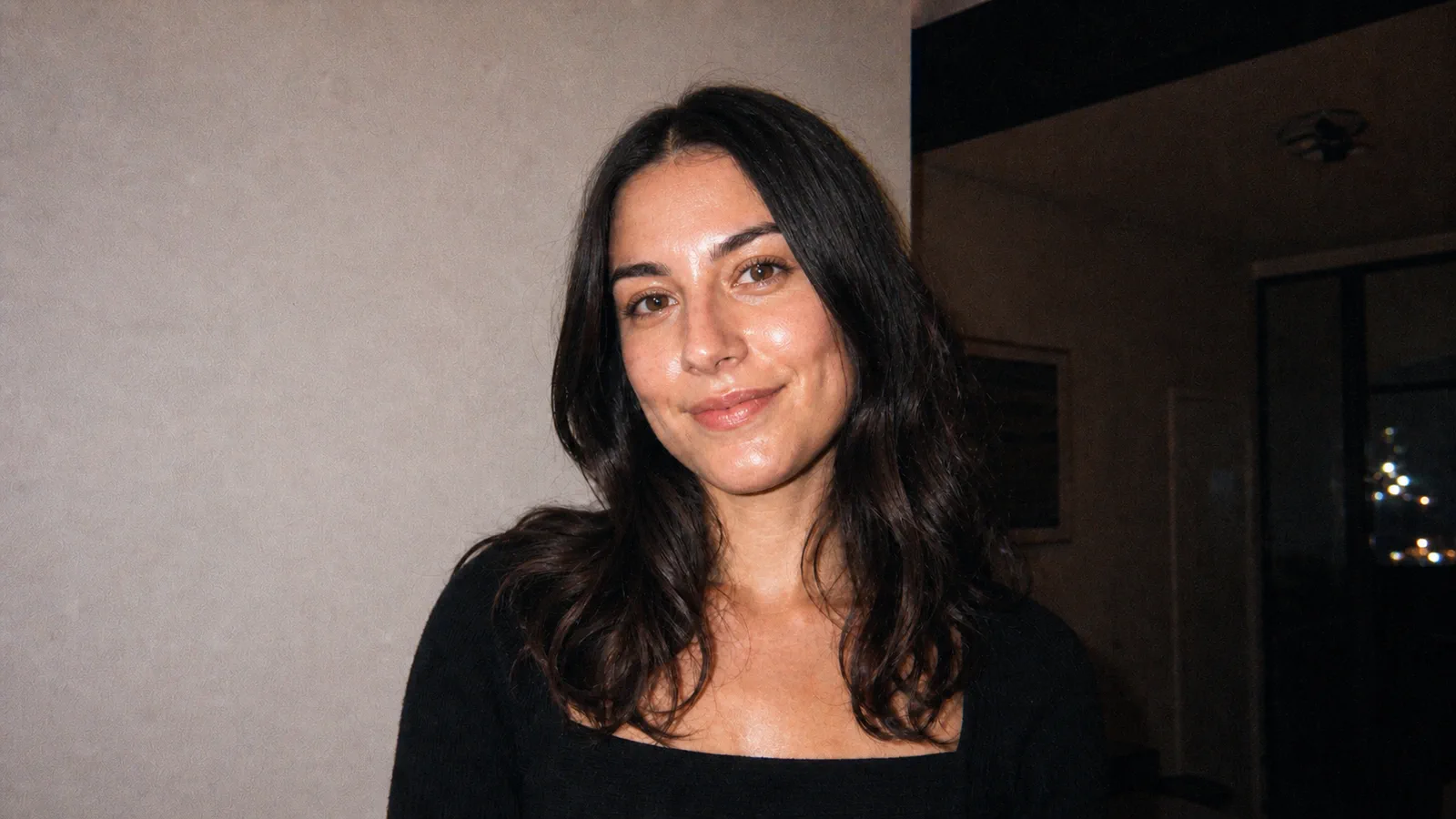
Example directions you can create
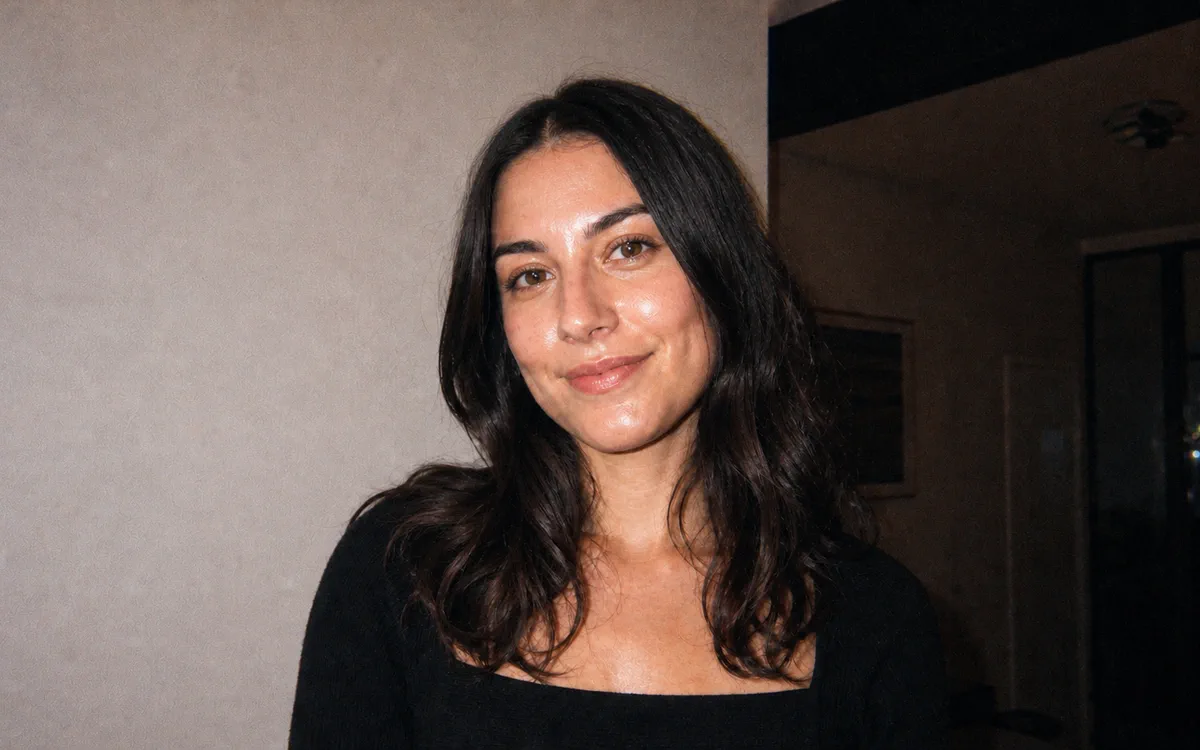
Classic Flash — Hard frontal flash, coarse 35mm grain and imperfect consumer-camera exposure. - Source
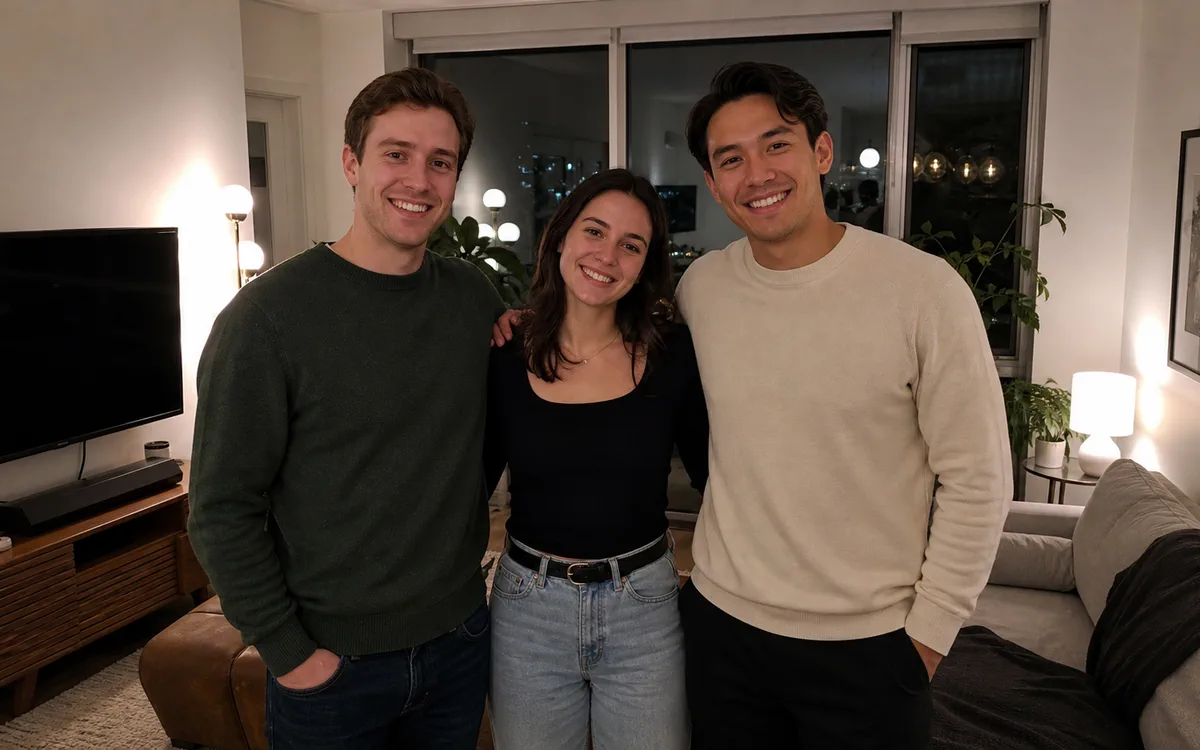 AI result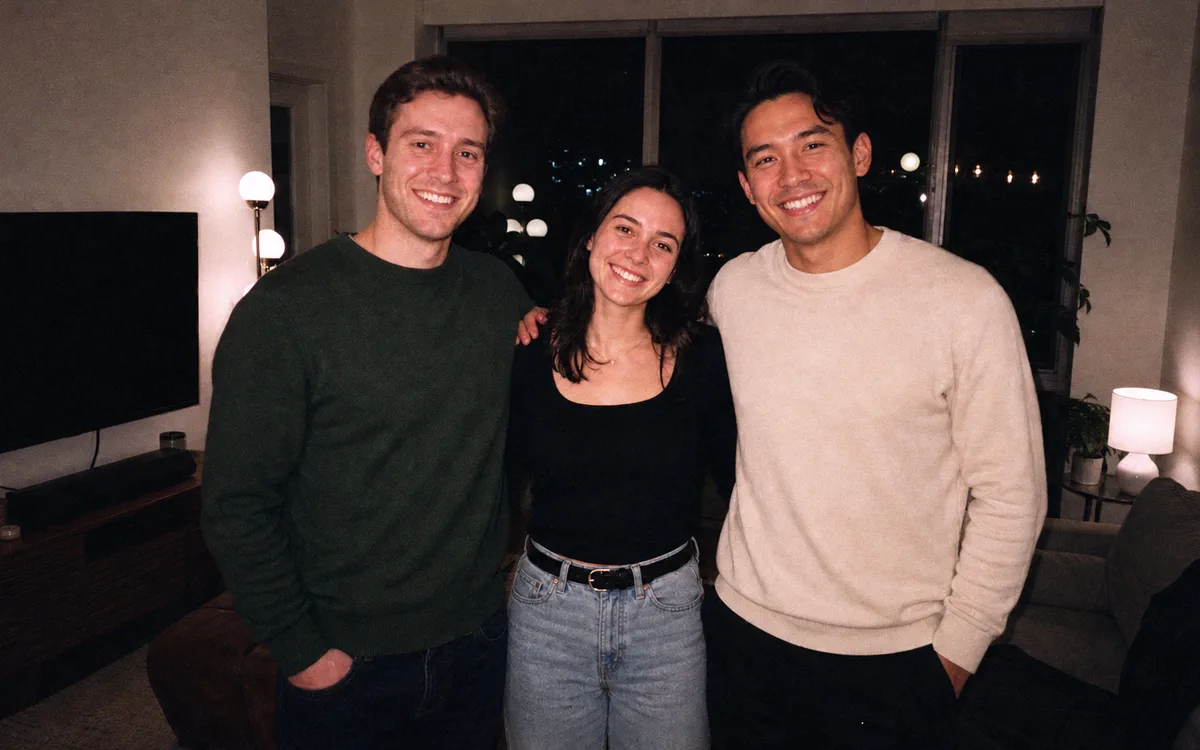
Night Party — Bright close subjects, deep ambient falloff and authentic low-light grain. - Source
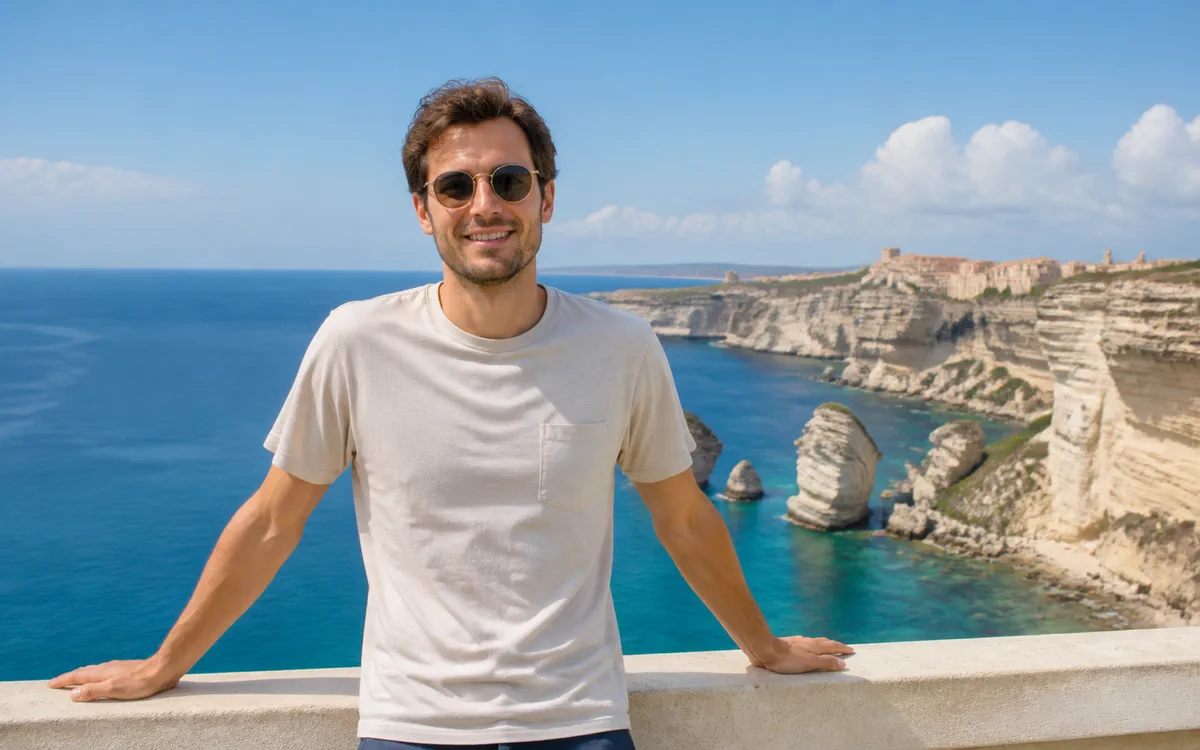 AI result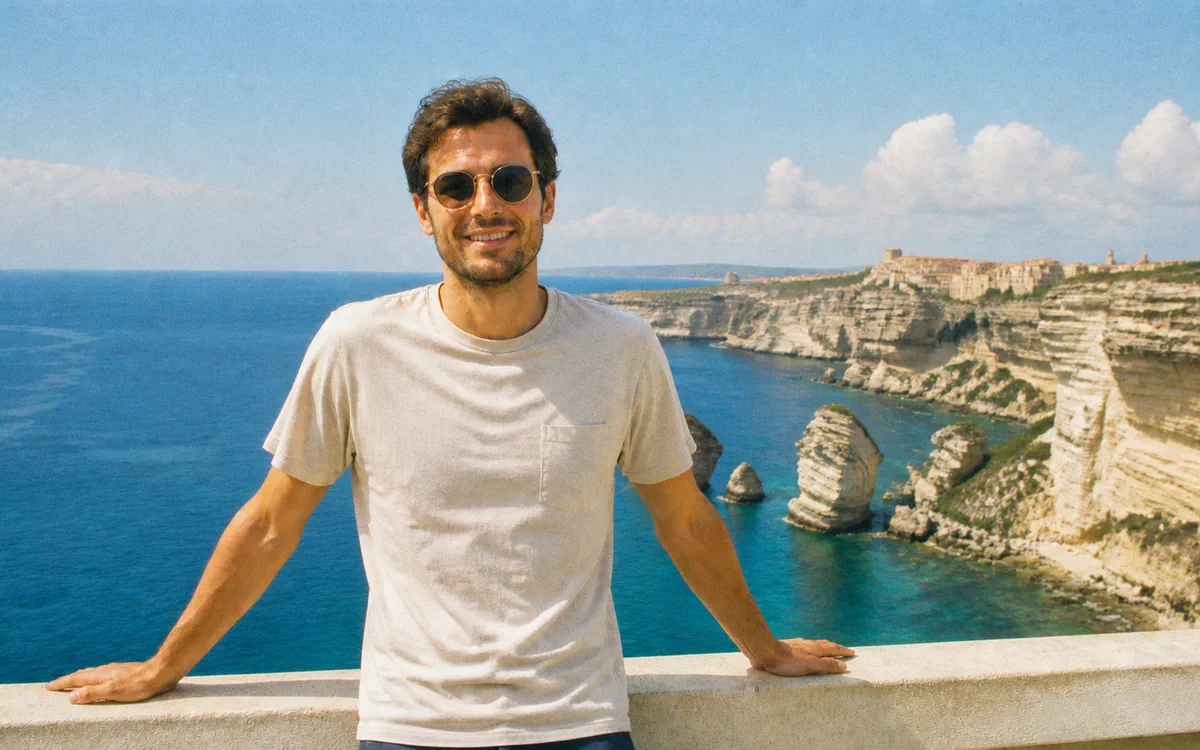
Outdoor Summer — Sunlit consumer-film color, gentle bloom and casually imperfect focus. 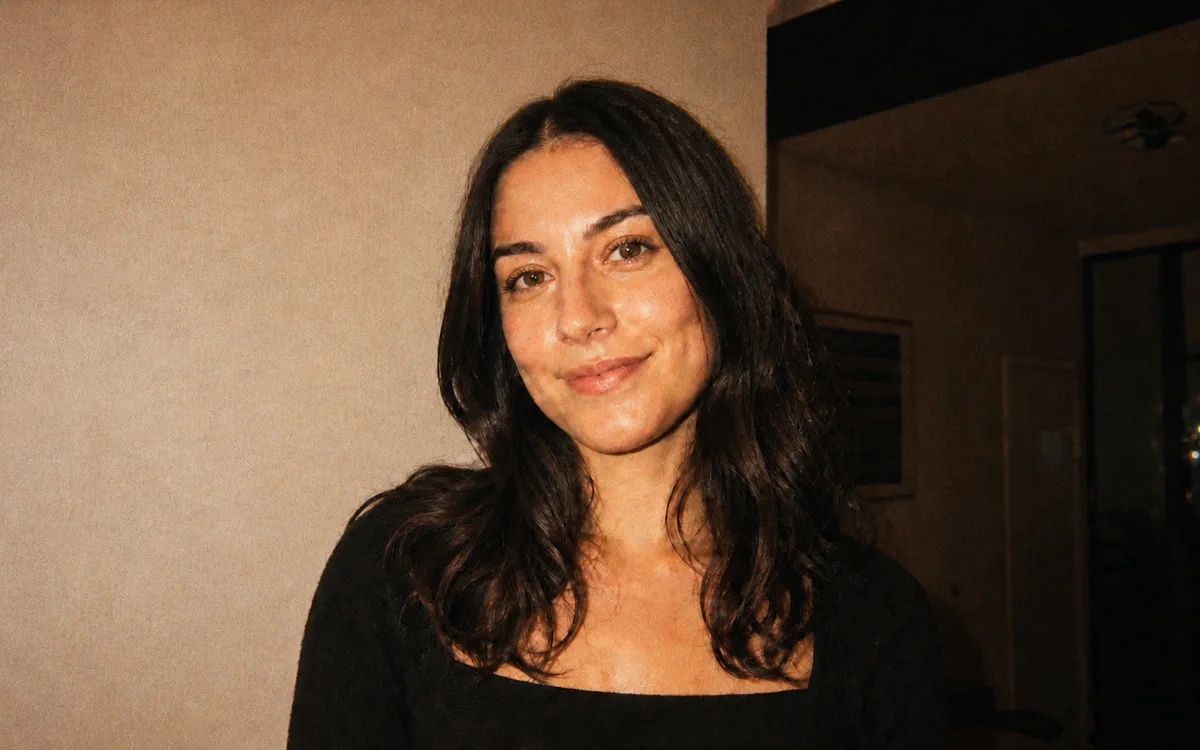
Warm 90s — Warm amber color, faded contrast and a well-kept family-snapshot feel. 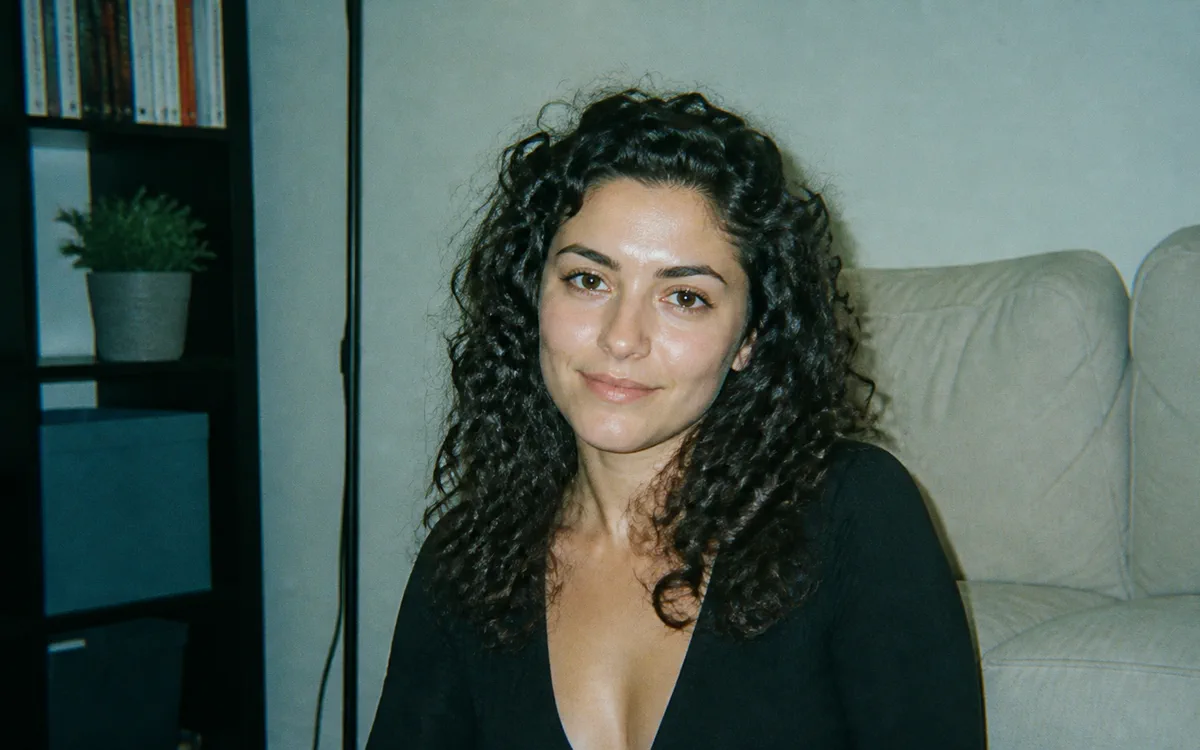
Cool Green — Cool consumer-film shadows with a subtle green cast and honest skin detail. 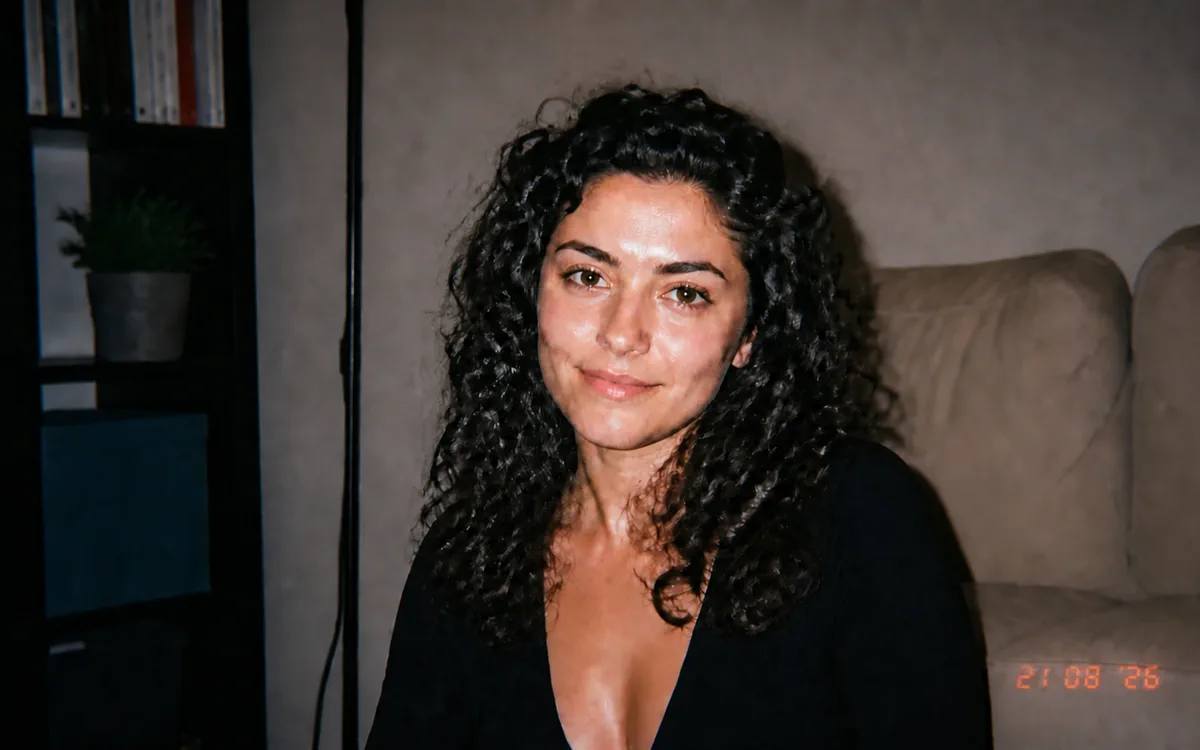
Date Stamp (opt-in) — The 35mm look with a date only after you enter the exact date yourself.
How Make Your Photo Look Like a Disposable Camera Shot works
Use a selfie, friendship photo, party picture, travel memory or everyday candid with a clear subject. PrimeArt keeps the people, setting and framing from the source while changing only the camera character.
Choose one of six deliberately different finishes. Classic Flash, Night Party, Outdoor Summer, Warm 90s and Cool Green add no text; Date Stamp stays off unless you explicitly provide the exact date to print.
What you can create
- Believable disposable-camera texture — Combine short-range flash, coarse 35mm grain, modest softness and uneven exposure without turning the image into a generic vintage wash.
- The source moment stays recognizable — Preserve every person, face, pose, garment, background object, crop and camera perspective from the uploaded photo.
- Clean output with an optional date — Add no frame, logo or invented writing; print a date only when the user supplies the exact value and asks for it.
Popular use cases
- Night-out snapshot — Give a party or concert photo hard flash, deep falloff and believable low-light grain.
- Summer memory — Translate a bright outdoor candid into consumer-film color with restrained highlight bloom.
- Friendship recap — Create one consistent analog finish for informal photos without restaging the people.
- Nostalgic personal archive — Use a warm or cool film response while keeping the original event and details intact.
What makes a disposable-camera look believable
A one-time 35mm camera does not create one uniform vintage overlay. At night, nearby subjects receive strong frontal flash while the room or street falls away quickly; in daylight, consumer-film color, modest lens softness and small exposure inconsistency matter more than flash.
Grain should vary with tone and remain in proportion to the image. Highlight bloom, corner softness and color shifts need to follow the existing light instead of covering skin, clothing and the background with the same texture.
- Short-range flash with rapid falloff
- Coarse, irregular 35mm grain
- Mild fixed-focus lens softness
- Uneven but still readable exposure
Disposable camera, 2016 aesthetic and instant print serve different intents
Use Disposable Camera when the goal is the optical and exposure behavior of an inexpensive one-time film camera. Choose the 2016 filter for pink-violet social-photo color and restrained digital nostalgia, or Instant Photo when a blank off-white print border is central to the result.
Keeping these workflows separate prevents the Disposable effect from drifting into a white-border mockup or a generic magenta retro filter. None of the presets uses a real camera or film-stock brand.
Input tips, date control and honest limitations
A sharp original with visible faces gives the edit more identity detail to preserve. Extremely dark screenshots, heavy compression, motion blur and tiny group faces leave less information and can produce stronger drift.
A generated date is visual text, so verify every digit after generation. The effect can simulate a camera finish, but it cannot prove when, where or with which camera the original moment was photographed.
- Check every identity and the exact headcount
- Confirm no object or background detail was invented
- Verify flash and shadows against the source
- Use only an explicitly supplied date and inspect every digit
How to get started
- Choose a photo with a clear real moment — Use a selfie, friendship photo, party picture, travel memory or everyday candid where faces and the main action remain readable. Keep the original crop when the composition is part of the memory.
- Choose one disposable-camera response — Pick flash, daylight, warm or cool film behavior rather than stacking every analog cue. Leave the date disabled unless you explicitly type the exact YYYY-MM-DD value you want printed.
- Compare the source before judging the style — First confirm every person, face, pose, garment, object and edge. Then check flash direction, grain scale, exposure falloff, color and any user-supplied date character by character.
Frequently asked questions
- How is this different from the AI 2016 Photo Filter?
- The Disposable Camera filter is camera-emulation-first: short-range frontal flash, coarse 35mm grain, uneven exposure and fixed-focus plastic-lens softness. The 2016 page targets a cleaner mid-2010s social-photo palette with pink highlights, violet shadows and digital texture.
- How is a disposable-camera photo different from an instant photo?
- A disposable-camera result fills the original frame and has no white instant-print border. The Instant Photo Generator deliberately creates a tactile blank print border with softer flash and a keepsake-like presentation.
- Will PrimeArt invent a date for the photo?
- No. Every preset forbids dates by default. The opt-in Date Stamp variant may print a date only when you explicitly supply the exact value in YYYY-MM-DD format; without that value it must leave the image undated.
- How does the prepared Make Your Photo Look Like a Disposable Camera Shot workflow continue in Studio?
- Use a selfie, friendship photo, party picture, travel memory or everyday candid where faces and the main action remain readable. Keep the original crop when the composition is part of the memory. PrimeArt carries this page's selected direction and format into Studio so you can begin with that specific setup instead of an empty prompt.
Open the prepared Make Your Photo Look Like a Disposable Camera Shot setup
Use a selfie, friendship photo, party picture, travel memory or everyday candid where faces and the main action remain readable. Keep the original crop when the composition is part of the memory. Continue to Studio with this page's specific direction and format already selected.