Create with PrimeArt
Create a nostalgic AI instant photo
Turn everyday pictures into warm instant-camera memories with imperfect flash, tactile film color and a clean blank border.
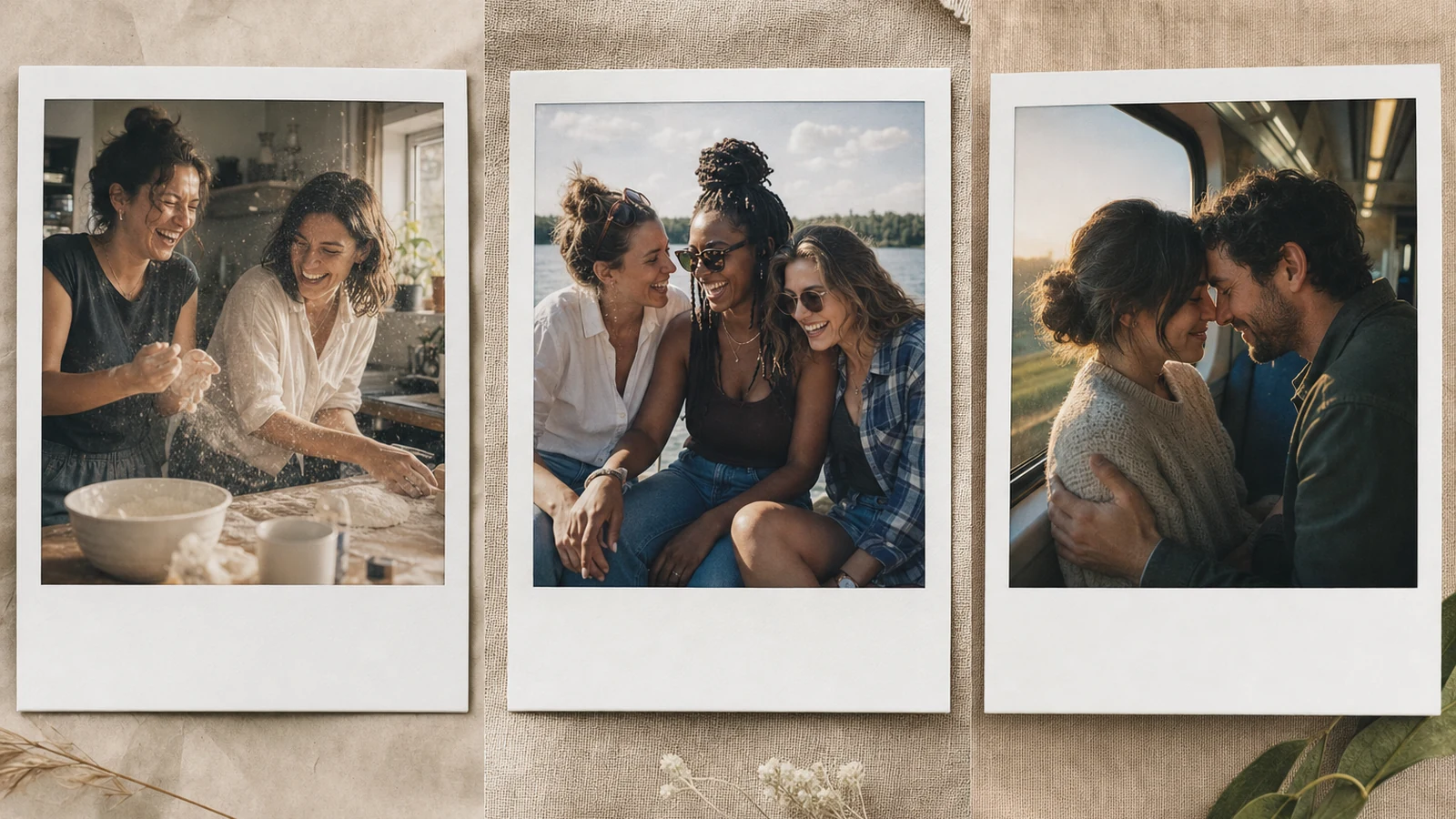
Example directions you can create
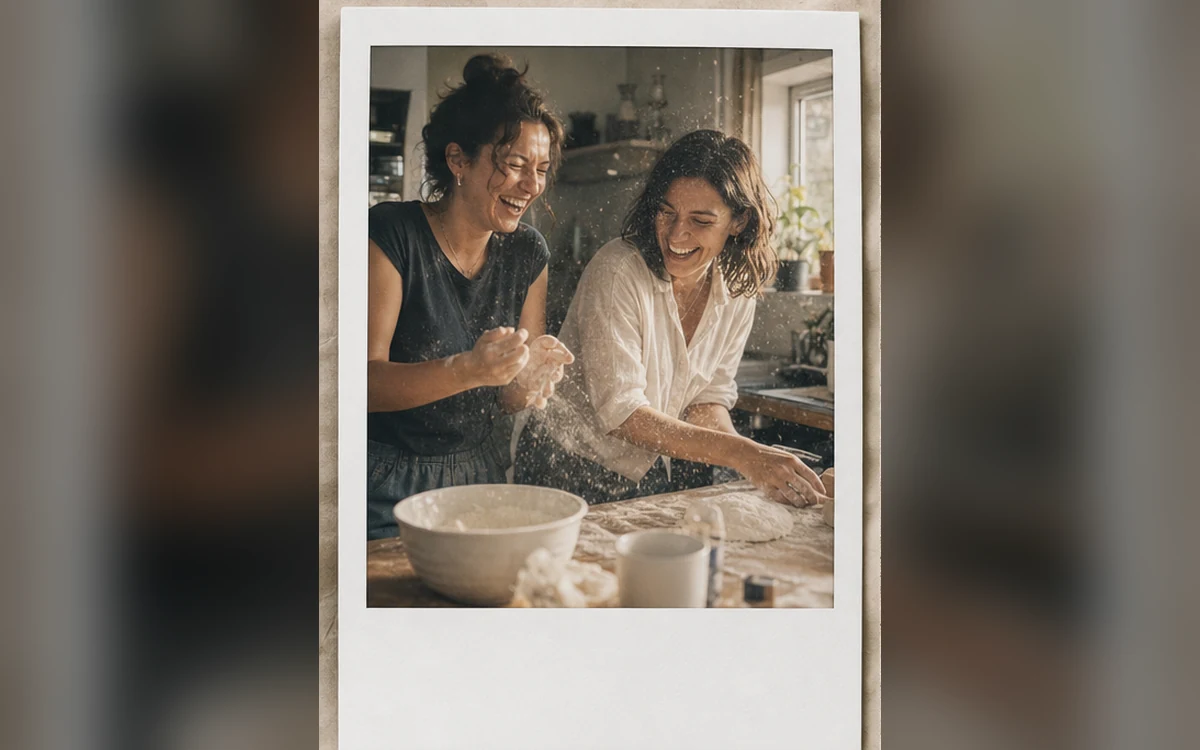
Candid memory — Warm flash, gentle grain and an imperfect real moment. 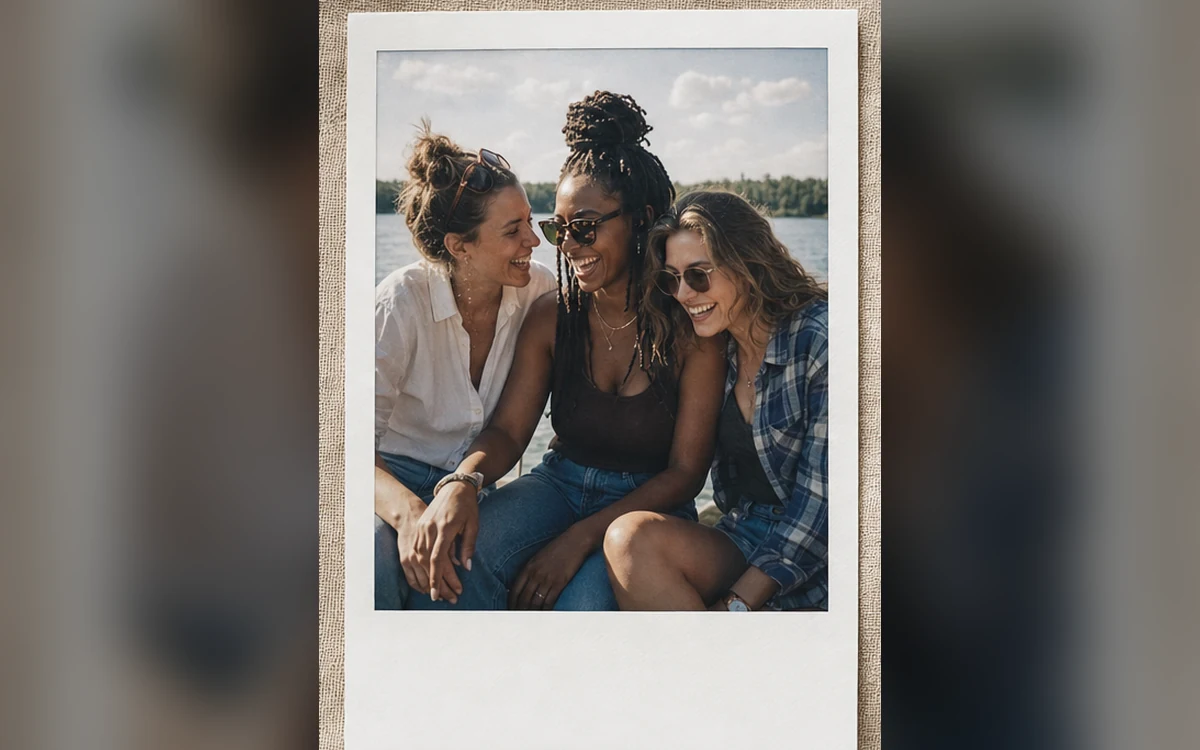
Best friends — A joyful close snapshot with casual party flash. 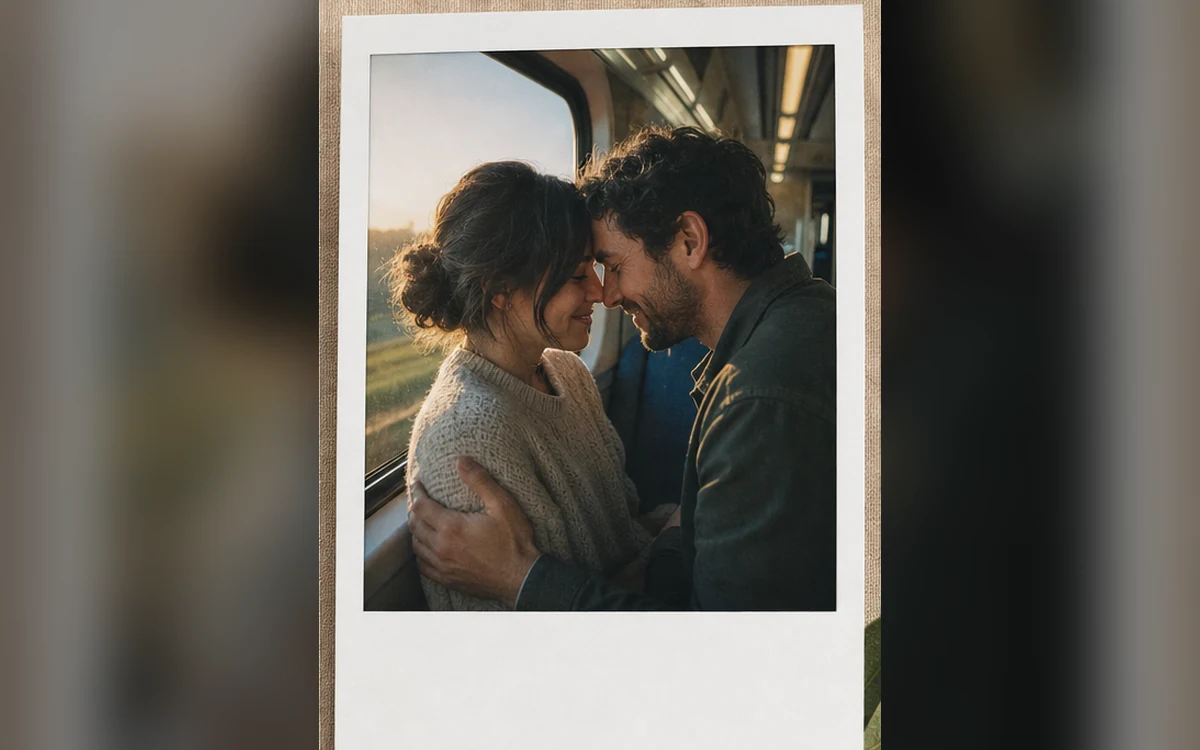
Couple keepsake — Quiet affection with soft indoor flash and film warmth.
How Create a nostalgic AI instant photo works
Use a candid portrait, couple photo or pet picture with a clear subject. PrimeArt can add the soft focus, flash falloff and restrained film imperfections associated with an aged instant print.
Choose a candid memory, friendship snapshot or couple keepsake. The border stays blank so you can add a date or note later in your own design tool.
What you can create
- Tactile film character — Add gentle grain, muted color and believable exposure variation instead of a plastic filter.
- Candid emotional framing — Favor natural gestures and imperfect crops that feel like a real memory.
- Clean blank border — Leave the instant-print frame free of generated dates, handwriting and logos.
Popular use cases
- Friendship memory — Create an informal snapshot for a birthday or recap post.
- Couple keepsake — Build a warm, understated two-person instant print.
- Pet snapshot — Give a favorite pet photo a tactile analog finish.
- Digital scrapbook — Prepare a blank-border image for a journal or collage.
What creates a believable instant-camera look
The strongest results combine modest direct-flash falloff, gentle grain, slightly imperfect focus and restrained color shift. Extreme scratches and heavy blur can hide the subject rather than create nostalgia.
- Soft direct flash
- Restrained film grain
- Slight optical softness
- Blank off-white border
Keep nostalgia from changing the people
Aged color and strong flash can alter skin tone, eye detail and hair edges. Ask to preserve identities explicitly and avoid adding new poses when the original relationship is important.
Quality checks for an instant-photo edit
Compare faces and body language first. Then inspect fingers, jewelry, background lines, border geometry and all blank areas for invented marks or pseudo-handwriting.
- Count every person
- Compare each face
- Check border geometry
- Add real captions separately
How to get started
- Choose a photo that already has a clear moment — Candid gestures, close relationships and simple scenes translate better than crowded group photographs or heavily compressed screenshots.
- Describe the film behavior, not a brand — Ask for direct flash, restrained grain, muted color, optical softness and a blank instant-print border. Keep the effect subtle enough to preserve faces.
- Compare the memory before and after — Confirm every identity and headcount, then inspect hands, background objects, the border and any area where accidental writing might appear.
Frequently asked questions
- Can I add a date or handwritten note to the instant photo?
- Generate a blank border first, then add accurate text in a design tool. Image models may misspell dates and names.
- Does the effect prove the photo was shot on film?
- No. It is a generated visual treatment, not evidence about the camera, date or authenticity of the original moment.
- Can I use several people in one instant photo?
- Yes, but make the headcount explicit and use clear references. Review each face separately because group identity is harder to preserve.
- How does the prepared Create a nostalgic AI instant photo workflow continue in Studio?
- Candid gestures, close relationships and simple scenes translate better than crowded group photographs or heavily compressed screenshots. PrimeArt carries this page's selected direction and format into Studio so you can begin with that specific setup instead of an empty prompt.
Open the prepared Create a nostalgic AI instant photo setup
Candid gestures, close relationships and simple scenes translate better than crowded group photographs or heavily compressed screenshots. Continue to Studio with this page's specific direction and format already selected.