Create with PrimeArt
Turn Any Photo Into a 2000s Digicam Shot
Recreate the hard direct flash, clipped highlights, dark falloff, cool CCD color and digital sensor noise of a late-2000s compact camera without buying a digicam.
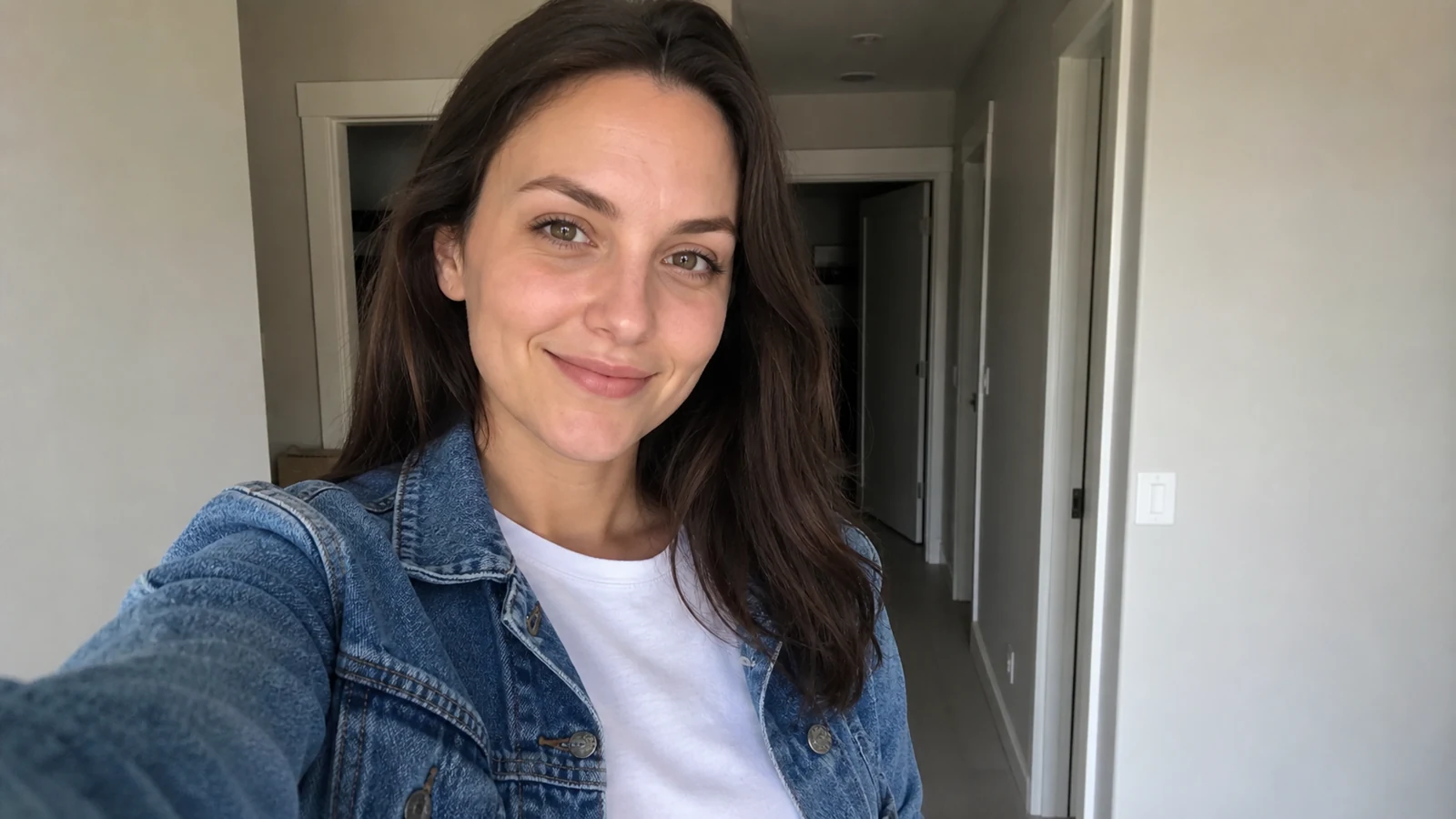
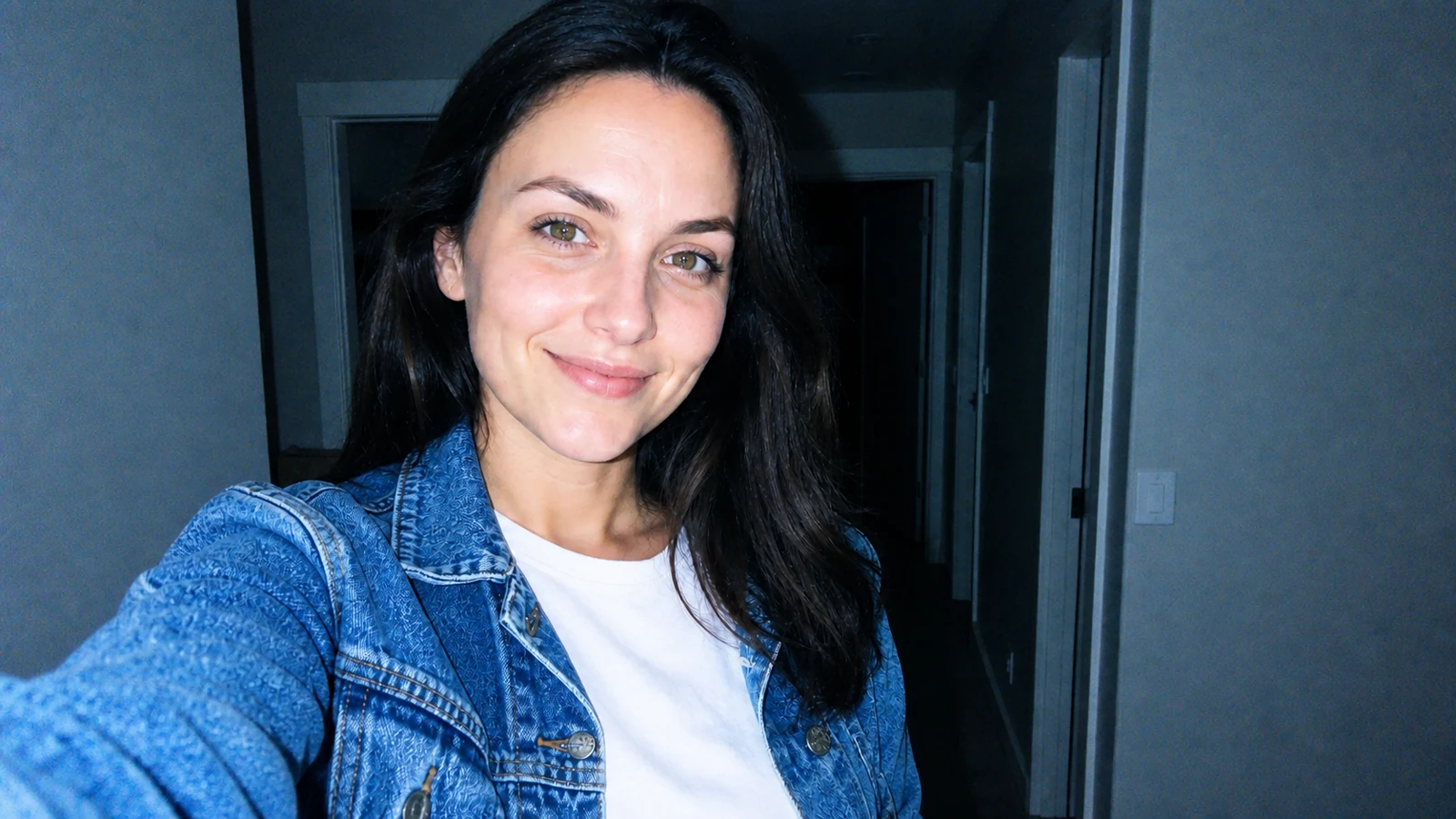
Example directions you can create
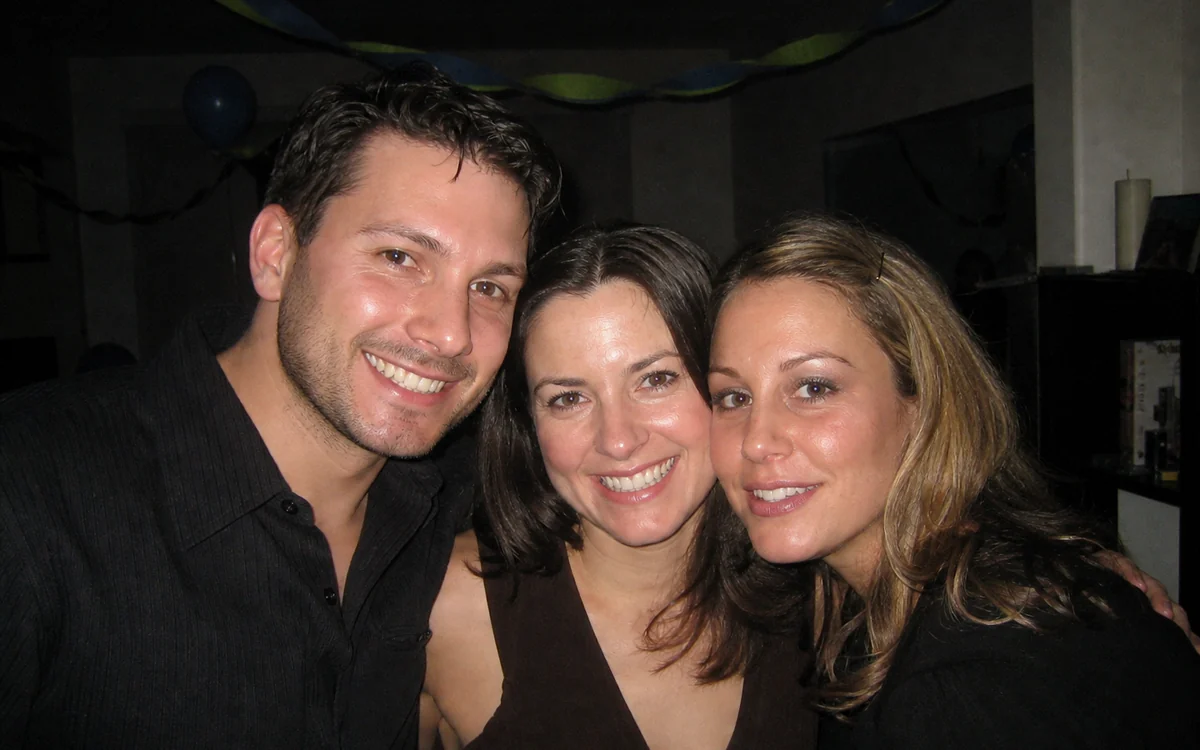
2007 Party Flash — Bright nearby faces, a hard wall shadow and fast falloff into a dark room. 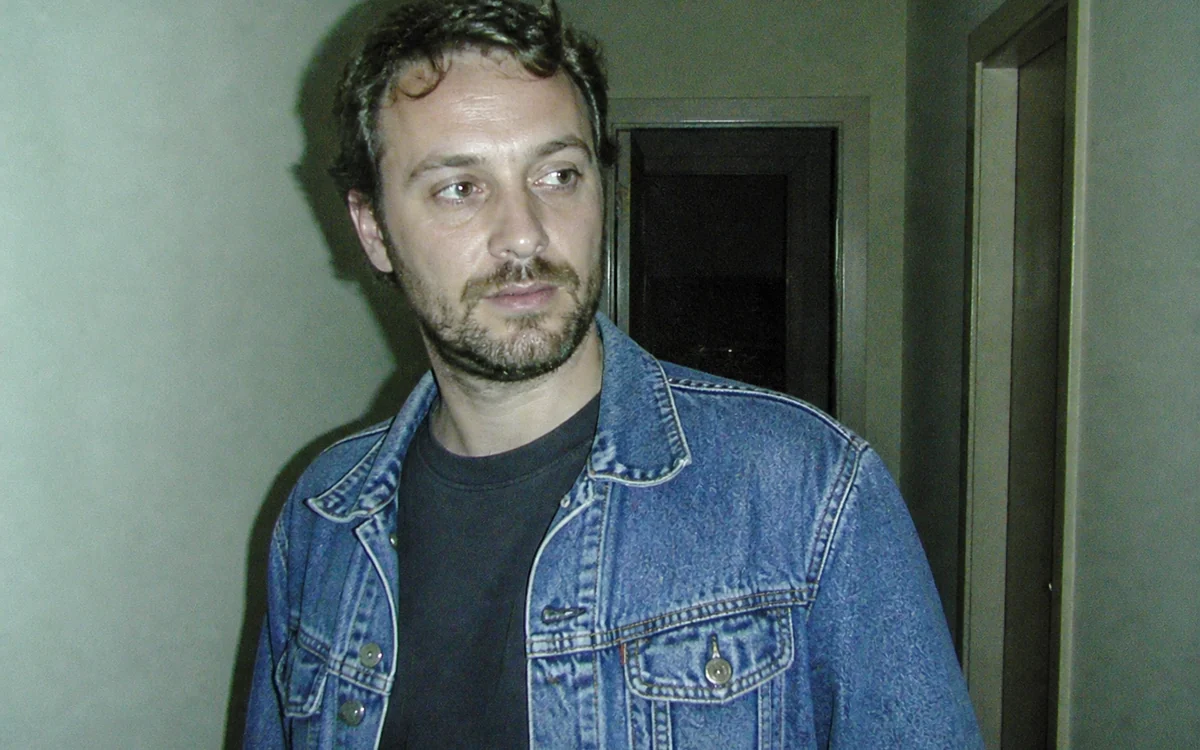
Dirty Flash — Rough overexposure, cool color drift and visible low-light sensor noise. 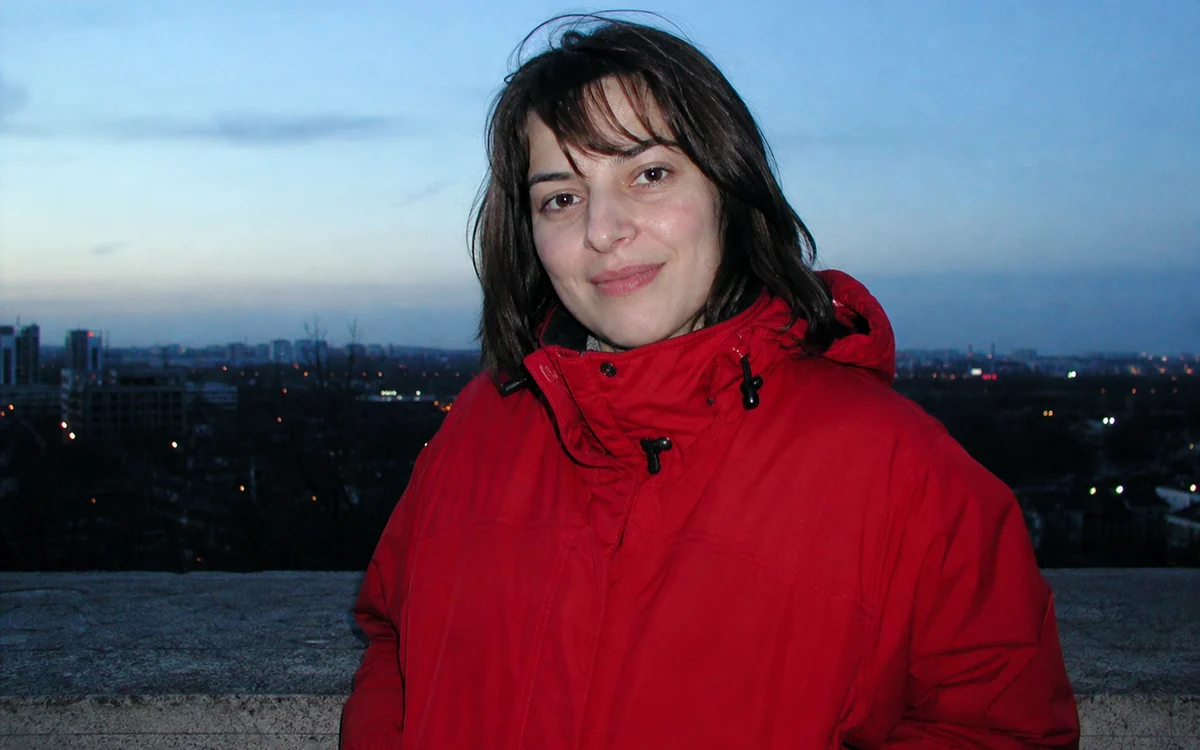
CCD Digicam — Cool CCD-like color, crisp edges and fine digital noise without film cues. 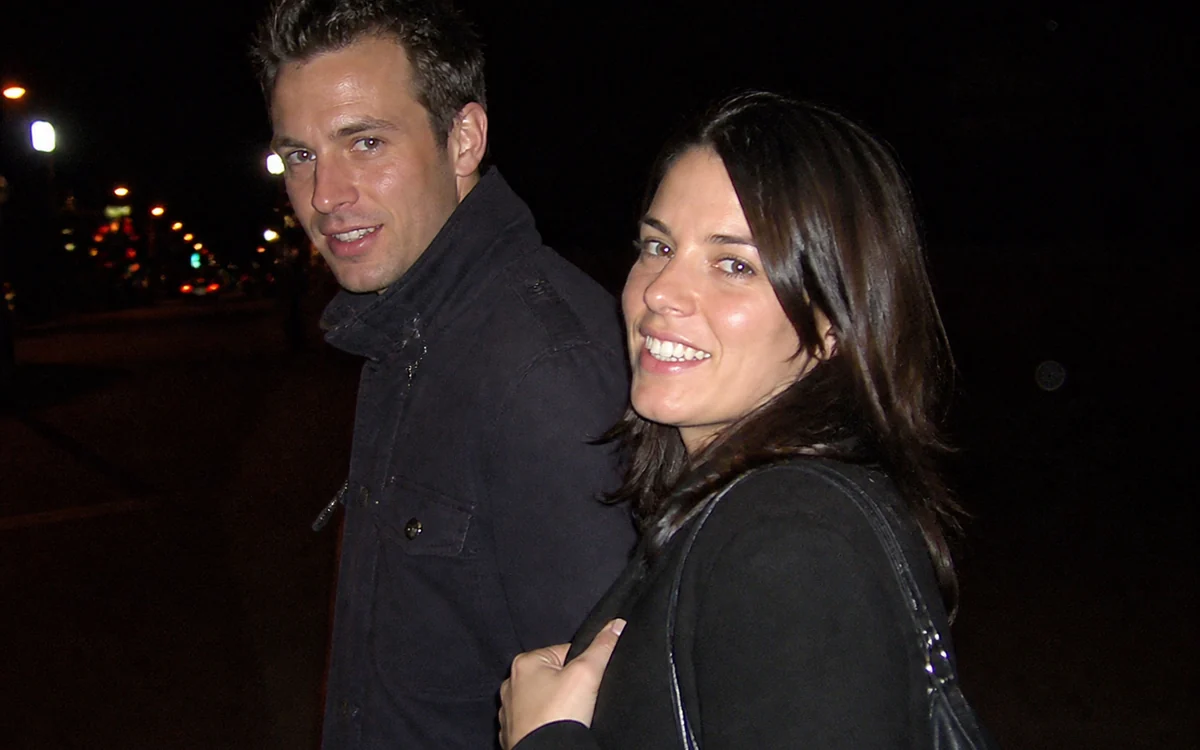
Night Out — Hard close flash, glossy highlights and saturated existing nightlife color. 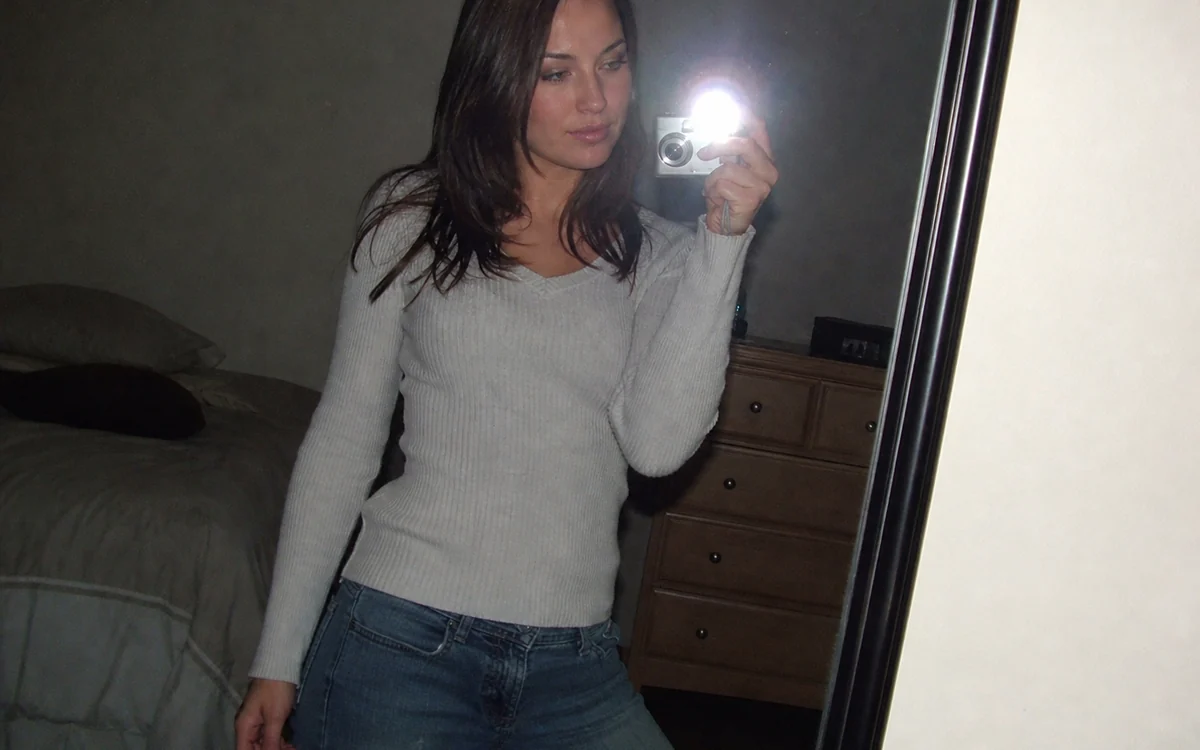
Y2K Mirror Selfie — A crisp mirror reflection with direct flash bloom and cool digicam color.
How Turn Any Photo Into a 2000s Digicam Shot works
Start with a clean phone selfie, mirror photo, friendship picture or night-out shot. PrimeArt keeps the people, pose, setting and framing recognizable while changing the response of the virtual camera.
Choose 2007 Party Flash, Dirty Flash, CCD Digicam, Night Out or Y2K Mirror Selfie. Each preset targets a different digital-camera finish and stays separate from 35mm film, instant-print borders and the pink-violet 2016 aesthetic.
What you can create
- Hard on-camera flash — Brighten nearby subjects, clip selected highlights and let the real background fall quickly into darkness.
- Believable compact-digital texture — Use cool CCD-like color, fine chroma noise and modest consumer-camera sharpening instead of analog film grain.
- The original moment stays yours — Preserve every face, pose, outfit, object and camera angle while changing only the photographic finish.
Popular use cases
- Night-out recap — Give a club, restaurant or street photo the bright-subject and dark-background flash look.
- Y2K mirror selfie — Add crisp flash reflections and cool digital color without inventing a different outfit or room.
- Party carousel — Apply one late-2000s compact-camera direction across friendship and celebration photos.
- Digicam look without a camera — Recreate inexpensive CCD-camera character from a phone photo before buying extra hardware.
What makes an AI flash filter look like a real digicam shot
A convincing AI flash filter follows compact-camera physics instead of placing one bright overlay on the frame. Nearby faces and reflective fabric catch the hard frontal flash, highlights may clip selectively, a coherent shadow appears behind the subject and ambient light falls away quickly.
The digital finish matters just as much: cool CCD-like color, fine luminance and chroma noise, restrained edge sharpening and mild compression character. Analog scratches, light leaks and heavy 35mm grain point to a different camera medium.
- Hard frontal flash with rapid falloff
- Selected clipped highlights
- Cool CCD-like color response
- Fine digital sensor noise
Digicam, disposable camera, 2016 filter and instant print are different intents
Use this digicam filter for a 2000s digital camera filter result: clipped electronic highlights, CCD-like color and sensor noise. Choose Disposable Camera for coarse 35mm film grain and plastic-lens softness, the 2016 filter for pink-violet social-photo grading, or Instant Photo when a blank white print border is central.
Keeping these pages and presets separate prevents the AI Flash result from becoming a generic vintage filter. The workflow never requires a real camera brand and does not claim that the source was captured on a historical device.
A lasting digicam revival with a specific social-photo effect
The broader digicam revival predates the effect. In July 2026, Digital Camera World reported that searches for "digicam" and "digi cam" had reached a ten-year high. SocialBee's Instagram trend tracker, updated August 26, still included its June 4 AI Flash entry.
For a reliable result, start with visible faces and coherent reflections. Very dark screenshots, heavy compression, motion blur and tiny group faces leave less identity detail to preserve; generated timestamps are visual text and always need a character-by-character check.
- Check every identity and the exact headcount
- Match flash shadows to the real scene
- Keep digital noise proportional to the image
- Use only an explicitly supplied date
How to get started
- Choose a clear phone photo with real flash potential — Use a selfie, mirror shot, friendship photo or night-out frame with readable faces and enough background to show rapid flash falloff. Keep the original crop when the candid composition matters.
- Pick one compact-digital response — Choose party flash, Dirty Flash, CCD Digicam, Night Out or a Y2K mirror selfie. Ask for hard frontal light, cool CCD-like color and fine digital sensor noise, not every retro cue at once.
- Compare the source before judging the style — Confirm every identity, pose, garment, device, reflection and background object first. Then check flash direction, clipped highlights, noise scale and any exact date you intentionally enabled.
Frequently asked questions
- What does the AI flash filter do?
- It changes a phone photo into a late-2000s compact-digital look with hard on-camera flash, bright nearby subjects, fast falloff to a dark background, cool CCD-like color and fine digital sensor noise.
- Do I need to buy a digicam for this look?
- No. The workflow is designed for image-to-image editing: upload an existing phone photo and simulate the camera response while keeping the original people, moment and composition recognizable.
- Can the AI flash filter add a timestamp?
- Yes, but it stays off by default. Enable it only when you want one, provide the exact date in YYYY-MM-DD format and inspect every digit after generation. PrimeArt does not infer a date from the image or current day.
- How does the prepared Turn Any Photo Into a 2000s Digicam Shot workflow continue in Studio?
- Use a selfie, mirror shot, friendship photo or night-out frame with readable faces and enough background to show rapid flash falloff. Keep the original crop when the candid composition matters. PrimeArt carries this page's selected direction and format into Studio so you can begin with that specific setup instead of an empty prompt.
Open the prepared Turn Any Photo Into a 2000s Digicam Shot setup
Use a selfie, mirror shot, friendship photo or night-out frame with readable faces and enough background to show rapid flash falloff. Keep the original crop when the candid composition matters. Continue to Studio with this page's specific direction and format already selected.