Create with PrimeArt
Create Your Kinda Chic Photo
Turn an everyday selfie into a candid, lightly analog Kinda Chic post with your own “Kinda chic to…” message in pale yellow.
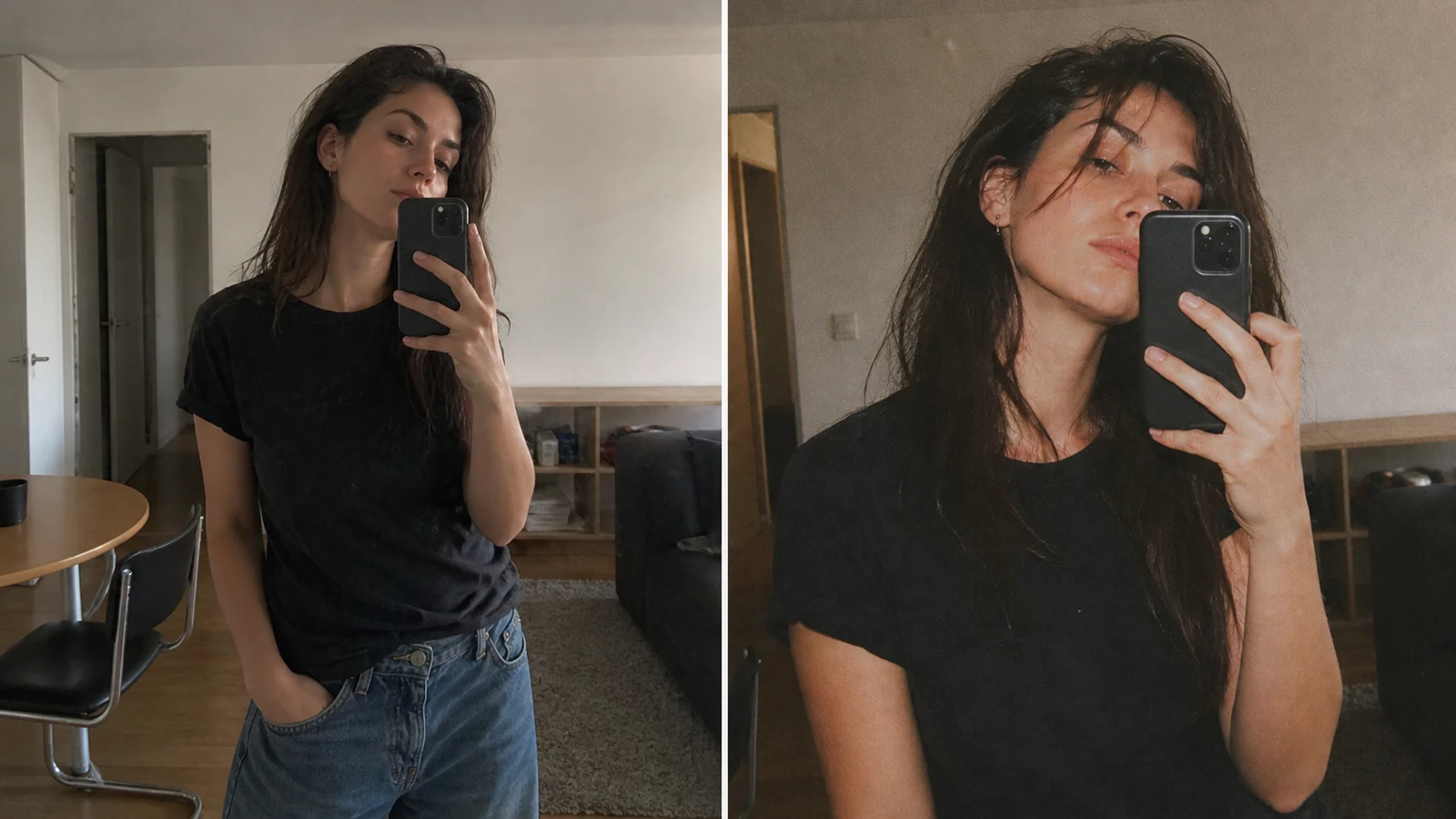
Example directions you can create
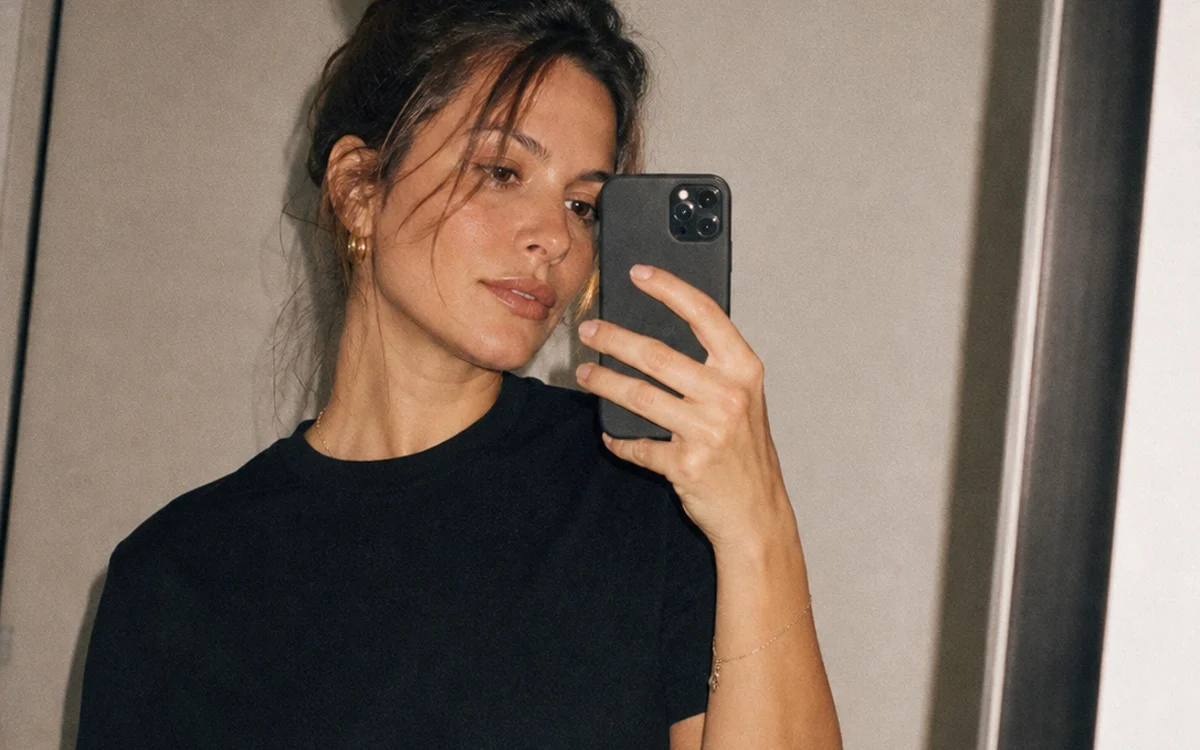
Mirror note — A close everyday selfie with a quietly confident line. 
Golden-hour thought — Warm late light, soft grain and a reflective caption. 
Night flash — Direct-flash energy with an imperfect compact-camera feel.
How Create Your Kinda Chic Photo works
Upload a clear selfie, mirror photo or candid portrait. PrimeArt keeps your identity recognizable while adding the close crop, soft grain, imperfect exposure and understated color that make the format feel personal.
Choose a mirror, golden-hour or night-flash direction, then replace the words after “Kinda chic to…” with your own thought. Keep the line short so the pale-yellow caption stays easy to read.
What you can create
- A recognizable personal photo — Preserve the face, pose and everyday details that make the result feel like your own moment.
- Understated analog character — Use restrained grain, gentle color drift and slightly imperfect framing instead of a heavy vintage filter.
- A clear Kinda Chic caption — Pair one concise “Kinda chic to…” line with simple pale-yellow type and no extra graphics.
Popular use cases
- Mirror selfie — Give a simple outfit or getting-ready photo the recognizable trend treatment.
- Personal affirmation — Turn a small boundary, choice or achievement into a self-aware caption.
- Golden-hour post — Combine warm natural light with a quieter reflective line.
- Night-out recap — Use direct flash and compact-camera texture for an imperfect social snapshot.
How to create a convincing Kinda Chic photo
Start with a believable everyday moment rather than a highly produced portrait. A mirror reflection, late-afternoon walk or direct-flash snapshot gives the analog texture and tighter crop something natural to work with.
Keep the treatment restrained: mild grain, gently faded color and small exposure imperfections should support the original photo, not replace its people, clothing or setting.
- One clear, recognizable subject
- A real everyday setting
- Restrained analog texture
- One pale-yellow caption
Write a “Kinda chic to…” caption that feels personal
The strongest lines are short, specific and quietly self-aware. Complete the phrase with one decision or observation, keep the capitalization simple and avoid stacking hashtags, emojis or a second message into the image.
Review the image before you post it
Check the face, hands, reflection, clothing details and background geometry first. Then verify every word, the pale-yellow color and caption placement; regenerate or add corrected type in a design tool if any letter is wrong.
- Identity matches the source
- No person or object was invented
- Caption wording is exact
- No extra text, logo or watermark
How to get started
- Choose a photo that already feels personal — Use a clear mirror selfie, candid portrait or night-out photo with one recognizable subject and enough real setting to keep the result grounded.
- Write one short “Kinda chic to…” line — Finish the phrase with a personal choice, boundary or small achievement. Keep it concise, then choose mirror, golden-hour or night-flash styling.
- Check identity and caption accuracy — Compare the face, pose, clothing and background with the source, then read the pale-yellow caption character by character before sharing.
Frequently asked questions
- What is the Kinda Chic photo trend?
- It pairs an ordinary, slightly imperfect personal photo with a self-aware line beginning “Kinda chic to…”. The understated image and concise pale-yellow caption are the core of the format.
- Can I write my own Kinda Chic caption?
- Yes. Replace the words after “Kinda chic to…” with a short line that sounds specific to you. Generate one caption only and verify the wording afterward.
- Will the Kinda Chic effect preserve my face?
- The presets explicitly ask to preserve identity, pose and clothing, but every generated result can drift. Compare the output with the source at full size before using it.
- How does the prepared Create Your Kinda Chic Photo workflow continue in Studio?
- Use a clear mirror selfie, candid portrait or night-out photo with one recognizable subject and enough real setting to keep the result grounded. PrimeArt carries this page's selected direction and format into Studio so you can begin with that specific setup instead of an empty prompt.
Open the prepared Create Your Kinda Chic Photo setup
Use a clear mirror selfie, candid portrait or night-out photo with one recognizable subject and enough real setting to keep the result grounded. Continue to Studio with this page's specific direction and format already selected.