Use one clear product reference to explore new scenes, surfaces, lighting setups and campaign compositions, then verify every result against the real item.
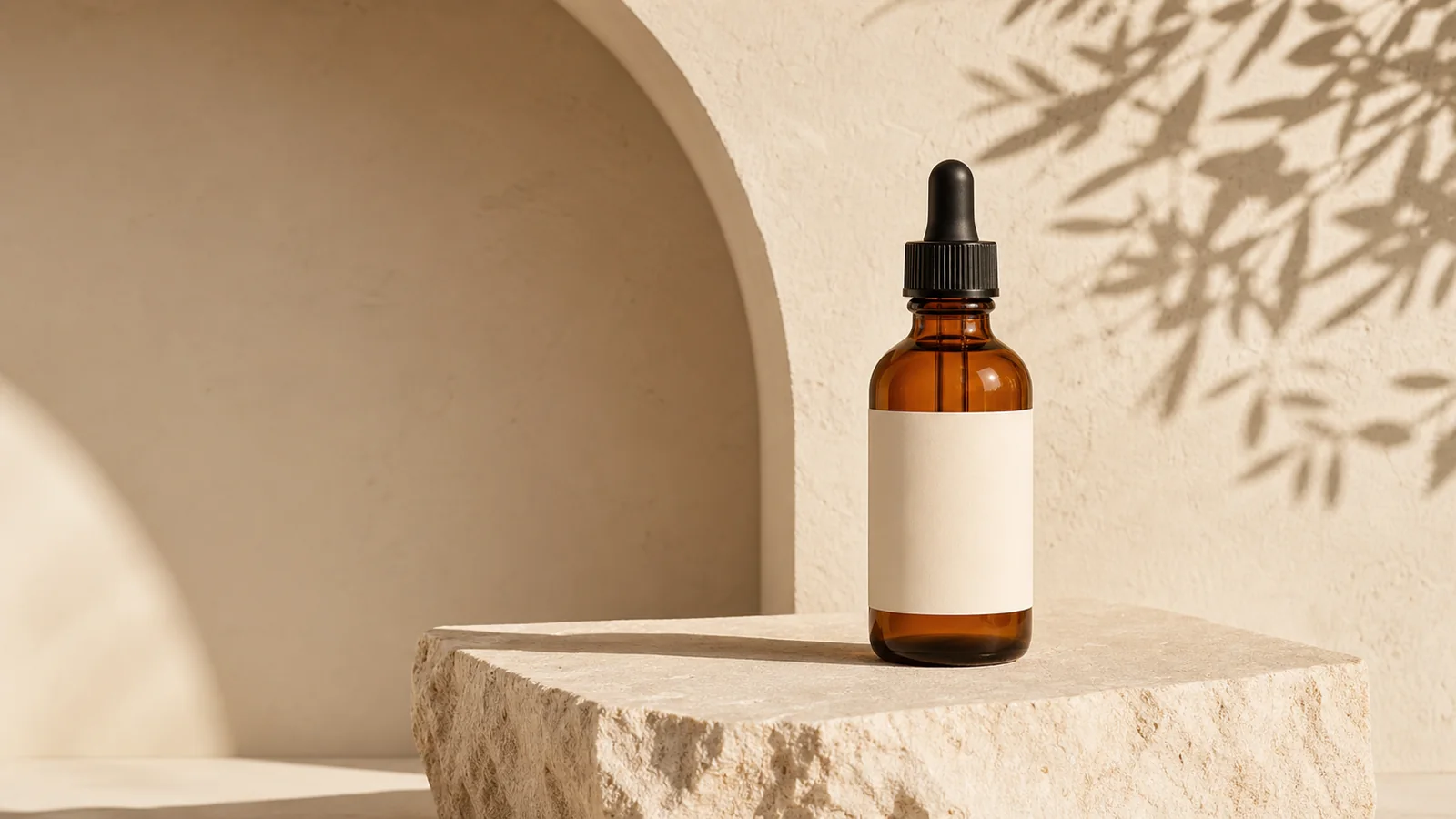
Skincare serum bottle in a warm lifestyle product photograph created with PrimeArt
Example directions you can create
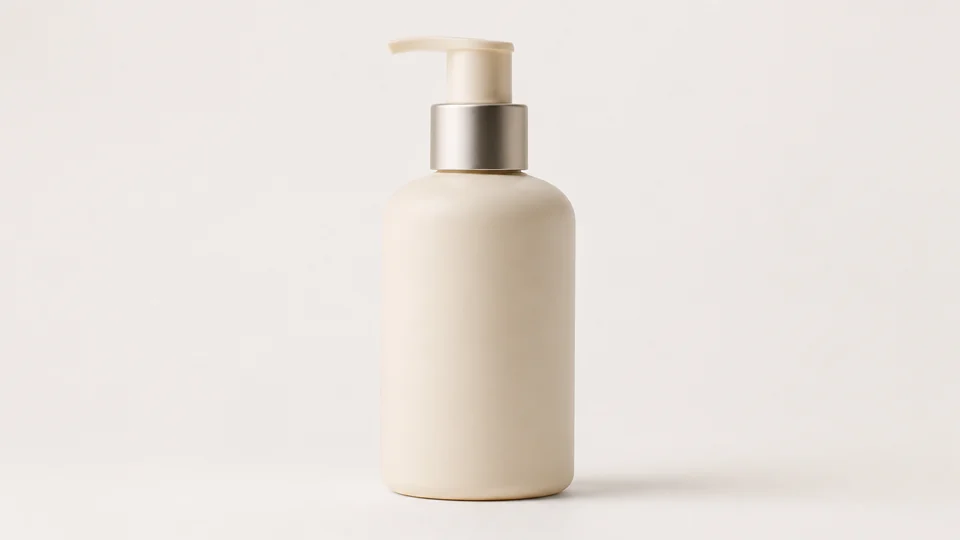
Clean studio — Bright ecommerce hero image with precise materials.
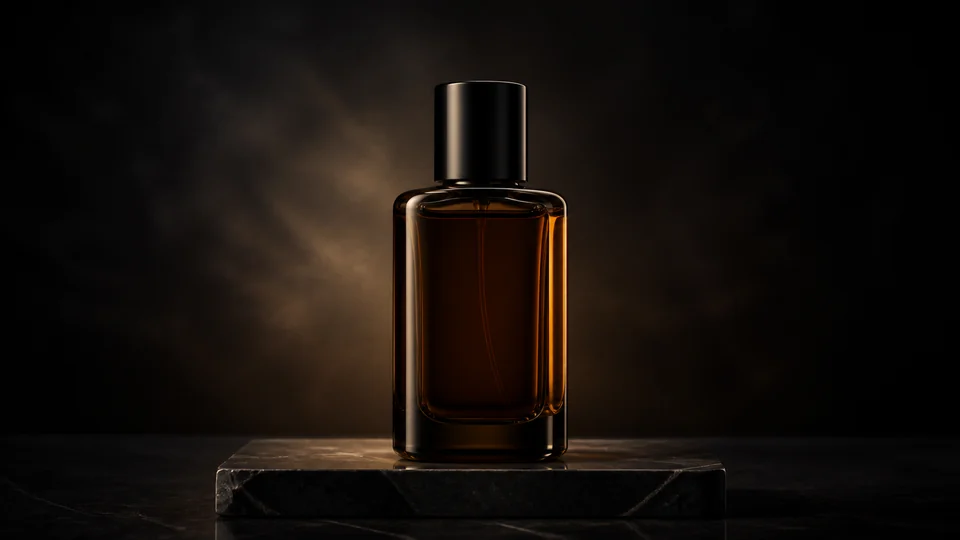
Luxury dark — Dark pedestal, rim light and elegant reflections.
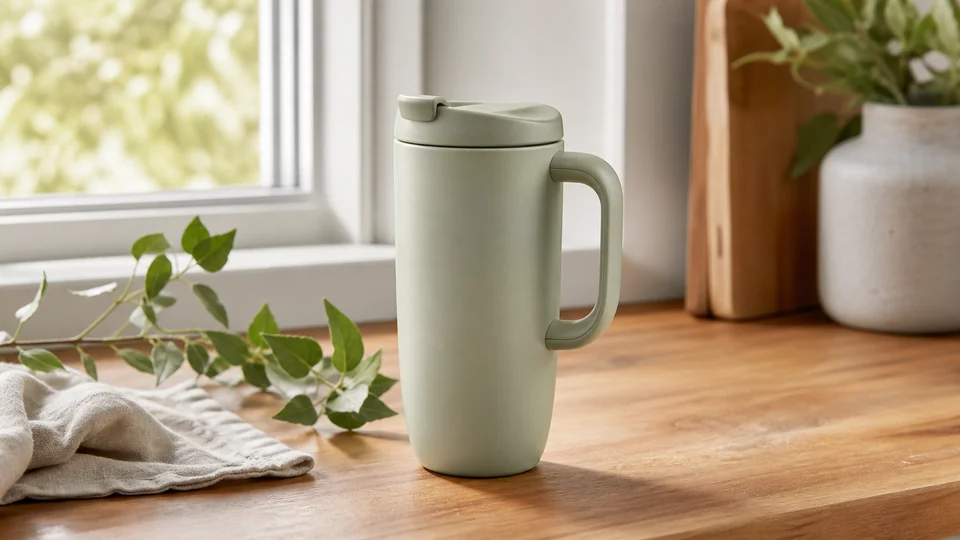
Lifestyle scene — Believable real-world setting with the product in focus.
How AI Product Photography from One Product Photo works
Start with one real product image when shape, material, color and packaging matter. A clean front or three-quarter view with visible edges gives the model more reliable information than a text-only description.
Use that reference to explore possible studio, lifestyle and advertising directions. Treat each generated output as a concept until labels, logos, geometry, reflections and every commercial claim have been checked against the approved product.
Prepare your photo and instructions
Choose a prompt below, adapt it to your photo and review the result in Studio. An account is required. Free image results include a PrimeArt watermark; paid image options are watermark-free and include 2K or 4K where shown in Studio.
Several scene concepts from one reference — Explore multiple visual directions without changing the approved source product between prompts.
Channel-aware composition — Plan clean ecommerce, lifestyle and paid-social layouts around the intended placement.
Fidelity-aware review — Check shape, color, packaging and text instead of assuming a plausible product is an exact reproduction.
Popular use cases
Clean white studio — Create a simple product-first composition with controlled shadows and clear edges.
Luxury dark studio — Explore a dark surface, restrained rim light and premium material treatment.
Indoor lifestyle scene — Place the product in a believable bathroom, kitchen or living context relevant to its real use.
Outdoor lifestyle scene — Test natural light and environmental context without inventing unsupported product features.
Paid-social composition — Leave intentional safe space for approved copy that will be added in an editable production layer.
Use one product reference across several visual directions
Keeping the same approved source makes the scene comparison more useful. Change the environment, surface, light and composition while asking the product shape, material, color and component count to remain fixed.
A front or three-quarter reference with clean edges is usually the strongest starting point. Add extra angles only when the workflow supports them and the additional view is consistent with the same physical item.
Use one approved source product
Protect shape, color and material
Change scene and light deliberately
Compare every output with the same reference
Product-image generation has fidelity limits
AI may modify text, logos, labels, reflections, exact geometry, tiny product details and packaging elements. A result that looks commercially polished can still depict the wrong item.
Keep regulated claims, prices, exact typography and legal copy outside the generated image. Add and verify them in an editable production layer after the product visual has passed review.
Product fidelity checklist before commercial use
Compare the generated object with the approved product reference. Verify dimensions, color, materials, component count, packaging, label text, logo placement and any accessory shown in the scene.
Do not publish a generated feature, quantity or use case that the real product does not have. Keep exact claims, prices and typography in an editable production layer and follow the requirements of the marketplace or advertising channel.
Verify shape, scale and component count
Match color and material to the real item
Check labels, logos and packaging text
Remove invented features and unsupported claims
White-background product photos or lifestyle scenes?
For a clean product-first image, request a plain white studio background, the entire product in frame, soft light and a restrained contact shadow. Keep accessories and decorative text out of the prompt so the item is easy to inspect.
For lifestyle product photography, choose a setting that explains the real use of the item: a skincare bottle on a bathroom counter or a mug on a table. Keep props behind the product and leave room for the intended crop. White backgrounds and lifestyle scenes serve different image roles; check the requirements of your destination before publishing either.
Refresh a product scene for a seasonal campaign
Keep the same approved product reference while changing the surrounding palette, surface, light or seasonal props. A warm autumn setting, a winter tabletop and a bright summer scene can be explored without asking for a new label, pack size or product design.
Decide where copy will go before generating the composition. Request uncluttered space for a later headline or offer, then add exact text in your design workflow. Compare the product across versions so a seasonal variation does not become a different item.
Product photography prompts from one reference
Paste a prompt into the photo instructions above using a clear photo of your actual product. Choose the scene you need, then compare the generated item with that same reference.
Create a clean white studio shot
Start with: A sharp product photo with complete packaging, accurate color and readable edges.
Place the product from this reference on a clean white studio background. Keep its shape, proportions, material, color, cap and packaging details as close to the source as possible. Use soft frontal lighting, a subtle contact shadow and a straight, balanced presentation. Show the entire product with comfortable space around it. Add no accessories, decorative text, reflections that hide the label or extra items.
Check the result: Check the product outline, cap, color and label against the original. Review the destination marketplace's image requirements before use.
Start with: A reference photo of a skincare bottle; adapt the room and surface to your product.
Place this skincare bottle on a pale stone bathroom counter beside a softly blurred window. Keep the bottle design, proportions, cap, color and label placement consistent with the reference. Use gentle morning light and one folded neutral towel well behind the product. Make the bottle the clear focal point, with realistic scale and a natural contact shadow. Avoid water droplets covering the packaging.
Check the result: Compare packaging, logo and bottle proportions with the source. Check that the scene does not imply a product feature that is not real.
Start with: A complete product photo for an ad layout; add exact copy later in your design tool.
Create a clean product campaign composition using this reference. Position the product in the right third of the frame on a matte, softly lit surface. Keep its silhouette, packaging, color and visible details consistent with the source. Leave the left half as uncluttered pale background for copy to be added later. Use gentle directional light and a grounded shadow. Generate no text, badges or price labels.
Check the result: Confirm that the product remains accurate and the empty space fits your layout. Add approved typography and prices in an editable design layer.
Upload one approved product photo — Use a sharp source with accurate color, visible edges and enough detail to review packaging and materials.
Describe the new scene and placement — Specify the surface, environment, light, camera crop and intended channel while protecting product details.
Verify fidelity before commercial use — Compare shape, color, labels, logos, geometry, quantity and reflections with the real item.
Frequently asked questions
Can I create several product scenes from one photo?
Yes. Use one clear, approved product reference and change the environment, light, surface and composition while protecting the item itself.
Will labels, logos and packaging remain exact?
Not always. AI can change typography, logos, reflections, geometry and small packaging details, so compare every result with the real product.
Can I use a generated product image for ecommerce or advertising?
Only after verifying product fidelity, claims and placement rules. Add exact prices, legal copy and critical typography in an editable production workflow.
Do I need an account and how do image outputs work?
Sign in before creating a product scene. Free product-image results carry a watermark. Watermark-free paid image options offer 2K or 4K where Studio lists them. Buying later does not rewrite an earlier watermarked output.
Can I create a white-background product photo from a phone photo?
Use a sharp photo of the complete item with accurate color and clear edges. Ask for a plain white studio setting and soft contact shadow, then check packaging and product shape against the source. Review the destination requirements before publishing.
When should I choose a lifestyle product scene?
Choose lifestyle photography when context helps explain the item, such as a mug on a table. Keep scale, intended use and props believable, and verify that the scene does not suggest features the product does not have.
Can I reuse the same product photo for a seasonal campaign?
Yes. Use the same approved reference and change the environment, light or seasonal props. Keep the product design fixed in the instruction and compare labels, colors and proportions across every version.
Upload one product photo to explore new scenes
Start with an approved reference, describe the placement and verify every commercial detail against the real product.