Create with PrimeArt
AI Ad Generator for Static Creative
Turn a product photo, offer and creative direction into static ad concepts for paid social, campaign reviews and visual testing.
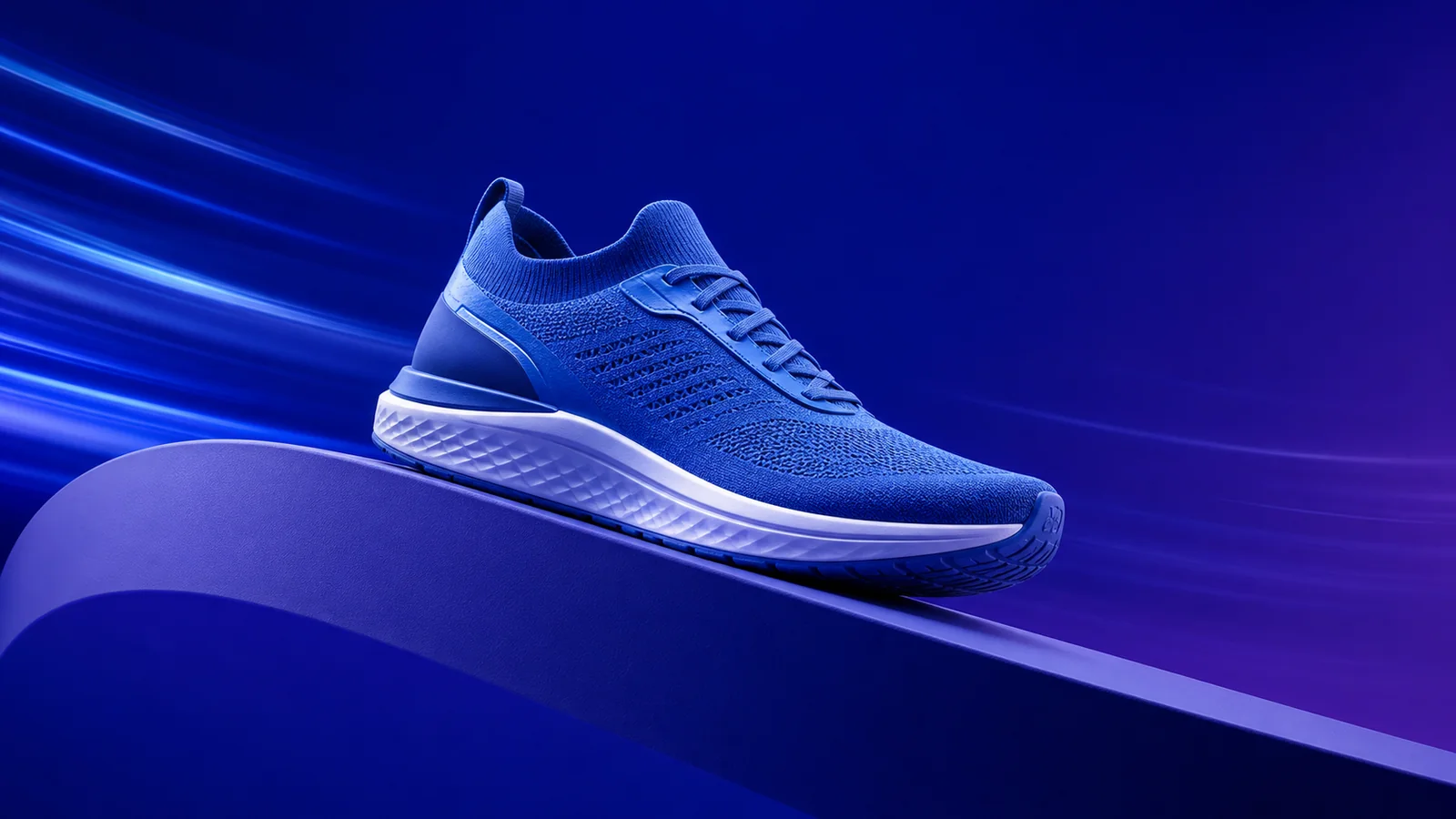
Example directions you can create
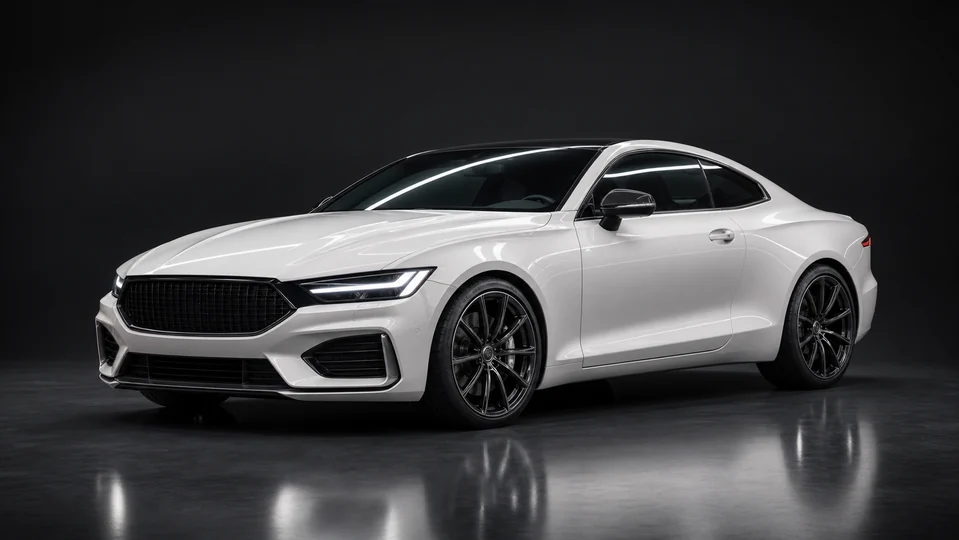
Clean auto studio — Controlled strip lights and precise body reflections. 
Luxury dark — Dark pedestal, rim light and elegant reflections. 
Sunlit garden — Natural greenery and soft outdoor depth.
How AI Ad Generator for Static Creative works
PrimeArt helps generate the visual layer of a static ad: the product scene, composition, focal point, mood and space for approved copy. It is not a media-buying platform or an automatic campaign manager.
Start with one audience, one offer and one visual angle. Generate several distinct concepts, then add verified copy, pricing, logos and legal text in your production workflow.
What you can create
- More creative directions — Explore product-first, lifestyle, problem-solution and seasonal concepts from one brief.
- Faster visual reviews — Give a team concrete options to discuss before investing in final production.
- Channel-aware compositions — Generate square, vertical or landscape directions with a clear focal point and room for copy.
Popular use cases
- Paid-social concepts — Create static visual directions for Meta, Instagram, TikTok placements and creative review.
- Product launch creative — Explore hero scenes, benefit-led compositions and launch campaign moods.
- Seasonal promotions — Test holiday, sale and event concepts before producing final approved ads.
- Creative testing plans — Generate meaningfully different visual angles instead of changing only the background color.
A better prompt for AI ad creative
Describe the ad as a commercial composition, not only as a beautiful picture. Include the audience, product, benefit, environment, placement and the visual hierarchy you want the viewer to notice.
Ask for clean negative space when final copy will be added later. Generated typography and logos can be unreliable, so keep critical text in an editable production layer.
- One audience and one offer
- Clear product or subject reference
- Named placement and aspect ratio
- Space for approved copy and CTA
What this AI ad generator does—and does not do
PrimeArt generates static visual concepts. It does not promise conversion performance, purchase media, write verified legal claims or replace the final brand and compliance review.
Use the result to accelerate ideation and creative testing, then finish the ad with accurate copy, brand assets and platform-specific requirements.
Preflight a generated static ad concept
Confirm that the product, pack size, color and included components match the approved source. Check the chosen aspect ratio and safe area against the actual placement before handing the visual to production.
Add verified price, offer terms, claims, logo, disclosure and call to action outside the generated image. A visually plausible concept still requires brand, legal and platform review before it becomes an advertisement.
- Verify the product against approved assets
- Check crop and safe area for the placement
- Add exact copy and pricing in production
- Complete brand, legal and platform review
How to get started
- Define audience, offer and channel — A static feed ad needs a different crop and information hierarchy than a vertical story placement.
- Upload the approved source — Use the real product or subject whenever accuracy and recognizability matter.
- Add final copy outside the generation — Review the image, then use approved typography, claims, pricing and legal text in production.
Frequently asked questions
- Does PrimeArt generate complete ad campaigns?
- No. PrimeArt creates static ad visuals and campaign concepts. Media buying, targeting, copy approval and campaign management remain outside the tool.
- Can I upload my product photo?
- Yes. A real product reference gives the generation more information about shape, color and composition, but every result still needs an accuracy review.
- Should I generate text inside the ad image?
- Critical copy, prices, claims and logos should be added and verified in an editable production workflow because generative models can alter typography.
- Do I need an account?
- Yes. Create an account or sign in before opening Studio.
Generate a static ad concept
Start with one product, audience and visual angle, then finish approved copy in production.