Create with PrimeArt
Turn a car photo into a cinematic campaign
Place a real vehicle into a premium road, city or studio scene with controlled reflections, believable perspective and automotive lighting.
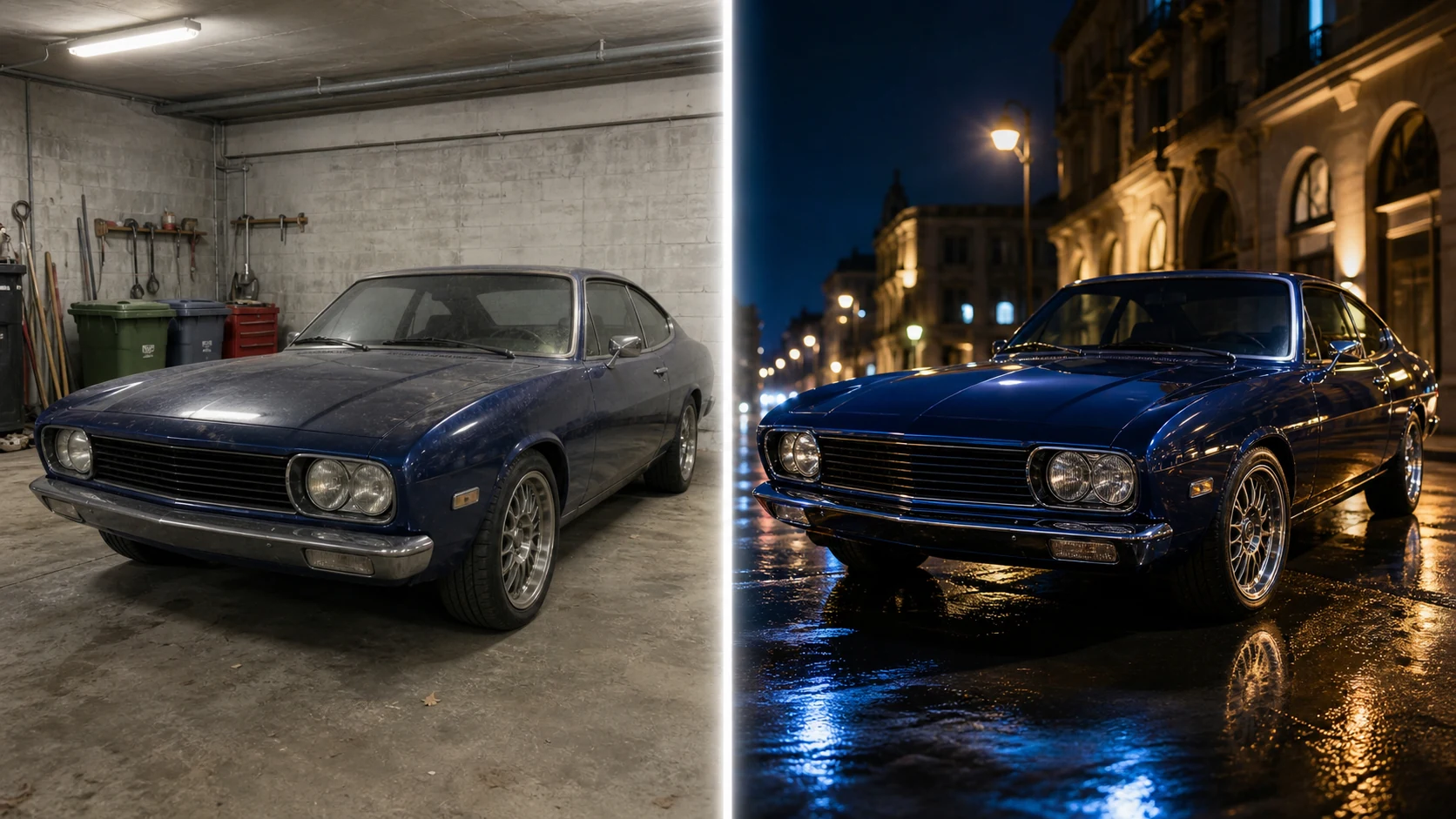
Example directions you can create
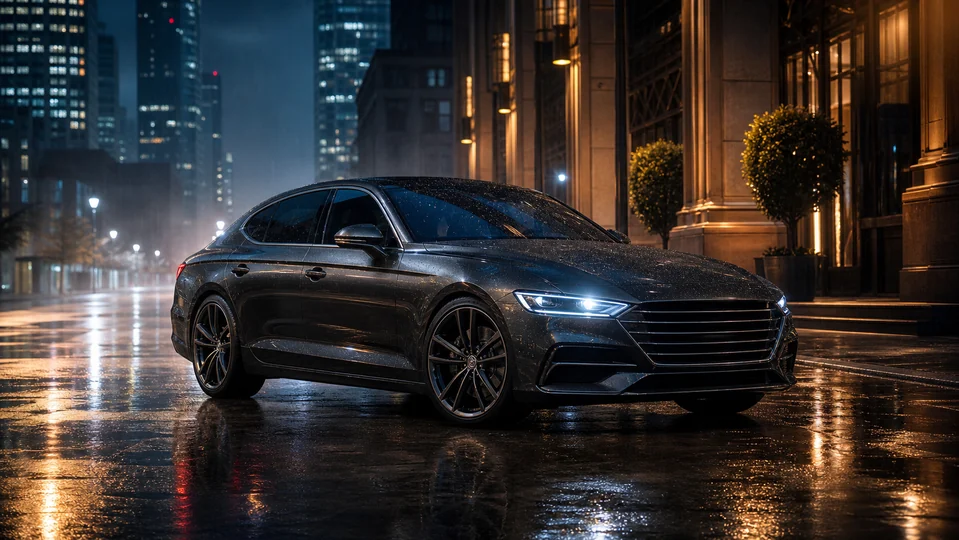
Night city — Wet street reflections and premium cinematic light. 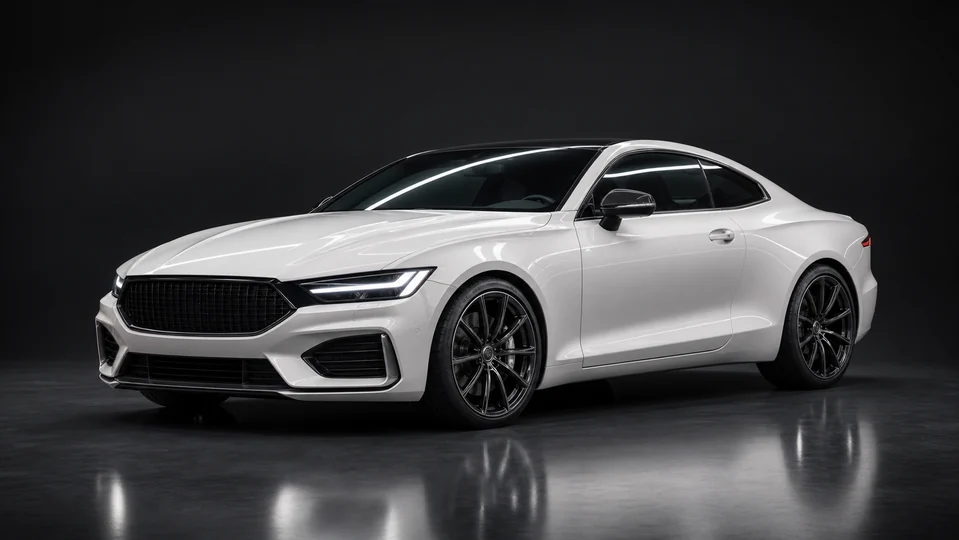
Clean auto studio — Controlled strip lights and precise body reflections. 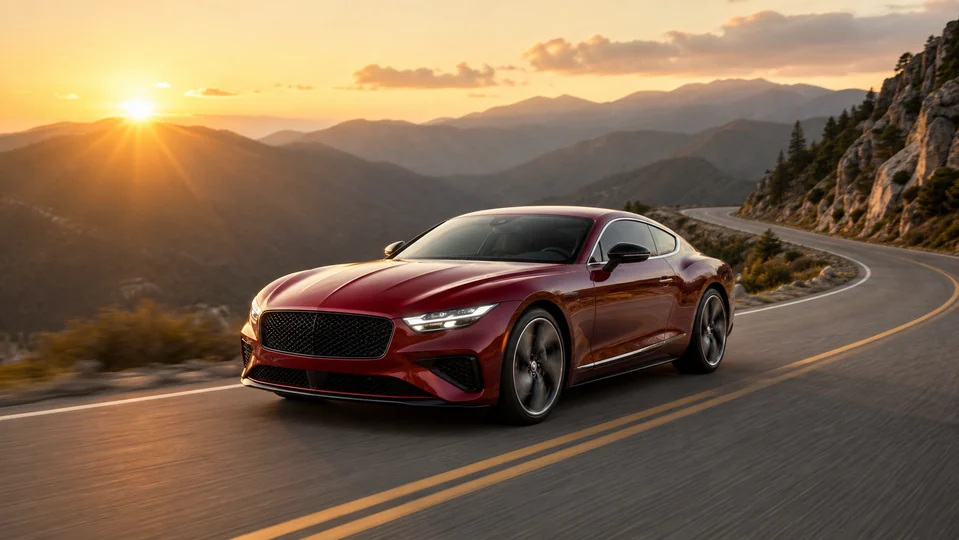
Mountain road — Dynamic scenic campaign with believable motion.
How Turn a car photo into a cinematic campaign works
Use a sharp three-quarter or side view with clear body lines and wheels. Specify the scene and mood while telling the model which vehicle details must remain exact.
The Studio loads a wide automotive composition and a preservation-focused campaign prompt before you upload the source image.
What you can create
- Vehicle preserved — Keep body shape, paint, lights, wheels, badges and proportions connected to the source.
- Premium environment — Create a road, city, garage or studio setting that supports the car.
- Cinematic light — Coordinate reflections, ground contact, motion and atmosphere.
Popular use cases
- Listing hero image — Create a cleaner presentation direction for a real vehicle.
- Automotive poster — Build a dramatic wide composition for personal use.
- Campaign concept — Test location and lighting before production.
- Background replacement — Move a parked car into a more coherent scene.
A vehicle reference with readable geometry
Use a high-resolution image with the full silhouette, wheels and glass visible. Neutral exposure retains paint color and panel lines better than crushed shadows.
- Complete vehicle in frame
- Sharp wheels, lights and body edges
- Minimal foreground obstruction
Automotive details are easy to invent
AI may change wheel design, light signatures, badges, mirrors, panel gaps or number plates. Reflections can also describe an environment different from the generated scene.
Check the car before judging the campaign mood
Compare roofline, wheelbase, body panels, trim and paint color first. Then inspect tire contact, road shadows, glass reflections and background motion.
- Verify model-specific features
- Inspect wheels and road contact
- Match reflections to the new environment
How to get started
- Choose a clean view of the vehicle — Use a sharp three-quarter or side image with the whole car visible and minimal obstruction around wheels, mirrors and roofline.
- Describe one automotive scene — Set location, road surface, light, camera height and motion mood while asking to preserve the exact vehicle geometry.
- Inspect model-specific details — Compare body panels, wheels, lights, windows, badges and reflections with the source. Remove invented modifications before using the image.
Frequently asked questions
- Can I place my car in a cinematic setting?
- Yes. The environment and light can change around the vehicle, but the car itself should be checked carefully for altered geometry or trim.
- Will the exact make and model remain accurate?
- Not always. Grilles, lights, wheels, badges and body lines can drift, especially when the source is small or partly hidden.
- Can PrimeArt create a moving-car look from a still photo?
- A still image can suggest motion through composition, road blur and lighting. It does not prove the vehicle was photographed driving in that scene.
- How does the prepared Turn a car photo into a cinematic campaign workflow continue in Studio?
- Use a sharp three-quarter or side image with the whole car visible and minimal obstruction around wheels, mirrors and roofline. PrimeArt carries this page's selected direction and format into Studio so you can begin with that specific setup instead of an empty prompt.
Open the prepared Turn a car photo into a cinematic campaign setup
Use a sharp three-quarter or side image with the whole car visible and minimal obstruction around wheels, mirrors and roofline. Continue to Studio with this page's specific direction and format already selected.