Create with PrimeArt
AI TikTok Dance Generator from a Photo
Upload a clear photo and turn it into a 4-second AI dance animation in vertical 9:16 or horizontal 16:9 format.
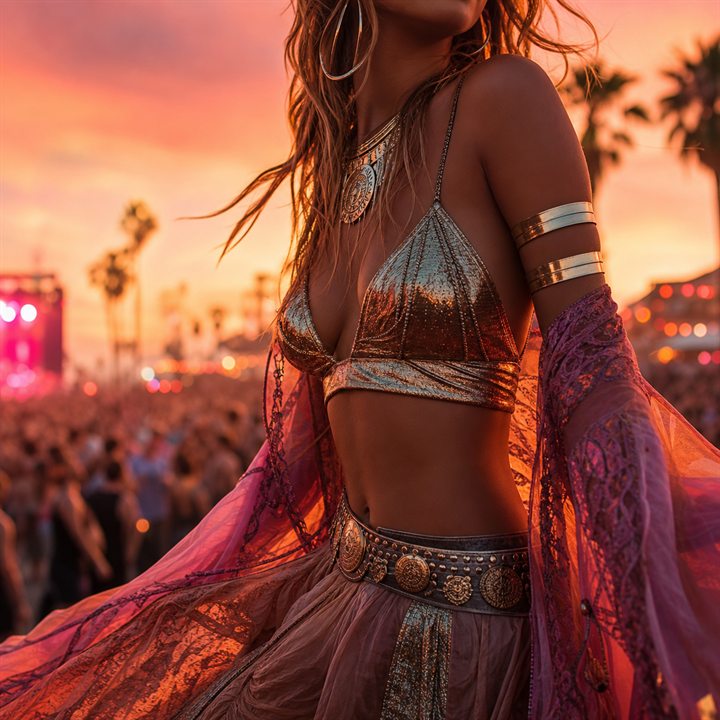
Example directions you can create
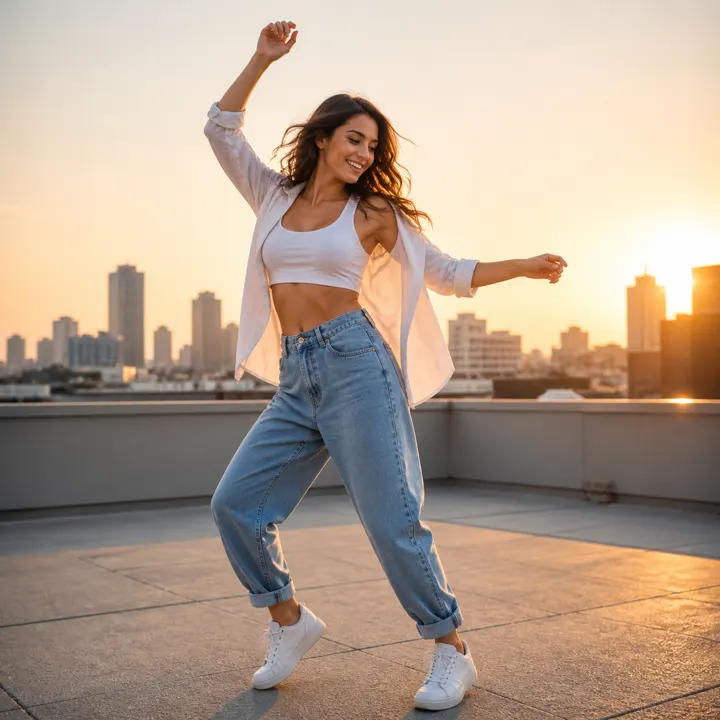
Golden-hour rooftop dance — Build a clean vertical dance source frame with a readable full-body pose before creating the short motion clip. 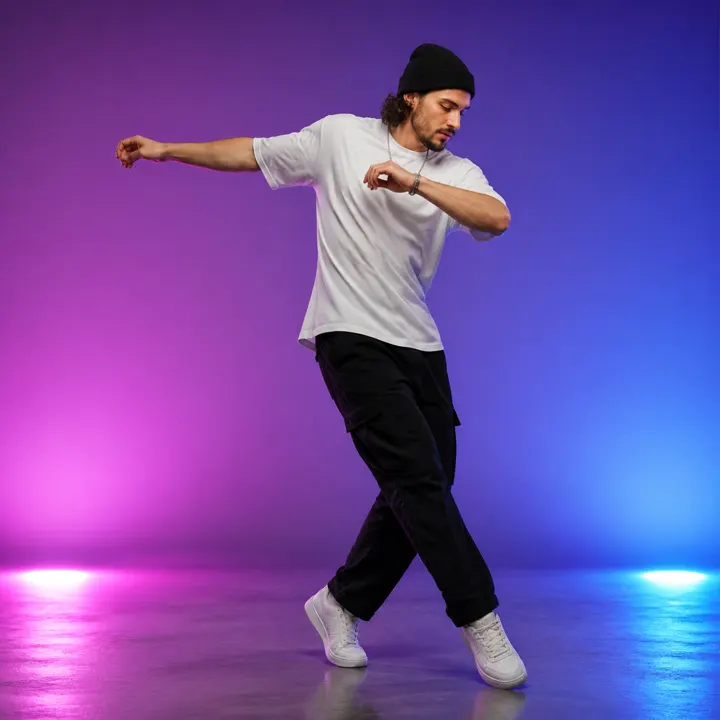
Color-light studio dance — Use a controlled studio pose and uncluttered background for a short clip with clear body motion. 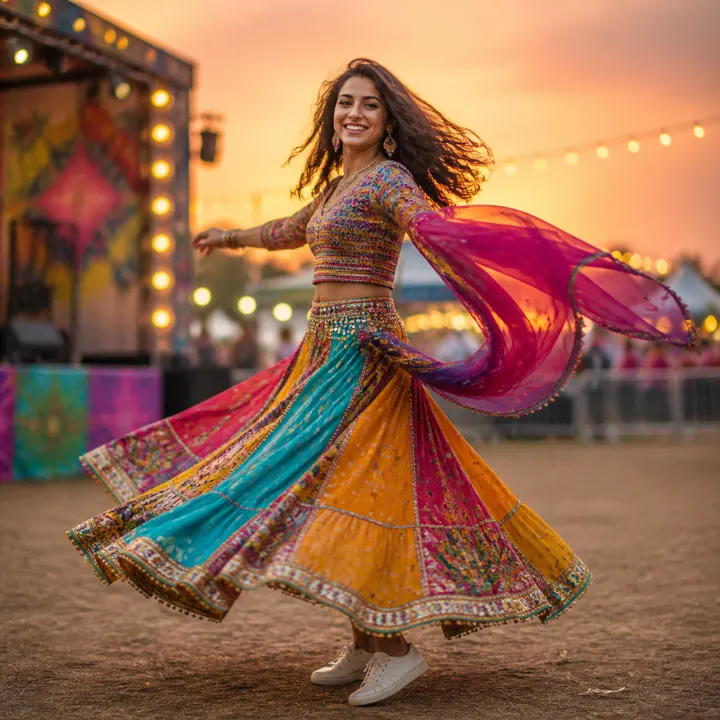
Sunset festival turn — Create an energetic festival keyframe with a sharp face, complete silhouette and believable fabric movement.
How AI TikTok Dance Generator from a Photo works
PrimeArt turns a still photo into a short four-second dance animation. Use 9:16 for a vertical TikTok-ready frame or 16:9 when the same visual direction needs a horizontal composition.
This workflow generates motion from the image. It does not write a hook, record a voiceover, add captions or publish a finished TikTok post. Add audio, text and platform-specific edits in the production tool you use after reviewing the generated clip.
What you can create
- Four-second dance motion — Create one compact animated movement from a still photo instead of building a longer edited sequence.
- Vertical or horizontal framing — Choose 9:16 for a phone-first result or 16:9 for a wider composition before generation.
- A visual asset for later editing — Export the reviewed animation, then add approved music, captions and timing in your publishing workflow.
Popular use cases
- Vertical dance animation — Create a 9:16 four-second clip from a portrait or full-body photo for short-form editing.
- Horizontal dance variation — Use 16:9 when the person and background need a wider frame.
- Creator transition asset — Use the generated movement as one visual element inside a separately edited post.
- Character motion test — Check how an original or authorized character image reads when animated into a dance.
Prepare a photo for AI dance animation
A sharp image with one clearly visible person gives the animation more usable information than a distant, crowded or heavily blurred source. Visible arms, legs and clothing boundaries make motion easier to evaluate.
Choose the aspect ratio before generation. A vertical 9:16 crop should keep the person inside the frame with enough room for movement; a 16:9 crop can preserve more of the surrounding scene.
- Use an authorized, clearly visible subject
- Avoid heavy blur and major body occlusion
- Leave space around the person for movement
- Choose 9:16 or 16:9 before generating
What the four-second TikTok workflow does not add
The output is a generated dance animation from one photo. It does not include a script, spoken voiceover, automatic hook, captions, verified music rights or direct publication to TikTok.
Treat it as a visual clip for a larger editing workflow. Add text, sound and disclosure where appropriate, and follow the current requirements of the platform where you publish it.
Review generated motion before posting
Watch the complete clip at normal speed and frame by frame. Generated movement can change facial details, fingers, limb shape, clothing patterns or objects in the background as the pose changes.
Do not publish a clip that misrepresents a real person, uses an unauthorized likeness or contains visible motion errors. Regenerate from a clearer photo when the subject does not remain coherent through all four seconds.
- Check face consistency through the motion
- Inspect hands, feet and limb continuity
- Watch clothing and background edges
- Confirm rights and consent before sharing
How to get started
- Upload one clear photo — Choose an image where the person and visible limbs are easy to distinguish from the background.
- Select 9:16 or 16:9 — Use vertical framing for TikTok-style viewing or horizontal framing for a wider scene.
- Generate and review all four seconds — Watch the face, hands, limbs, clothing and background through the complete motion before exporting.
Frequently asked questions
- What does the PrimeArt TikTok dance generator create?
- It turns one uploaded photo into a four-second AI dance animation.
- Which aspect ratios can I use?
- Choose vertical 9:16 for a phone-first composition or horizontal 16:9 for a wider scene.
- Does it add hooks, voiceover or captions?
- No. The workflow generates the visual dance animation. Add scripts, voiceover, captions, music and final timing in your separate editing and publishing workflow.
- What should I check before posting?
- Review the face, hands, limbs, clothing and background throughout all four seconds, and use only images and likenesses you are authorized to animate.
Animate a photo into a four-second dance
Upload a clear image, choose 9:16 or 16:9 and review the complete motion before exporting.