Create with PrimeArt
Create Thanksgiving photos from your own picture
Turn portraits of family or friends into eight prepared Thanksgiving directions for dinners, autumn scenes, cards and keepsakes.
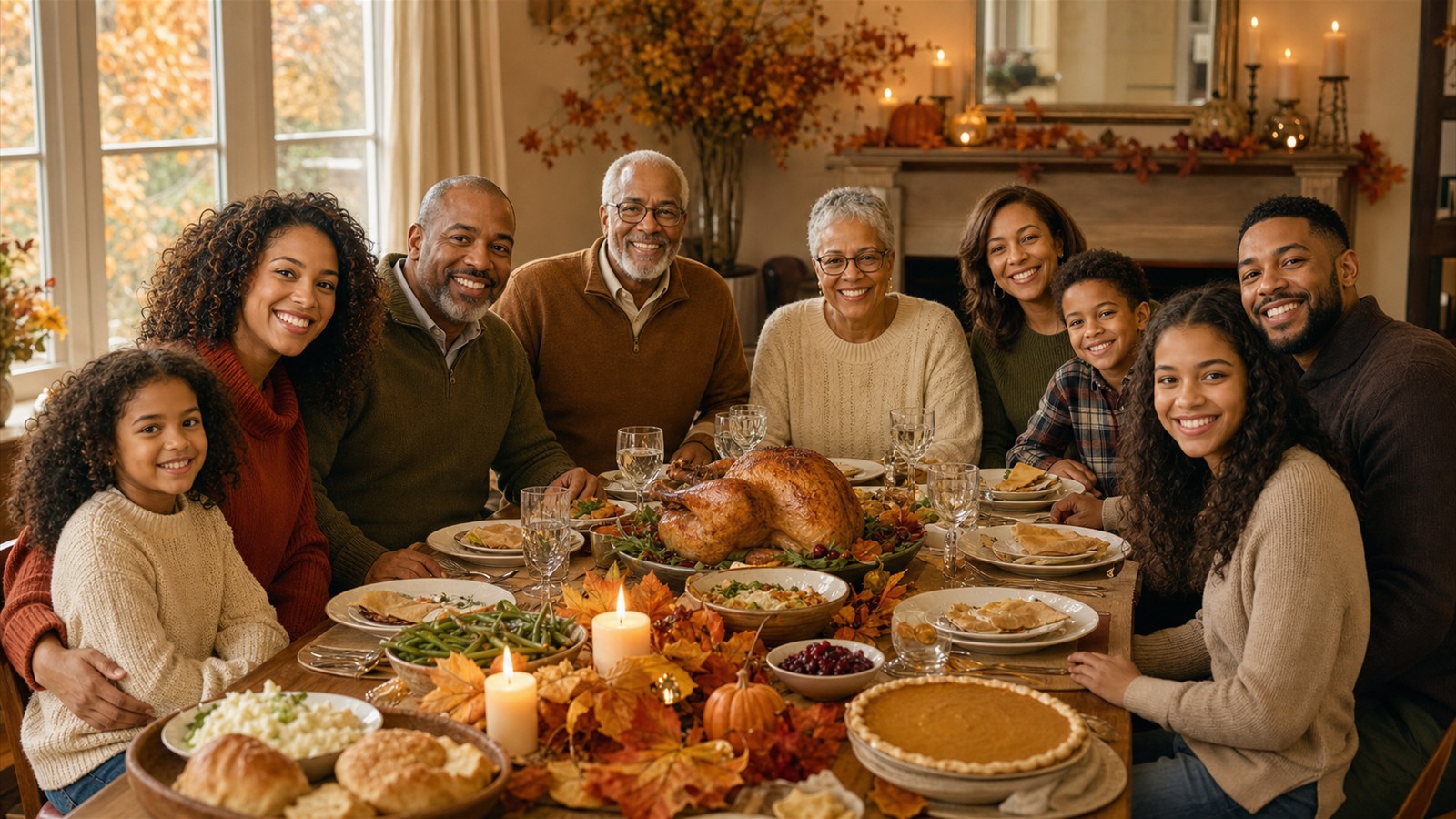
Example directions you can create
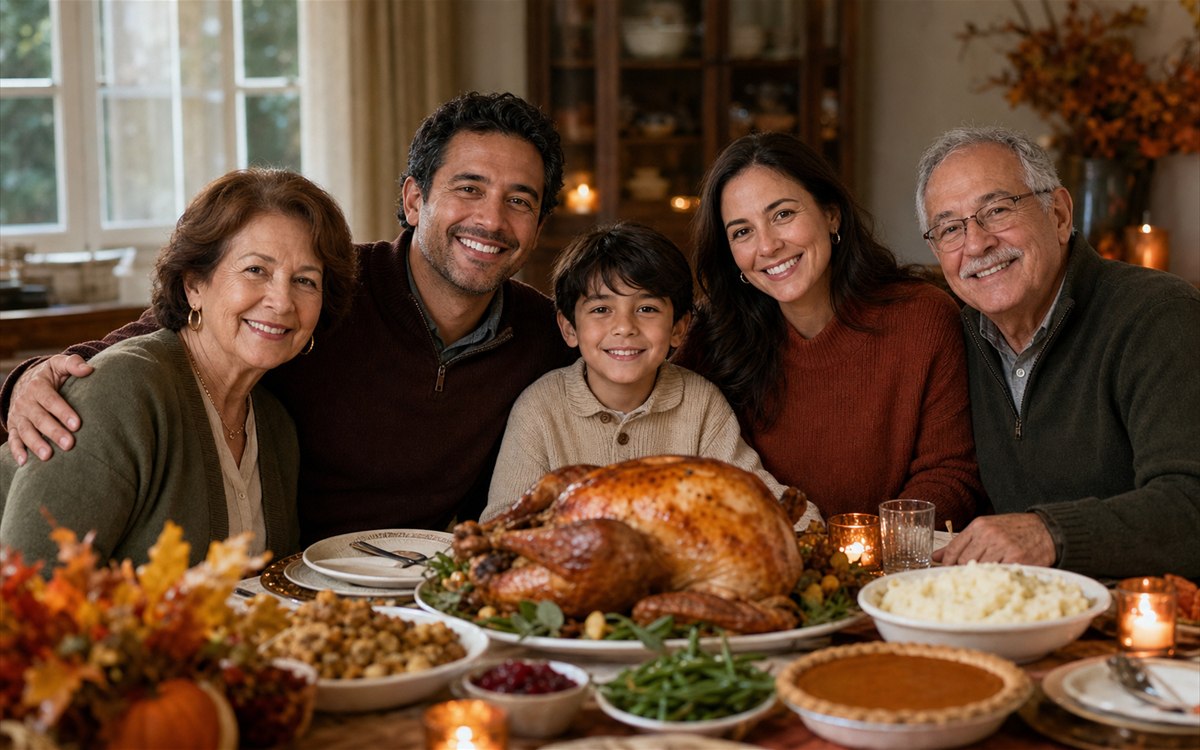
Family at the table — A warm multigenerational portrait around a refined Thanksgiving feast. 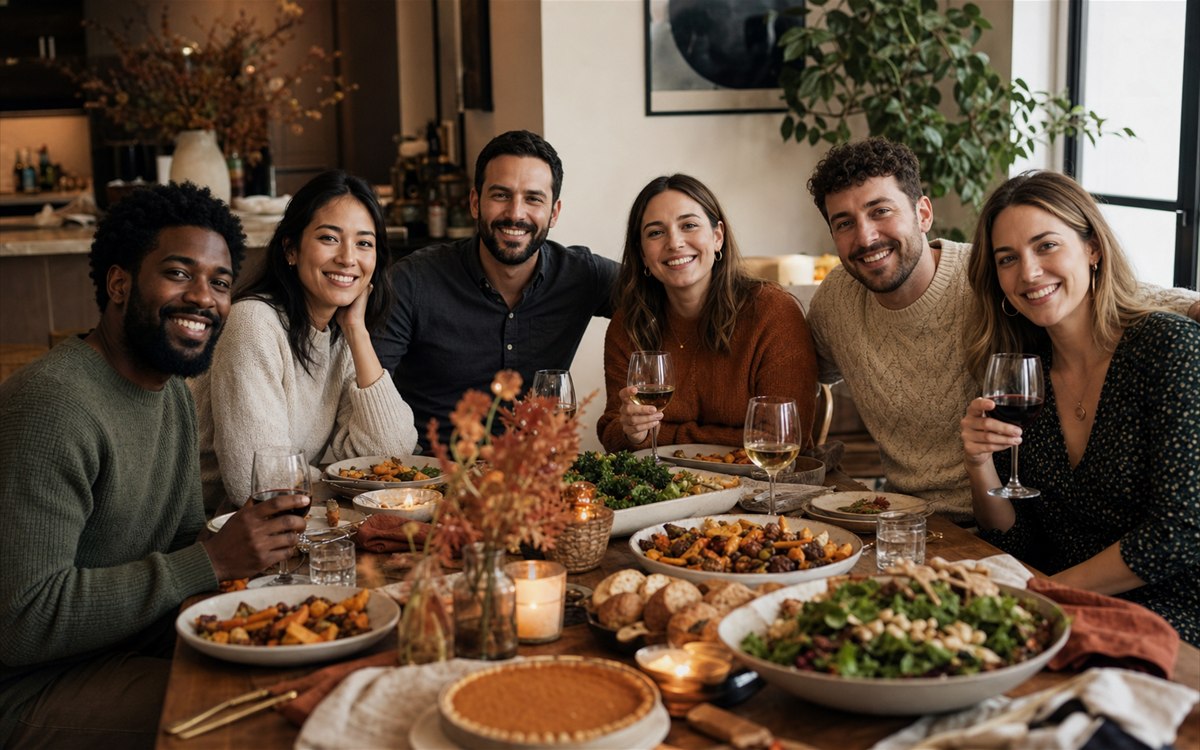
Friendsgiving dinner — Relaxed friends, shared dishes and contemporary autumn styling. 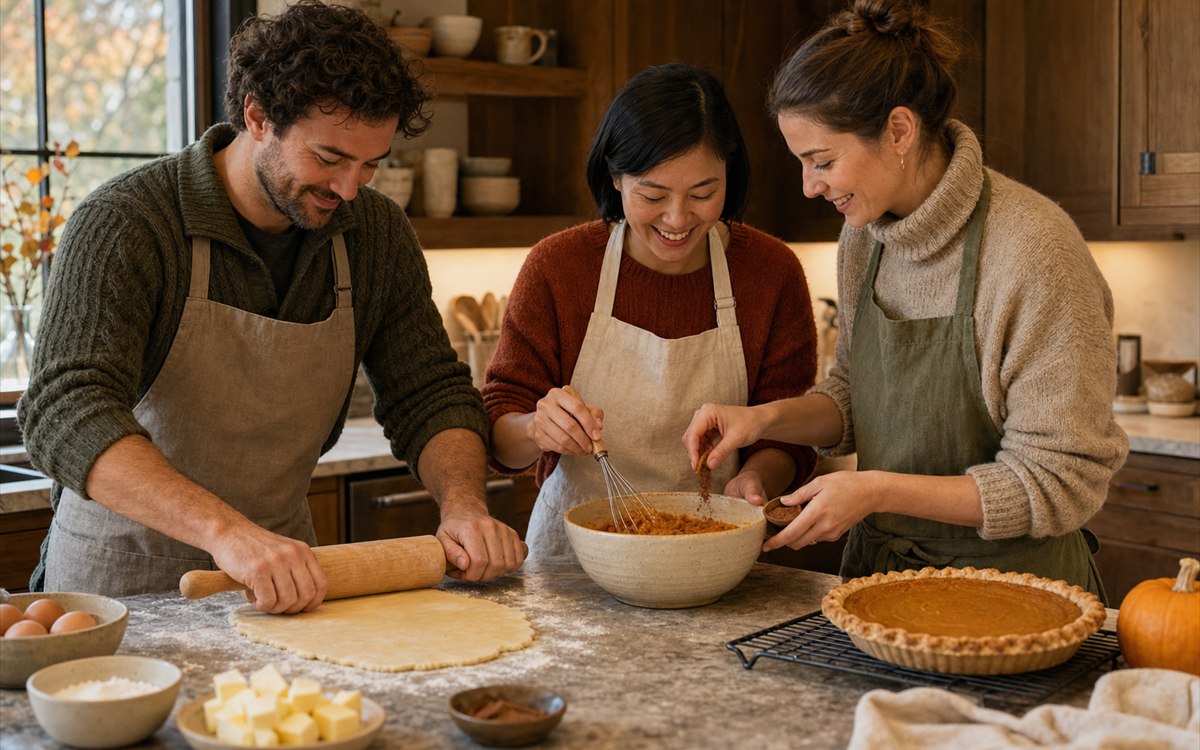
Thanksgiving kitchen — Pumpkin-pie preparation in a warm, believable family kitchen. 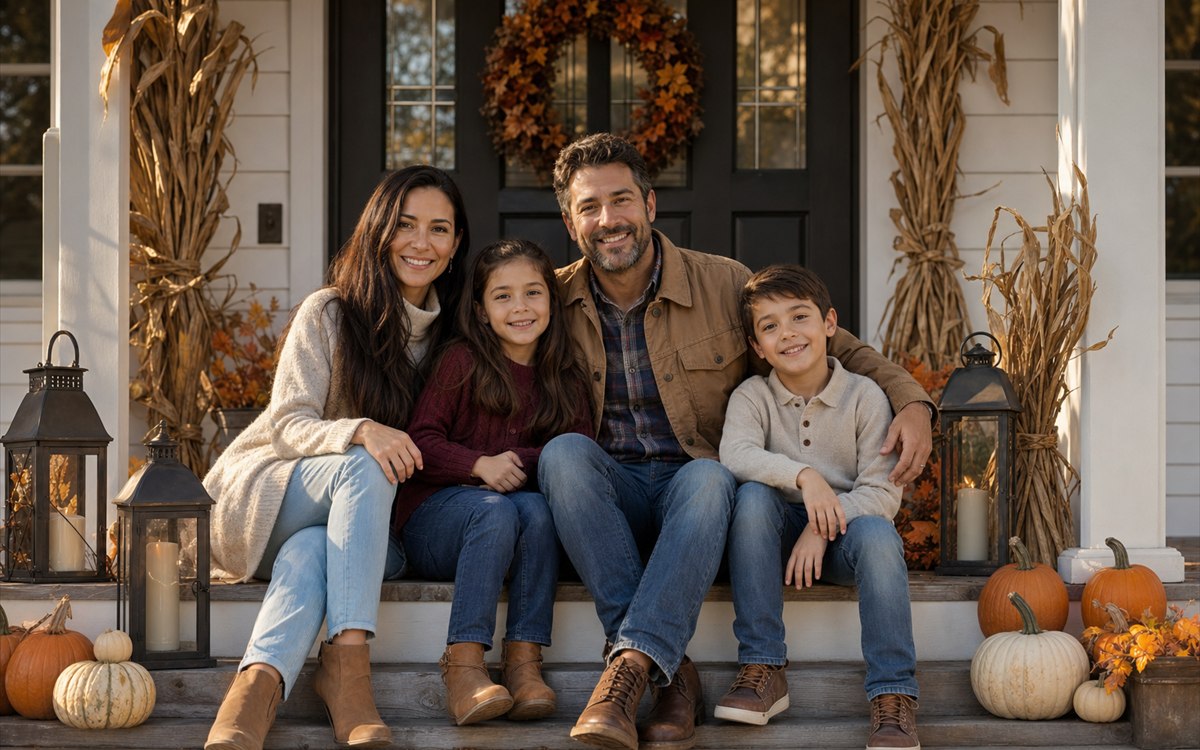
Autumn porch — A welcoming American porch with refined November color. 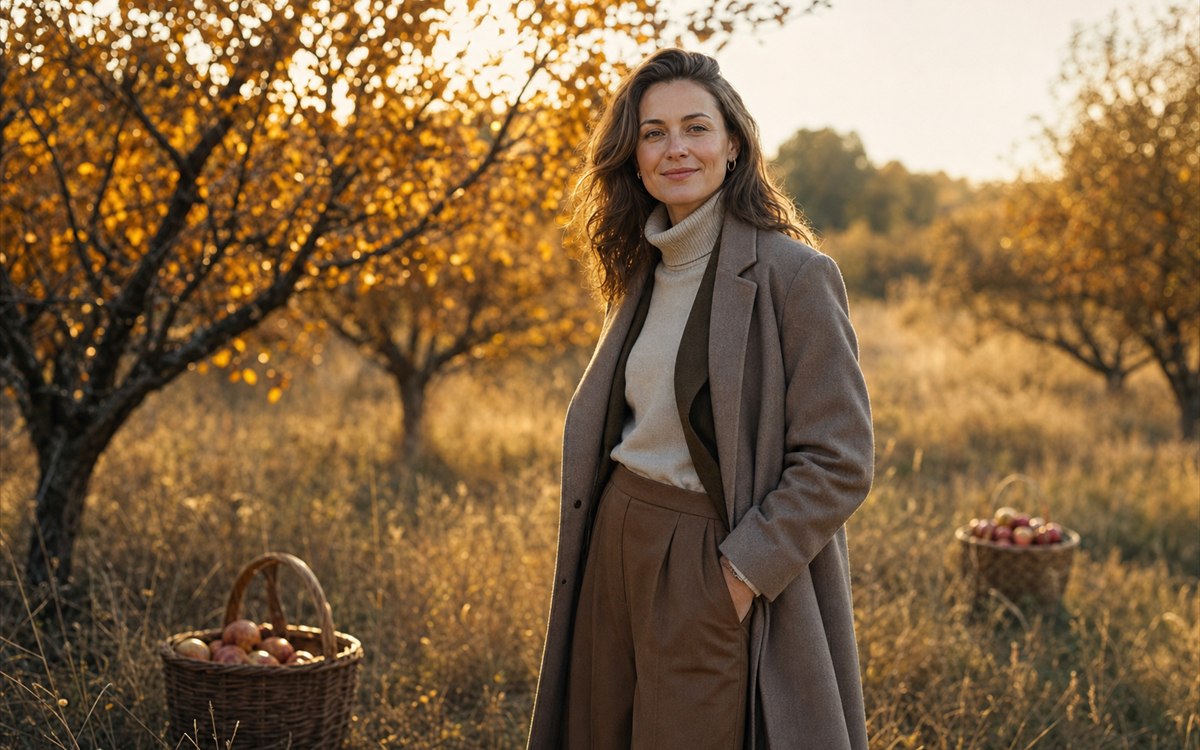
Golden harvest — Amber leaves, elegant fall clothing and cinematic rim light. 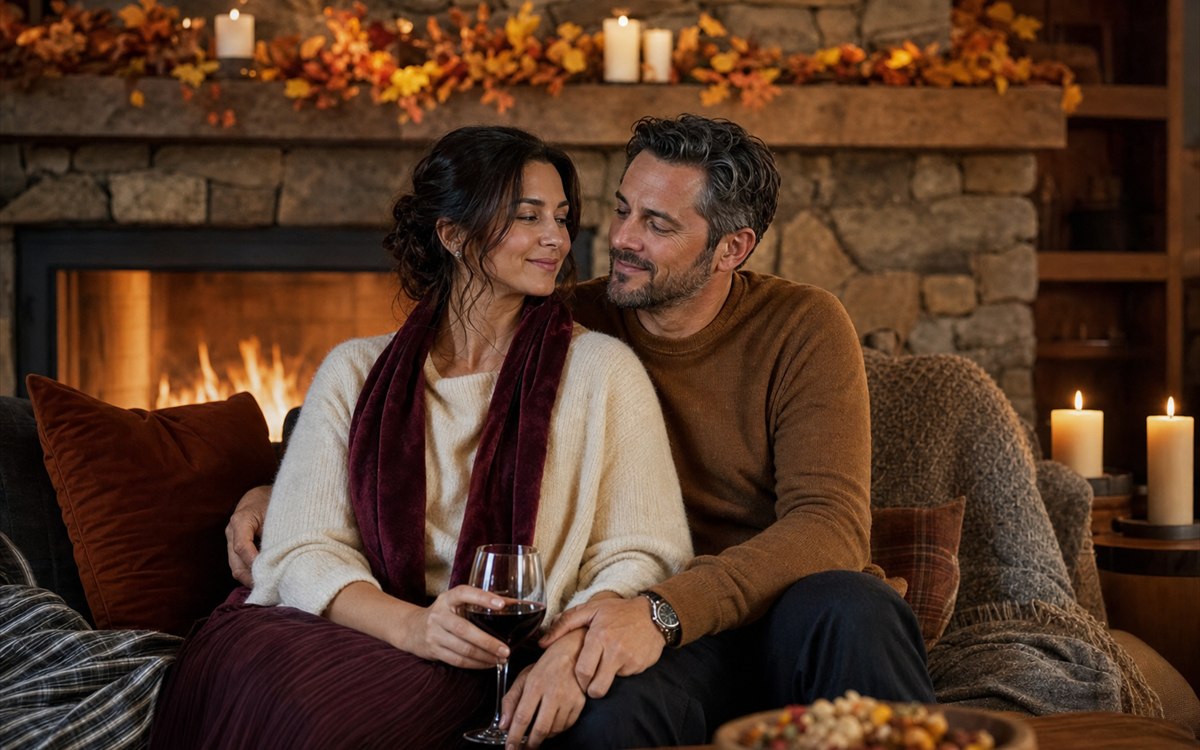
Cozy fireside — An intimate evening portrait with stone, wool and candlelight. 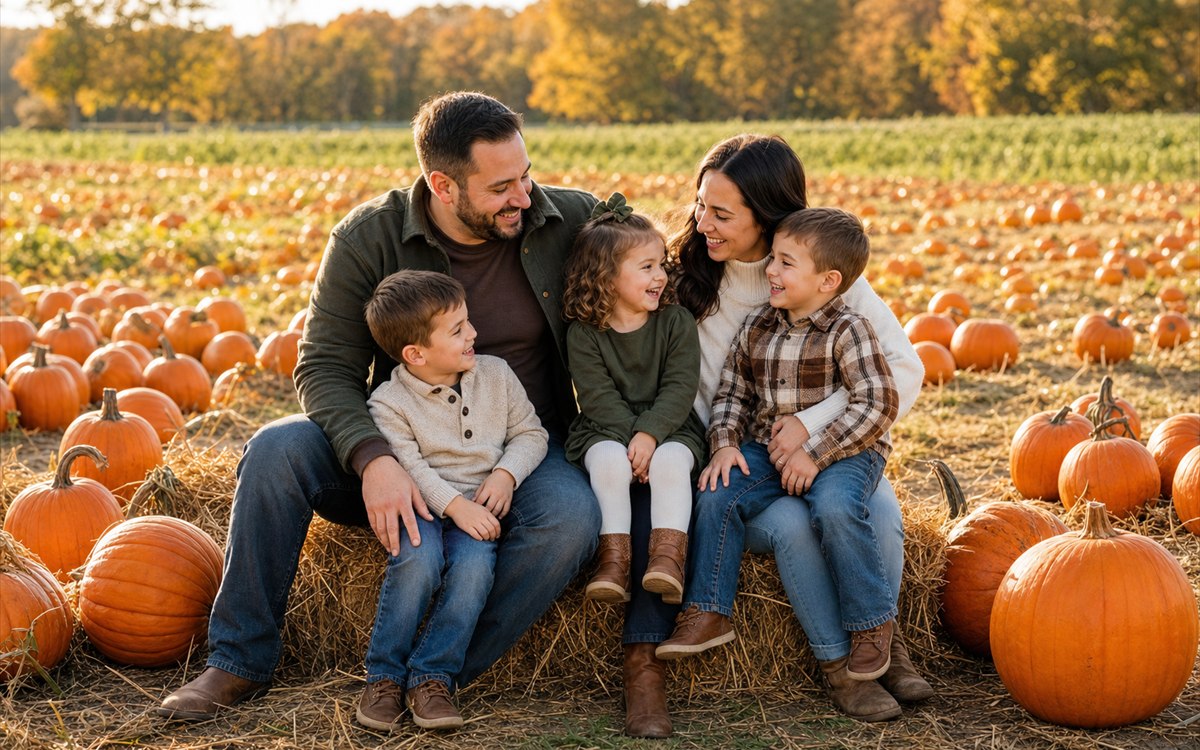
Pumpkin patch — A joyful November family portrait in soft golden light. 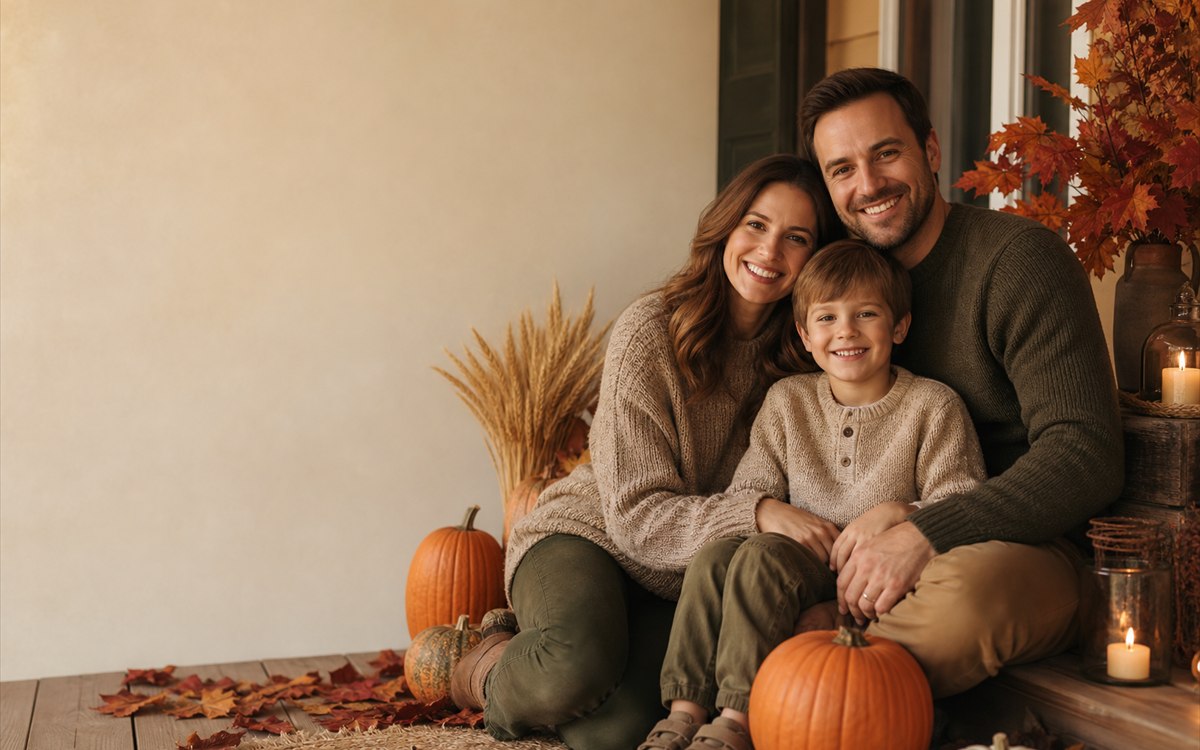
Thanksgiving card — A balanced fall composition with clean space for a greeting.
How Create Thanksgiving photos from your own picture works
Upload a clear portrait, couple photo or one recognizable reference for every family member or friend. PrimeArt keeps the people recognizable while rebuilding the scene with believable November light, warm fall styling and a polished American Thanksgiving atmosphere.
Choose from eight distinct directions after you sign in: family at the table, Friendsgiving dinner, pie baking in the kitchen, an autumn porch, golden harvest light, a cozy fireside, a pumpkin patch or a Thanksgiving card composition.
What you can create
- Eight Thanksgiving directions — Start with a clearly different seasonal concept instead of one generic orange-and-brown filter.
- Recognizable family and friends — Preserve faces, ages, expressions and the exact number of people from the uploaded sources.
- Ready for cards and sharing — Create polished portraits for invitations, greetings, family keepsakes and Thanksgiving posts.
Popular use cases
- Family dinner portraits — Bring several generations together around a warm, believable Thanksgiving table.
- Friendsgiving photos — Create a relaxed group image with contemporary fall styling and natural interaction.
- Autumn family sessions — Place a family on a welcoming porch, at a pumpkin patch or in golden harvest light.
- Thanksgiving cards — Prepare a balanced composition with useful space for a personal greeting added later.
Eight directions for dinner, Friendsgiving and invitations
The presets separate the distinct moments around an American Thanksgiving gathering: a seated family meal, a Friendsgiving group, kitchen preparation, two outdoor arrival portraits, a quiet fireside, a pumpkin-patch outing and a card-ready layout. Pick the event you are actually planning so the image has one clear visual job.
- Family at the table
- Friendsgiving dinner
- Thanksgiving kitchen
- Autumn porch
- Golden harvest
- Cozy fireside
- Pumpkin patch
- Thanksgiving card
Prepare references for a seated group
For a table scene, favor references photographed near eye level with unobstructed faces and natural expressions. List who sits or stands, describe approximate placement and leave enough width for elbows, serving dishes and visible place settings.
Friendsgiving images can feel candid, but each person still needs a recognizable reference. Avoid mixing extreme face angles or heavily filtered photos, because the model must reconcile them inside one shared camera perspective.
- State the exact guest list
- Describe seated and standing positions
- Keep face angles and image quality comparable
Verify food, hands and event information
Inspect every hand near a glass, utensil, plate or serving dish. Check that food is plausible, tableware does not merge, chair backs align and candlelight falls in one direction. Remove stereotyped or historically inaccurate props that were not requested.
Treat the result as campaign or keepsake artwork rather than evidence of an actual gathering. Add the menu, host names, RSVP details and greeting separately, then proof the final invitation or card at its intended size.
- Trace arms to hands and utensils
- Check plates, glasses and serving dishes
- Keep unrequested holiday decor out
- Typeset event details separately
How to get started
- Plan the gathering around one real moment — Decide whether the image should show a seated family dinner, a casual Friendsgiving toast, pie preparation, an autumn arrival portrait or a clean invitation cover. The activity determines the camera height, visible hands and amount of table space you need.
- Build the composition around guests and food — Provide a clear reference for each guest, state the exact headcount and name the dishes or props that matter. Choose one of the eight directions for Thursday, November 26, 2026 instead of mixing dinner, porch and pumpkin-patch scenes.
- Audit seating and serving details — Match every face to its reference, then trace arms to hands and check chairs, place settings, serving utensils, glass rims, plates and food portions. A convincing Thanksgiving image depends on a believable shared table, not Christmas-style decorations.
Frequently asked questions
- When is Thanksgiving in the USA in 2026?
- Thanksgiving Day in the United States falls on Thursday, November 26, 2026. The prepared presets work for portraits, invitations and posts created before the holiday as well as keepsakes made afterward.
- How do I choose between dinner and Friendsgiving presets?
- Use Family at the table for a formal multigenerational composition, Friendsgiving for a relaxed peer group and Thanksgiving kitchen when the activity is baking or serving. Autumn porch, Golden harvest and Pumpkin patch keep the meal off-camera; the card preset reserves layout space.
- Can the image include a menu, invitation date or greeting?
- Reserve clean space in the generated composition, but add final wording in a design tool afterward. This keeps guest names, RSVP details, menu items and the date accurate instead of asking the image model to invent typography.
- How does the prepared Create Thanksgiving photos from your own picture workflow continue in Studio?
- Decide whether the image should show a seated family dinner, a casual Friendsgiving toast, pie preparation, an autumn arrival portrait or a clean invitation cover. The activity determines the camera height, visible hands and amount of table space you need. PrimeArt carries this page's selected direction and format into Studio so you can begin with that specific setup instead of an empty prompt.
Open the prepared Create Thanksgiving photos from your own picture setup
Decide whether the image should show a seated family dinner, a casual Friendsgiving toast, pie preparation, an autumn arrival portrait or a clean invitation cover. The activity determines the camera height, visible hands and amount of table space you need. Continue to Studio with this page's specific direction and format already selected.