Turn a favorite portrait or family photo into a polished Christmas scene with Santa, warm lights, snow, festive styling and eight ready-to-use holiday directions.
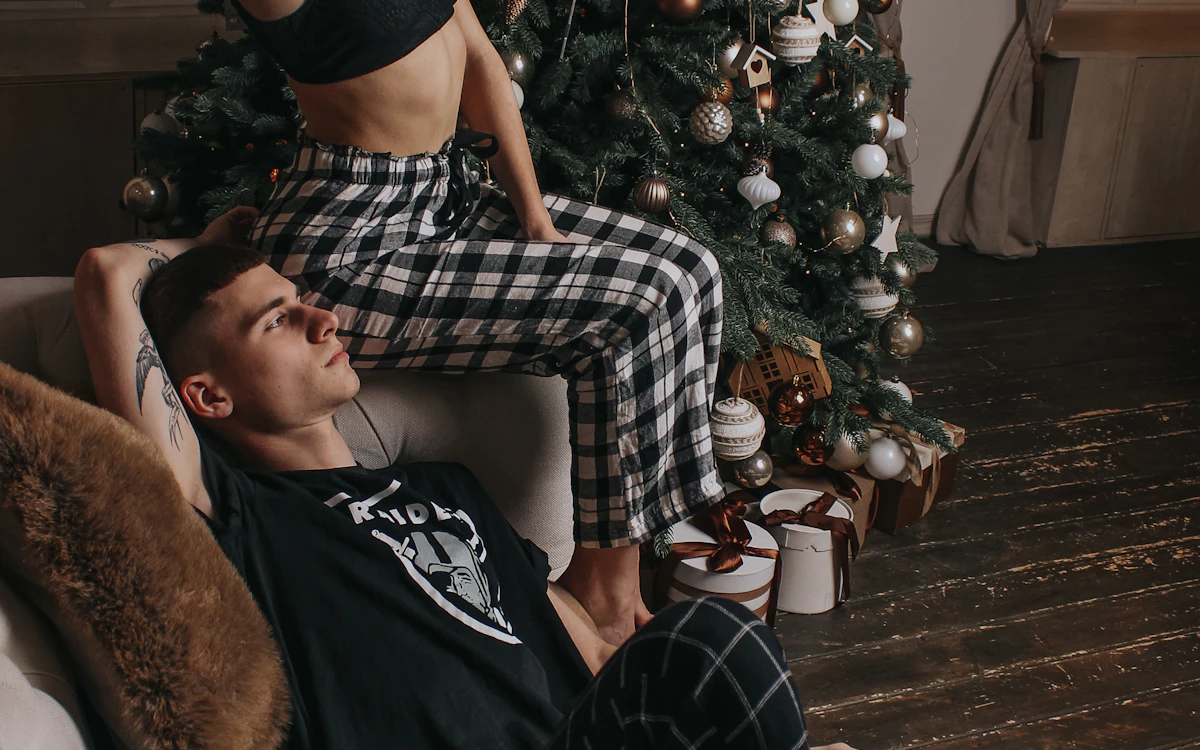
Christmas couple — Romantic couple portrait beside warm lights and a natural tree.
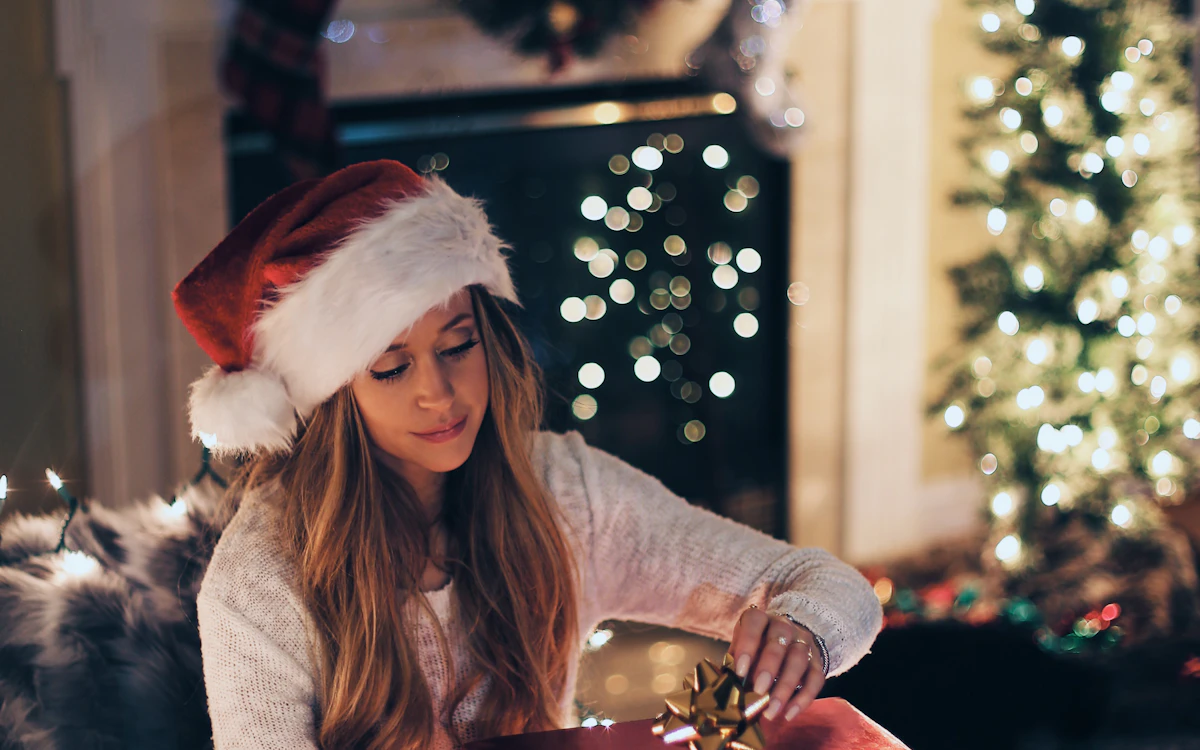
Christmas morning — Children opening gifts in soft natural morning light.
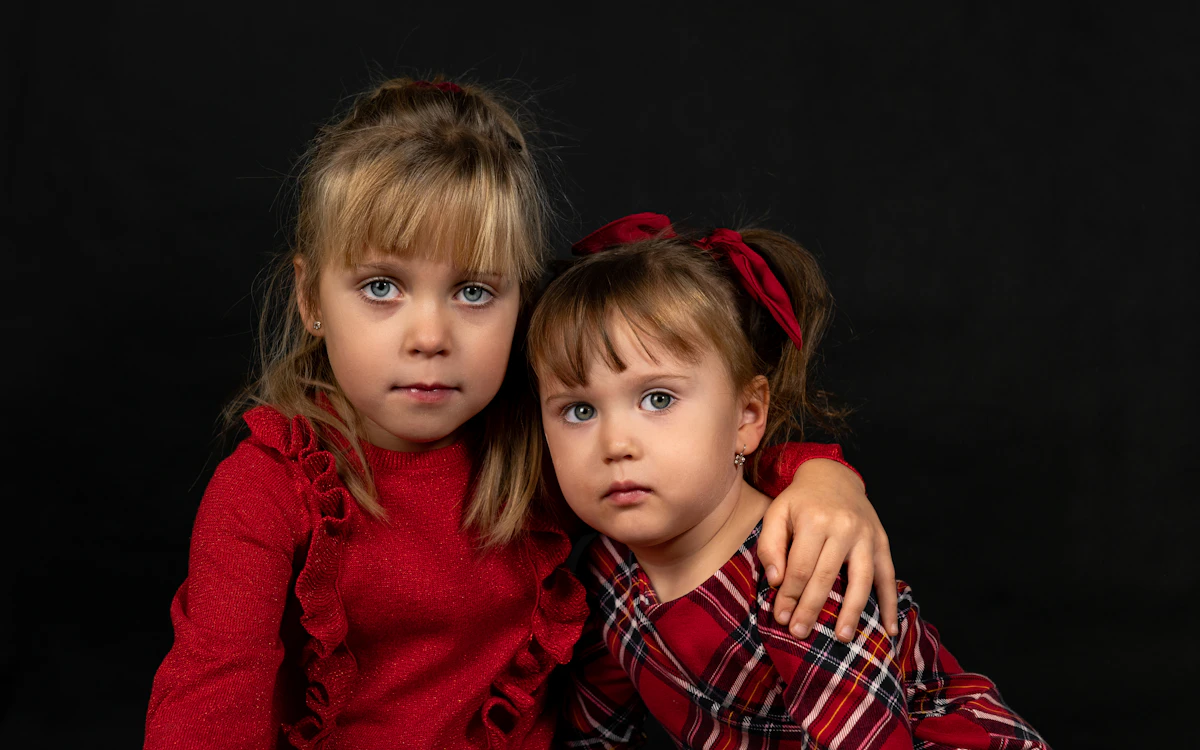
Christmas card — Balanced festive composition with clean space for a greeting.
How Create Christmas photos from your own picture works
Upload a clear portrait, couple photo or family picture. PrimeArt keeps the people recognizable while rebuilding the scene with believable festive light, coordinated holiday styling and a Christmas atmosphere that suits the selected preset.
Choose from eight distinct directions after you sign in: classic Santa, family by the tree, cozy Christmas Eve, a winter wonderland, an elegant holiday portrait, a romantic couple session, children opening gifts or a Christmas card composition.
Prepare your photo and instructions
Choose a prompt below, adapt it to your photo and review the result in Studio. An account is required. Free image results include a PrimeArt watermark; paid image options are watermark-free and include 2K or 4K where shown in Studio.
Eight festive directions — Start with a clearly different Christmas concept instead of one generic seasonal filter.
Recognizable people — Preserve faces, ages, expressions and the number of people from the uploaded source.
Ready for cards and posts — Create polished holiday portraits for greetings, framed gifts, profile updates and seasonal social content.
Popular use cases
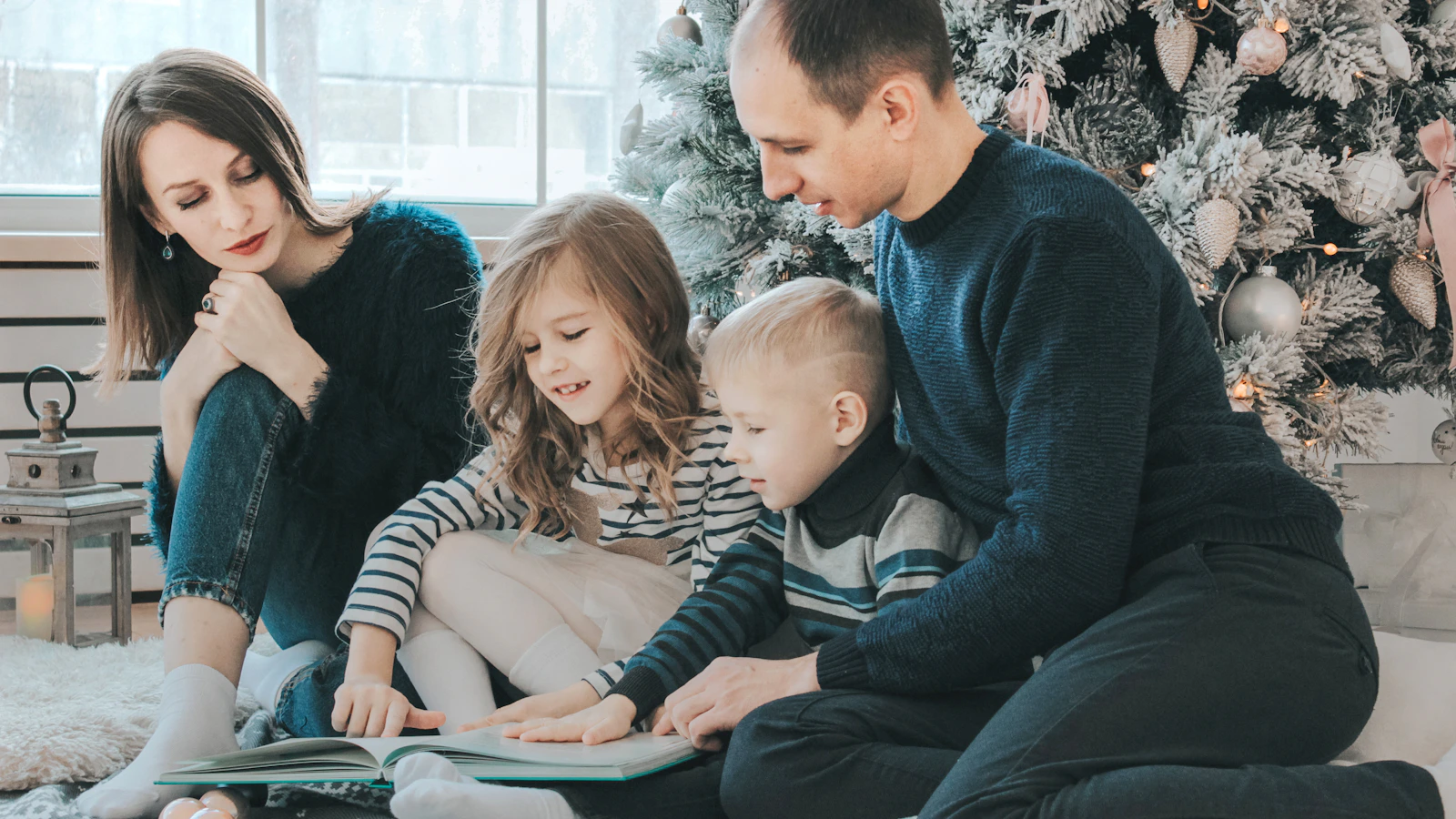
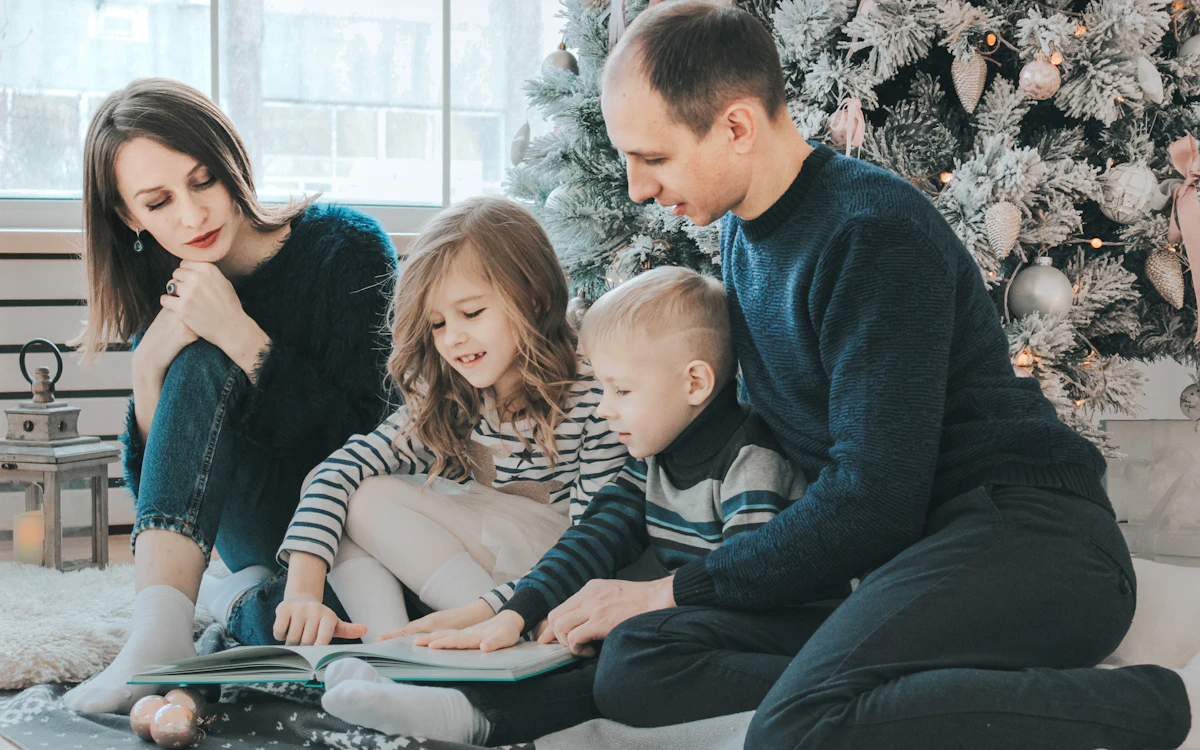
Family Christmas portraits — Bring the whole family into one warm scene with a decorated tree and natural group lighting.
Santa photos — Create a classic meeting-with-Santa portrait without arranging a separate studio session.
Christmas cards — Prepare a balanced horizontal or vertical composition with useful space for a personal greeting.
Festive profile photos — Turn one portrait into an elegant, cozy or snowy seasonal image for December.
Eight AI Christmas photo ideas from one starting image
The page connects directly to eight prepared Christmas directions rather than applying one generic red-and-green filter. Each preset changes the setting, light, styling and composition while preserving the uploaded people as the identity reference.
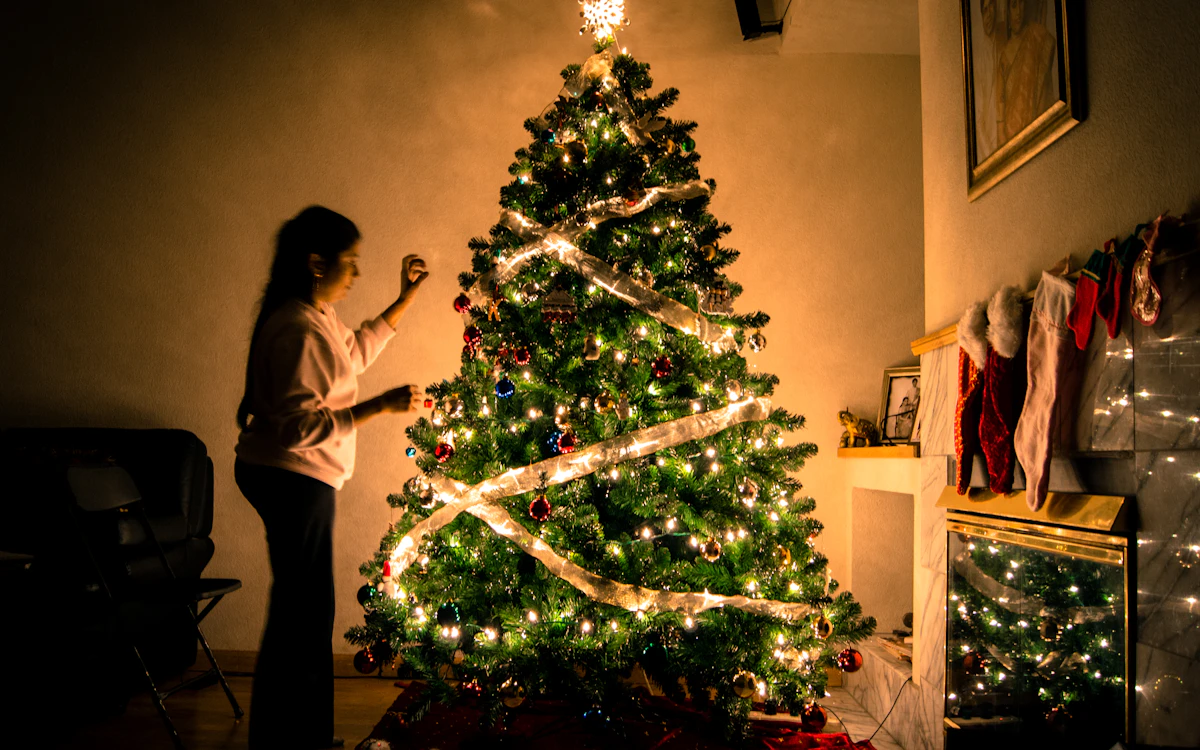
Family by the tree
Meet Santa
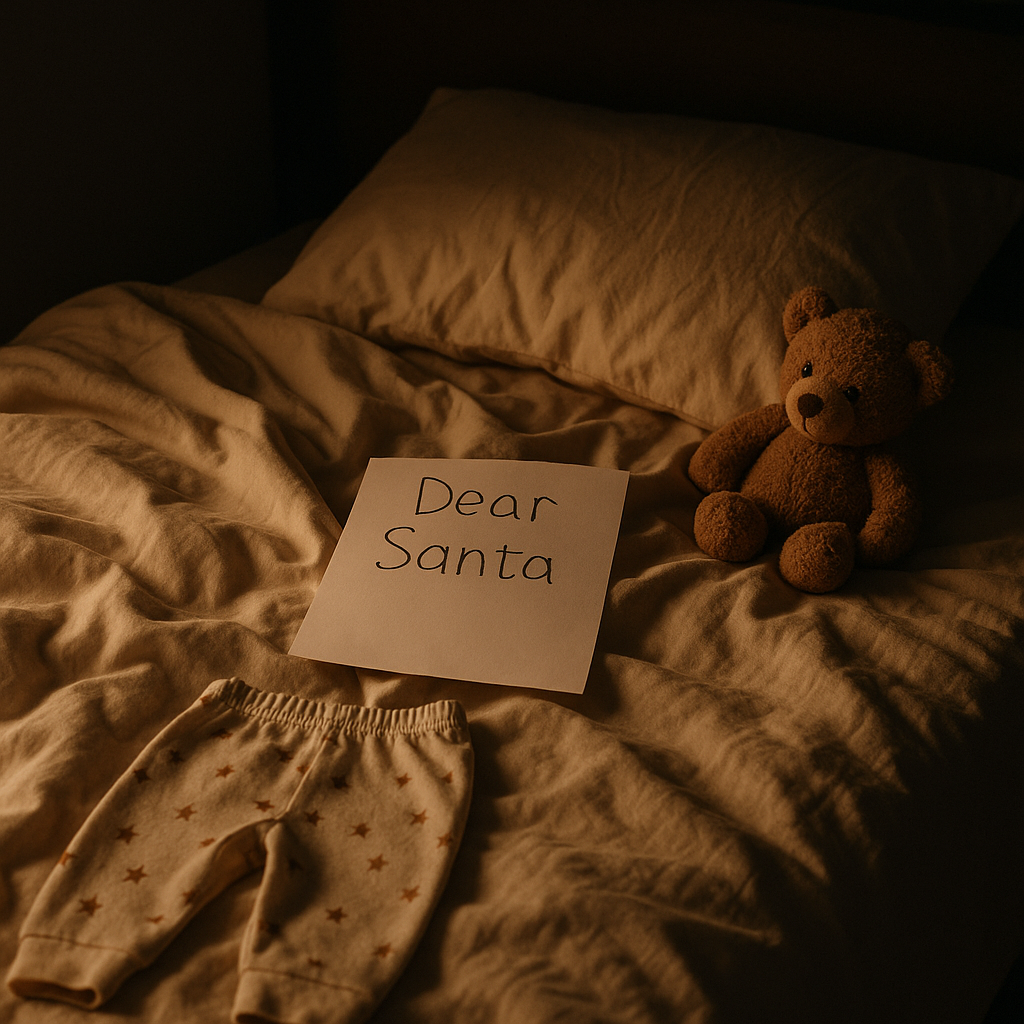
Cozy Christmas Eve
Winter wonderland
Elegant holiday portrait
Christmas couple
Christmas morning
Christmas card
Prepare portraits and family photos for a believable result
Choose sources with sharp eyes, visible facial features and little motion blur. For groups, provide one recognizable reference per person and keep the intended headcount explicit. Similar camera angles reduce the amount of perspective the model must reconcile.
Leave enough space around the body when clothing, gifts or a decorated setting should appear. A tightly cropped selfie gives the model less evidence for a half-length or full-body holiday composition.
Use recent, unfiltered faces
Keep every person clearly visible
Match the source crop to the final format
Quality checks before printing or sharing
Festive scenes contain many small repeated details, so inspect the result at full size. Count people, compare faces one by one and check hands, glasses, jewelry, ornament strings, gift ribbons, tree branches, reflections and the direction of practical lights.
Treat a generated Christmas scene as a creative image, not a documentary record. If the result will become a printed card or framed gift, add names and greetings in a separate design step and order a small proof before the final print run.
Confirm identity and headcount
Inspect hands and repeated decorations
Add text separately
Proof a print before ordering multiples
Prepare a family photo for a Christmas card
Use references with similar camera angles and clear faces so each family member can be reviewed. Specify the exact group size and ask for decorations around the people rather than across their faces. A tree and a few warm lights are easier to balance than a crowded festive set.
Leave a quiet area for your greeting and add the wording separately. Before ordering a print, check the downloaded image dimensions against the printer’s requested size, resolution and bleed; leave faces and essential details clear of the trim edge.
Compare each face with its source
Check the greeting at the final card size
Use the printer’s dimensions and safe margins
Prepare a Christmas card or winter portrait
Start with recognizable faces and one clear setting. For a card, generate the photograph with space for a greeting, then add your exact wording in a design tool.
A family Christmas card with a blank text area
Start with: A well-lit family photo or one clear reference per person; note who should appear and the exact headcount.
Create a horizontal Christmas card photograph using exactly the people in the uploaded references. Keep each face, age, hairstyle, skin tone and distinguishing features recognizable. Arrange the family comfortably on the left two-thirds of the frame beside an elegant evergreen tree, wearing coordinated cream, deep red and forest green knitwear. Use soft window light and restrained warm fairy lights. Leave the right third as a clean, softly blurred cream wall where a greeting can be added later. Preserve believable body proportions, hands and group scale. Add no extra guests, readable text, letters, logos or watermarks.
Check the result: Check every person, including small faces. Inspect the tree lights and fingers, then test whether your greeting fits the blank area without covering anyone.
Start with: A clear couple photo, or one portrait of each adult with similar camera angles and visible faces.
Create a natural winter couple portrait from the two uploaded adult references. Include exactly these two people, keeping both faces, ages, skin tones, hairstyles and distinguishing features recognizable. Place them side by side on a snowy evergreen path at blue hour, in believable wool coats and scarves with relaxed affectionate body language. Add gentle snowfall and one warm lantern beside the path. Match their scale, perspective and lighting. Keep both faces unobstructed, hands natural and snow away from facial details. Add no other people, readable text, logos or watermarks.
Check the result: Compare both identities separately. Check hands, coat and scarf edges, footprints and whether lantern light falls consistently on the people and snow.
Choose the people and final format first — Use a sharp portrait, couple photo or one clear reference per family member. Decide whether the result is for a portrait, social post, print or Christmas card before choosing one of the eight presets.
Pick one distinct Christmas direction — Choose Santa, family by the tree, cozy Christmas Eve, winter wonderland, elegant holiday portrait, couple session, Christmas morning or a card composition. Keeping one direction makes the result easier to control.
Check every face and festive detail — Compare each person with the source, confirm the headcount and inspect hands, ornaments, gift ribbons, tree lights, clothing edges and any empty space reserved for a greeting.
Frequently asked questions
Which of the eight Christmas photo presets should I choose?
Use Family by the tree for a classic keepsake, Meet Santa for a playful scene, Cozy Christmas Eve for warm indoor light, Winter wonderland for snow, Elegant holiday portrait for a refined look, Christmas couple for two people, Christmas morning for children and Christmas card when you need clean space for a greeting.
Can I create a family Christmas portrait from separate photos?
Yes. Use one clear reference for every person and state the exact headcount. Similar face angles, image quality and lighting make a coherent group portrait easier to generate.
Will PrimeArt add text to a Christmas card?
The Christmas card preset intentionally leaves negative space but asks the image model not to invent lettering. Add the final greeting separately so spelling, names and typography stay under your control.
How does the prepared Create Christmas photos from your own picture workflow continue in Studio?
Use a sharp portrait, couple photo or one clear reference per family member. Decide whether the result is for a portrait, social post, print or Christmas card before choosing one of the eight presets. PrimeArt carries this page's selected direction and format into Studio so you can begin with that specific setup instead of an empty prompt.
Open the prepared Create Christmas photos from your own picture setup
Use a sharp portrait, couple photo or one clear reference per family member. Decide whether the result is for a portrait, social post, print or Christmas card before choosing one of the eight presets. Continue to Studio with this page's specific direction and format already selected.