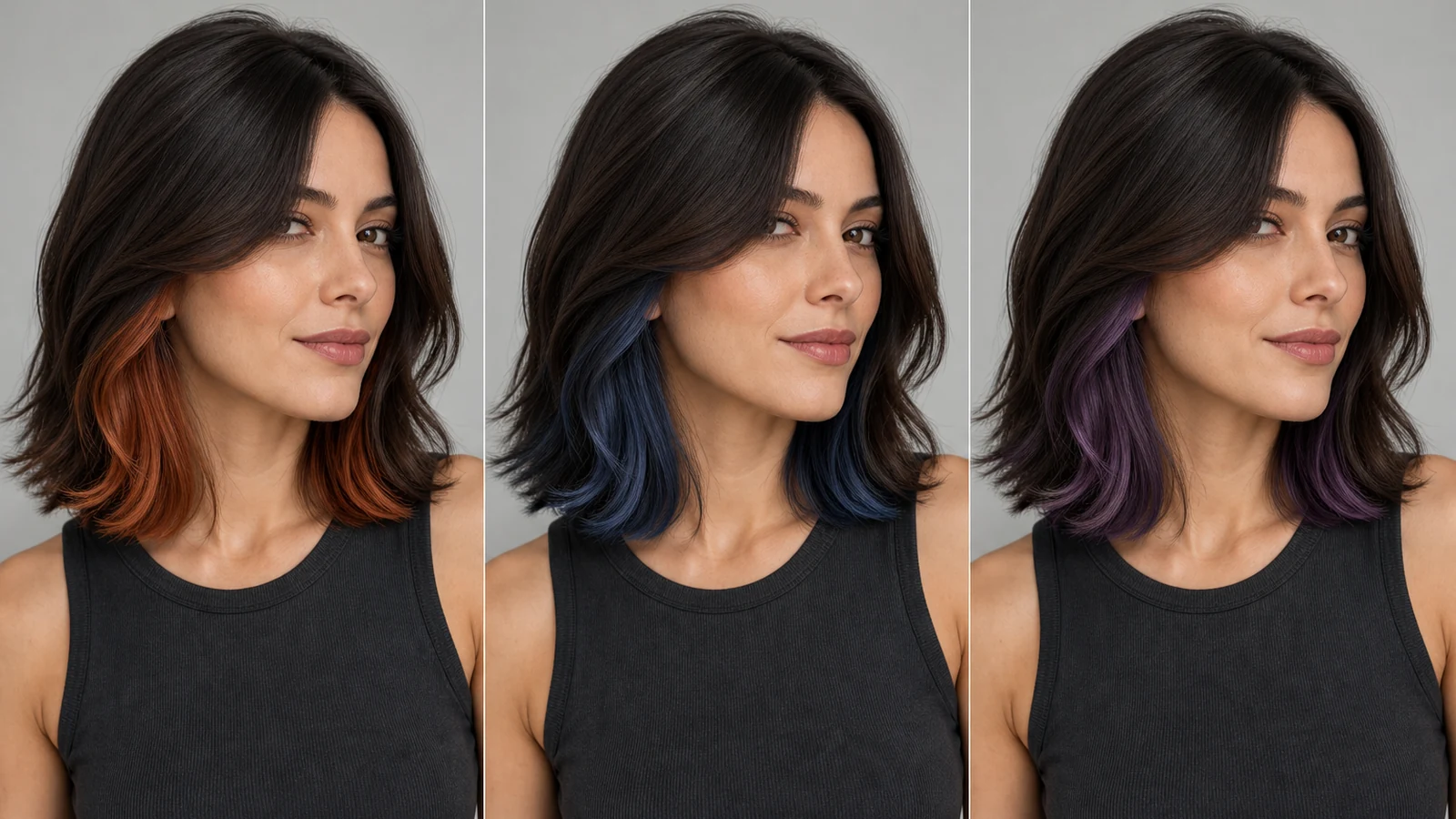
Try peekaboo hair color on your photo example result created with PrimeArt
Example directions you can create
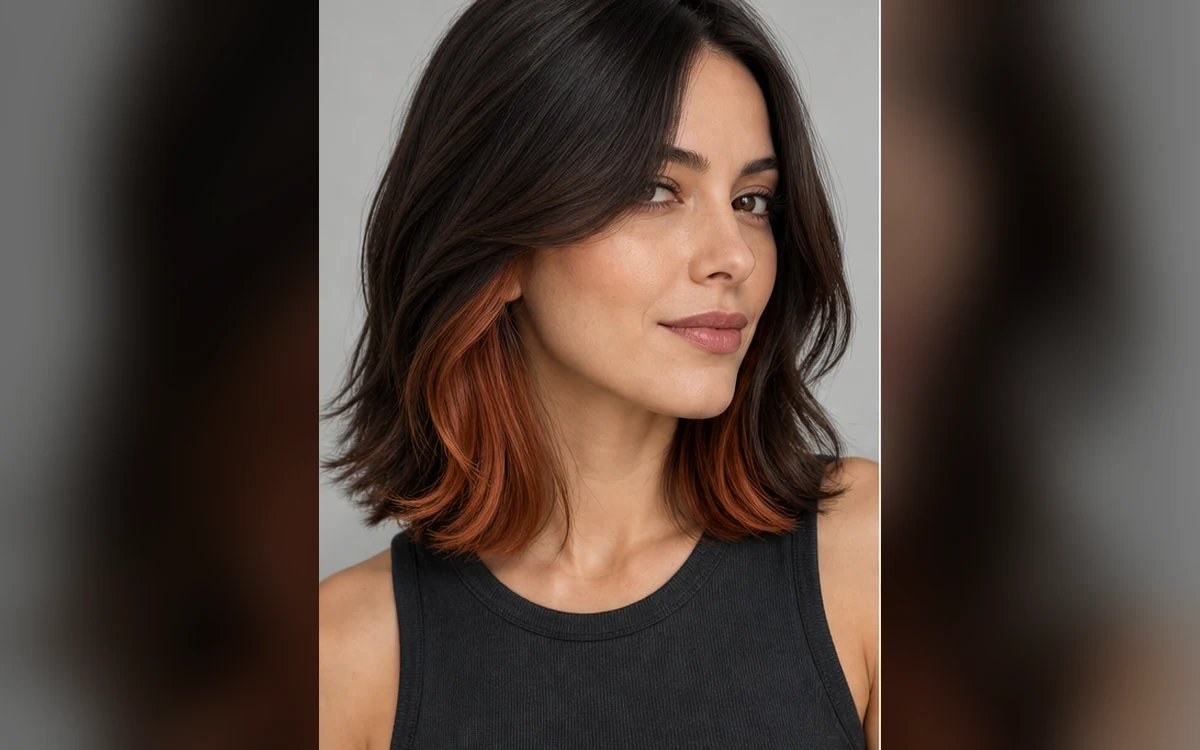
Warm copper — A wearable copper underlayer revealed around the face.
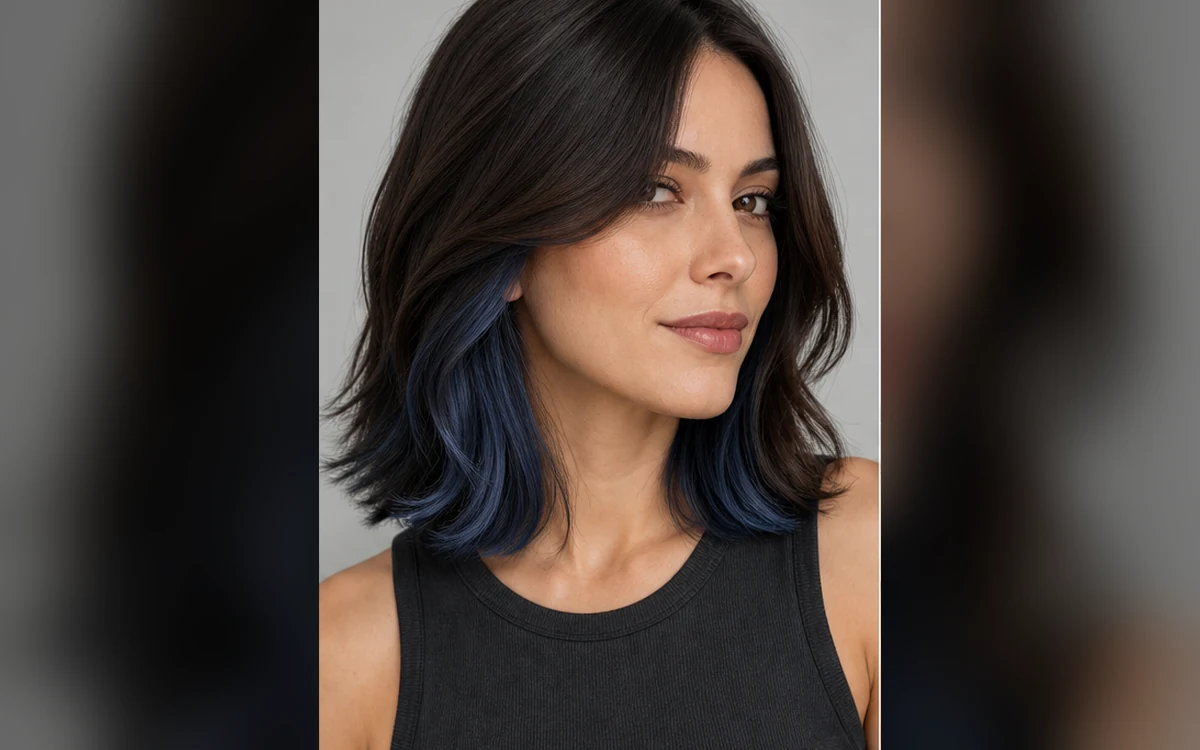
Cool blue — A controlled cool-blue reveal beneath natural hair.
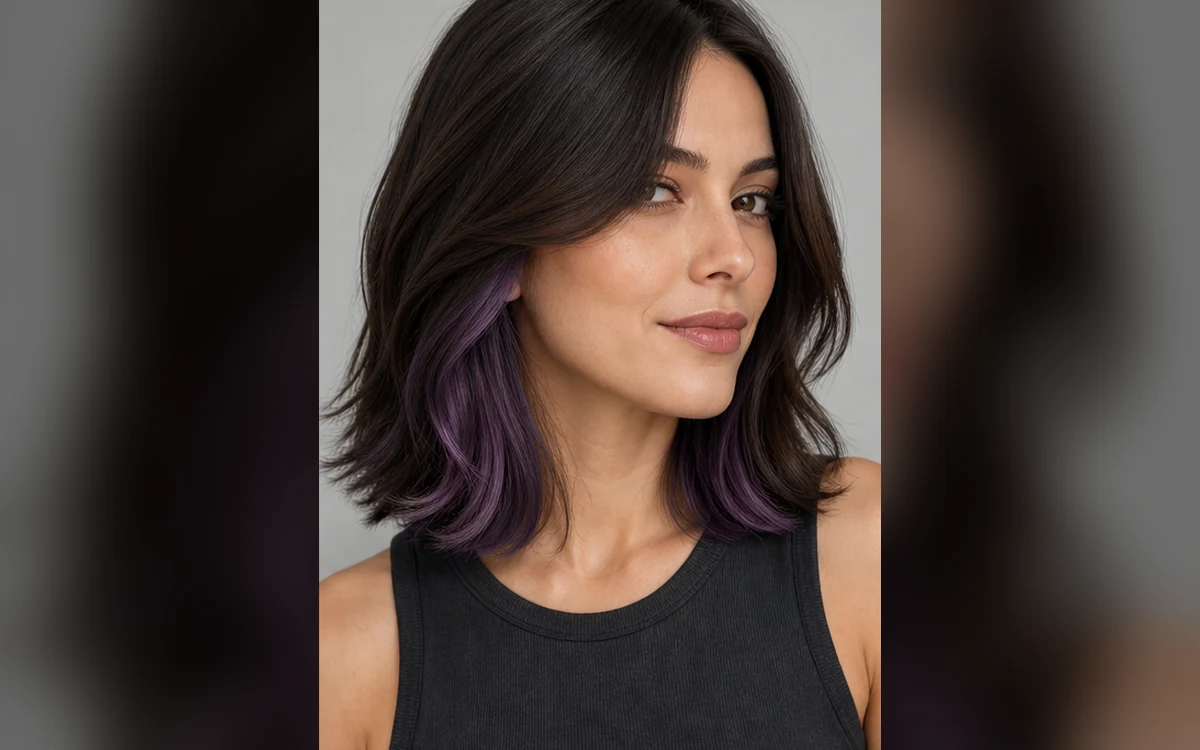
Smoky violet — A muted violet hidden panel with realistic shine.
How Try peekaboo hair color on your photo works
Choose a sharp portrait where the hairline, sides and lower layers are visible. The preview works best when the source has enough length or movement to reveal an underlayer.
PrimeArt changes only the selected color panel. Natural roots, strand direction, face, makeup, clothing and background remain part of the original photo.
Prepare your photo and instructions
Choose a prompt below, adapt it to your photo and review the result in Studio. An account is required. Free image results include a PrimeArt watermark; paid image options are watermark-free and include 2K or 4K where shown in Studio.
Hidden color placement — Keep the accent beneath the top layer so it appears through movement and around the face.
Wearable color options — Compare warm copper, cool blue and violet without recoloring every strand.
Natural roots and texture — Preserve believable root color, shine, density and strand direction.
Popular use cases
First color experiment — Preview a subtle underlayer before visiting a colorist.
Seasonal refresh — Compare one bold accent while retaining the main hair color.
Face-framing reveal — Test placement near the temples and lower side layers.
Creator look — Explore a distinctive but controlled color detail for portraits.
Placement matters more than saturation
A convincing peekaboo effect follows the strand direction and sits beneath the top layer. Describe whether the reveal appears near the temples, around the face or only through the lower lengths.
Natural roots preserved
Main color stays dominant
Underlayer follows strand direction
Accent appears in selected areas only
Color previews are lighting-dependent
Warm indoor light, cool daylight and phone processing change how copper, blue and violet appear. Generated color is a concept, not a salon formula or guaranteed result.
Review a hidden-color edit closely
Inspect the hairline, scalp, ears, flyaways and reflections. Confirm that the accent stays inside the hair and that facial features, skin tone, makeup and clothing remain unchanged.
No color on skin or clothing
Roots remain believable
Texture is consistent
Face is unchanged
Choose where the pink underlayer should appear
Peekaboo color belongs beneath the main hair layer. Use a source photo where some lower hair is already visible and describe a narrow section near the sides or behind the ears. Changing the color alone makes it easier to compare a dark pink version with a softer dusty rose.
Ask to retain the original cut, top-layer color and texture. Inspect the result for color on skin or clothing and for an underlayer that has spread across the whole head. The image suggests placement and mood; it does not predict the exact result of dye on your current hair.
Keep the main hair layer unchanged
Compare muted and deeper pink on one reference
Check roots, overlap and hair edges
Two pink peekaboo hair color prompts
Keep the original cut and main hair color while trying an underlayer. Use a reference that already shows some of the lower hair so the placement can be judged.
A dark pink underlayer
Start with: A clear adult portrait with the sides and lower lengths visible, ideally with part of the top layer tucked back.
Preview a dark pink peekaboo underlayer on the uploaded adult. Change only the color of a limited lower hair section, keeping the natural top-layer color, roots, haircut, length and texture. Show the pink through existing gaps near the side lengths and behind the ears without restyling the hair or adding new strands. Keep color placement consistent from roots to ends and make occlusion, strand detail, shadows and shine follow the original lighting. Preserve the exact face, age, skin tone, expression, body, pose, clothing, accessories, background and crop. Add no beauty retouching, text, accessories or people.
Check the result: Check that pink appears beneath the top layer and stays within the real hair edges. Compare the face, roots and original haircut before judging the color.
Start with: A sharp front or three-quarter adult portrait with enough lower hair visible to place a narrow colored section.
Preview a subtle dusty rose peekaboo color on the uploaded adult. Recolor a narrow underlayer near the lower side lengths while retaining the original main hair color, root appearance, haircut, length and texture. Keep the rose muted rather than neon and visible only where the source photo reveals the underlayer. Respect the natural flow and overlap of the existing strands. Match the original light, shadows and shine, with no color bleeding onto skin, clothing or the background. Preserve the exact person, face, age, expression, pose, accessories and composition. Add no text, new hair accessories, retouching or other people.
Check the result: Inspect the hair boundary around ears, neck and clothing for color bleed. Check that the underlayer has not spread across the whole head or changed the cut.
Choose a source that reveals the lower hair layers — Use a sharp portrait with enough length or movement near the temples and sides for an underlayer to be visible.
Define placement and color separately — State where the hidden panel begins, how much should show and whether the accent is warm, cool or muted. Preserve natural roots and the main color.
Check edges, shine and skin tone — Look around the hairline, ears and translucent strands. Make sure colored light has not leaked onto the face, clothing or background.
Frequently asked questions
What is peekaboo hair color?
It is a contrasting or tonal color placed beneath the top hair layer so it appears through movement, near the face or in selected lower sections.
Can I preview peekaboo color without changing all my hair?
Yes. The prompt can preserve roots and the main hair color while changing only a hidden underlayer.
Will the preview match real dye exactly?
No. Actual color depends on the starting shade, bleaching, porosity, light and product. Treat the generated image as visual direction for a colorist.
How does the prepared Try peekaboo hair color on your photo workflow continue in Studio?
Use a sharp portrait with enough length or movement near the temples and sides for an underlayer to be visible. PrimeArt carries this page's selected direction and format into Studio so you can begin with that specific setup instead of an empty prompt.
Open the prepared Try peekaboo hair color on your photo setup
Use a sharp portrait with enough length or movement near the temples and sides for an underlayer to be visible. Continue to Studio with this page's specific direction and format already selected.