Create with PrimeArt
Create an original AI horror portrait
Build summer-night suspense, gothic candlelight or a haunted vintage portrait without recreating a protected villain or graphic violence.
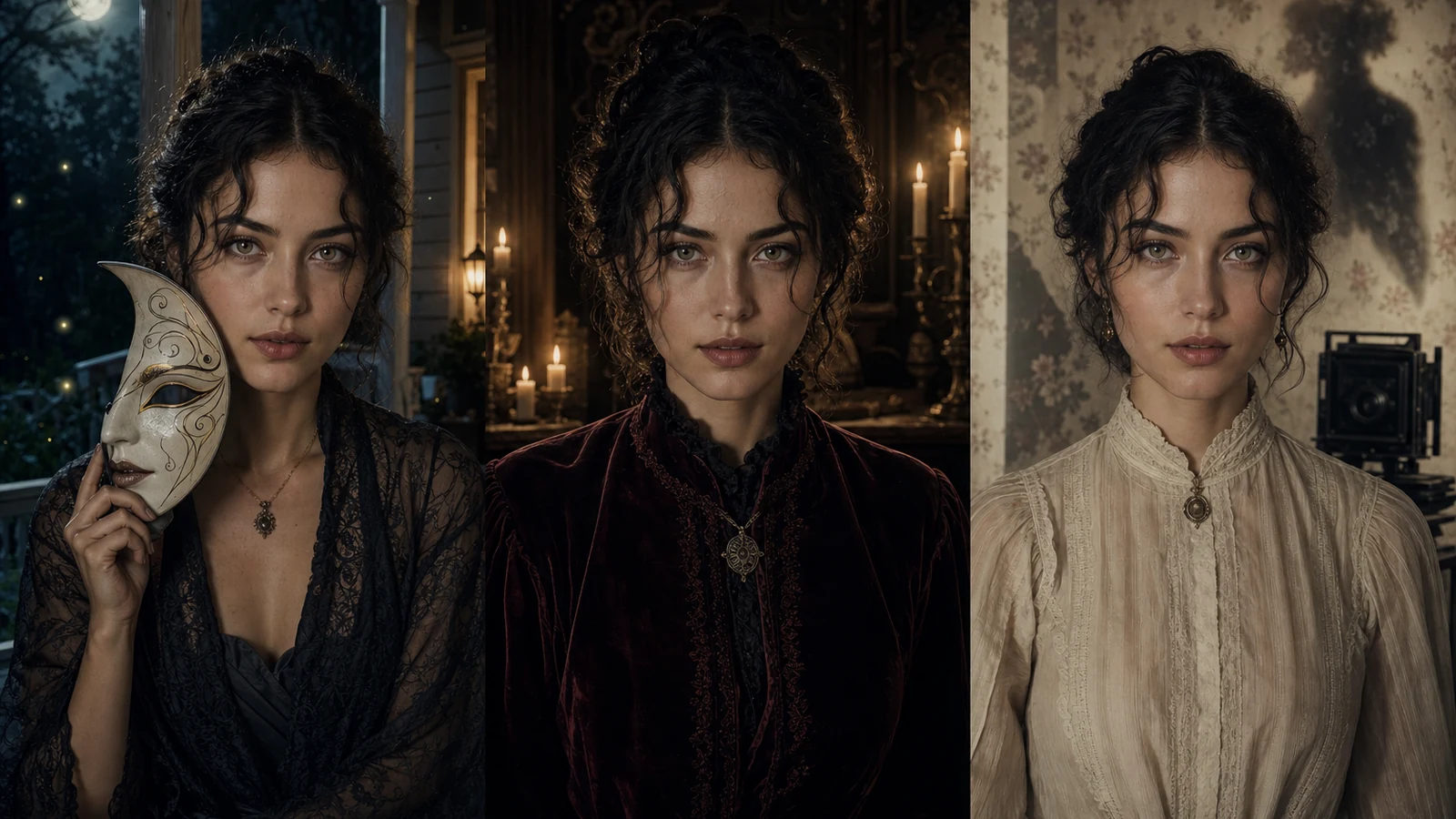
Example directions you can create
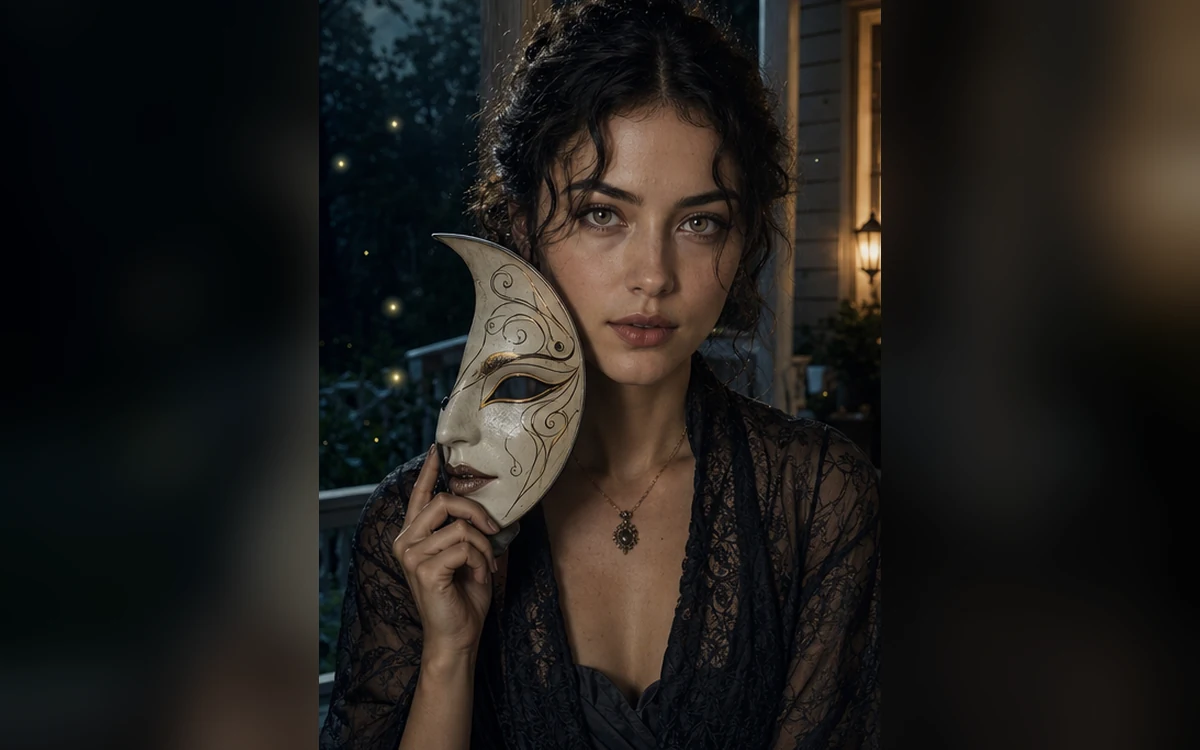
Summerween suspense — Humid dusk, porch light and playful masked tension. 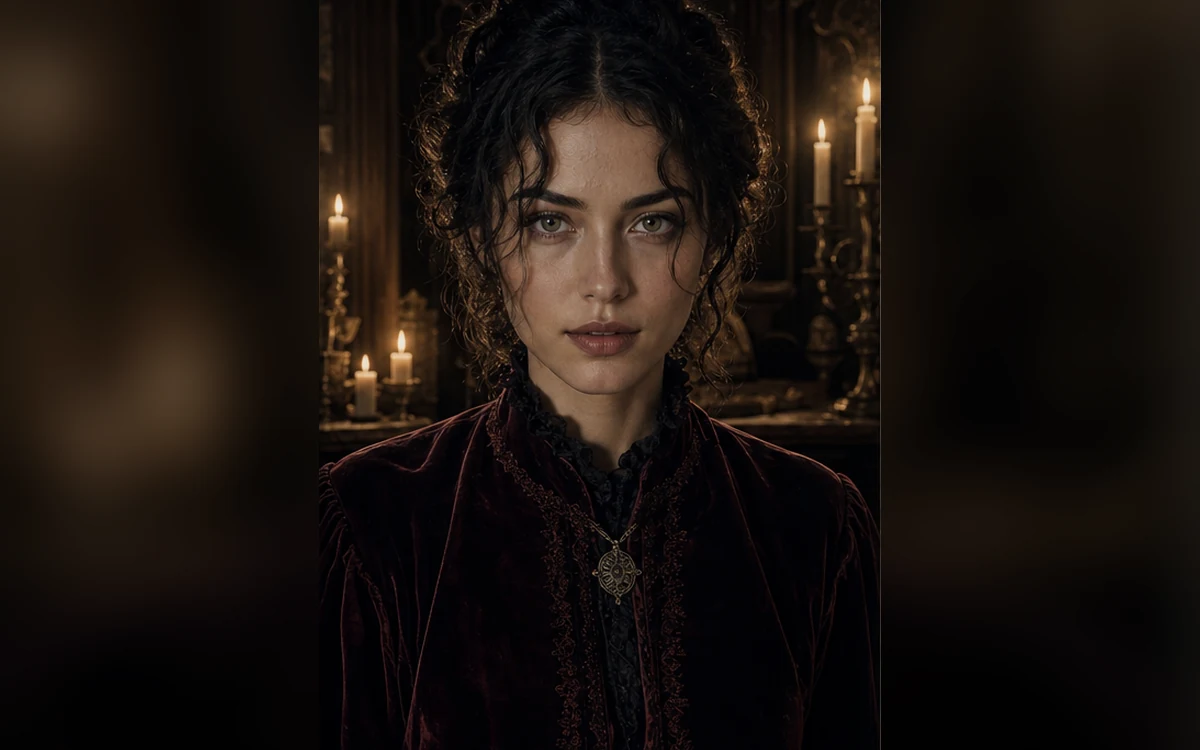
Gothic candlelight — Velvet, burgundy and elegant dark-romantic atmosphere. 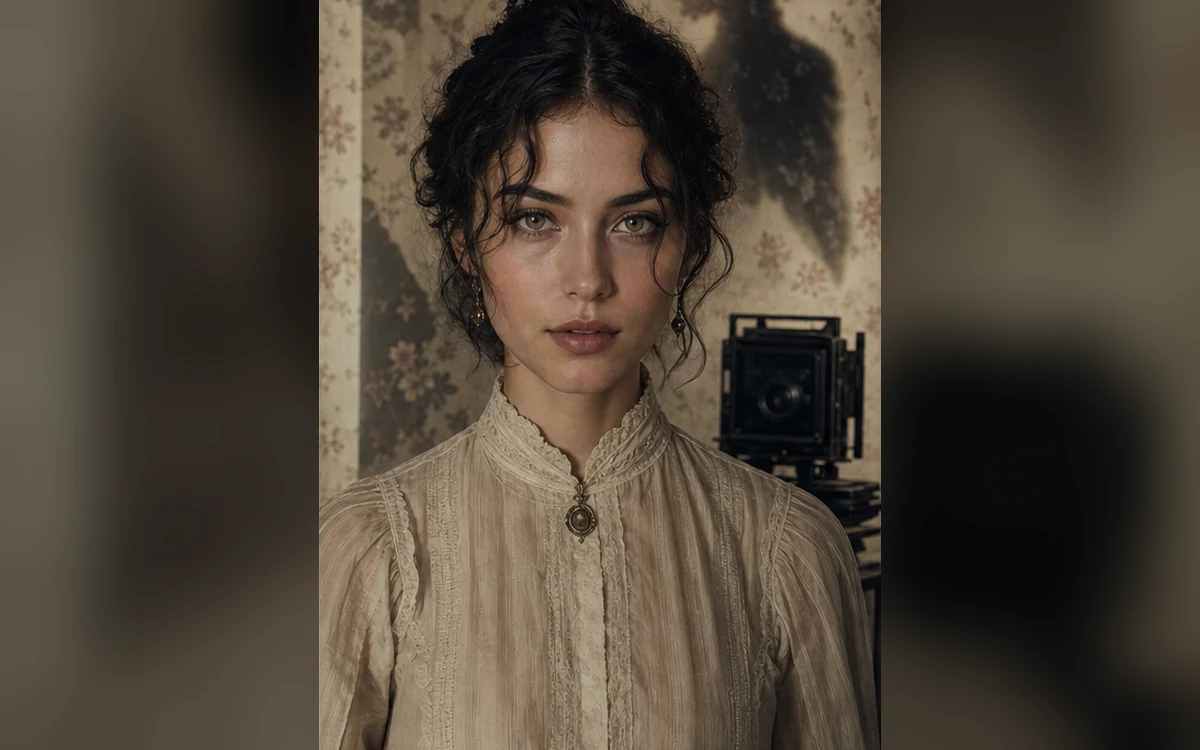
Haunted vintage — An aged portrait with subtle uncanny detail, never gore.
How Create an original AI horror portrait works
Choose a clear portrait and one horror direction: masked suspense, gothic elegance or an aged haunted photograph. Mood, light and setting usually matter more than explicit detail.
PrimeArt keeps the concept non-graphic and original. Presets avoid named villains, franchise masks and recognizable film compositions.
What you can create
- Cinematic suspense — Use shadow, framing and atmosphere to create tension without graphic content.
- Identity still visible — Keep the uploaded person recognizable even in dark, stylized lighting.
- Original horror language — Create new masks, sets and color treatment instead of copying a film property.
Popular use cases
- Summerween portrait — Mix warm summer night color with playful slasher-inspired suspense.
- Dark profile image — Create an evergreen suspense or gothic avatar with a clear face and dramatic light.
- Gothic editorial — Use velvet, candles and restrained dark-romantic styling.
- Haunted vintage photo — Turn a portrait into an aged, uncanny but non-graphic keepsake.
Build horror with atmosphere, not copying
A specific time of day, practical light source, weather cue and camera distance can create a distinctive horror image without relying on a known villain. Originality also makes the result more useful beyond a short-lived meme.
- One location and time of day
- A visible motivated light source
- Original costume or mask
- Non-graphic tension
Identity and darkness need balance
If the face is completely hidden, the result stops functioning as a personal portrait. Ask for catchlights, visible facial planes and a mask held beside the face when likeness matters.
Safety and quality review for horror art
Inspect every shadow, reflection and background silhouette. Reject unexpected injuries, extra people, protected character resemblance, unreadable text and anatomy that becomes disturbing by accident.
- Face remains readable
- No graphic harm
- No known villain or mask
- No accidental background figures
How to get started
- Choose a mood instead of a famous villain — Build tension through summer dusk, gothic candlelight or aged photography. Use an original mask or no mask at all.
- Keep the face and safety limits explicit — State that the adult subject stays recognizable and the scene remains non-graphic, with no blood, injury or weapon.
- Inspect dark areas and hidden details — Raise the preview brightness if needed and check hands, masks, mirrors, background figures and shadows for accidental disturbing content.
Frequently asked questions
- Can I create a scary portrait without graphic violence?
- Yes. Suspense can come from light, framing, weather, expression and an uncanny environment rather than injury or gore.
- Can I recreate a famous masked horror character?
- Create an original horror concept instead. Avoid protected masks, costumes, names, logos and recognizable film scenes.
- Why can dark portraits lose facial identity?
- Deep shadow and colored light hide reference detail. Keep some light on both eyes and key facial planes, and compare the result with the source.
- How does the prepared Create an original AI horror portrait workflow continue in Studio?
- Build tension through summer dusk, gothic candlelight or aged photography. Use an original mask or no mask at all. PrimeArt carries this page's selected direction and format into Studio so you can begin with that specific setup instead of an empty prompt.
Open the prepared Create an original AI horror portrait setup
Build tension through summer dusk, gothic candlelight or aged photography. Use an original mask or no mask at all. Continue to Studio with this page's specific direction and format already selected.