Create with PrimeArt
Turn your photo into original movie poster art
Create cinematic key art with dramatic light, a readable central subject and intentional blank space for typography you add later.
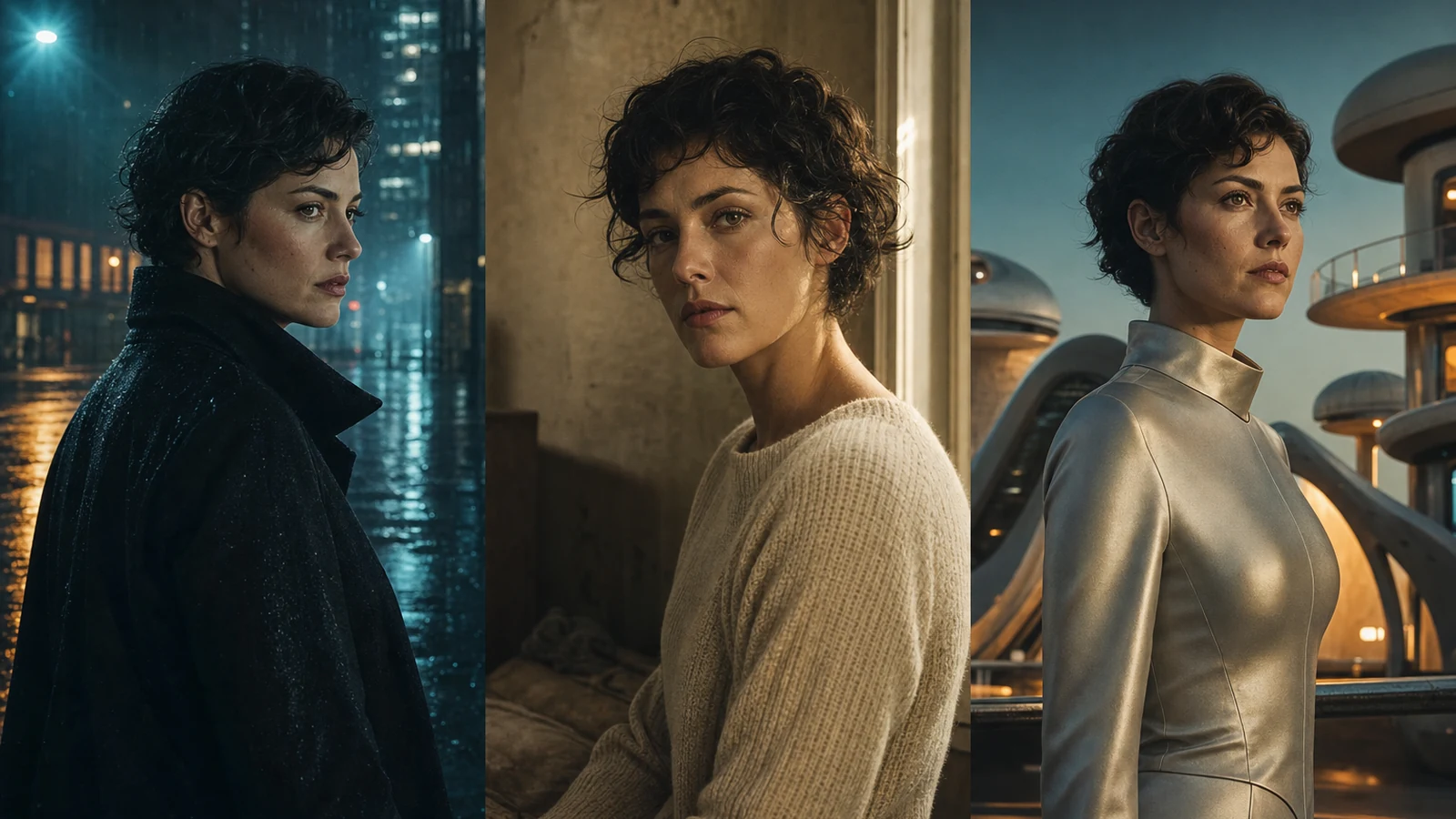
Example directions you can create
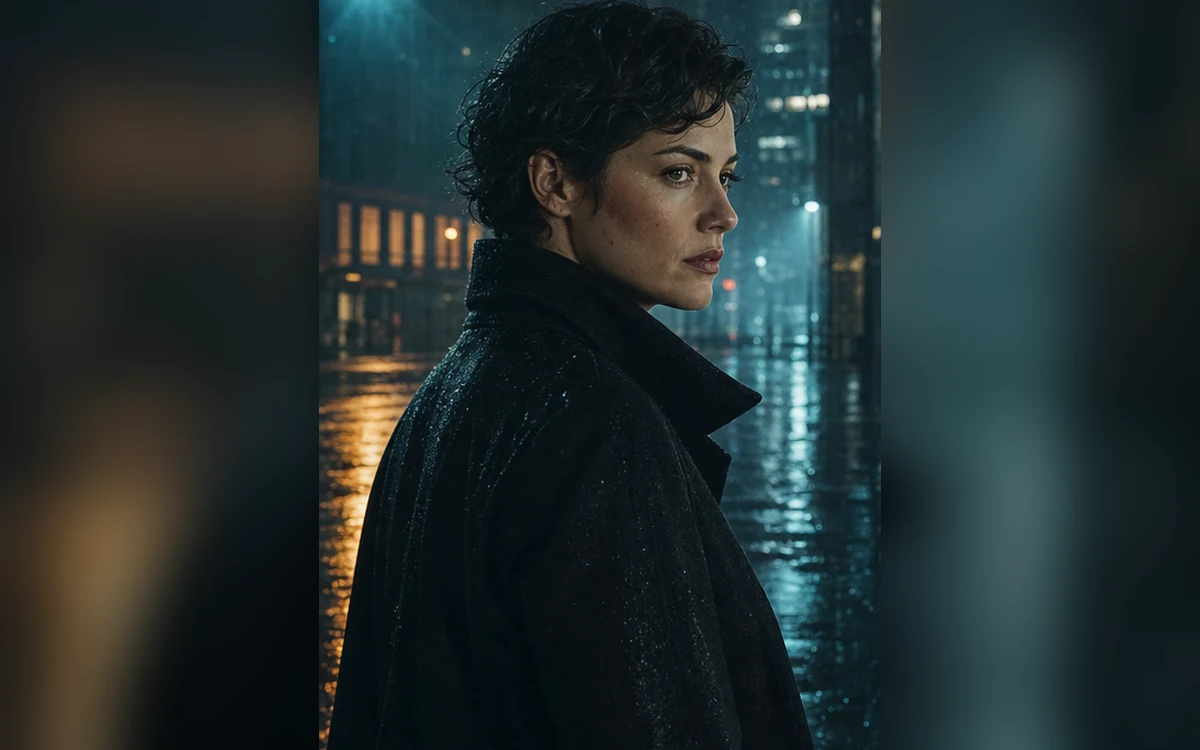
Modern noir — Rain-softened city depth and dramatic side light. 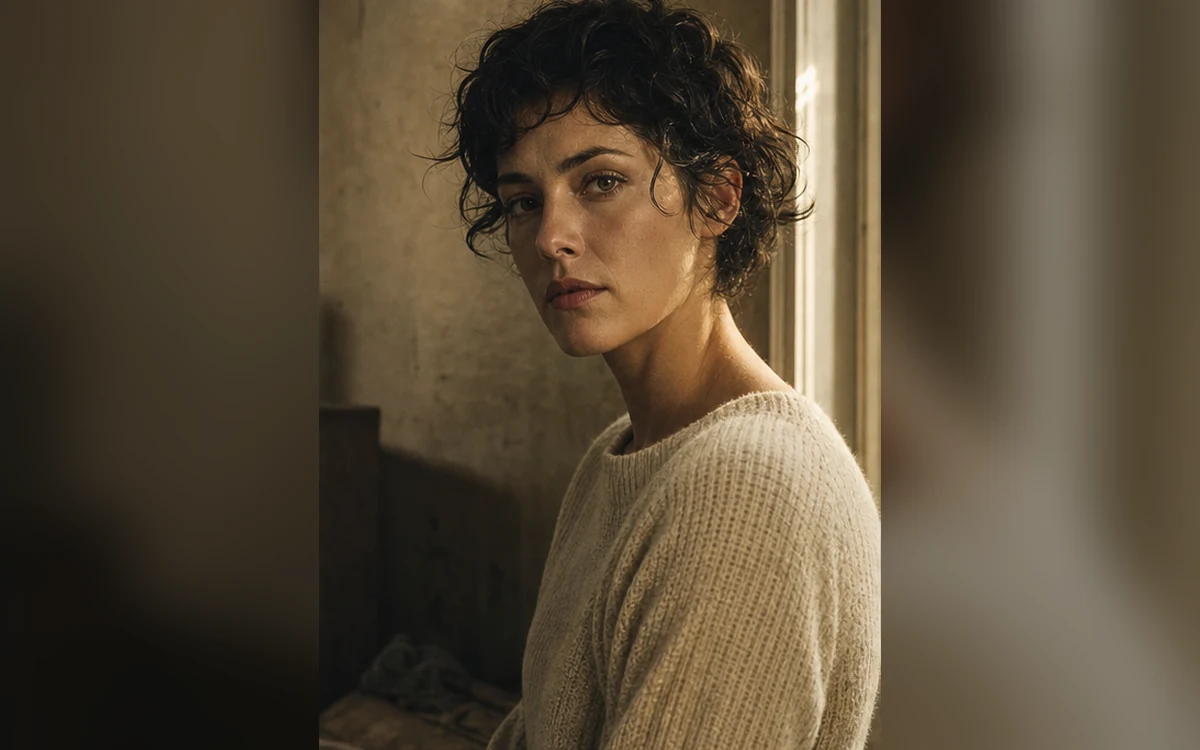
Intimate drama — Quiet emotional close-up with natural window light. 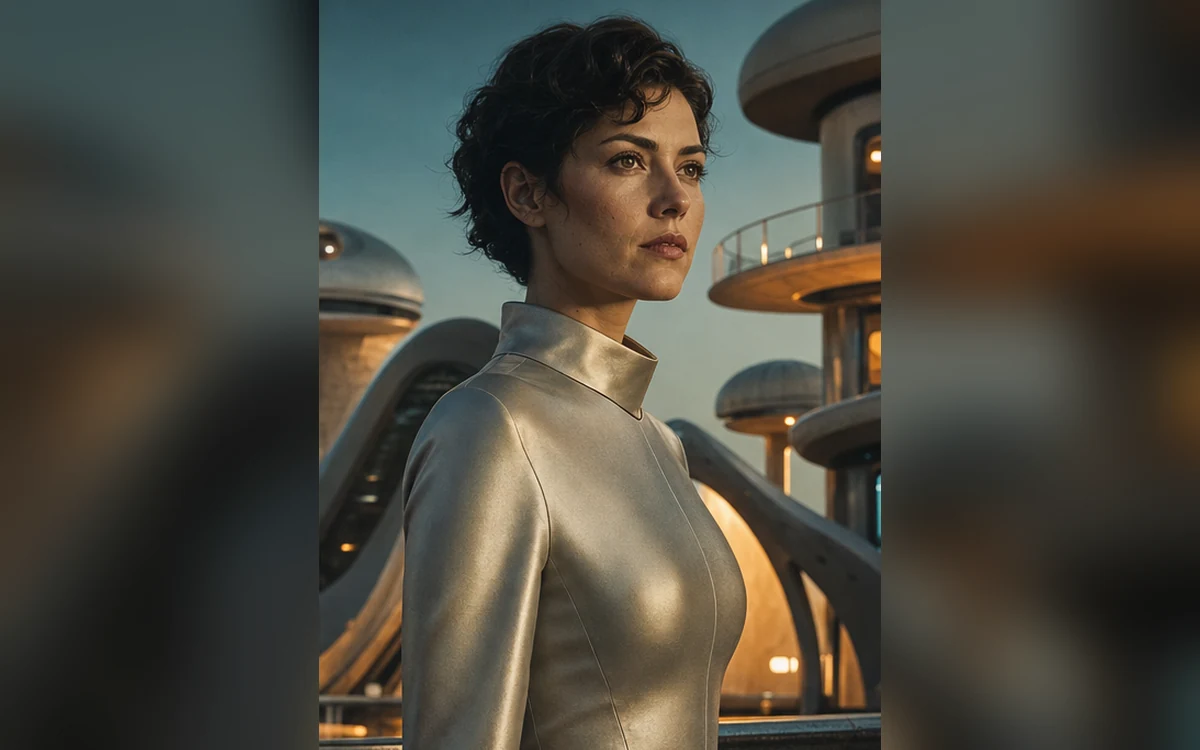
Retro future — Original cosmic color and practical retro-future design.
How Turn your photo into original movie poster art works
Start with a clear portrait and define genre, emotional beat, palette and setting. Strong poster art communicates one idea before it adds secondary details.
PrimeArt generates title-free key art so you can add accurate typography later. Presets avoid real films, actors, studios and recognizable poster layouts.
What you can create
- Clear cinematic hierarchy — Use one strong focal subject, supporting atmosphere and deliberate negative space.
- Original genre direction — Explore noir, intimate drama or retro science fiction without copying a film campaign.
- Typography-ready artwork — Leave useful clean areas for titles and credits to be added in a design tool.
Popular use cases
- Short-film concept — Explore an original visual direction before a shoot or pitch.
- Creator announcement — Frame a portrait as dramatic campaign-style key art.
- Event invitation — Build a cinematic background and add accurate event copy later.
- Story mood board — Test genre, palette and character emphasis for a new idea.
Movie poster prompts need a visual hierarchy
Effective key art is not a pile of genre keywords. Define the central subject, emotional beat, environment, light and negative space in that order. Secondary detail should support the first read.
- One central subject
- One emotional beat
- One supporting environment
- Blank space for later typography
Why generated poster text should stay blank
Image models can invent letters, dates and credits. Separating artwork from typography gives you control over spelling, accessibility, legal review and final campaign hierarchy.
Review original key art before publishing
Check the subject’s face, body, clothing and hands, then scan the background for accidental logos, signs and recognizable scenes. Confirm the composition remains legible as a thumbnail.
- Likeness and anatomy hold up
- No accidental text or logos
- No copied film composition
- Strong thumbnail silhouette
How to get started
- Write the one-sentence story first — Define genre, subject, emotional conflict and setting before asking for lens, grain, color or atmosphere.
- Design a poster hierarchy without text — Choose one focal subject, one secondary environmental clue and deliberate negative space where a real title can be added later.
- Check key art before typography — Inspect likeness, hands, silhouette, light direction and small background elements. Add accurate title and credits in a design tool afterward.
Frequently asked questions
- Can PrimeArt add a movie title to the poster?
- For accurate typography, generate title-free key art with blank space and add the real title later in a design tool.
- Can I imitate an existing movie poster?
- Create an original genre direction instead. Avoid real film titles, actors, studio marks and distinctive campaign compositions.
- What photo works best for cinematic key art?
- Use a sharp portrait with a clean silhouette and lighting that can plausibly blend with the intended scene.
- How does the prepared Turn your photo into original movie poster art workflow continue in Studio?
- Define genre, subject, emotional conflict and setting before asking for lens, grain, color or atmosphere. PrimeArt carries this page's selected direction and format into Studio so you can begin with that specific setup instead of an empty prompt.
Open the prepared Turn your photo into original movie poster art setup
Define genre, subject, emotional conflict and setting before asking for lens, grain, color or atmosphere. Continue to Studio with this page's specific direction and format already selected.