Create with PrimeArt
Create a better dating profile photo
Build a warm, believable portrait with a clear face, natural expression and setting that feels interesting without looking staged.
- AI dating photo
- dating profile picture
- natural portrait AI
- profile photo makeover
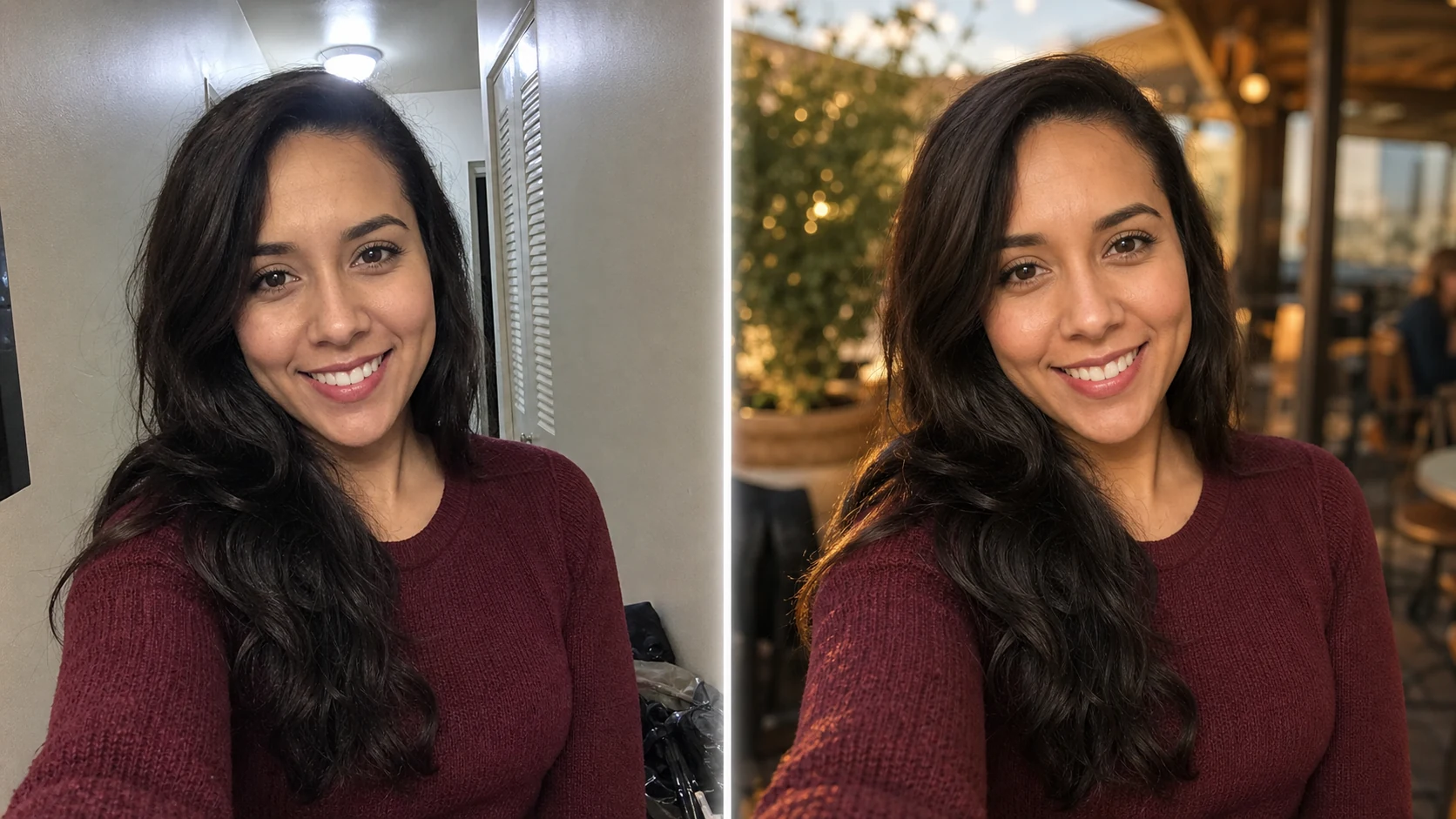
Example directions you can create

Outdoor golden hour — Warm honest portrait with a relaxed natural smile. 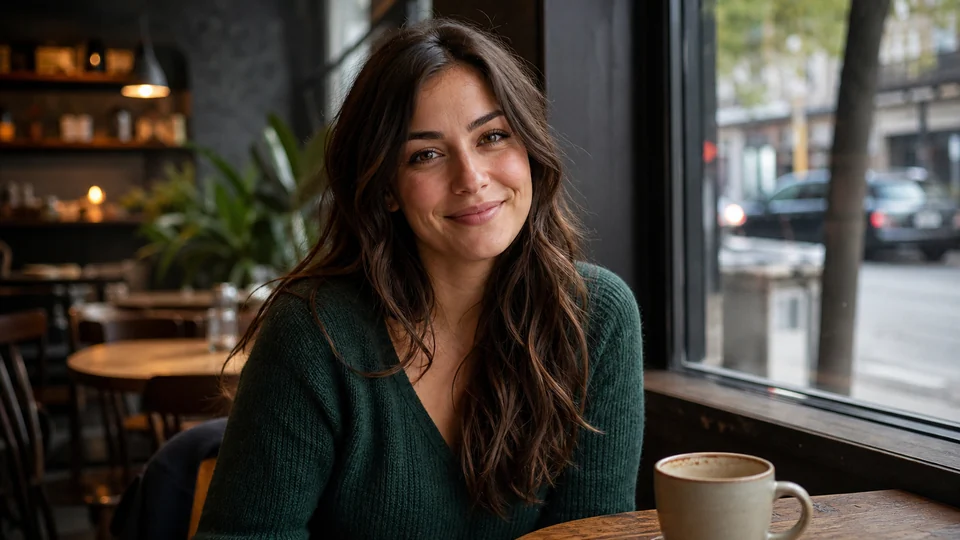
Natural café — Approachable lifestyle image in soft window light. 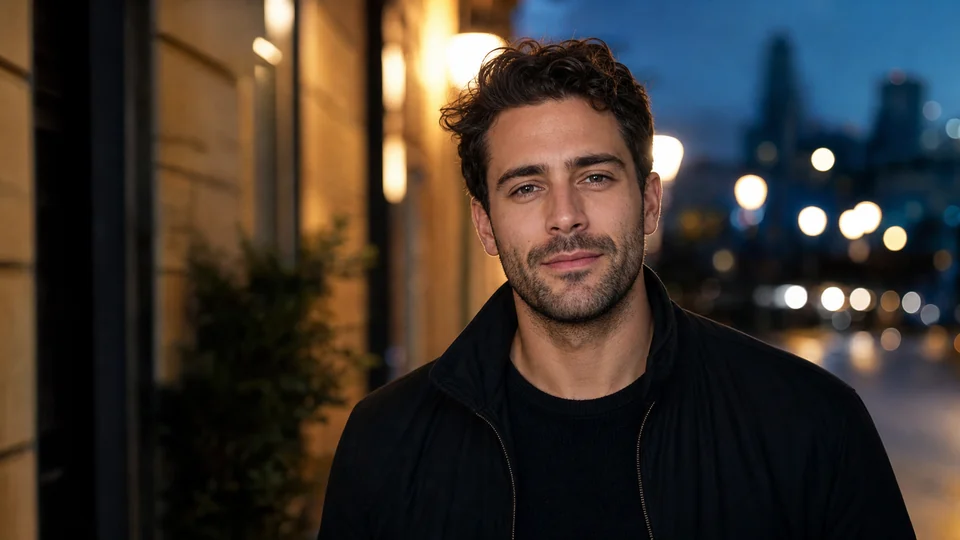
City evening — Confident urban portrait with tasteful cinematic light.
How Create a better dating profile photo works
A good dating photo should still look like you. Use a recent source image and avoid changes that would make an in-person meeting feel disconnected from the profile.
PrimeArt loads a natural portrait prompt and vertical format so you can focus on the setting, expression and impression rather than technical setup.
What you can create
- Approachable expression — Create a warm first impression with believable light and relaxed body language.
- Recognizable result — Keep the face honest instead of producing a heavily altered version of the person.
- More interesting setting — Use a natural outdoor, café or lifestyle background without visual clutter.
Popular use cases
- Main profile photo — Create a clear portrait with direct visual connection.
- Lifestyle variation — Show a believable activity or environment.
- Wardrobe direction — Explore a clean, natural outfit appropriate to the setting.
- Crop comparison — Test close and wider portrait framing while staying recognizable.
Start from a dating photo people can recognize
Use a recent image with visible eyes, natural skin and an uncluttered face. A genuine expression and plausible environment carry more trust than extreme retouching.
- Recent source photo
- Natural expression and skin texture
- No ambiguity about who is in frame
The line between polish and misrepresentation
AI may make a person younger, reshape the body or invent a lifestyle setting. Those changes can create an appealing picture that no longer sets honest expectations.
Quality and authenticity checks
Compare face, age, hair, body proportions and recognizable marks with the source. Check hands, teeth, clothing and background details for generation errors.
- Keep identity current
- Use believable settings
- Reject anatomy and background artifacts
AI Dating Photo ideas for real projects
This prepared workflow is useful for main profile photo, lifestyle variation, wardrobe direction, crop comparison. Choose the final aspect ratio and destination early so the composition has the right framing and usable space.
The three example sessions on this page show distinct starting points for the same topic. Open one to carry its direction into Studio, then adapt the prompt and source image to your own project.
- Main profile photo: Create a clear portrait with direct visual connection.
- Lifestyle variation: Show a believable activity or environment.
- Wardrobe direction: Explore a clean, natural outfit appropriate to the setting.
- Crop comparison: Test close and wider portrait framing while staying recognizable.
How to get started
- Use a current and recognizable source — Choose a recent photo with a clear face and natural expression. Avoid starting from a heavily filtered or outdated image.
- Create one believable situation — Describe a simple setting, clothing direction and light that fit your real life rather than stacking luxury props or implausible claims.
- Check honesty as well as image quality — Compare identity, age and body proportions with the source. Reject a polished result that would misrepresent who someone is offline.
Frequently asked questions
- Should an AI dating photo still look like me?
- Yes. Keep current, recognizable features and avoid changing age, body or identity in ways that could mislead people you meet.
- What kind of source photo is most useful?
- A sharp portrait with natural light and expression gives the generator a stronger identity reference than a cropped group photo or beauty-filtered selfie.
- Can I generate several profile-photo concepts?
- Yes. Test distinct but believable settings one at a time, then choose only results that remain accurate and consistent with your real appearance.
- Will PrimeArt prepare the ai dating photo workflow automatically?
- Yes. When you continue from this page, Studio opens on the Image tab with a matching prompt and aspect ratio already selected. The setup is retained while you continue through registration or sign-in.
Start your ai dating photo project
Continue to Studio with the matching prompt and format already prepared, then upload a source image or generate from text.