Create with PrimeArt
Create your AI birthday magazine cover
Turn one portrait into a polished fictional newsstand cover with an original masthead, controlled editorial lighting and short birthday-issue headlines.
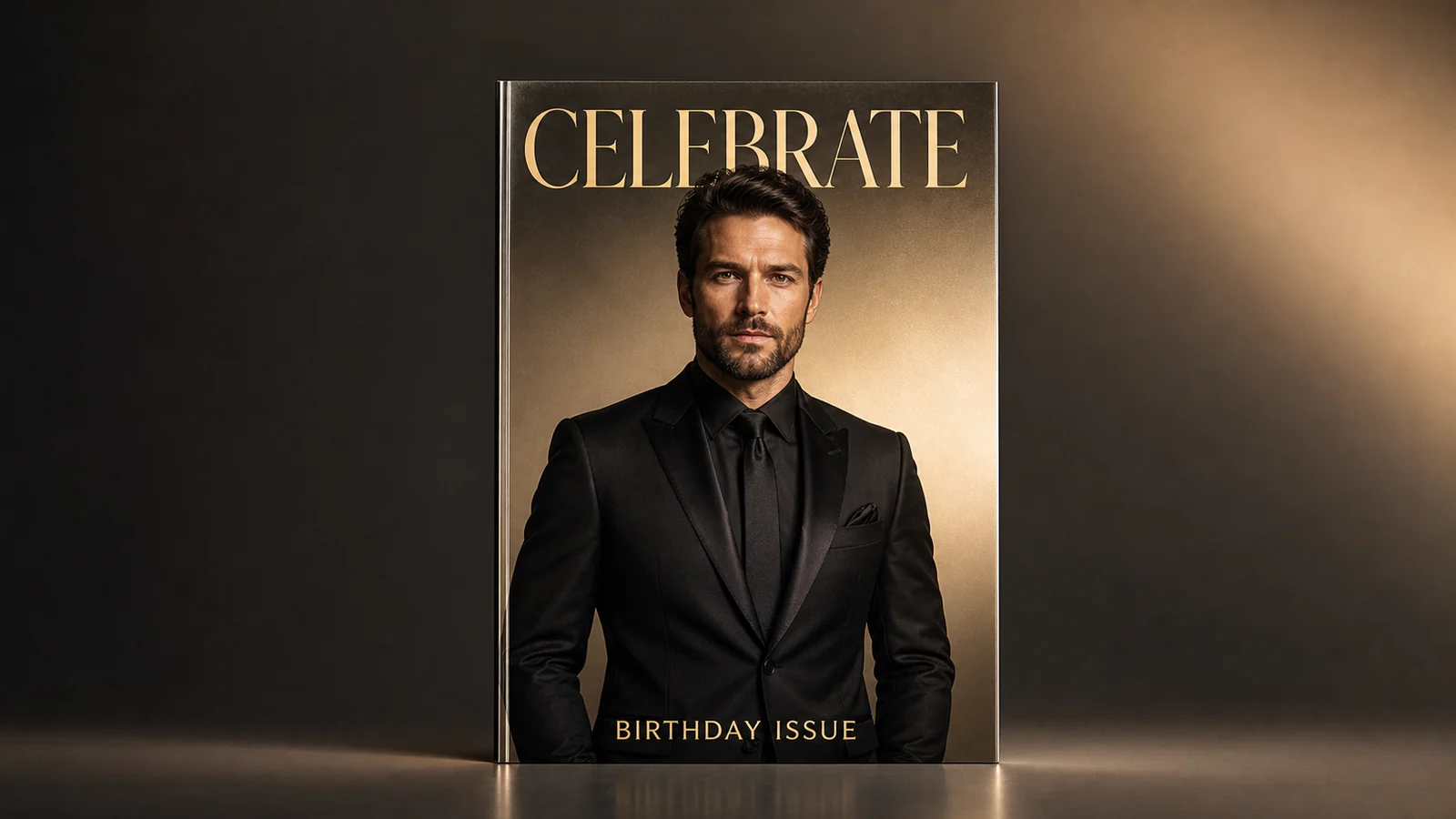
Example directions you can create
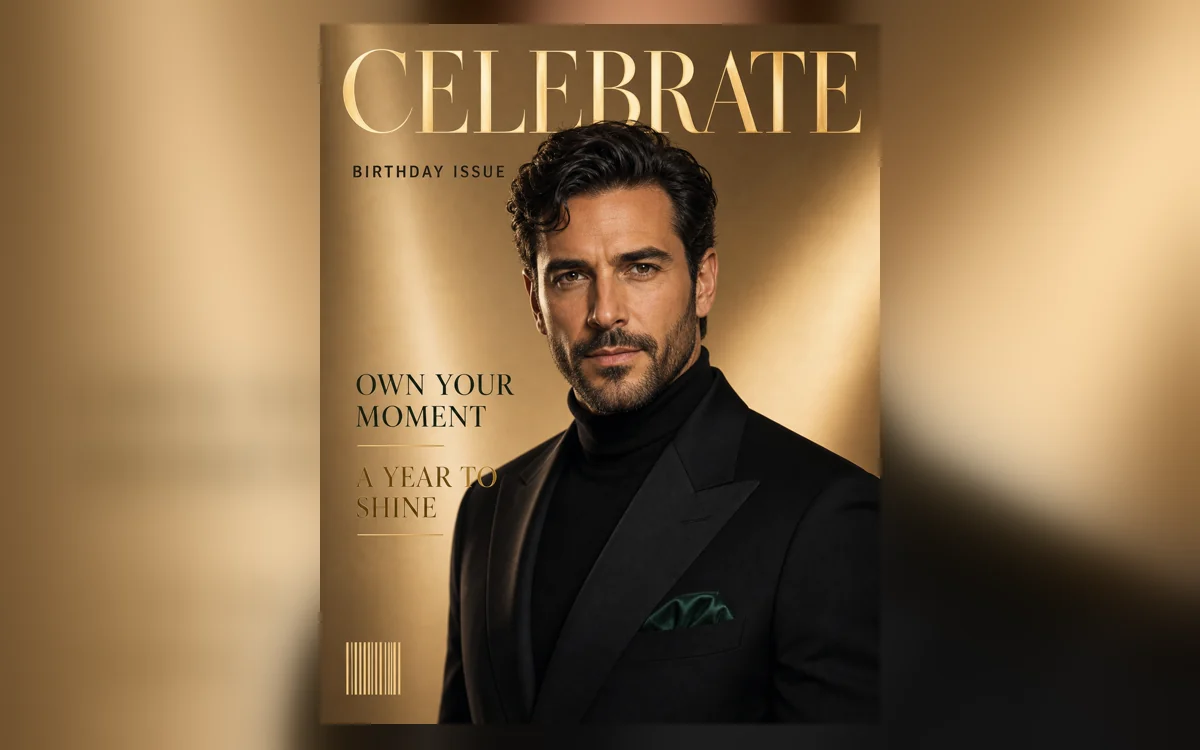
Glossy cover star — Polished studio light and a confident fictional newsstand cover. 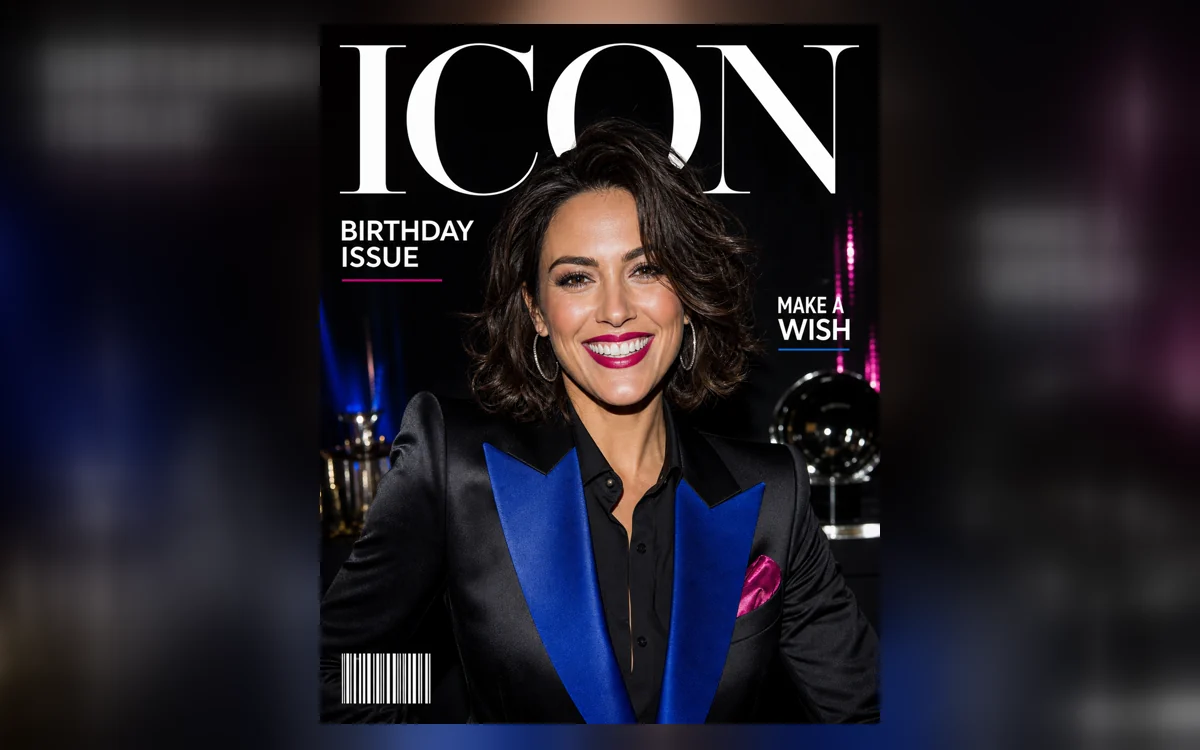
Party flash issue — Direct-flash energy, bold color and a compact contemporary grid. 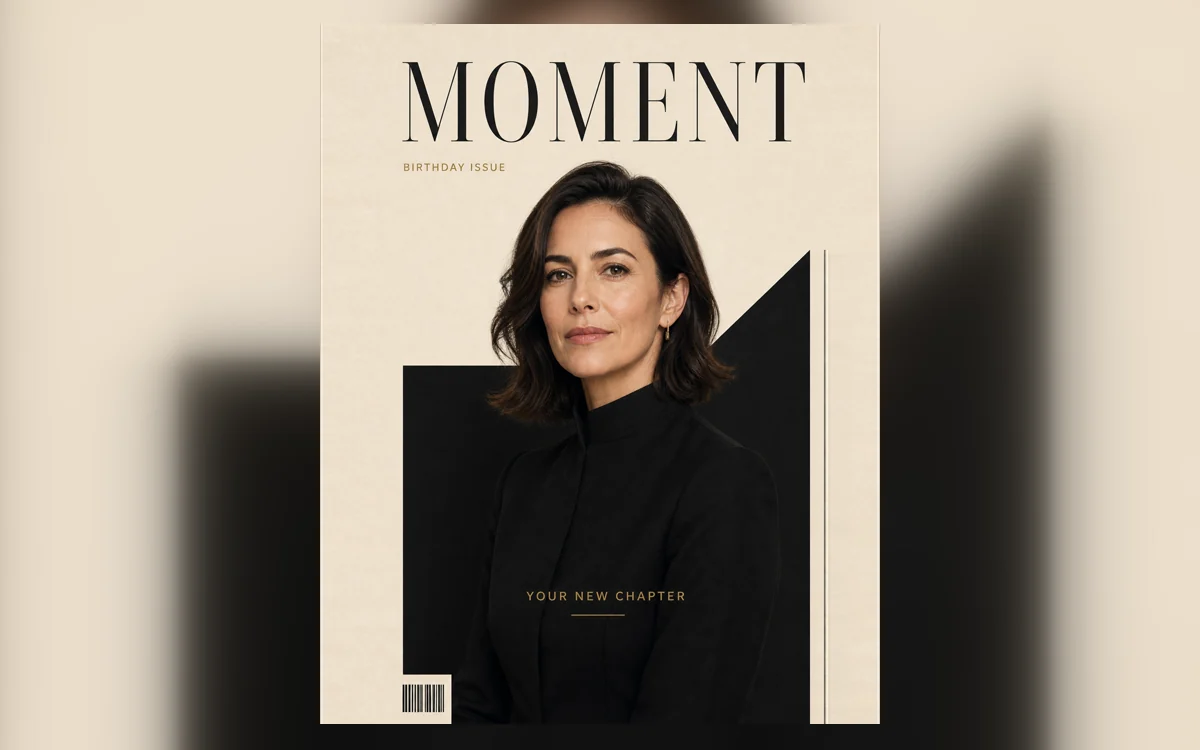
Minimal new chapter — Quiet black-and-cream type with a refined studio portrait.
How Create your AI birthday magazine cover works
Start with a sharp adult portrait that leaves room around the head and shoulders. Choose a glossy studio, direct-flash or minimal cover direction, then edit the sample masthead and cover lines before continuing to Studio.
Every preset uses a fictional publication identity and short controlled copy. It avoids real magazine logos, celebrity styling and made-up claims about the person, while leaving enough structure to read like a deliberate cover.
What you can create
- A clear cover-star portrait — Keep the face recognizable and use confident editorial lighting, clean separation and a strong thumbnail silhouette.
- Original magazine identity — Pair the portrait with an invented masthead and restrained grid instead of reproducing a real publication.
- Short cover lines you can proofread — Limit the layout to a birthday issue label and a few large phrases that remain easier to verify.
Popular use cases
- Personal birthday cover — Celebrate the person as the cover star of a fictional one-off birthday issue.
- Digital birthday card — Send a more editorial alternative to a conventional greeting-card graphic.
- Party announcement — Build a bold feed or story visual, then add exact event logistics separately.
- Printable gift concept — Create the cover artwork first and proof all wording before preparing a physical print.
Design a birthday cover that reads at a glance
A strong cover has one focal portrait, one masthead, one issue label and two or three secondary lines. The grid should guide the eye around the face rather than place text across eyes, mouth or distinctive features.
Glossy light creates a polished studio issue; direct flash feels energetic and social; a black-and-cream system produces a quieter keepsake. Choose one direction instead of mixing all three.
- Readable cover-star silhouette
- Invented masthead
- Short birthday issue label
- Two or three concise cover lines
Keep the publication fictional and the claims honest
Avoid recognizable magazine titles, celebrity styling and copied cover compositions. The result should look editorial without implying that the subject appeared in a real publication or endorsed a real brand.
Do not let the model infer a person’s age, achievements, relationship status or future plans from their photograph. If a factual line is important, write it yourself, obtain approval and typeset it after the image is finalized.
Prepare the birthday cover for a post or print
Check the thumbnail first for hierarchy, then zoom in for facial detail, letterforms, barcode marks and edge clearance. Keep important type inside safe margins and use a separate layout tool for final print dimensions, bleed and color preparation.
- No real publication marks
- All visible words are intentional
- Face remains recognizable
- Outer type has safe margins
How to get started
- Start with a cover-ready adult portrait — Choose a sharp head-and-shoulders or three-quarter image with comfortable space around the hair, shoulders and outer frame. A clean silhouette gives the masthead and cover lines room to breathe.
- Select one fictional cover system — Pick glossy studio, party flash or minimal new chapter. Keep the provided invented masthead and concise phrases, or replace them with equally short copy you can verify.
- Audit the cover as typography and portraiture — Inspect the face, hands, lighting and crop first. Then read the masthead, issue label and each cover line character by character before sharing or printing.
Frequently asked questions
- What makes an AI birthday magazine different from a birthday poster?
- A magazine cover uses a recognizable cover star, masthead, issue label, editorial grid and a small number of cover lines. A general birthday poster may prioritize decorations, event details or a large age instead.
- Can I use the name of a real magazine?
- Use an invented publication identity. Reproducing a real masthead, logo or distinctive cover system can create trademark and endorsement confusion, especially for public or commercial use.
- Will every cover line be spelled correctly?
- Not always. Short, large phrases are easier for an image model than dense copy, but every letter still needs review. Add final names, dates and event details later in a design tool when exact typography matters.
- How does the prepared Create your AI birthday magazine cover workflow continue in Studio?
- Choose a sharp head-and-shoulders or three-quarter image with comfortable space around the hair, shoulders and outer frame. A clean silhouette gives the masthead and cover lines room to breathe. PrimeArt carries this page's selected direction and format into Studio so you can begin with that specific setup instead of an empty prompt.
Open the prepared Create your AI birthday magazine cover setup
Choose a sharp head-and-shoulders or three-quarter image with comfortable space around the hair, shoulders and outer frame. A clean silhouette gives the masthead and cover lines room to breathe. Continue to Studio with this page's specific direction and format already selected.