Create with PrimeArt
Create a Birth Month Magazine portrait
Frame a birthday portrait as an editorial calendar collage with one highlighted month and day, a monochrome hero image and personal keepsake texture.
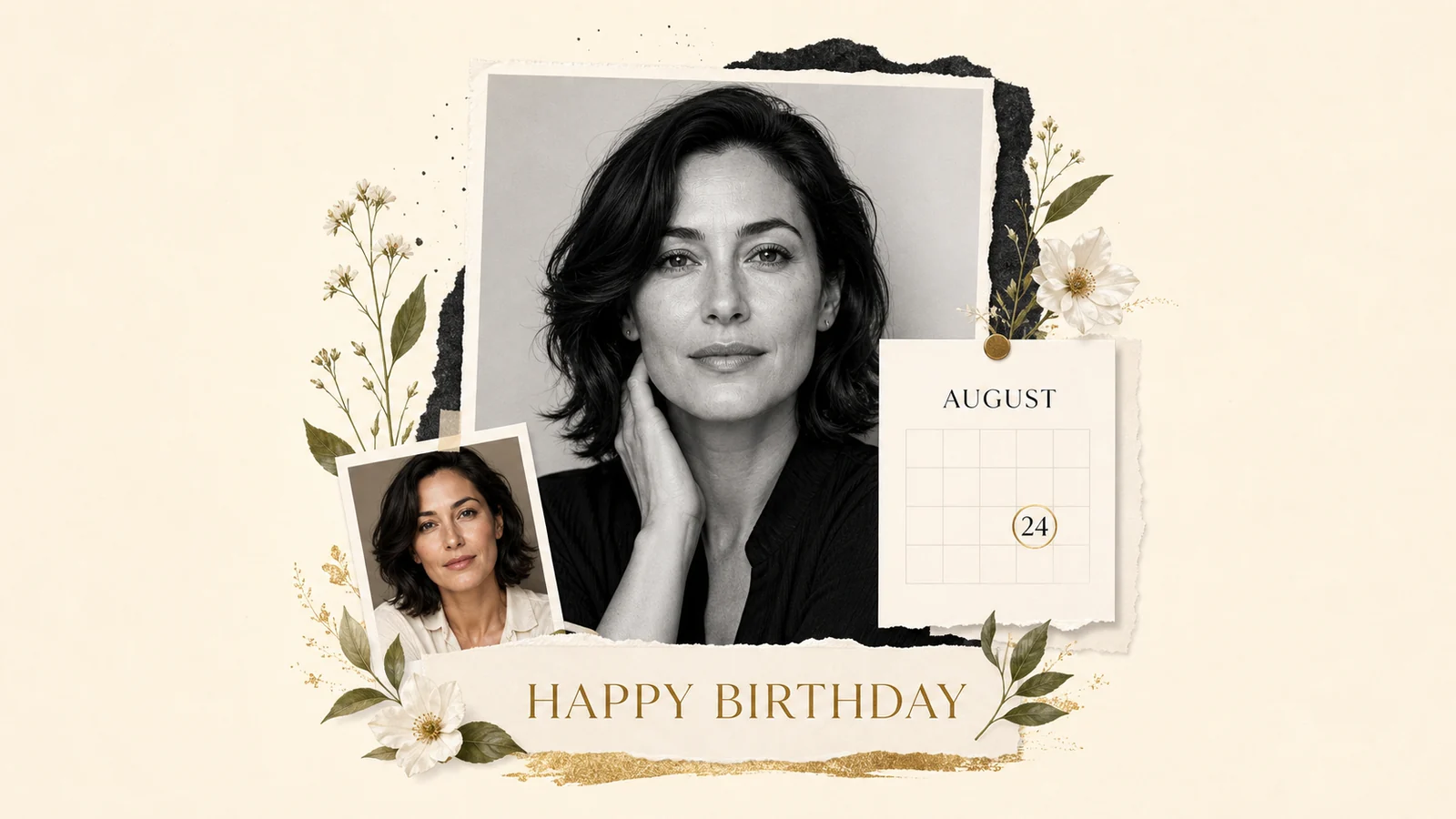
Example directions you can create
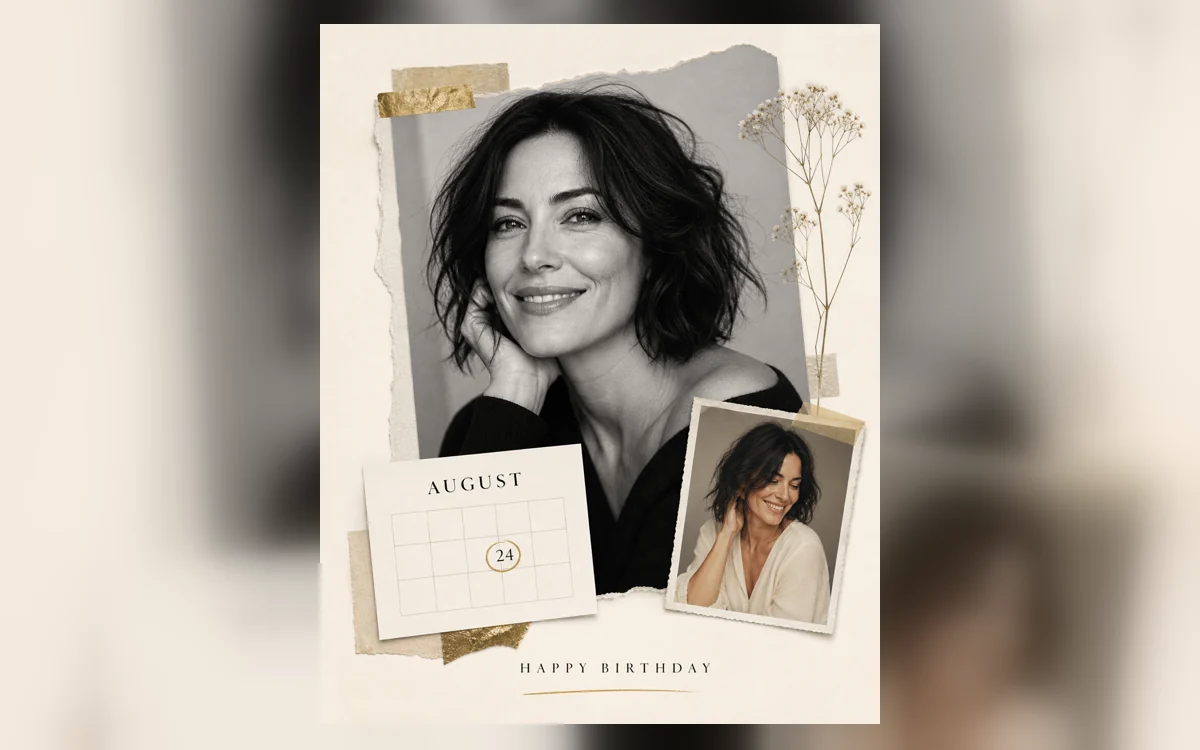
Classic date collage — A monochrome hero portrait, one color insert and a highlighted day card. 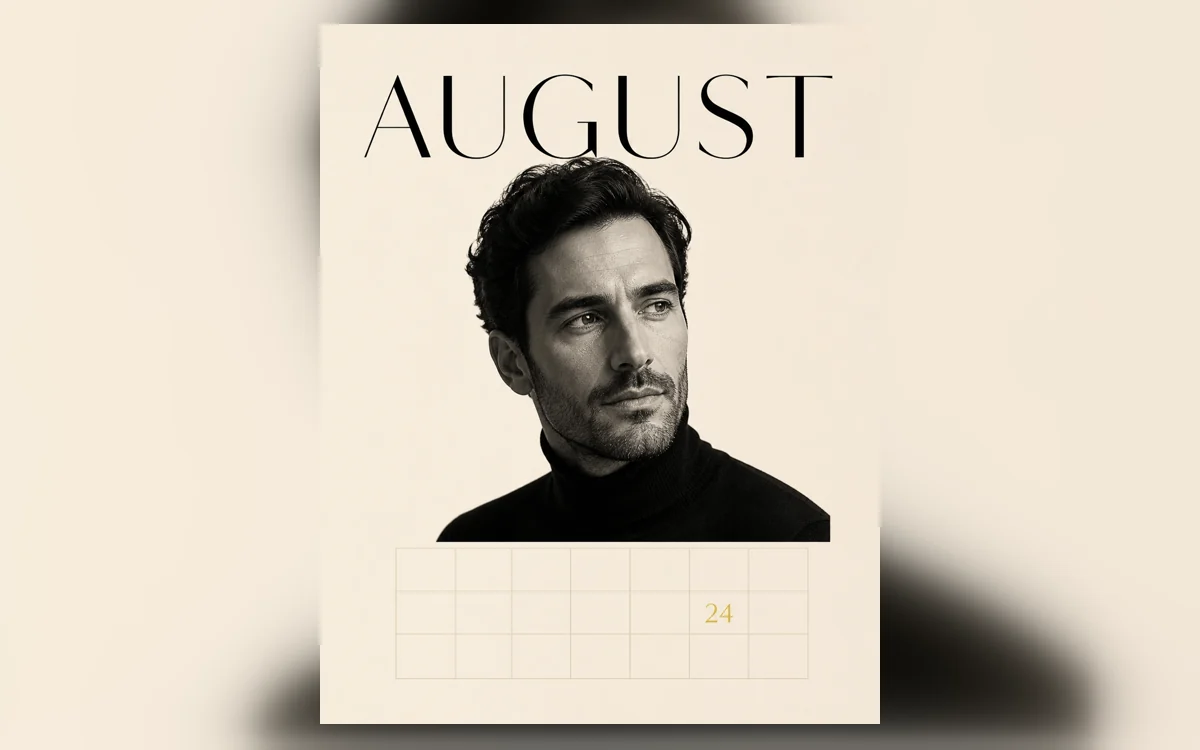
Minimal month — Large month typography, generous space and one precise birthday marker. 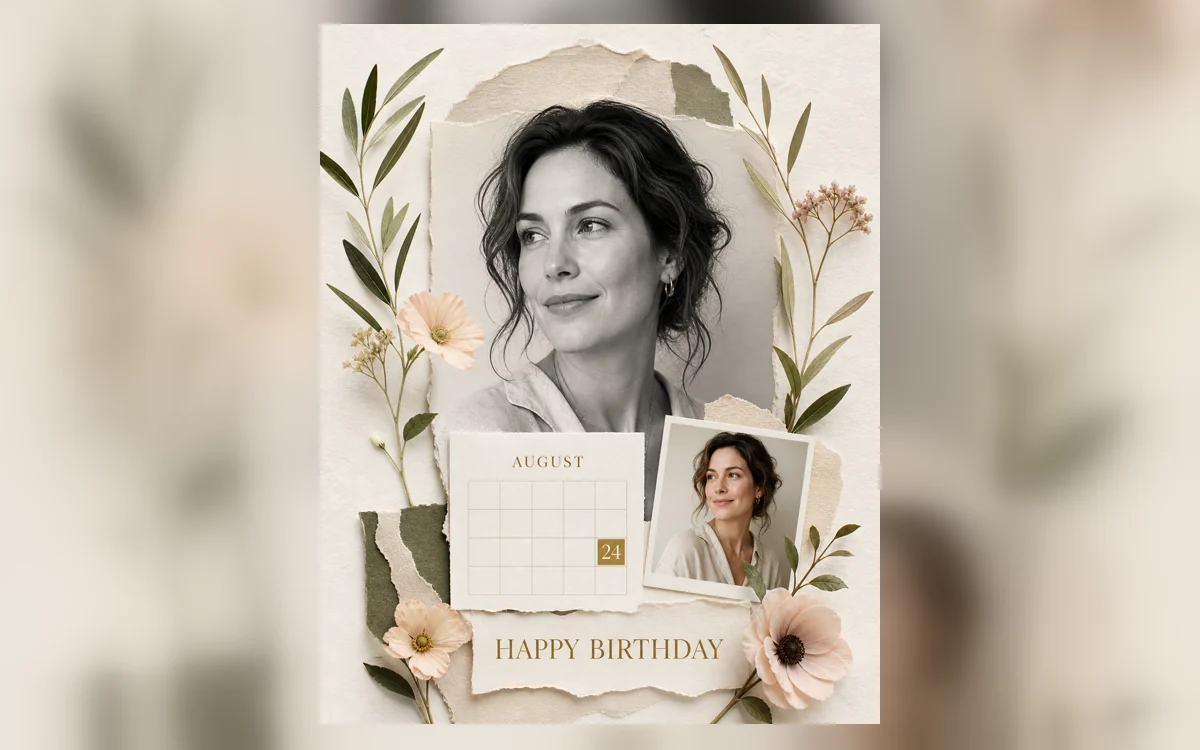
Botanical keepsake — Soft paper layers, pressed flowers and a personal date-led portrait.
How Create a Birth Month Magazine portrait works
Upload a clear adult portrait, then replace the sample month and day in the prompt with the exact values you want to show. PrimeArt builds the image around one monochrome hero portrait, one small color insert and a focused date card.
The layout uses a month name and one highlighted day rather than inventing a full calendar, age, zodiac sign or biographical facts. Read the two date values carefully before sharing or printing the result.
What you can create
- One date-led editorial story — Make the chosen month and day part of the composition without turning the portrait into a crowded invitation.
- Monochrome portrait with a color accent — Balance a large black-and-white image with one smaller color insert, restrained paper texture and subtle botanical detail.
- Personal details you can verify — Control the visible month, day and short greeting instead of relying on invented calendar or birthday information.
Popular use cases
- Birthday social post — Create a vertical portrait that announces the date with an editorial rather than party-poster look.
- Milestone keepsake — Prepare a personal digital image for a birthday album, print or framed memory.
- Gift for a friend — Use the recipient’s approved portrait and exact birthday details for a shareable surprise.
- Story or reel cover — Choose the tall layout when the date needs to remain legible on a phone screen.
How a birthday date becomes an editorial layout
The format works because the information hierarchy is simple. A large portrait carries the emotion, while the month and day behave like a graphic caption rather than a separate invitation panel.
A small color insert can add warmth beside the monochrome hero image. Paper texture, a thin gold circle or pressed flowers should remain supporting accents instead of covering the face or competing with the date.
- One dominant portrait
- One month name
- One highlighted day
- One restrained color accent
Use only birthday information you can verify
Do not ask the image model to guess a birth year, age, weekday, zodiac sign, birthstone or life story from a photograph. Those details are not visible evidence and can turn a personal gift into an inaccurate one.
The prepared directions deliberately use a month-and-day card rather than a full almanac. Replace the sample wording yourself, keep private information out when it is not needed and obtain permission before using another person’s portrait.
Review a Birth Month Magazine result at full size
Check facial likeness, hands, portrait crops and the boundary between the monochrome and color images. Then read every permitted character and confirm that no pseudo-label, unintended year or extra biography appeared.
- Month spelling is correct
- Highlighted day is correct
- No invented personal facts
- Portrait and paper edges remain coherent
How to get started
- Choose one portrait and confirm the birthday values — Use a clear adult photo with the face unobstructed. Replace the sample month and day in the selected prompt with the exact values the finished design should display.
- Build the composition around a date card — Choose classic, minimal or botanical styling. Keep one dominant portrait, one precise month-and-day marker and only the small supporting details that strengthen that hierarchy.
- Proof the date before you save the keepsake — Compare the face with the upload, then inspect the month spelling and day digit at full size. Correct or regenerate any text that does not match the intended birthday.
Frequently asked questions
- What is a Birth Month Magazine portrait?
- It is a birthday editorial built around a portrait and a prominent month-and-day card. The calendar-inspired date is part of the visual story, while the person remains the main subject.
- Does the design need a complete calendar grid?
- No. A month name and one highlighted day communicate the format without risking an incorrect weekday layout. Add a full calendar later only when its year and dates can be checked deterministically.
- Can I change the sample month and day?
- Yes. Edit the prepared prompt before continuing to Studio. Enter only the exact month and day you want shown, and check both values again in the generated image.
- How does the prepared Create a Birth Month Magazine portrait workflow continue in Studio?
- Use a clear adult photo with the face unobstructed. Replace the sample month and day in the selected prompt with the exact values the finished design should display. PrimeArt carries this page's selected direction and format into Studio so you can begin with that specific setup instead of an empty prompt.
Open the prepared Create a Birth Month Magazine portrait setup
Use a clear adult photo with the face unobstructed. Replace the sample month and day in the selected prompt with the exact values the finished design should display. Continue to Studio with this page's specific direction and format already selected.