Create with PrimeArt
Create an avatar that still looks like you
Transform a clear portrait into a bold, recognizable avatar with controlled color, lighting, background and illustration style.
- AI avatar
- avatar from photo
- profile avatar
- gaming avatar
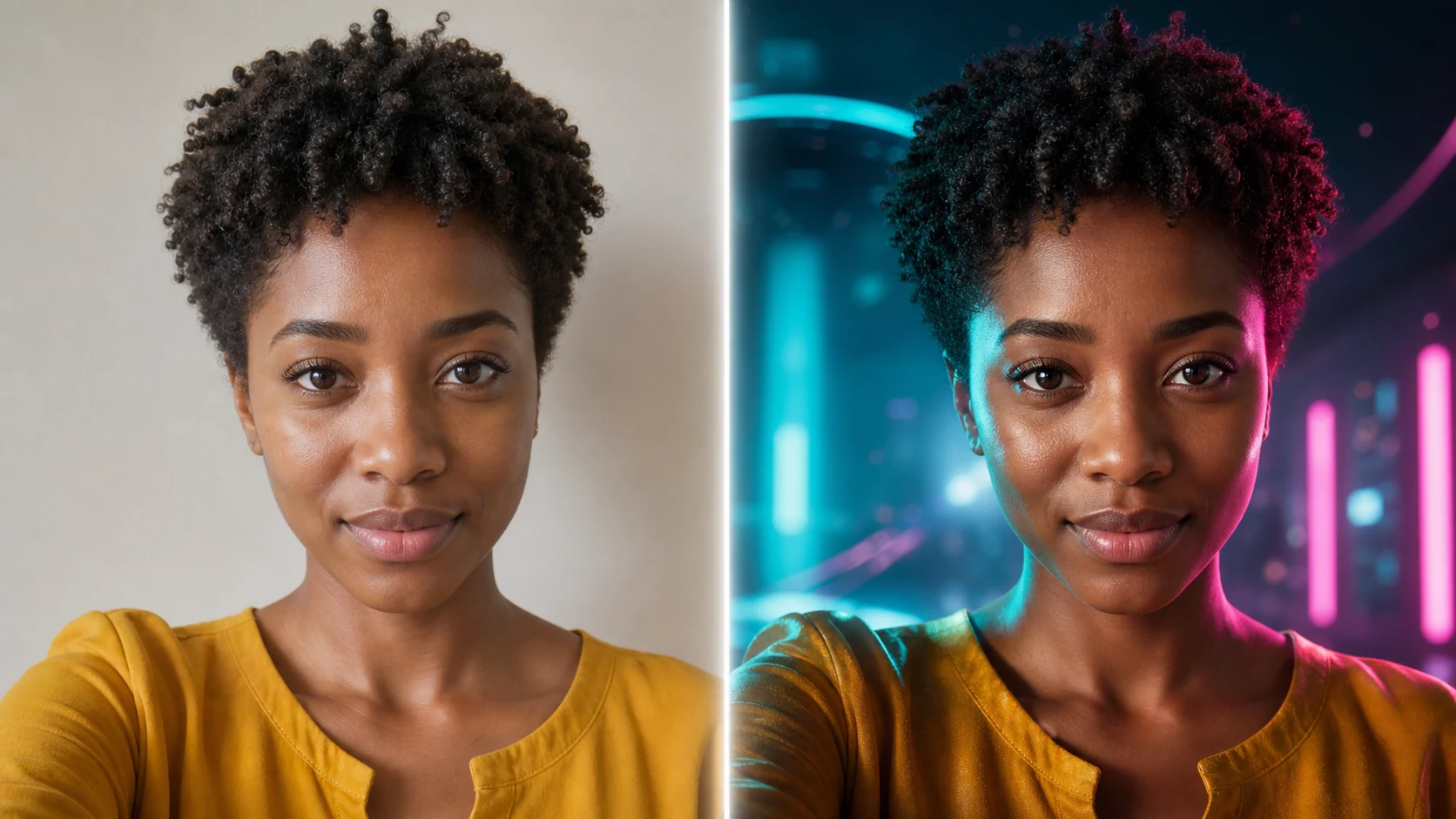
Example directions you can create
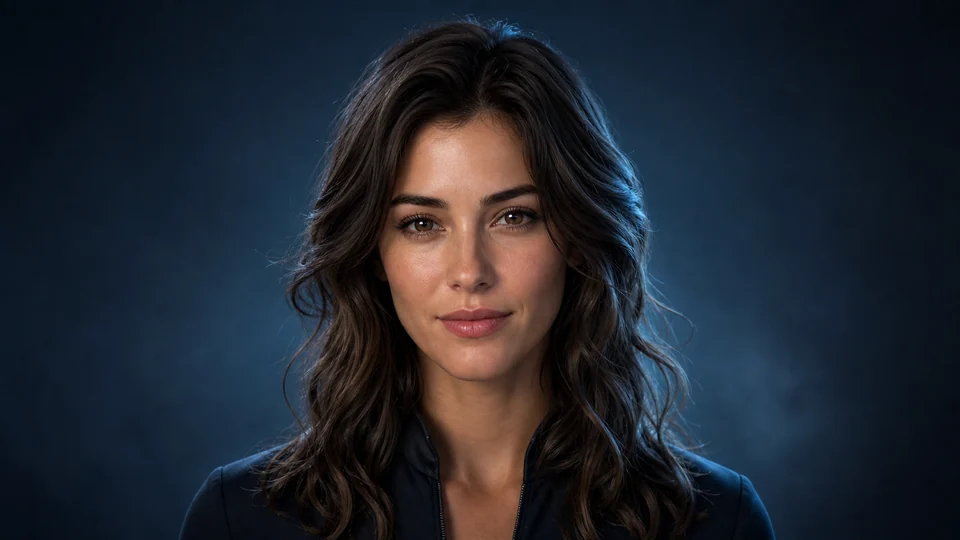
Cinematic 3D — Polished realistic avatar with controlled rim light. 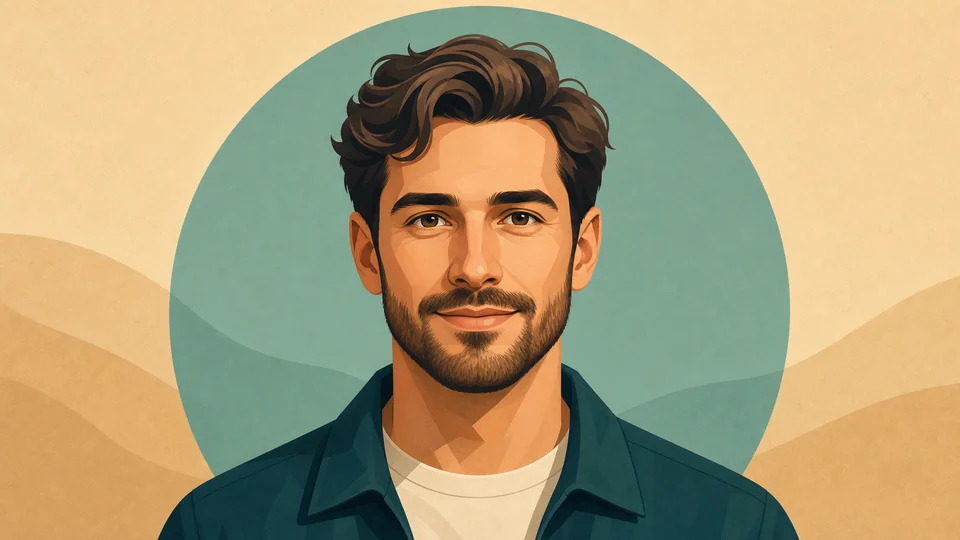
Clean illustration — Modern illustrated profile icon with readable features. 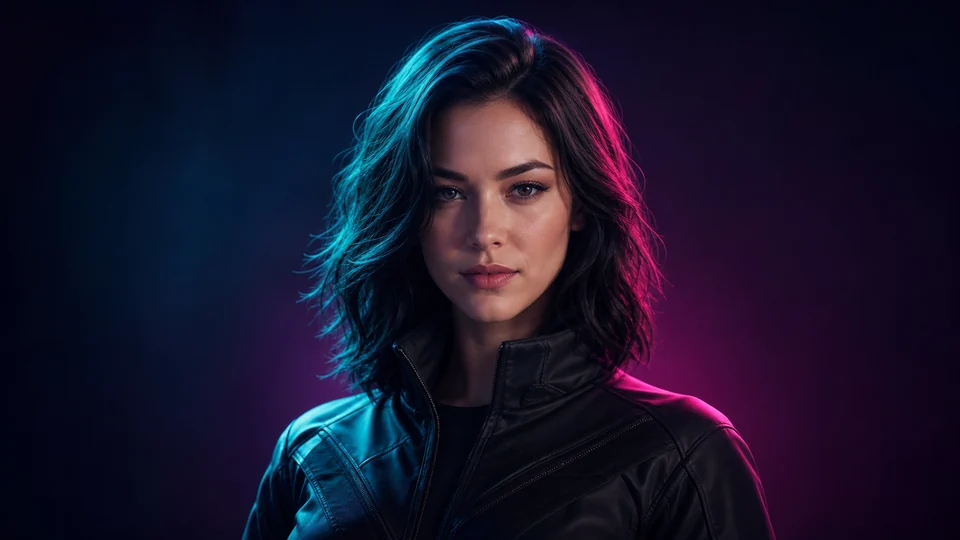
Neon creator — Tasteful teal-magenta light for gaming and social profiles.
How Create an avatar that still looks like you works
Use a front-facing photo with visible facial features and simple light. Decide whether the result should feel cinematic, illustrated, clean or playful before adding smaller details.
PrimeArt loads an avatar-ready square composition and identity-focused prompt so the result works naturally at profile size.
What you can create
- Recognizable identity — Keep the facial features that make the avatar feel personal.
- Readable at small size — Use clear shape, contrast and background separation for profile placements.
- Consistent visual style — Control palette, light and illustration language instead of mixing random aesthetics.
Popular use cases
- Community profile — Create an avatar for Discord, forums or creator communities.
- Gaming identity — Build a cinematic or illustrated character version of yourself.
- Creator icon — Refresh a profile with a stronger visual signature.
- Matching avatar set — Reuse one direction for a coherent collection.
Give the avatar one clear identity source
Use a sharp head-and-shoulders photo with the full hair silhouette visible. A quiet background and even light reduce distractions from the face.
- One person in frame
- Visible face and hair
- Enough space for a profile crop
Stylization trades detail for interpretation
Illustrated and anime-like treatments simplify or exaggerate features. Stronger stylization can reduce exact likeness, and small text or logos may not render reliably.
Evaluate an avatar where it will be used
Check the face at full size for distortions, then test a small circular or square crop. Important features should remain centered and readable.
- Compare key facial cues
- Check crop-safe space
- Test recognition at thumbnail size
AI Avatar ideas for real projects
This prepared workflow is useful for community profile, gaming identity, creator icon, matching avatar set. Choose the final aspect ratio and destination early so the composition has the right framing and usable space.
The three example sessions on this page show distinct starting points for the same topic. Open one to carry its direction into Studio, then adapt the prompt and source image to your own project.
- Community profile: Create an avatar for Discord, forums or creator communities.
- Gaming identity: Build a cinematic or illustrated character version of yourself.
- Creator icon: Refresh a profile with a stronger visual signature.
- Matching avatar set: Reuse one direction for a coherent collection.
How to get started
- Choose a single-person face reference — Use a centered portrait with visible features and a simple background so the avatar has a clear identity anchor.
- Define the avatar system — Specify illustration or cinematic direction, palette, background simplicity and intended crop rather than combining unrelated styles.
- Test recognition at avatar size — Compare facial cues at full size, then shrink the result to the size used in profiles and check whether it still reads clearly.
Frequently asked questions
- How is an avatar from a photo different from a generic avatar?
- The uploaded portrait provides identity cues. The result can change visual style while aiming to preserve recognizable face shape, hair and expression.
- Can I create an illustrated or anime-inspired avatar?
- Yes. Name the desired rendering traits, palette and mood, then review how much likeness remains after the transformation.
- Should I upload a group photo?
- A single-person portrait is more reliable. Cropping one clear face avoids ambiguity about which identity the avatar should follow.
- Will PrimeArt prepare the ai avatar workflow automatically?
- Yes. When you continue from this page, Studio opens on the Image tab with a matching prompt and aspect ratio already selected. The setup is retained while you continue through registration or sign-in.
Start your ai avatar project
Continue to Studio with the matching prompt and format already prepared, then upload a source image or generate from text.