Create with PrimeArt
Create product photos from one image
Place a real product into a clean studio or lifestyle scene with controlled light, realistic shadows and campaign-ready composition.
- AI product photo
- product image generator
- lifestyle product shot
- ecommerce visual
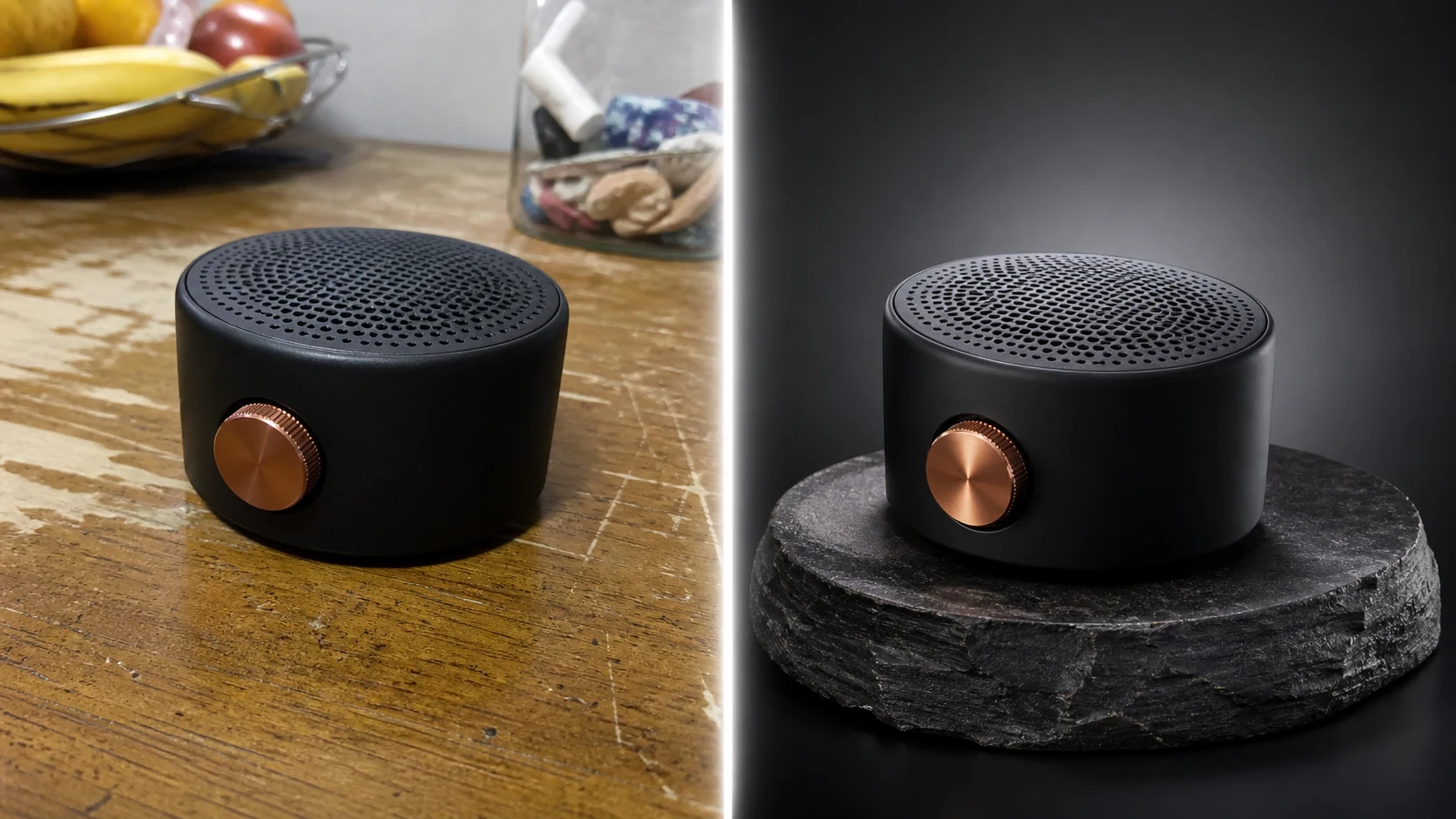
Example directions you can create
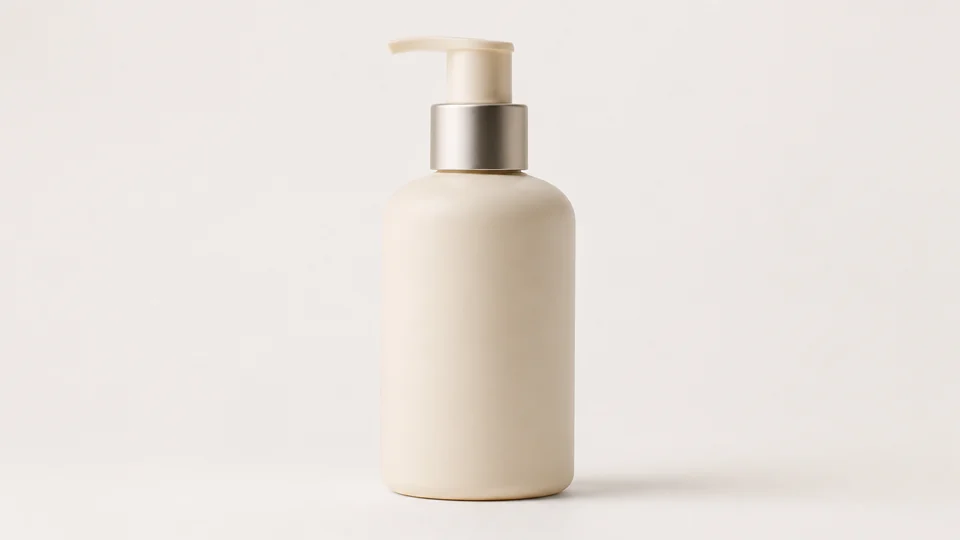
Clean studio — Bright ecommerce hero image with precise materials. 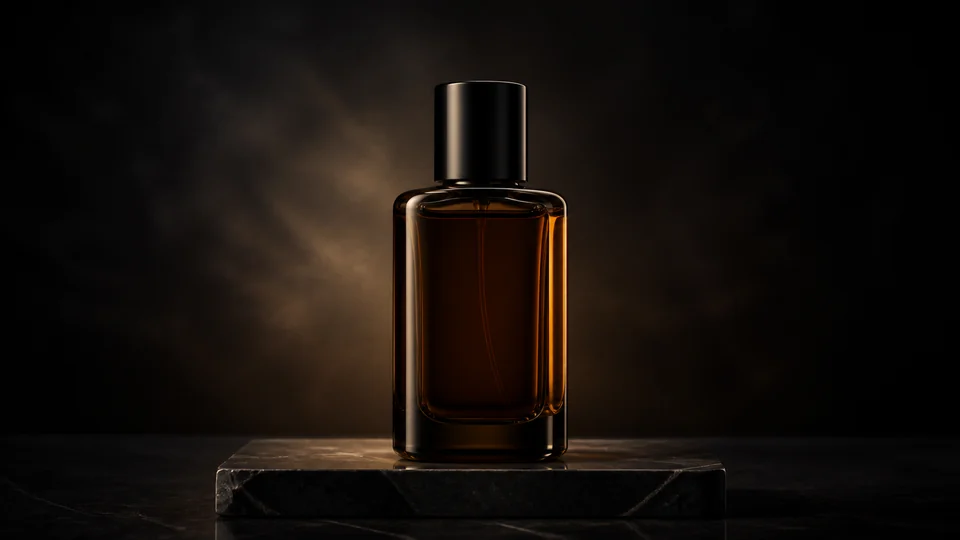
Luxury dark — Dark pedestal, rim light and elegant reflections. 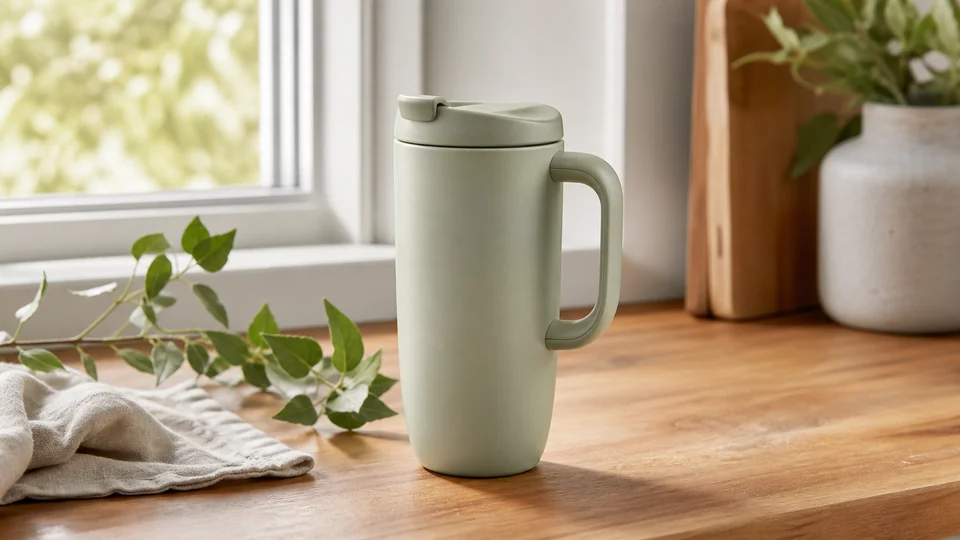
Lifestyle scene — Believable real-world setting with the product in focus.
How Create product photos from one image works
Use a sharp front or three-quarter product image with clean edges. Generative models can alter labels and small details, so verify packaging against the real item before publishing.
Studio opens in a square product-friendly format with preservation and lighting instructions already included.
What you can create
- Clean hero image — Build a focused studio composition around the real product.
- Lifestyle context — Show how the item fits into a believable environment or routine.
- Faster creative testing — Compare surfaces, palettes and lighting before a final production shoot.
Popular use cases
- Ecommerce concept — Create a clean product-first visual for a listing direction.
- Paid social — Test campaign scenes and strong focal compositions.
- Launch moodboard — Explore materials, surfaces and color before production.
- Seasonal variation — Place the same product into a fresh seasonal environment.
Prepare a trustworthy product reference
Use the least-compressed source available with the object fully visible and color balanced. A neutral starting background makes shape and material boundaries easier to interpret.
- Show the complete product
- Keep labels and logos sharp
- Avoid clipped edges and strong glare
AI must estimate hidden product information
A single view does not reveal the back, underside or interior. The model may invent those areas, alter package text or simplify small construction details.
Commercial quality control for product images
Compare dimensions, silhouette, color, branding, ports, fasteners and included accessories with the real item. Check contact shadows and reflections for a believable placement.
- Verify every selling detail
- Inspect text and brand marks
- Remove invented accessories or features
AI Product Photo ideas for real projects
This prepared workflow is useful for ecommerce concept, paid social, launch moodboard, seasonal variation. Choose the final aspect ratio and destination early so the composition has the right framing and usable space.
The three example sessions on this page show distinct starting points for the same topic. Open one to carry its direction into Studio, then adapt the prompt and source image to your own project.
- Ecommerce concept: Create a clean product-first visual for a listing direction.
- Paid social: Test campaign scenes and strong focal compositions.
- Launch moodboard: Explore materials, surfaces and color before production.
- Seasonal variation: Place the same product into a fresh seasonal environment.
How to get started
- Upload a clean view of the real product — Use a sharp image with the full silhouette visible and packaging, label and materials readable. Avoid glare that hides important details.
- Define one commercial scene — Choose white studio, tabletop or lifestyle context and specify surface, background, light and final crop.
- Verify the product before using the image — Compare shape, color, logo, label, closures and included parts with the source. Regenerate if any selling detail changes.
Frequently asked questions
- Can one source image create different product scenes?
- Yes. A clear product reference can guide white-background and lifestyle concepts, though unseen sides and hidden details must be estimated.
- Will labels and packaging stay exact?
- Not always. Small text, logos, barcodes and repeated patterns are common failure points and need full-size verification.
- Can the output be used for an online listing?
- Review the generated image against the real item and the destination marketplace rules. Do not show features, accessories or packaging the customer will not receive.
- Will PrimeArt prepare the ai product photo workflow automatically?
- Yes. When you continue from this page, Studio opens on the Image tab with a matching prompt and aspect ratio already selected. The setup is retained while you continue through registration or sign-in.
Start your ai product photo project
Continue to Studio with the matching prompt and format already prepared, then upload a source image or generate from text.